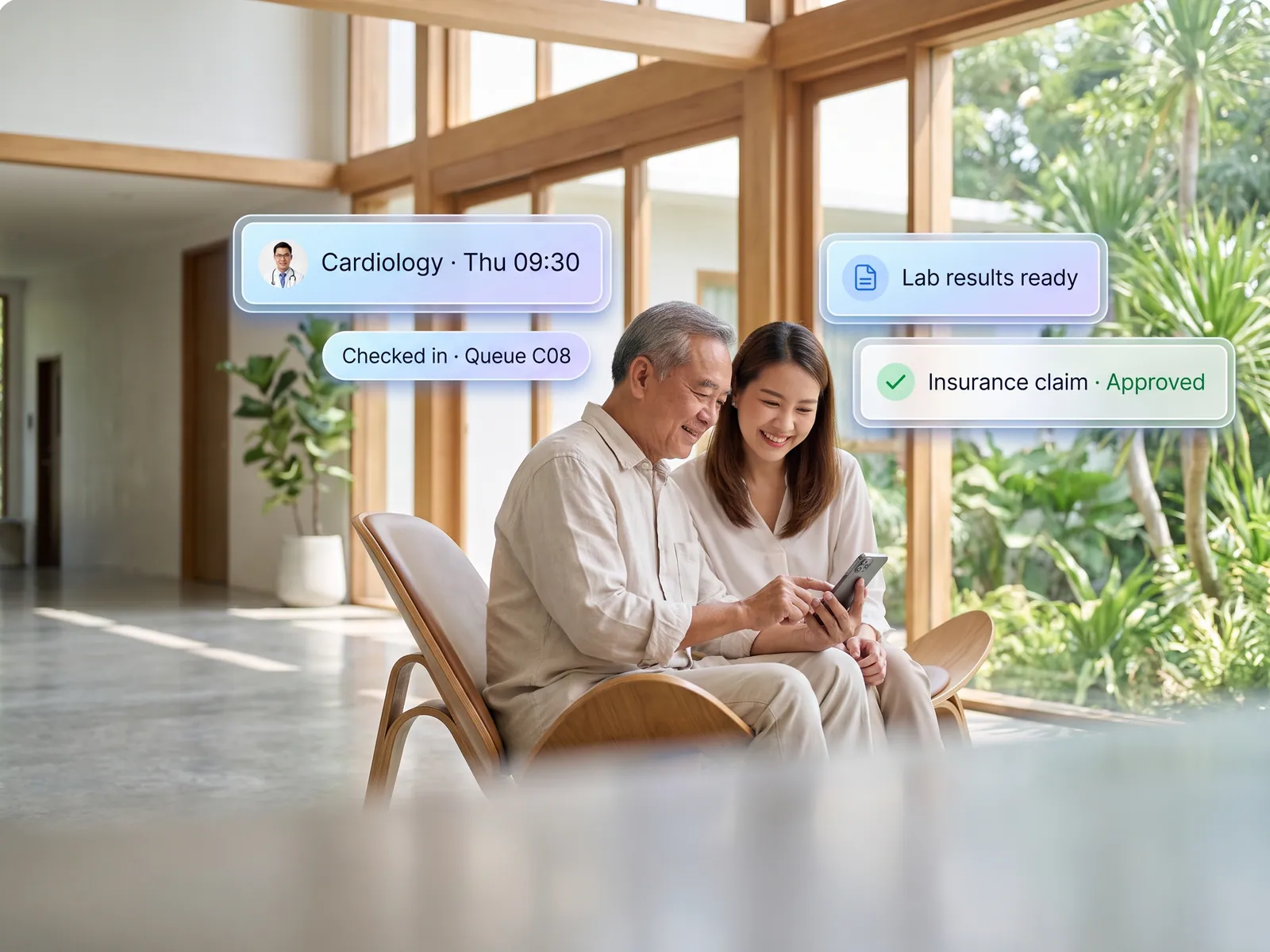
See fees collected and outstanding day by day, and know which class has absences or falling grades before parents’ evening.
Back to AI App Development
Schools & institutes · 08 / 13
School management system
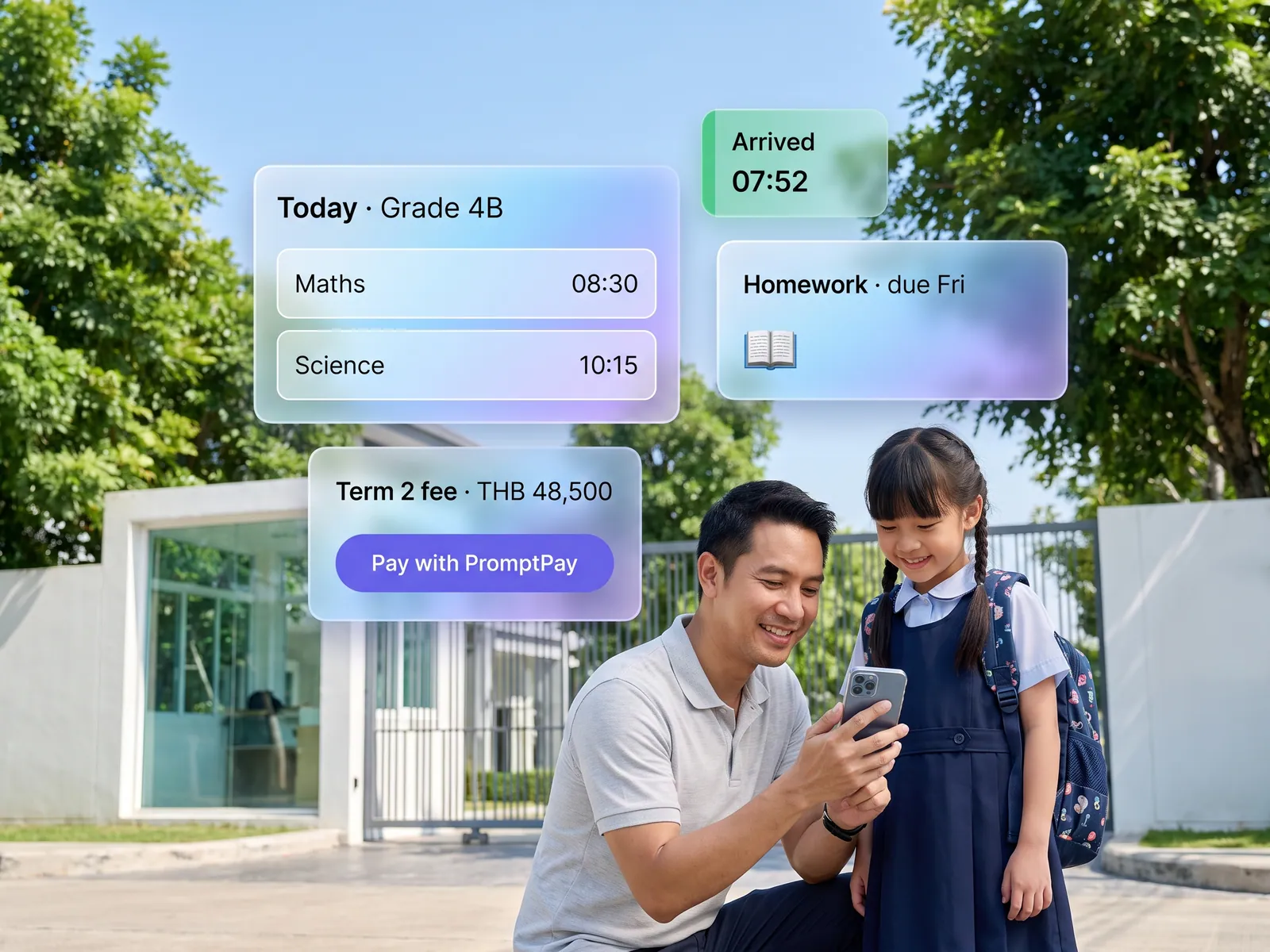
Parents see the timetable, homework, grades and fees and pay in one app, and class teachers stop answering the same questions in the LINE group until late.
 Schools & institutes
 “Parents ask about timetables, fees and homework in the class LINE group. Teachers answer until late, and the registrar still prints receipts by hand.”
The problem
Most schools talk to parents through a class LINE group, which means the class teacher takes every question. Has the timetable changed, what is tonight’s homework, when are fees due: the same questions from forty parents in one class, answered after school and again late at night. Meanwhile the registrar keeps student records across several Excel files, prints receipts by hand and chases overdue fees by phone.
So management has no reliable figure for fees collected, no list of which children are often absent and no idea which class is falling behind, until someone compiles it at the end of term.
How we solve it
We build three pieces on one set of data. A parent app shows the timetable, homework, grades and fee balance for their own child, takes payment by PromptPay or card and issues the receipt at once. A teacher app takes morning attendance, records grades and sends a notice to the class concerned without retyping it in the LINE group. And a back office is shared by the registrar and the finance office.
The assistant in the parent app reads the school calendar, notices and policies and answers general questions on the spot. A question about a specific child goes to the class teacher during working hours, with a note of what was asked. Management opens a dashboard with fees collected, fees outstanding, absences and grades by class, any day of the year.
Grades, disciplinary decisions and refunds stay with teachers and the school. The system records and reminds; it never changes a grade or a student’s status on its own. Student data is data about minors, so teachers see only their own classes and parents see only their own children.
How it runs
Work comes in from
- Teachers take attendance and record grades
- Registrar and finance office
- Parents pay fees
- Questions from parents
What the AI does
- Hold one student record for everyone
- Issue receipts and chase outstanding fees
- Answer from the school’s notices
- Alert on absence or a falling grade
Where it lands
- Parent app
- Class teacher app
- The school’s accounting system
- Management dashboard
Before and after
Before
After
Class teachers answer the same questions in the LINE group until late
Parents look it up in the app; teachers get only questions about their child
The registrar prints receipts by hand and phones about overdue fees
Fees paid in the app, receipts issued automatically, reminders sent for anything overdue
Management learns fee totals and absence figures at the end of term
The dashboard updates daily and is open all year
What you get
- 01
A parent app for timetables, homework, grades and fee payment in one place
- 02
A teacher app for attendance, grades and announcements to the right class
- 03
A back office for registrar, finance and reports to management
- 04
An in-app assistant that answers calendar, fee and policy questions from the school’s own notices, and passes anything about a specific child to the class teacher
- 05
Alerts to parents when a child is absent, a fee is due or a teacher posts a new notice, by push or LINE
Who gets what
Connected to the existing student records through an API or an import from the files you use now, role-based access for teachers, parents and staff, an audit log on every grade change, minors’ data kept to PDPA rules, and deployment on the school’s own server if required.
Class teachers get their evenings back, the registrar stops printing receipts, and parents find the answer themselves without waiting in the LINE group.
Who this fits
Private & international schoolsKindergartens & nurseriesTutoring schools with several branchesVocational collegesLanguage & music schools
Connects with what you already run
Existing student recordsPayment gatewayPromptPayLINE OAGoogle Workspace for Education
Development process
- 1
Discover
Requirements, users and success metrics, with scope and price fixed before we start.
- 2
Design
UX and system architecture; the prototype is approved before anything is built.
- 3
Build
AI-accelerated sprints with a demo every week, reviewed by senior engineers.
- 4
Test
QA, security and performance verified against the agreed scope.
- 5
Launch & care
Production deploy, team training, and a monthly care plan.

Turn your business problem into a system that works for you
Tell us today — get an executive-ready proposal with the plan and budget.
Talk to an engineer about thisMore solutions in AI App Development
See the whole service Brands & retailers Customer app Shops with regulars Loyalty and membership app Appointment businesses Booking and queue app Field crews & couriers Field service and delivery app Management & HR Internal operations app Brands with a LINE OA LINE Mini App (LIFF) Businesses that must know their customer e-KYC and digital ID verification Tutoring schools & exam bodies Online testing platform Restaurants & cafés Restaurant POS and ordering Hotels & resorts Guest app and hotel booking Condo & estate management Resident app for juristic persons Clinics & hospitals Patient app and appointments