

- An app written with AI's help really does work, but nobody has tried to break into it before you open it to customers.
- There are five common weak points, and business owners can test for them by asking questions, without reading any code.
- If the app stores customers' names, phone numbers or histories, it should pass all five checks before it takes real data.
A working app tells you nothing yet about security
Say a junior member of your team uses an AI tool to build a booking system over a single weekend. You try making a booking, cancelling it and opening the reports, and everything works. A test like this answers only one question: can people who use it normally get it to work? Nobody has yet asked what someone who sets out to misuse it could do to the system.
Vibe coding means describing what you want in plain language and letting AI write all the code. The person giving the instructions usually doesn't read the code that comes back, and the tools are designed to keep following instructions until the screens work. If the instructions never mention access rights, how secret keys are stored, or checking what users type in, the resulting code usually has none of those things. The screens still look good and every button still works, so nothing warns you that anything is missing.

Veracode, a software security company, tested more than 100 language models on 80 coding tasks and reported in July 2025 that the code they produced contained security flaws in 45% of the tasks, even though the code did what it was asked to do. The same year, the vulnerability CVE-2025-48757 was disclosed: more than 170 apps built on the vibe-coding platform Lovable let outsiders read and change data in their databases without logging in, because no data access rules had been set.
The platform's provider argued that setting access rules is the responsibility of each app's owner. For a business owner, that argument means that when data leaks, you are the one who has to answer to customers. The tool used to build the app carries none of that responsibility.
Five places where vibe-coded apps tend to leak
Picture a shop that has just been fitted out. The storefront looks great and the till works, but nobody has walked around to check whether the back door is locked, where the spare keys are kept, or who can open the cash drawer. The five points in this table are the app's back doors, and each comes with a question you can put to whoever built it today.
| What to check | What a leak looks like | The question a business owner can use to test it |
|---|---|---|
| Who can see which data | You log in as one customer, change the number at the end of the link, and see another customer's data. | If I change the number at the end of the link, will I see someone else's booking? Show me now. |
| The system's keys | The credentials for the database or the payment service are embedded in the web page code, where anyone who looks can see them. | Where are the keys for the paid services we use stored, and who can see them? |
| The database | Outsiders send commands straight to the database without going through the app and read whole tables. | Is there any way to reach the database without going through the app's screens? What rules protect each table? |
| Data that users send in | Input fields accept any text, and upload fields accept any type of file. | If someone types strange commands, or uploads a file that isn't an image, what does the system do? |
| Off-the-shelf code packages and usage logs | The app uses a version of a code package with a known vulnerability, and when something happens there are no logs to look back through. | If someone told us tomorrow that data had leaked, could we trace who came in, what they did and when? |
The first point is the most common and the hardest to see. OWASP, a nonprofit organization focused on software security, ranks broken access control as the number one risk for web applications in its Top 10 list. Login (Authentication) answers who the user is; permissions (Authorization) answer what that user is allowed to see. AI usually builds the first one completely because it shows up on the screen. The second needs rules written at every point where the app fetches data, and when a rule is missing, no screen will tell you.
The second and third points usually come as a pair. Apps built in a hurry often connect to the database straight from the web page, so the connection key ends up in every user's browser. Modern databases can support this kind of connection, provided row-level data rules (Row-Level Security) are set on every table. The Lovable case above came from tables that had no such rules.
For the development team · Technical checklist
Check Authorization on the server side for every endpoint that accepts a data reference ID. Enable Row-Level Security with a policy on every table. Move secrets out of the bundle and the repository history into a secret manager. Use parameterized queries and input validation on every field. Limit the types and sizes of uploaded files. Set a rate limit on the login page. Run a Dependency Scan and a secret scan in CI, and keep an audit log of every read and edit of personal data.
Hypothetical case
A physiotherapy clinic and appointment links anyone could change
A physiotherapy clinic with three branches had a branch manager build a booking system with an AI tool. The system sent patients a link to their appointment slip by text message, and the link ended in the slip's sequence number, such as 1042. One patient tried changing the number to 1041 and saw another patient's name, phone number and symptoms. He took a screenshot and sent it to the clinic's social media page.
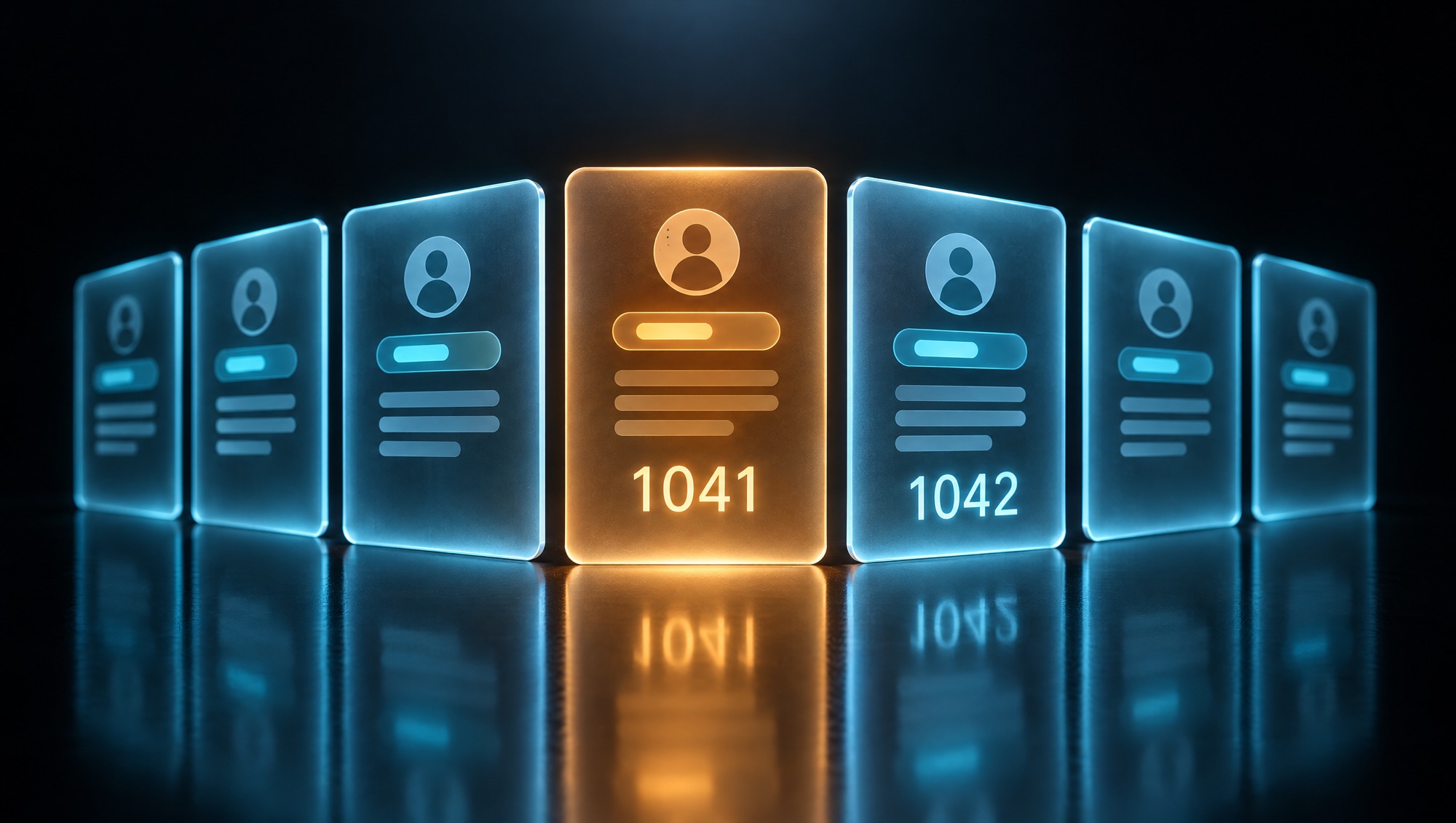
The clinic shut the system down for a week and went back to writing appointments in a notebook. The fix took only a few days: a server-side rule so that an appointment slip opens only for its owner and for staff at that branch, random codes in place of sequence numbers, and a log of every time a slip is viewed. What the clinic could not answer was how many times someone had already opened another patient's slip before then, because the old system never recorded it. Health data counts as sensitive data under Thailand's Personal Data Protection Act (PDPA), so the clinic had to ask its legal adviser to assess whom it was required to notify.
Check the five doors before taking real data
- List every piece of data the app stores, and mark the items that are personal data or involve money.
- Create two test accounts. Log in to the first, then try opening every link you received in the second.
- Have someone who can read code search for secret keys in the web page code and in the code's edit history.
- Ask to see the database access rules, table by table. Treat any table without rules as open.
- Simulate an incident with a single question: if someone had pulled data out yesterday, how would we find out today?
Record the result of each step along with the date and the name of the person who checked. Keep it as evidence that the company checked before going live. This method catches the basic vulnerabilities, but it cannot replace a penetration test by specialists. Apps that take payments or store sensitive data have to go a step further.
How deep to check depends on the data the app holds
Every house should lock its doors, but only some houses need a safe. Apps work the same way. The level of checking should match the value and sensitivity of the data, and going overboard on a small tool is money spent in the wrong place.
An internal tool with no customer data, such as a price calculator the sales team shares, can be vibe-coded and put to use straight away, as long as you check that no company secret keys are embedded in the code. An app that stores customers' names, phone numbers or email addresses should pass all five doors, and an engineer who did not build it should review its permissions and secret keys before launch.
Apps that take money, or store health data, financial data or copies of national ID cards, need more than that. They should have a Threat Model from the design stage, which means working out in advance who might attack, by which route, and what would be lost. Then hire outside testers to run a Penetration Test before launch, and repeat it whenever the system changes significantly.
If the app has a chatbot that reads internal documents, it carries one more kind of risk, Prompt Injection: a user types hidden instructions to trick the AI into revealing data they have no right to see. The defense that works is to limit the AI's access to exactly what the person asking is allowed to see.
Hold off on real data if you find any one of these
- Nobody on the team can say where the system's secret keys are stored.
- One test account can open another account's data.
- The database has tables with no access rules.
- The system doesn't record who viewed or changed customer data.
- Nobody can be named as the person to notify when an incident happens.
On cost, checking and fixing before launch is cheaper than fixing after an incident. After an incident the company pays the same amount for the fix, and on top of that pays for the downtime, the team's time spent answering customers, and its legal obligations. The PDPA requires a data controller to notify the Office of the Personal Data Protection Committee of a breach within 72 hours of becoming aware of it, unless the breach poses no risk to the rights of the data subjects. Ask the company's legal adviser about the details of compliance.
Anyone can vibe code, so where does an engineering team still matter?
AI does what it is told, and most security issues are things the person giving instructions never thought about. People who have looked after real systems while they were under attack know what to ask before any code is written, and what to try against the system once it is finished.
Good development teams this year use AI to write code just like everyone else. The difference is in the process around the code: permissions are designed before work starts, an engineer reads the AI-written code before it is merged into the system, vulnerability scanning tools run on every change, and a person is named in the handover documents as the one you can call when an incident happens.

A business owner only needs to ask to see a handful of metrics: the number of open vulnerabilities by severity, the number of days it takes to close high-severity ones, the date of the most recent check, and the results of the last data breach response drill. If nobody can give you these numbers, nobody is looking after security yet.
Security checks and hardening for apps already built, or security designed in from day one
You and your IT team know best which data the business cannot afford to lose, and your company's legal adviser is the one who says what the law requires. DNA Maker starts by working through with these people what data the app stores, which points it flows through, and who should see what. We then write it all down as a data flow map, a role-based permissions table and a list of the points that need someone's approval.
For apps that have already been vibe-coded, we run a Security Review against the five points in this article, deliver a vulnerability report ranked by severity, and then fix the issues together with the original team or take the fixes on ourselves. For new systems, we design permissions, secret key storage, input checks and usage logs into the architecture from the start. We use AI to help write code with an engineer reviewing every piece, scan the code and the off-the-shelf packages in the pipeline, and get the system ready for outside penetration testers to inspect before it goes live. If you have an app that is about to start taking customer data, bring its link and a list of the data it stores to a conversation with our engineers, and you will know which points need fixing before launch.
SOFTWARE ENGINEERING GLOSSARY
Software engineering glossary
You will hear these terms when you talk about security with your development team. The rightmost column is the question that tells you whether someone is really looking after each one.
| Term | What it is | A simple example | What executives should ask the development team |
|---|---|---|---|
| Authentication | Confirming who a user is before letting them into the system, for example with a password, a code sent by text message, or a face scan. | A patient enters their phone number and a code received by text message to open their appointment slip. | Which user groups need two-factor verification, and how do they recover their account if they forget their password? |
| Authorization | The rules that decide which data each user can view or edit once their identity has been confirmed. | Patients can open only their own appointment slips; staff can open only those for the branch they work at. | Are the permission rules checked on the server every time data is fetched, and who tests them? |
| Secret Management | How the system's secret keys, such as database passwords and payment service keys, are kept outside the code, with limits on who can see them. | The messaging service's key sits in a secrets store, and the web page code does not contain it. | If a secret key leaks, how many minutes would it take us to replace it, and who would do it? |
| Row-Level Security | Rules in the database that decide which rows of data each user can read or edit. | The appointments table returns only the rows that belong to the patient who is logged in. | Which tables still don't have these rules, and why? |
| Threat Model | Working out in advance who might attack the system, by which route and with what damage, in order to decide which points to protect first. | The team works through how patients, former employees and outsiders could each reach treatment records. | What are the top three risks to our system, and who is responsible for each one? |
| Penetration Test | Hiring specialists to really try to break into the system under an agreement, so vulnerabilities are found before attackers find them. | An outside tester tries to reach patient data without an account, then reports what they were able to do. | When was the last test, what did it cover, and have all the vulnerabilities it found been closed? |
| Dependency Scan | Checking the off-the-shelf code packages the system uses for versions with publicly disclosed vulnerabilities. | The tool flags a vulnerability in the package that handles file uploads, so the team updates it before release. | Does this scan run every time the code changes, and who receives the alerts? |