Turn the OA followers you already have into sales, and gain new ones from the people who use the Mini App, without betting on download numbers. You also see what each broadcast brought in.
Back to AI App Development
Brands with a LINE OA · 06 / 13
LINE Mini App (LIFF)
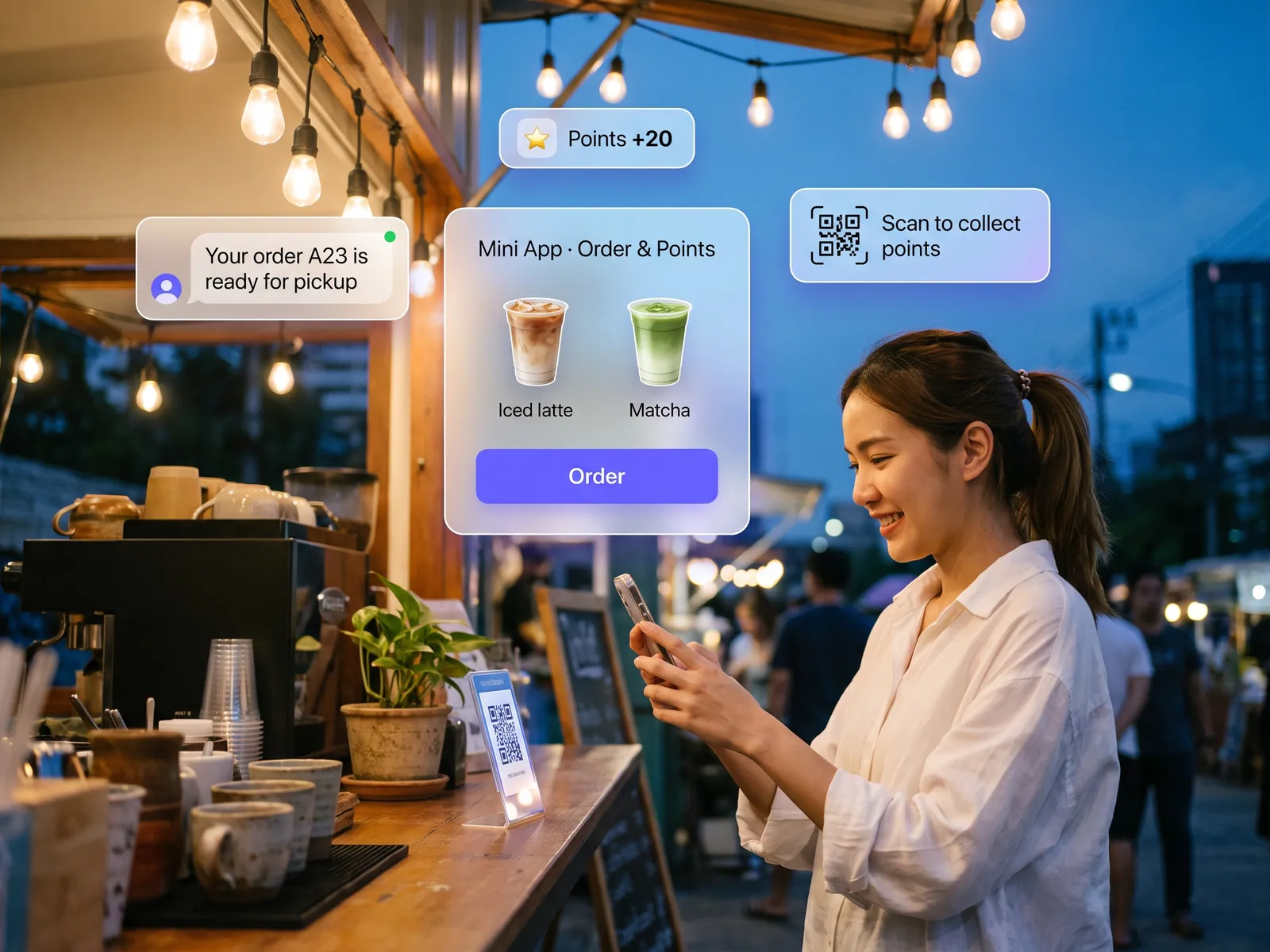
A LIFF app that opens inside LINE with nothing to install: ordering, booking, points collected by scanning a QR code, and status updates sent back into the customer’s LINE.
 Brands with a LINE OA
 “You want customers on an app, but nobody wants to install another one. Downloads stay low, and the LINE OA can only answer chat.”
The problem
LINE reports 56 million users in Thailand, and most brands already have an OA that customers follow. The moment you want customers to do more than chat, the usual answer is a separate app, which means asking them to download it, register and remember a password. Installs stay low, and the people who did install delete it when their phone fills up. The OA itself can only broadcast and answer chat, so ordering ends up back with an admin typing replies and a customer sending a slip.
The brand pays for an app nobody uses and keeps paying admins to answer chat as before.
How we solve it
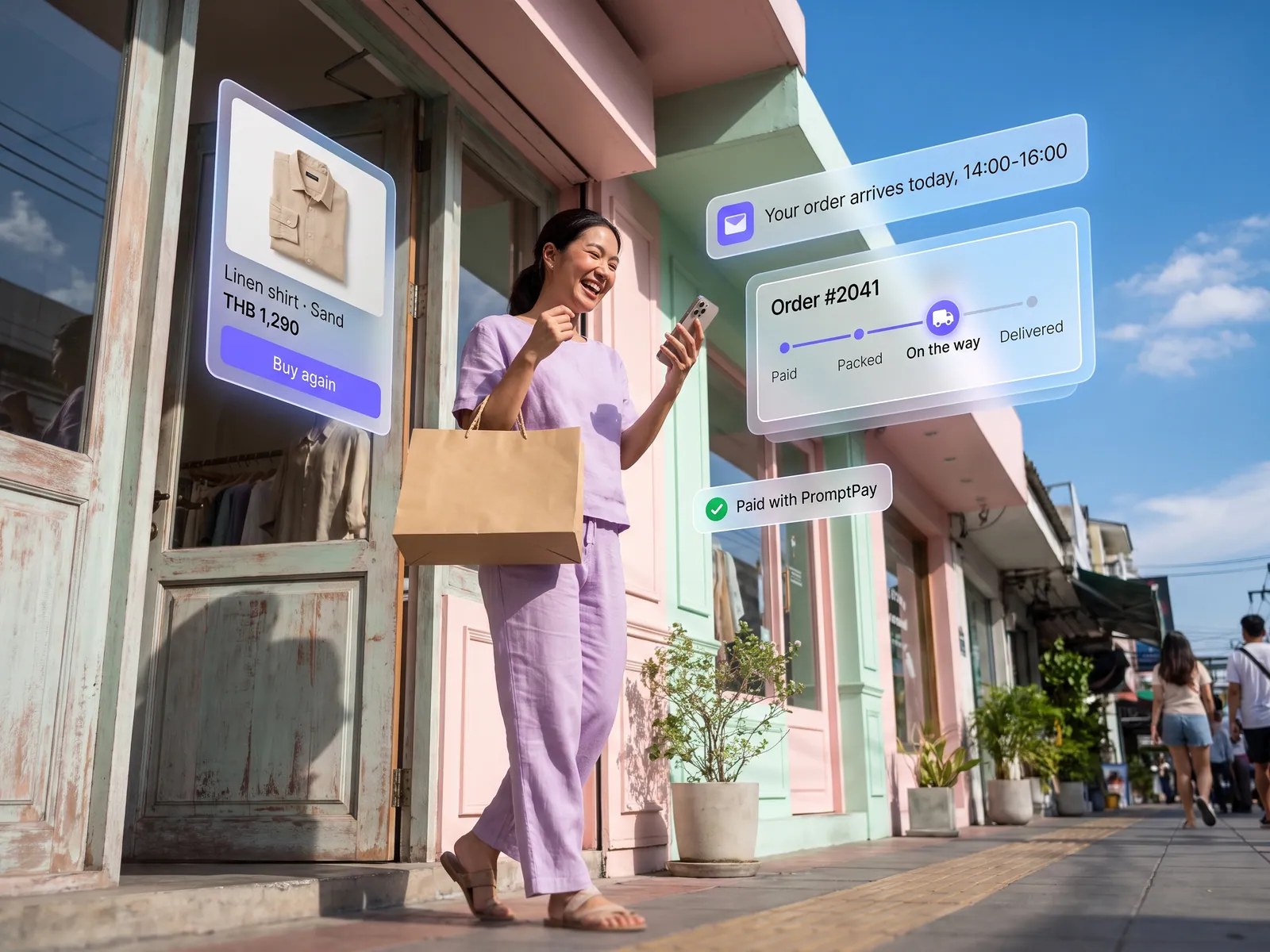
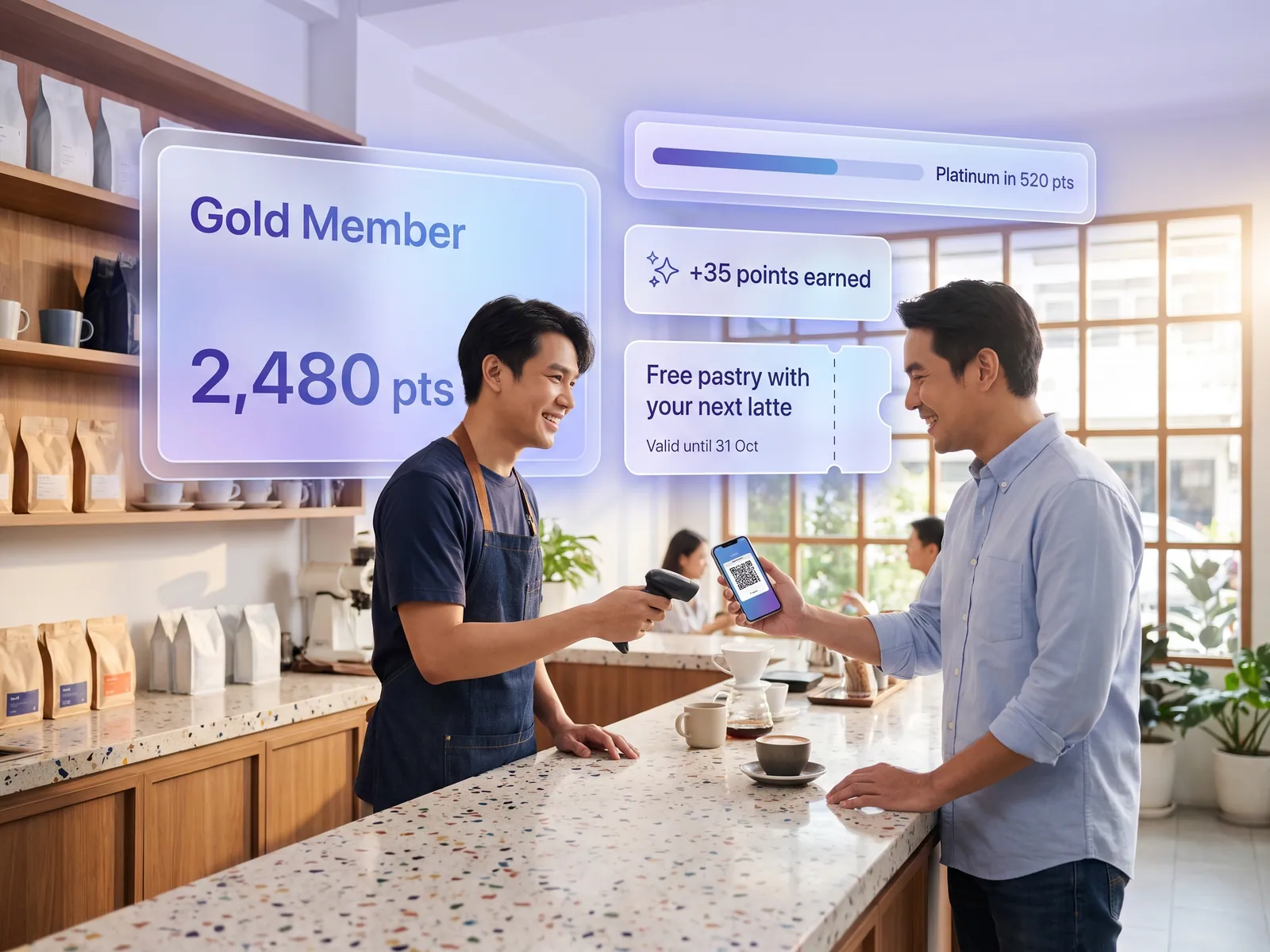
We build a LINE Mini App on LIFF, the LINE Front-end Framework, that opens from your OA’s rich menu, a link in a post or a QR code at the shop. One tap takes the customer to ordering, booking or a membership card, logged in with the LINE account they already have, with nothing to download or register. They collect points by scanning the QR at the counter with LINE’s own camera, invite friends by sharing a page into a chat, and pay with LINE Pay, PromptPay or a card on the same screen. The order lands in your back office at once.
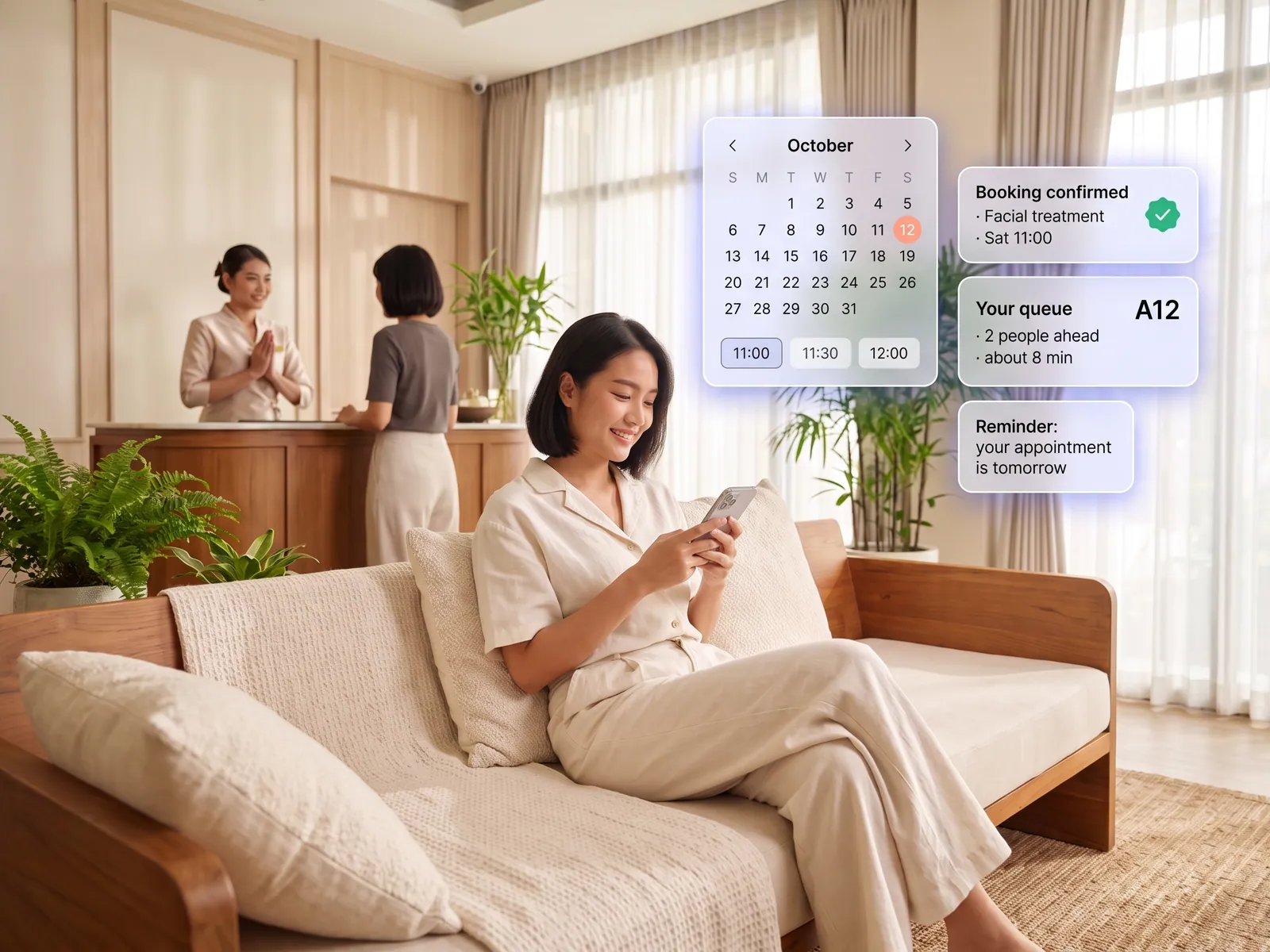
Booking, queue and delivery updates go out as service messages. Customers get them in LINE’s MINI App Notice chat even if they have not added your OA. LINE allows them for verified Mini Apps, and only as follow-ups to something the customer did. Promotions go through your OA to the people who follow it, so the app asks customers to add the OA when they first log in. The assistant in the chat reads your product data and that customer’s orders, answers on the spot and links to the matching page. Admins handle only the cases the assistant passes to them.
Since 11 March 2026, businesses in Thailand can publish an unverified Mini App themselves, with no approval from LINE to wait for. We launch that way so you go live quickly, then submit for verification through a LINE certified provider when you are ready. A verified app gets a badge, appears in LINE search and in the Services section of the Home tab, can be added to the phone’s home screen and can send service messages. Refunds and changes to a paid order need a member of staff to confirm, and no money moves until a person approves.
How it runs
Work comes in from
- Rich menu in the LINE OA
- Links from posts or a QR at the shop
- Questions in the OA chat
- Stock and diary from existing systems
What the AI does
- Log in with LINE, no sign-up
- Take orders, points and payment
- Answer from real data
- Send service and OA messages
Where it lands
- Your back office or POS
- Confirmation in the customer’s LINE
- Admin, when a person is needed
- Usage dashboard
Before and after
Before
After
A separate app, a request to download it, and nobody does
Customers tap the rich menu or scan a QR and use it straight away, with nothing to install
The OA can only answer chat, so orders end with an admin and a slip
Order and payment finish inside LINE, and the order lands in the back office
A broadcast goes out, and nobody knows who tapped and bought
See which message brought people in, and what they bought
What you get
- 01
A LINE Mini App built on LIFF that opens from the rich menu, a link or a QR code, with LINE login and an add-friend prompt for your OA on the same screen
- 02
Ordering, booking or a points card that collects points when customers scan the QR at the counter with LINE’s camera, paid by LINE Pay, PromptPay or card
- 03
Booking confirmations and order status sent as service messages, which reach customers before they add your OA, with promotions going through the OA to its followers
- 04
An assistant in the OA chat that answers product and order questions from real data and opens the Mini App page that matches the question
- 05
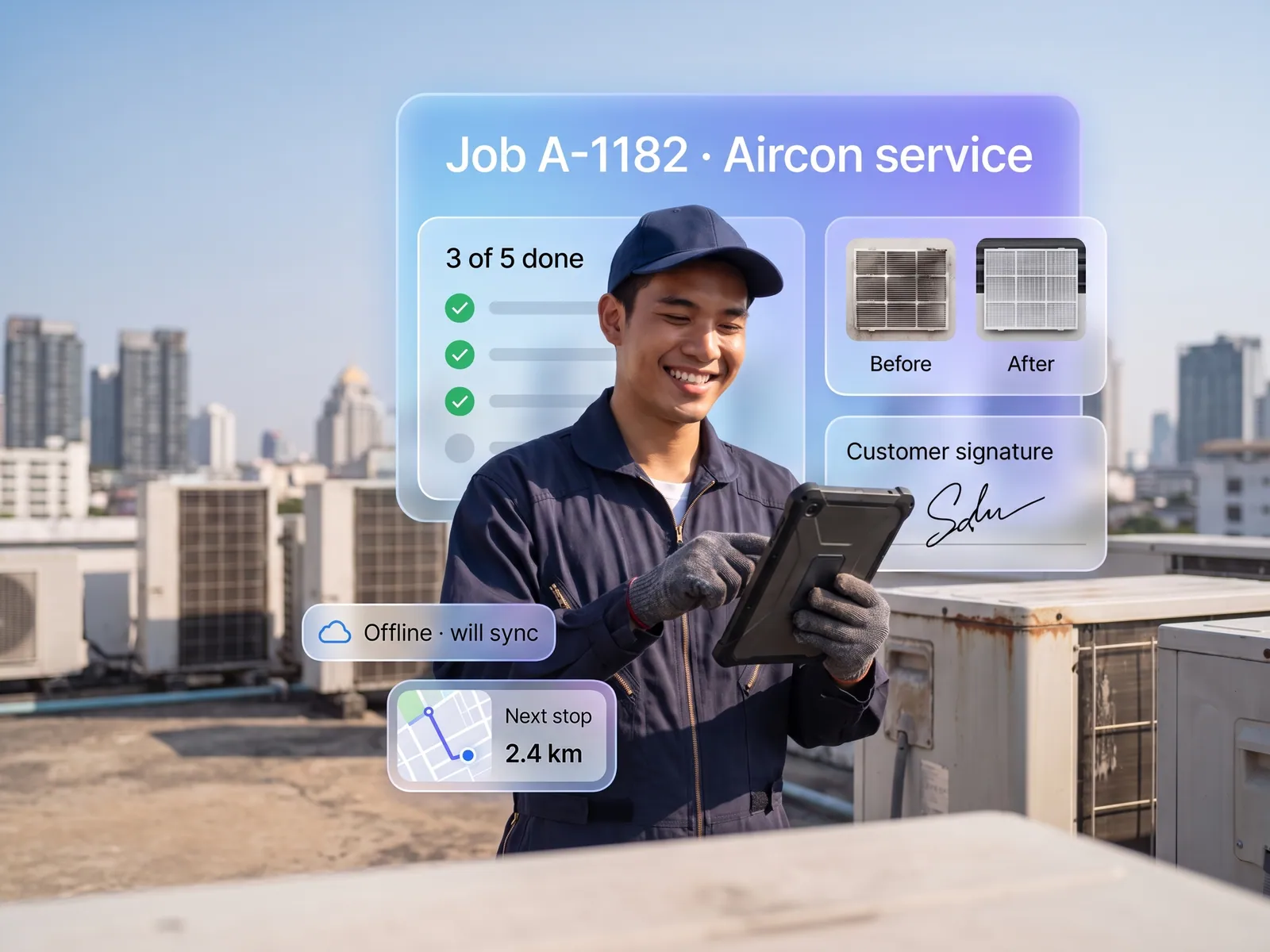
A back office connected to your POS or existing system, and a dashboard showing whether customers came from the menu, a link or a friend’s share, and what they did next
Who gets what
Built with LIFF on a LINE MINI App channel, as LINE recommends now that it plans to merge LIFF into the LINE MINI App brand. The LIFF SDK follows LINE’s security releases, the back office connects through its API, customer data stays in your systems and PDPA consent is collected on first open.
Admins stop typing out orders and checking slips, and handle only what the assistant passes on. Customers get an answer at once in the chat they use every day.
Who this fits
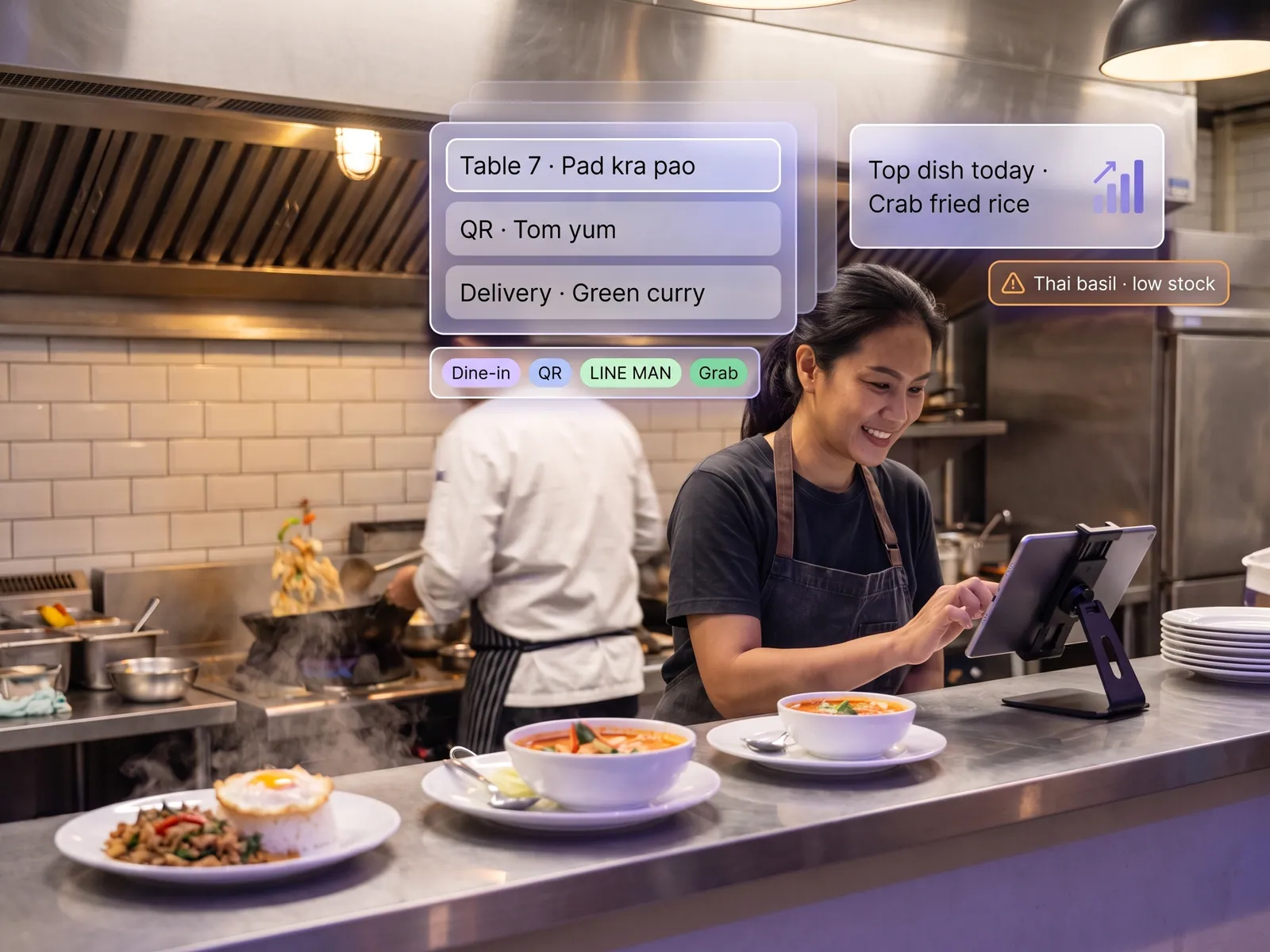
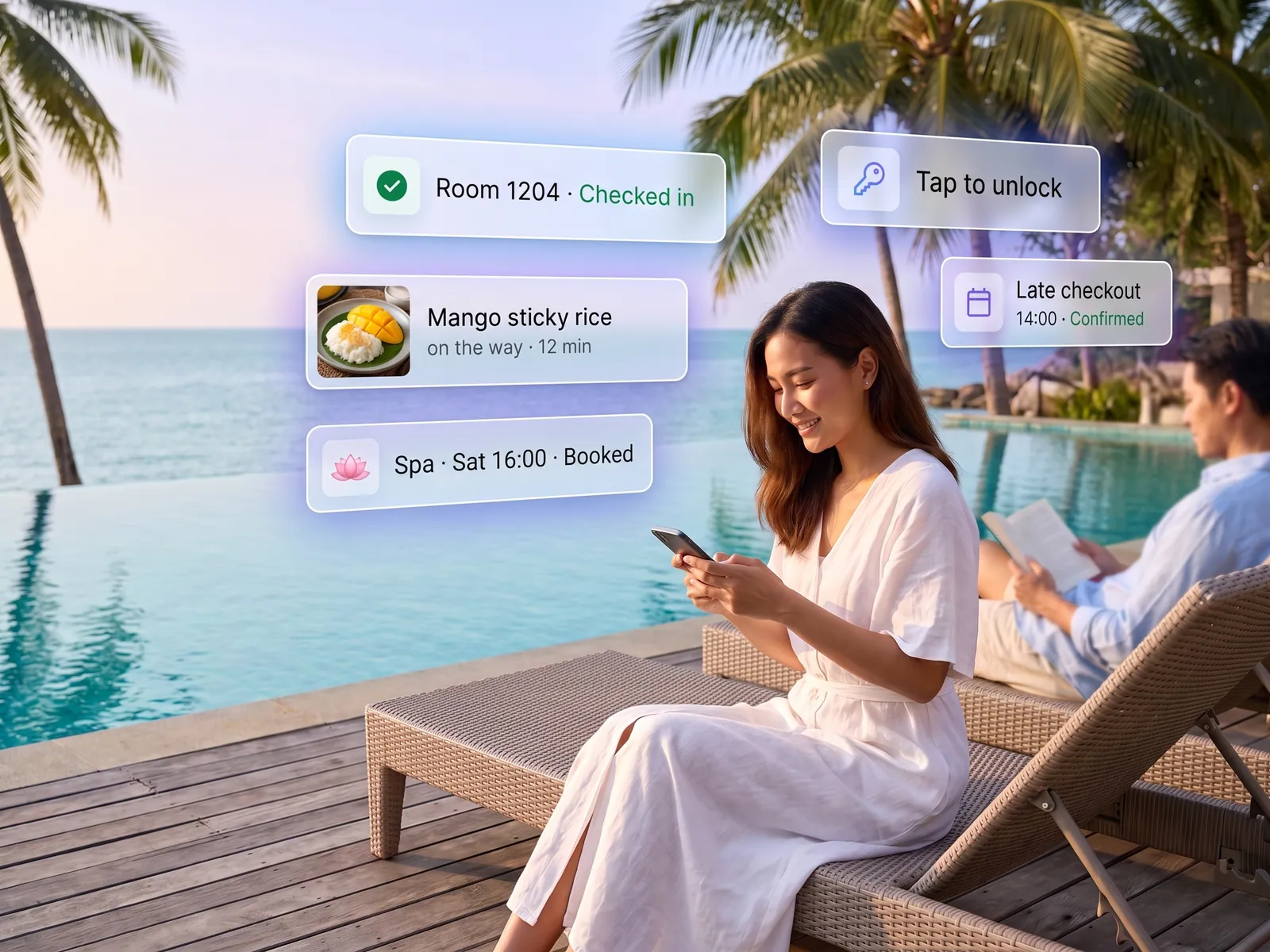
Restaurants & cafésClinics & beautyRetail brands with an OAGyms & studiosInsurance & finance agentsEvents & ticketing
Connects with what you already run
LINE OALINE LoginMessaging APILINE PayPromptPayExisting POSGoogle Sheets
Development process
- 1
Discover
Requirements, users and success metrics, with scope and price fixed before we start.
- 2
Design
UX and system architecture; the prototype is approved before anything is built.
- 3
Build
AI-accelerated sprints with a demo every week, reviewed by senior engineers.
- 4
Test
QA, security and performance verified against the agreed scope.
- 5
Launch & care
Production deploy, team training, and a monthly care plan.

Turn your business problem into a system that works for you
Tell us today — get an executive-ready proposal with the plan and budget.
Talk to an engineer about thisMore solutions in AI App Development
See the whole service Brands & retailers Customer app Shops with regulars Loyalty and membership app Appointment businesses Booking and queue app Field crews & couriers Field service and delivery app Management & HR Internal operations app Businesses that must know their customer e-KYC and digital ID verification Schools & institutes School management system Tutoring schools & exam bodies Online testing platform Restaurants & cafés Restaurant POS and ordering Hotels & resorts Guest app and hotel booking Condo & estate management Resident app for juristic persons Clinics & hospitals Patient app and appointments