

- The prototype has proved that people want it, but it hasn't yet faced large numbers of users, data entered wrongly or round after round of changes.
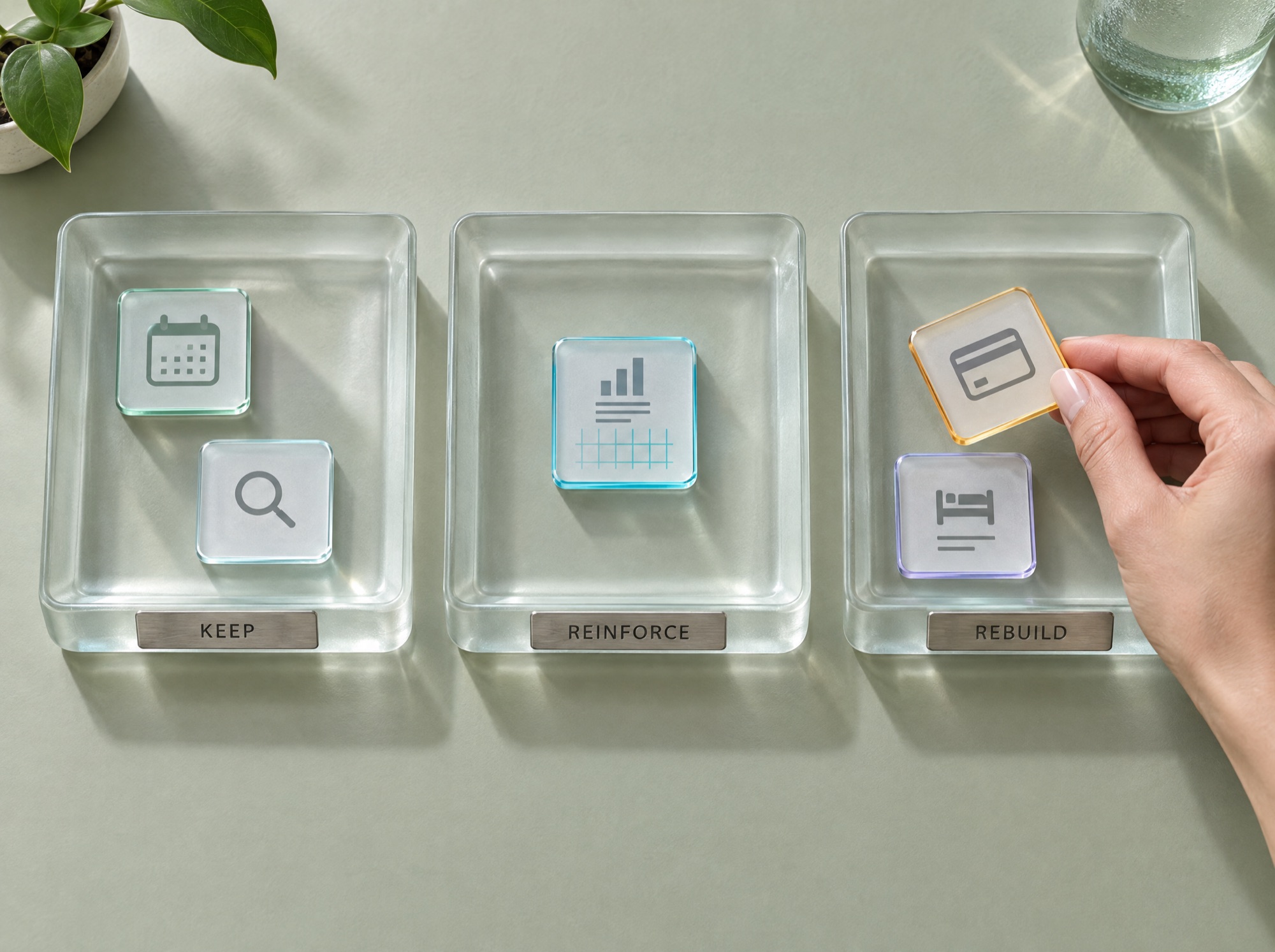
- You don't have to throw the whole prototype away. Sort it into three piles: what you keep, what needs reinforcing and what should be rebuilt.
- The work that takes time after the prototype is verification and taking responsibility for what the system does. AI can speed it up, but people still have to do it.
What the prototype has proved, and what it hasn't
Say you built a demo yourself in one week with AI tools. A few customers tried it and liked it. Then you asked for a quote to build the real system, and the answer came back measured in months. The first question that comes to mind is what the gap between one week and several months is actually paying for.
The prototype has already answered what used to be the most expensive questions in software: does anyone want this, which screens do users understand, and which steps can be cut. Before AI, those answers cost months of work and a large sum of money. So a vibe-coded prototype has real value, and it should be the starting point for the real system.
What the prototype hasn't proved is how it behaves in situations the demo never met. This table lists six situations a real system is certain to meet within its first year.
| Situations the demo never met | What happens the first time in the real system | What a production system has in place |
|---|---|---|
| Two people book the same item in the same second | Both get a confirmation, even though there's only one item | A rule that locks the record in the database, and tests for cases where requests collide |
| A user enters a past date or a negative quantity | Totals are wrong and the month-end report is off | Checks on incoming data, with messages that tell users what to fix |
| Fixing one feature breaks another | The team finds out when a customer calls to report it | An automated test suite that runs every time before a release |
| Users grow from ten to several thousand | Pages slow down until they're unusable at busy times | Load testing in advance, and a structure that can scale |
| The builder leaves, or can't remember what they told the AI | Nobody dares touch the code | Code structured so others can read it, documentation and a change history |
| Something new goes live and causes a problem | The team fixes it live on the real system in front of customers | Staging for testing first, and a Rollback that restores the previous version within minutes |
Code is much cheaper now, but a real system still takes time
AI makes writing code many times faster. What remains is verification: reading what the AI wrote, testing the cases that shouldn't happen but can, and making the decisions that affect customers' money and data. This work still needs people who can take responsibility for the outcome.
Code produced by vibe coding usually takes the shortest route to the result. The same logic gets written in several places, variable names don't say what they mean, and there are no tests around it. Code like this works fine as long as nobody has to change it. Once the business needs to change its pricing structure, add a branch or connect to the accounting system, every fix risks breaking something else. Engineers call this burden Technical Debt, because it charges interest every time the system has to change.
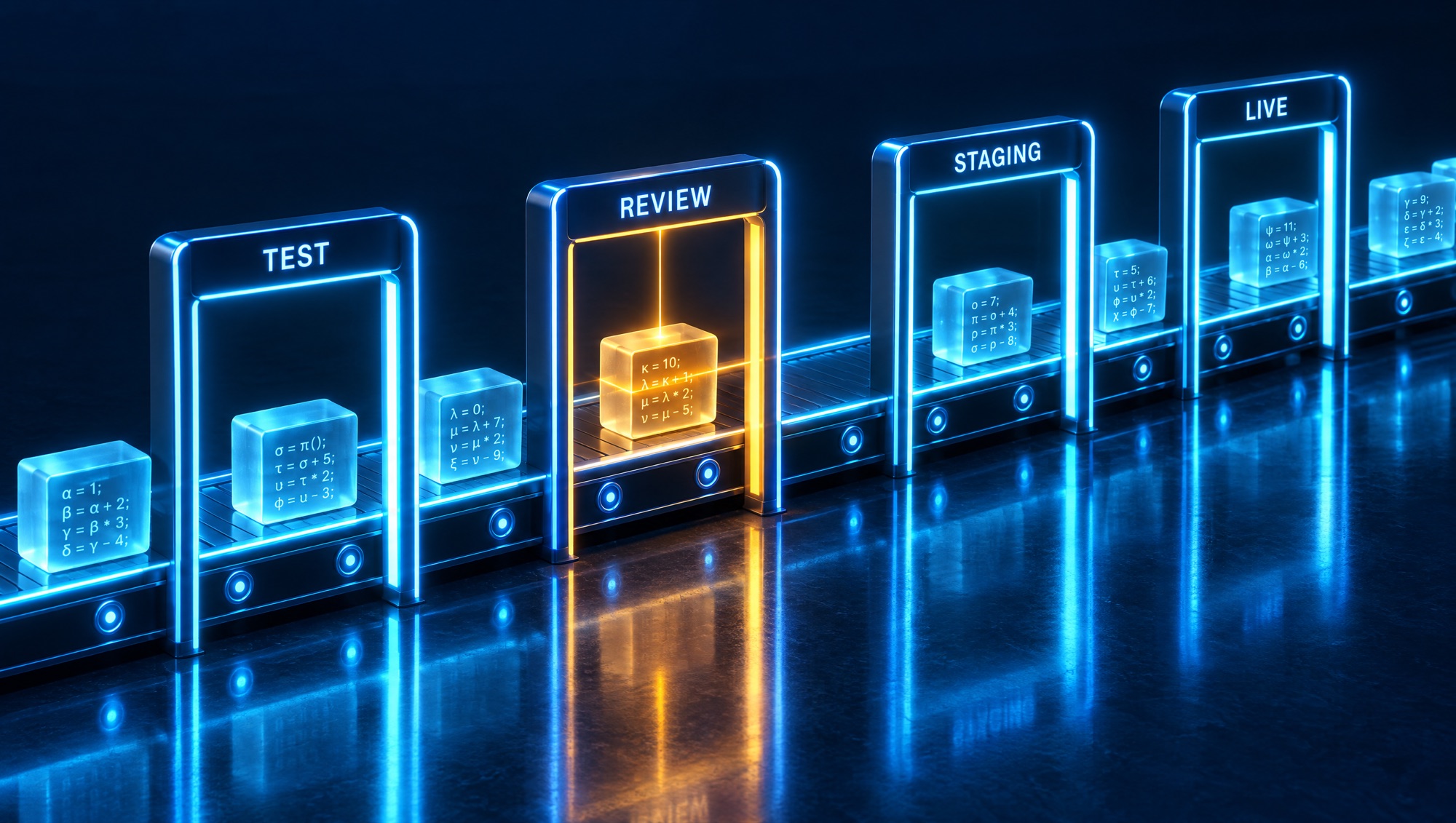
Good development teams use AI to write code this year too. The difference is in the process around the code. Another engineer reads the code before it's merged, which is called Code Review. A test suite runs automatically on every change. There's a separate environment for trying things out before going live, and documentation that lets a newcomer take over. These steps are what the months in the quote pay for.
Hypothetical case
An event equipment rental company and a double-booked sound system
The owner of an event equipment rental company built a booking system with AI in six days. Four salespeople dropped their Excel files and moved to the new system. The first month went smoothly. Then came the busy year-end season, and two salespeople booked the same sound system for two different customers on the same day. The system confirmed both. The company found out on the morning of the event while loading the truck, and had to rent a sound system from another supplier for more than it had charged its own customer.

When an engineer looked at the code, the cause turned out to be that checking availability and saving the booking were two separate steps, so two people could pass the first step at the same moment. The prototype had never hit this problem because during testing only one person used it at a time. The company kept the system and used the three-pile method below to decide where to put in the effort.
Sort into three piles: keep, reinforce, rebuild
- List every screen and function in the prototype.
- Ask two questions about each item: if this part gets it wrong, who loses what? And how often will this part need changing next year?
- The keep pile: screens and reports where a mistake costs nobody money. Keep using them as they are.
- The reinforce pile: parts where the logic is already right but there are no tests or data checks yet. Add tests and have an engineer review them.
- The rebuild pile: parts that touch money, stock, permissions or customer data, where the existing structure is hard to keep building on.
In this case, the equipment search page and the calendar went in the keep pile, the rental revenue report in the reinforce pile, and booking and billing in the rebuild pile. The evidence worth keeping is the full list with the reason each item went into its pile. The method doesn't work when the prototype has no separation between its parts at all, so that fixing one spot affects the whole system. In that case, rebuilding everything with the prototype as the specification is faster.
Which systems can stay vibe-coded
Many systems never need to become production systems. A tool used by a few people in one team, an experiment you'll retire in three months, or a page for a short campaign can stay vibe-coded without hiring a development team. Investing in production pays off once the system's mistakes start to have a price.
Signs it's time to build a production system
- External customers log in to use it
- Money or stock passes through the system
- More than one team uses it at the same time
- The company's work stops if the system stops
- The system has to send data to the accounting system or other systems
The low-risk route is to go in stages. First, assess the prototype by sorting it into the three piles. Second, build the high-risk parts first, then let a small group of users run them alongside the old way of working. Third, move all users over once you've come through one busy period without a serious incident. Along the way, watch three numbers: how many problems customers find before the team does, how many times you have to roll back after a release, and how long it takes a new engineer to be able to change the code on their own.
For the development team · Technical metrics
Track Change Failure Rate, the share of bugs reported by users compared with those the team catches itself, Test Coverage for the parts that touch money and stock, Lead Time from commit to production, and onboarding time for new engineers. Booking and payment should have Concurrency Tests and a Transaction that wraps both the check and the save.
A rule for stopping: if the problems customers run into go up for two releases in a row, stop adding features and go back to strengthen the tests for the parts that broke.
BUSINESS & PRODUCT READINESS
Prepare these four things before talking to a development team
The assessment will be much faster and more accurate if the business owner arrives with answers to these four questions. The answers don't have to be complete, and rough numbers are fine. The development team will use them to decide how solid each part needs to be.
A list of functions, and who loses what if each one gets it wrong
The number of users, and the busiest times of use
Other systems it has to receive data from or send data to
Who will own the code and look after it after handover
We take your prototype and turn it into a system your business can rely on
You and your team know the rules of your business: which items can be double-booked, when prices change, who approves discounts. DNA Maker draws these rules out of the prototype and out of sitting with your team as they work, then writes them up as the workflow, the status of each record, the business rules and the test cases. What the prototype got right only because it hadn't met a hard case yet becomes something the system has been tested to get right.
We assess the prototype by sorting it into the three piles, keep the parts that work, and rebuild the parts that touch money and data on an architecture that can scale. Our team uses AI to help write code under engineers' review, releases through CI/CD and three separate environments, then hands over the source code, documentation and deployment guide for you to own. DNA Maker has delivered more than 500 projects since 2012, so we know where problems after launch usually come from. If you already have a prototype, bring the demo link and a list of what the business needs over the next twelve months, and let's talk.
SOFTWARE ENGINEERING GLOSSARY
Software engineering glossary
These terms will show up in a development team's quotes and plans. Knowing what they mean lets you see what each part of the time and money goes on.
| Term | What it is | A simple example | What executives should ask the development team |
|---|---|---|---|
| Technical Debt | The burden that builds up from code written quickly just to get something working, which makes the next change slower and riskier. | The rental fee formula is written in five places, so a single price increase means tracking down and fixing all five. | Which part of the system carries the most debt, and how much does it slow down changes? |
| Code Review | Having another engineer read the code before it's merged, to catch mistakes and keep everyone to the same standard. | Billing code written by AI is read by another engineer, who asks about stacked discounts before it goes live. | Who reviews the code that touches money and customer data, and does it happen every time? |
| CI/CD | An automated pipeline that tests code and puts it into the live system using the same steps every time, instead of doing it by hand. | Every time code changes, the system runs the tests itself, and only if they pass does the code go to the test server. | How long does it take from finishing a code change to it being live, and which steps are still done by hand? |
| Staging | A copy of the system that mirrors the real one, used to try out new things before customers get them. | The sales team tries the advance booking feature on staging for a week before it goes live. | How does staging differ from the real system, and who approves going live? |
| Automated Test | A set of instructions that checks that important functions still work correctly, and runs by itself every time the code changes. | A test that simulates two people booking the same item at once, then checks that only one of them gets it. | Have the cases that broke in the real system been added to the test suite? |
| Rollback | Taking the system back to the previous version when a new version has a problem. | A new release stops quotes from being issued, and the team rolls back to the old version within five minutes. | When did you last rehearse a rollback, and what happened to the data created in between? |
| Refactoring | Reorganizing the structure of code so it's easier to change, while the system keeps working exactly as before. | Combining the five copies of the rental fee formula into one, with no visible change for users. | How will this round of restructuring make the next features faster or cheaper? |