
AI Workflow Automation with AI agents + MCP

Hand repetitive work (documents, email, reports, approvals) to AI agents. They read, decide within your rules and act in your existing systems through MCP, with a person approving the steps that matter.

Talk to an engineer

What we build

Agent workflows that take each job from the first step to the last.

Document agents

Read receipts, invoices and contracts, check them, and post them to your ERP.

Approval agents

Route requests to the right person, remind, chase and summarise the decision in LINE.

Reporting agents

Pull data from several systems, analyse it, and send the report with what stands out, on schedule.

Features & capabilities

Connected through MCP

Agents use your ERP, CRM, email and files securely, within the permissions you set.

Multi-agent teams

Several agents split the work and hand off to each other until it is done.

Document AI

Reads any document, Thai or English, and fills in your systems.

Human-in-the-loop

Key decisions still pass through a person.

Guardrails & permissions

You decide what each agent may do and when it must ask first.

Audit trail

Every agent action logged and reviewable.

Workflows we build for each team and each business

The repetitive work looks different in every team and every business. The first six are by team, the last six by industry.

Marketing workflow

“Every Monday morning the team pulls numbers from Facebook, Google Ads and LINE into Excel. The report is ready by noon, and still nobody can say which campaign paid off.”

What we build
  • An agent pulls yesterday’s results from Facebook Ads, Google Ads, TikTok and LINE OA every morning into one table
  • Spend compared with the monthly budget and the cost-per-lead target of each campaign
  • A short summary in the marketing LINE group with a call on which campaigns to scale, trim or stop
  • A midday alert when a campaign burns budget unusually fast or cost per lead jumps past its ceiling
  • A dashboard executives can open themselves, and a monthly report written automatically

Connects withFacebook Ads · Google Ads · TikTok Ads · LINE OA · Google Sheets · Looker Studio

Sales and CRM workflow

“Leads arrive by LINE, web and email, and each rep keeps their own notes. When the boss asks which deals are close, it takes two days to find out.”

What we build
  • An agent picks up leads from LINE OA, web forms, Facebook and email and opens each one in the CRM the moment it arrives, linking repeat enquiries to the existing record
  • Each lead graded by budget, urgency and product of interest, read from what the customer actually wrote
  • Leads handed to a free rep by territory or product line, with a LINE message to that rep within minutes
  • A nudge to the rep, then the manager, when a deal has had no update for three days or a customer has written in and nobody has replied
  • A pipeline summary every Monday morning: which deals are close, which are stuck, and what each rep is carrying

Connects withLINE OA · HubSpot · Salesforce · Zoho CRM · Facebook Lead Ads · Google Sheets · Gmail

Accounting and finance workflow

“Hundreds of supplier invoices arrive by email each month. Accounting keys them in one by one, matches each against its PO, and closes the books late every time.”

What we build
  • An agent reads invoices arriving by email, LINE or scanner, PDF or photo, and pulls out the invoice number, amounts, VAT and line items
  • Each invoice matched against its PO and goods receipt in the system, and posted as a payable in your accounting software when every field agrees
  • Mismatched amounts, unknown vendors and incomplete tax invoices go to a review queue with a note saying exactly what differs
  • Invoices due for payment grouped into a run and sent to the authorised approver in LINE before any transfer is made
  • A pre-close report of invoices still unposted, and a payables dashboard executives can open themselves

Connects withPEAK · FlowAccount · Xero · SAP Business One · Gmail · Google Drive · LINE

Employee onboarding workflow

“One new hire means seven emails, accounts on four systems and two weeks of chasing paperwork.”

What we build
  • An agent starts the moment the employment contract is signed, opening the checklist for that role and start date on its own
  • Requests for email, system accounts and the application access that role needs, sent to IT as a complete ticket, with reminders until they are done
  • Tax, social security and supporting forms sent to the new hire on LINE or email, chased until everything is in
  • Equipment and a desk reserved, and an orientation session booked with the line manager, in everyone’s calendar
  • A morning summary to HR of what each new hire still has outstanding and who is ready to start on which day

Connects withMicrosoft 365 · Google Workspace · LINE · Existing HRIS · Slack · Jira Service Management

Purchase request and approval workflow

“Buying one item means a LINE message to the manager, waiting for a signature, then forwarding to accounting. When the manager travels, it sits for a week.”

What we build
  • A purchase request form in LINE or on the web that staff fill in from a phone, with a photo of the quotation attached
  • An agent checks the request against the department’s remaining budget, past prices for that kind of item and the vendor register, then writes a three-line summary for the approver
  • The approver picked by amount and reporting line, reached in LINE to approve or reject on the spot, with a reminder or a hand-off to the backup approver if it goes quiet
  • Once approved, the PO opened in the system, sent to the vendor, and accounting told to expect the invoice
  • A monthly report of spend by department, which requests waited longest, and what is bought repeatedly from whom

Connects withLINE · SAP · Odoo · Microsoft 365 · Google Sheets · Accounting software

Customer service workflow

“Complaints come in by email and on the page. The team reads each one, opens a ticket by hand and forwards it to the right department.”

What we build
  • An agent takes messages from email, Facebook Page, LINE OA and the web form into one queue, no switching between screens
  • Each message categorised, such as faulty item, late delivery, refund request or general enquiry, with a priority set from the content and the customer’s history
  • The ticket opened in the helpdesk you already use, linked to the order or customer record, and routed to the responsible team
  • A first reply drafted from your knowledge base and policies, for staff to read, edit and send in one click
  • A warning to the supervisor when a ticket is about to breach its SLA or a customer writes in again, and a weekly report of what comes up most

Connects withZendesk · Freshdesk · Zoho Desk · Gmail · Facebook Page · LINE OA · Order system

e-Tax Invoice and e-Receipt workflow

“Customers message us on LINE every day asking for a full tax invoice. The team digs the bill out of the POS and keys it in again, one at a time. A wrong tax ID means cancelling and reissuing, and the paper copies have already filled the storeroom.”

What we build
  • Tax invoices, receipts, debit notes and credit notes issued from your POS, ERP or online-store back office in the Revenue Department’s format, filed directly or through a provider on the RD’s list
  • Documents delivered by email or LINE as soon as the customer pays, and a QR code on the receipt where customers enter their tax ID and get a full tax invoice themselves
  • Credit notes, debit notes and cancellations run as a workflow, and an accountant approves each one in LINE or the back office before it is issued
  • A pre-submission check that catches missing tax IDs, wrong branch codes, totals or VAT that don’t match the lines, and duplicate numbers, and holds the document for a person to fix
  • A dashboard of what was issued, delivered, rejected by the RD or awaiting approval, with a monthly summary for the VAT return

Connects withExisting POS · SAP Business One · Express · PEAK · LINE OA · Company email · Revenue Department e-Tax system

Marketplace back-office workflow

“Our admin logs into each seller centre and copies the orders into Excel. The last unit sold on Shopee and TikTok at the same time, so we cancelled one order and lost shop points. At month end the money comes in and nobody can say what was taken off it.”

What we build
  • Orders from Shopee, Lazada, TikTok Shop, LINE MyShop and your own site in one queue, with one combined picking list and every channel’s shipping labels printed in a single run
  • One stock figure: whenever something sells on any channel or new stock arrives, the new quantity goes out to every channel, with a reserve held back on fast sellers
  • An agent drafts replies to customer chats from real order data, such as where a parcel is or which size fits, for an admin to check and send, or sends them itself in categories the owner allows
  • Payout reconciliation for each platform, splitting commission, fees, vouchers and returns per order, matched against bank deposits, with anything that doesn’t match set aside for accounting
  • A morning summary in LINE, and a dashboard of profit by channel and by product after platform fees and shipping

Connects withShopee · Lazada · TikTok Shop · LINE OA and LINE MyShop · Flash, J&T, KEX, Thailand Post · PEAK and FlowAccount · Google Sheets

Purchasing and goods-receipt workflow

“POs, delivery notes and invoices arrive from suppliers in every format. Warehouse and accounting match them by hand, and shortages or double payments surface afterwards.”

What we build
  • An agent reads the delivery note the warehouse photographs at the dock and the invoice that arrives by email, and turns them into line items, quantities and unit prices
  • A three-way match against the PO in the ERP, line by line, with the goods receipt posted to stock when quantity and price agree
  • An instant LINE alert to purchasing and the warehouse when a delivery is short, over, priced differently from the PO, or invoiced twice
  • Matched lines passed to accounting to set up the payable, with a person confirming only the lines that differ
  • A monthly report to purchasing on suppliers who deliver late or wrong, with the numbers to use in the next negotiation

Connects withSAP · Odoo · Existing ERP · Email · LINE · Google Sheets

Client document workflow

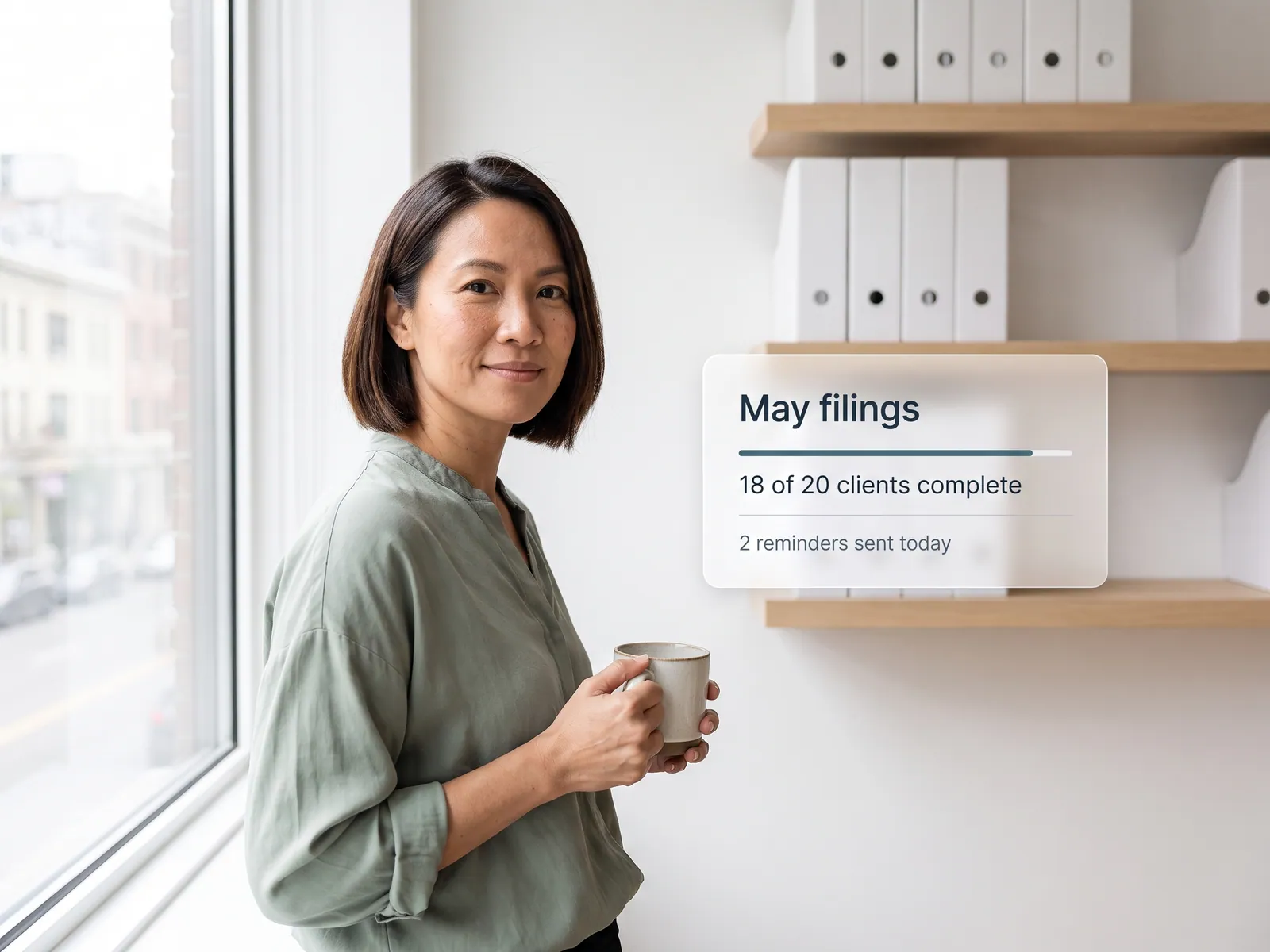
“Each client sends documents by LINE or email. Staff chase, file and name everything by hand, and every filing deadline means working late.”

What we build
  • An agent takes documents from LINE OA, email and client upload folders, reads whether each is a tax invoice, receipt, contract or certificate, and names the file to the firm’s standard
  • Each file placed in the right client and tax-month folder in Google Drive or Microsoft 365, with the key figures extracted ready for the accounting software
  • Each client’s monthly document list checked against what has arrived, with reminders for missing items sent to the client’s own LINE on the schedule you set
  • Staff alerted only for files that are unreadable, duplicated or of a type the agent has not seen before
  • A status of every client to the supervisor before the tax filing date: who is complete, who is missing what, and who has gone quiet

Connects withGoogle Drive · Microsoft 365 · LINE OA · Gmail · PEAK · Express · e-Filing

Insurance claim and records workflow

“One insurance claim means collecting documents from five departments, filling each insurer’s own form by hand, and getting it bounced for missing data.”

What we build
  • An agent pulls the medical certificate, receipts, medication list and test results from the HIS and the finance system into one claim pack per patient
  • Each insurer’s form filled in its own layout, for private, group and government schemes
  • Completeness and consistency of diagnosis codes, procedures and amounts checked before a staff member presses send
  • Claim status followed with the insurer, with an alert on rejection saying what is missing and a confirmation when the money lands
  • A monthly report of open claims, receivables outstanding, and which insurers reject most and why

Connects withHIS · Insurer systems · Hospital finance system · Email · LINE · Microsoft 365

Job sheet and billing workflow

“Delivery job sheets arrive as photos in LINE. Accounting opens each one to raise an invoice, bills go out late every month and cash comes in later still.”

What we build
  • An agent reads the job sheet and delivery receipt photos drivers send to LINE, pulling the job number, destination, quantity and the receiver’s signature
  • Each sheet matched to the job in the TMS or the job schedule, checked for complete delivery, and the job closed
  • The invoice raised in the accounting software at each customer’s agreed rate, including extras such as waiting time or empty legs that have evidence attached
  • Proof of delivery sent to the customer by email or LINE as soon as the drop is done, and the invoice when the billing cycle comes round
  • A weekly report of jobs delivered and not yet billed, which customers are past due, and which drivers send paperwork late

Connects withTMS · PEAK · FlowAccount · LINE · Gmail · Google Sheets

Repair request and common-fee workflow

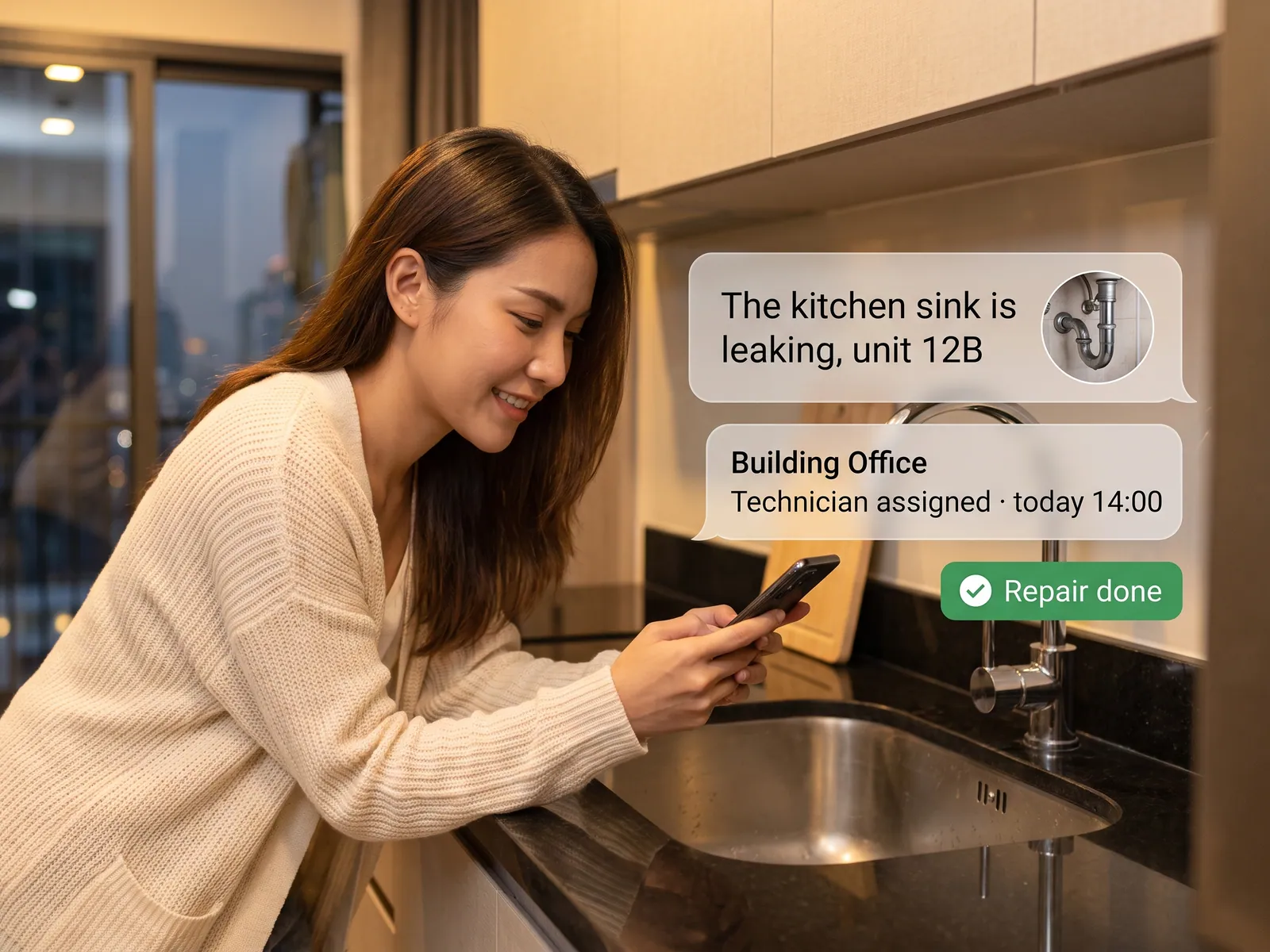
“Residents report repairs on the juristic LINE. Staff write them on paper and phone a technician, old requests get forgotten, and common fees are chased unit by unit.”

What we build
  • An agent takes repair requests from the juristic LINE OA, reads the message and photos, and opens a work order with the unit, job type and priority
  • The job sent to the in-house technician or contractor who is free, in LINE, with the resident updated at every status change through to the photo of the finished work
  • Common-fee and water invoices issued every cycle, sent to residents in LINE with a PromptPay QR, and a reminder before the due date
  • Payment recorded when the money reaches the juristic account, the receipt sent to the resident, and any amount that does not match set aside for staff
  • A monthly report to the committee of open jobs, overdue jobs and arrears by unit

Connects withJuristic management system · LINE OA · PromptPay · Accounting software · Google Sheets

Orders-from-chat workflow

“Customers send orders on LINE as long messages, sometimes a photo of a list. Staff read and key them in line by line, and one slip means the wrong goods ship.”

What we build
  • An agent reads orders from LINE OA and Facebook, whether a long message, a photo of a handwritten list or an Excel file, and turns them into product codes, quantities and units from your catalogue
  • The names each customer uses mapped to your real product codes, old names and abbreviations included, with that customer’s price list applied
  • Stock and the customer’s credit limit checked, then the sales order opened in the ERP or accounting software you already use
  • A confirmation sent back in the same chat for the customer to check items, prices and delivery date, and to confirm or correct right there
  • Staff alerted only for lines that are unclear, out of stock or over the credit limit, and a weekly report of orders by customer

Connects withLINE OA · Facebook Messenger · ERP · SAP Business One · PEAK · Warehouse system · Google Sheets

How it works

01

Process audit

We shadow the real work and pick where agents pay off most.

02

Design agents, connect MCP

Each agent gets a role, rules and permissions, then is wired to the systems involved.

03

Pilot, measure, scale

Start with one process, measure the time actually saved, then expand.

Works with the tools you already use

Agents work with the tools your team already uses, so there is no system migration.

MCPClaudeGPTLINE OAGoogle SheetsGmailSlackSAPSalesforceNotion

Development process

  1. 1

    Discover

    Requirements, users and success metrics, with scope and price fixed before we start.

  2. 2

    Design

    UX and system architecture; the prototype is approved before anything is built.

  3. 3

    Build

    AI-accelerated sprints with a demo every week, reviewed by senior engineers.

  4. 4

    Test

    QA, security and performance verified against the agreed scope.

  5. 5

    Launch & care

    Production deploy, team training, and a monthly care plan.

Why DNA Maker

500+ projects since 2012

Enterprise track record across Thai banking, energy and retail leaders.

Fixed scope & price

Agreed before we start, with no surprises mid-project.

AI-fast, senior-reviewed

Our team builds with AI, so we deliver 3× faster with senior engineers guarding quality.

5 languages, Bangkok-based

We communicate and deliver in Thai, English, Japanese, Korean and Chinese, with PDPA in mind.

Turn your business problem into a system that works for you

Tell us today — get an executive-ready proposal with the plan and budget.

Get started