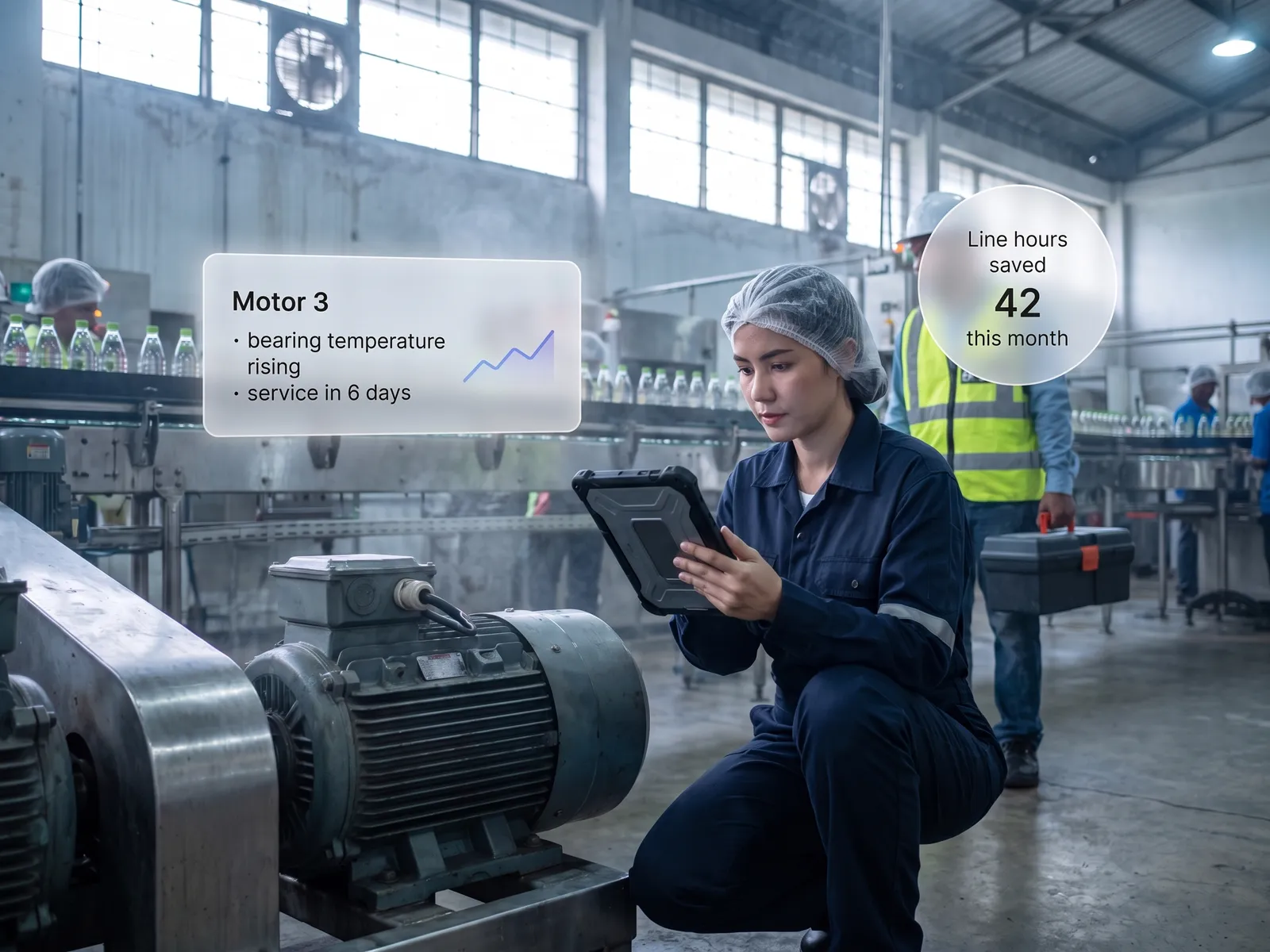
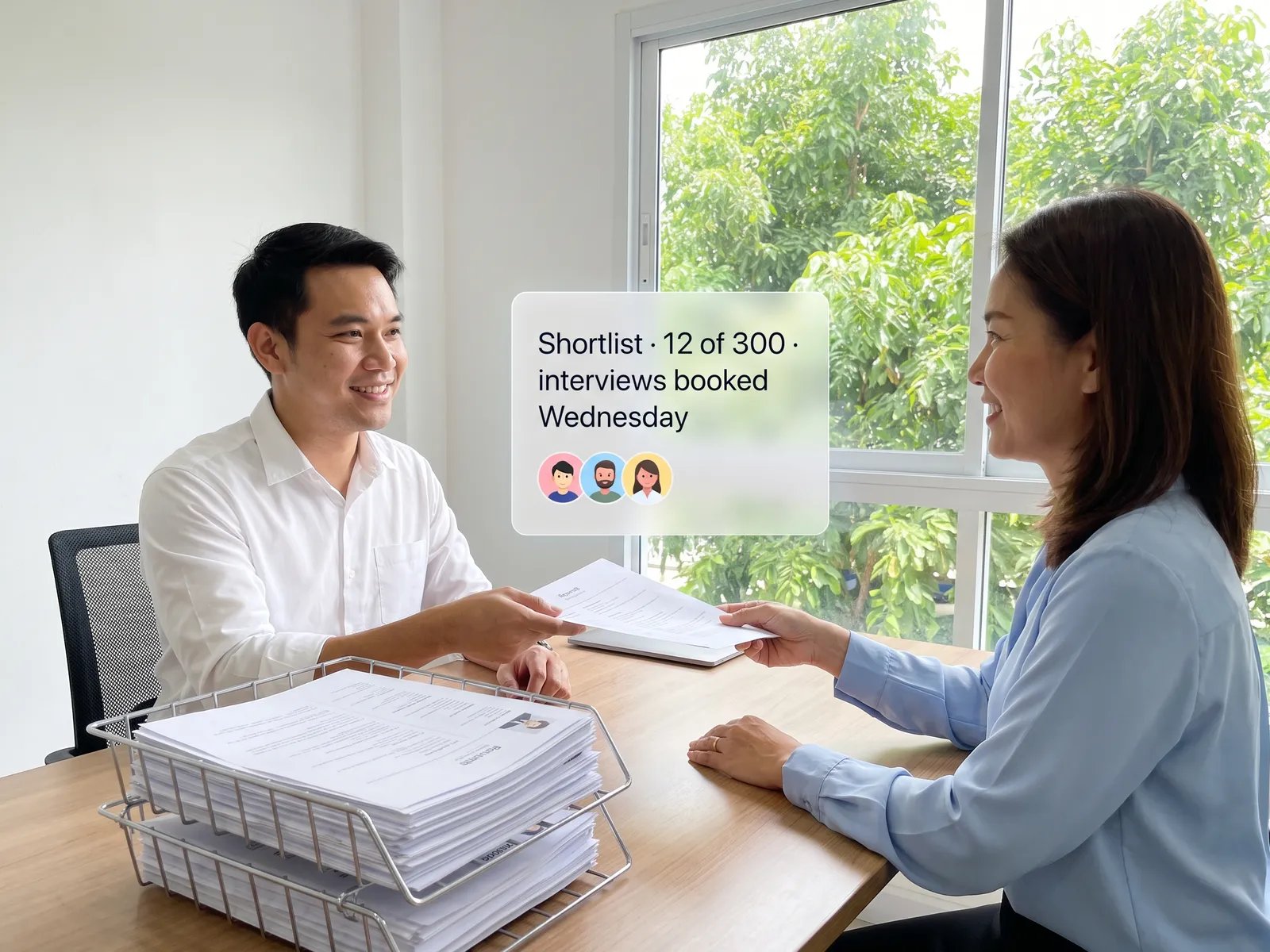
Stage 1: pick the first job and the baseline
Talk to the owner of the work and the people who do it every day, trace which system holds the data it needs, then pick one first job and the figures that will measure it.
Region · Language

Bangkok time
Companies putting AI to work on real systems · 15 / 16
We set up your company’s first AI system: pick the job worth doing first, connect ERP and LINE data, set PDPA-safe access, train the team and hand it over.
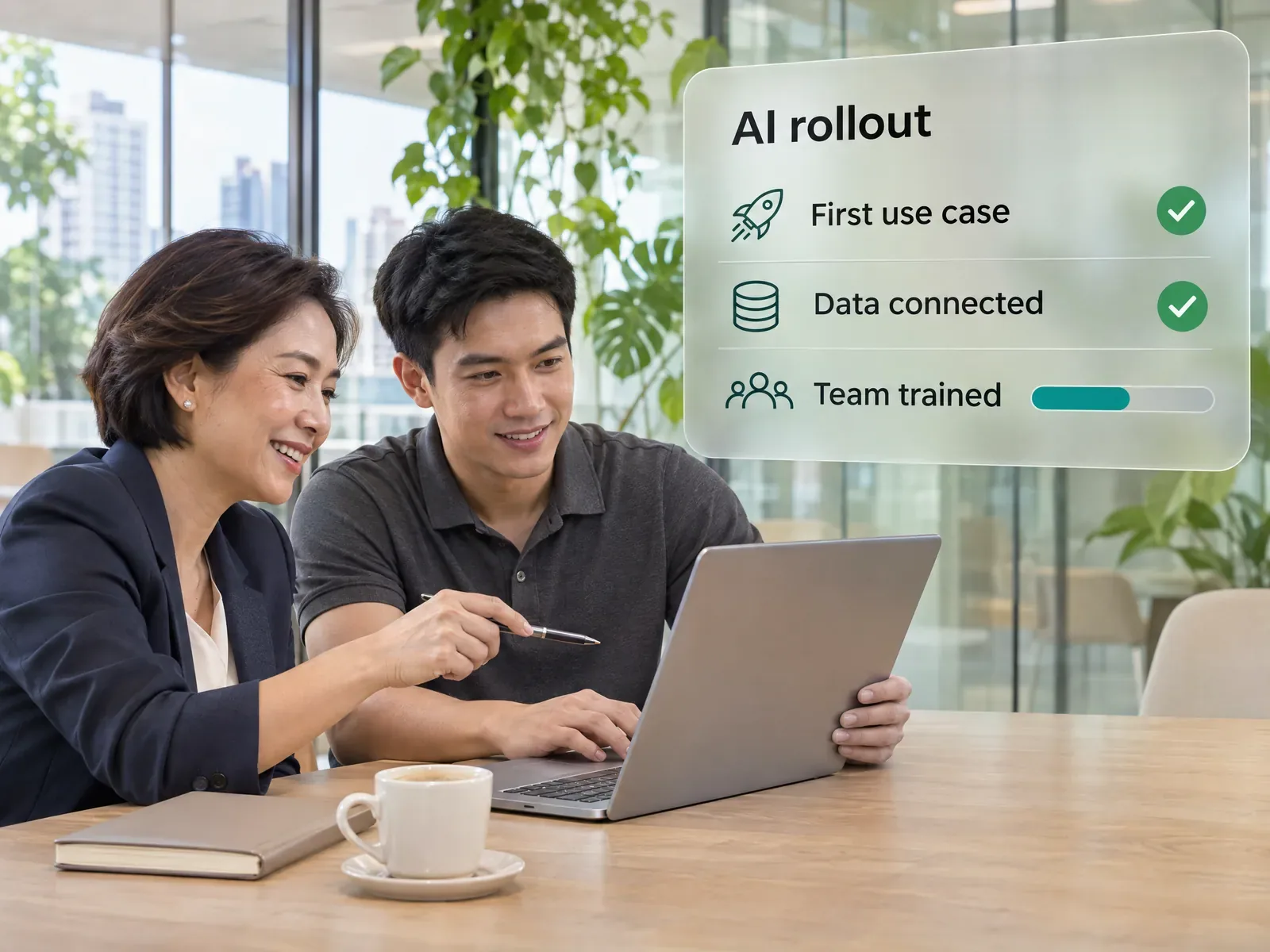 Companies putting AI to work on real systems
“Everyone here agrees we should use AI. Nobody knows how to let it read our ERP, who should see which data, or who looks after it once the vendor hands it over.”
Most of a company’s work sits in the ERP, each department’s LINE groups and Excel files passed around by email. The AI tools you bought can’t work with any of it, because nobody has connected them. Vendors demo on sample data and it looks good. Ask how they would pull overdue balances from your ERP, who should see customer or salary data, or what the model will cost each month, and nobody gives a clear answer.
IT worries about data leaks and a bill nobody controls. Management wants results this quarter. Staff fear a new system means more work. So the project goes round the meeting room, and the budget year ends with nothing the team actually uses.
We start by choosing one first job with the owner of that work on your side. The tests: it repeats often, the data already exists in a system, the result can be measured, and if AI gets it wrong a person catches it before any harm is done. Then we agree the starting figures, such as minutes to key in one supplier invoice or the number of complaints left open for more than two days. Those figures are what we report against at the end.
Next we connect the data. We read from the ERP through its API or database with read-only access first, take messages from LINE OA and the agreed mailboxes, and set the rules: which role sees what, which personal data is masked before it reaches a model, and which steps need a person to approve before AI writes anything back. Your DPO or legal team decides the data rules. We make the system follow them.
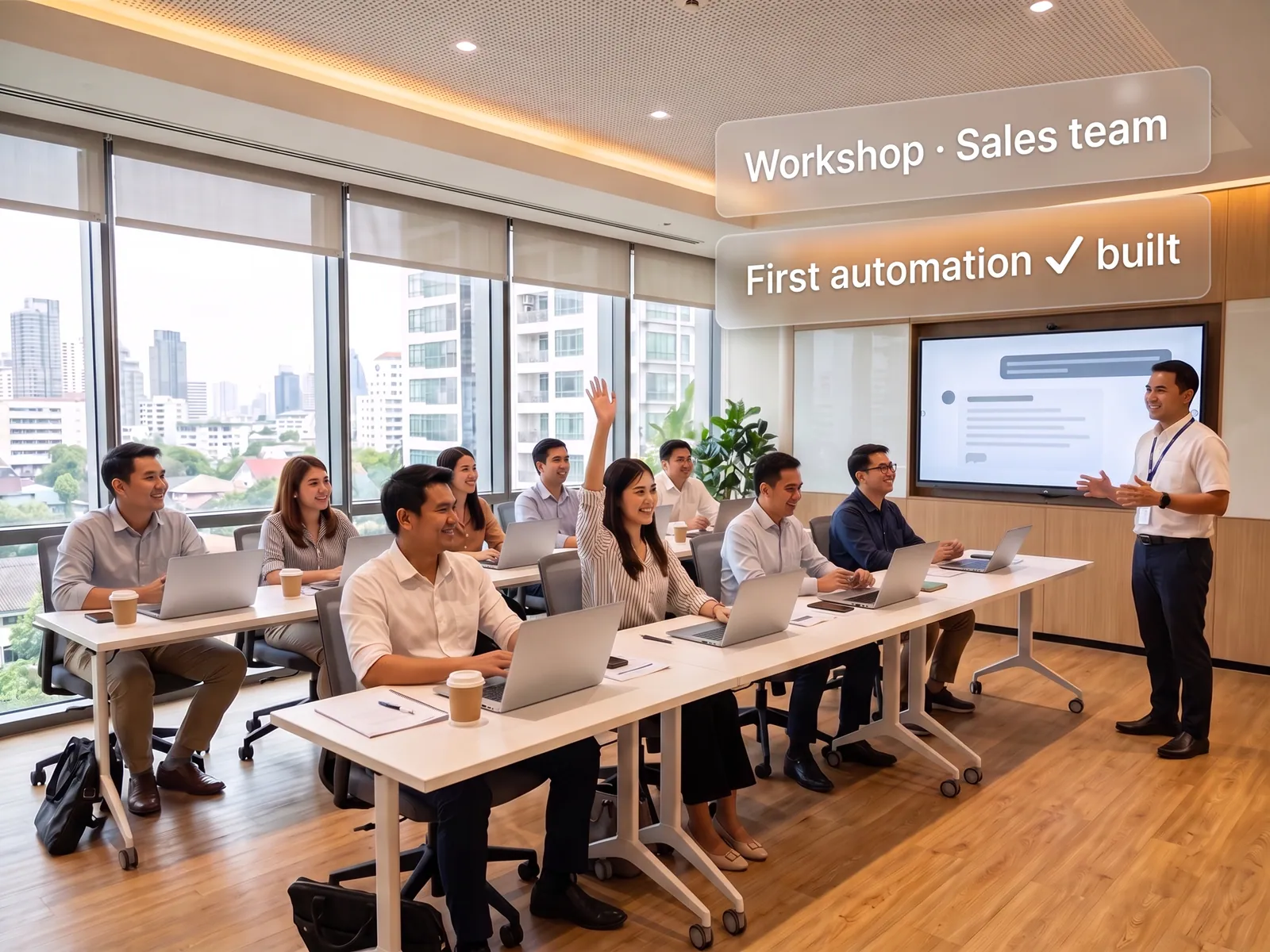
When the system is ready we open it to a small team, watch real use, fix what trips them up each week, then roll it out to the whole department. Along the way we train users on their own system and teach your admin to change prompts, rules and budget caps. At the end we hand over the code, the runbook and the results against the starting figures, with a proposal for the next job based on what the first one showed.
A first AI system the team uses every day, connected to the ERP, LINE or document store you already run, with before and after figures that management agreed at the start.
PDPA data access rules that set which data each role lets AI read, mask personal data before anything leaves the company, and keep an audit log of every call.
An AI cost dashboard by system and department, showing calls, monthly model spend and the budget cap you set, so the month-end bill holds no surprises.
A team trained on its own system: users know which answers they can use as they are and which to check, and your admin can edit prompts and rules without waiting for us.
Handover: code in your company’s repository, a runbook, and a list of next jobs ranked by value using the figures from the first one.
The plan
How long each stage takes depends on the number of systems to connect and the state of the data. We agree the timeline with you once we have seen your systems, before work starts.
Talk to the owner of the work and the people who do it every day, trace which system holds the data it needs, then pick one first job and the figures that will measure it.
Connect AI to the ERP, LINE OA or document store, starting read-only. Set PDPA data rules with your DPO, and set up the cost dashboard and budget cap.
A small team uses it for daily work. Wrong answers and sticking points come back to us and get fixed every week, and the whole department follows once results hold steady.
Train your users and admins, hand over the code, the runbook and a report against the starting figures, with the next jobs ranked by value.
A good first job is small, repeats every day, and already has someone checking the result. These are common examples. Yours is chosen from your real data at the start. More ideas by department are in [this article](/en/blog/ai-use-cases-by-department/).
A working system on your own data, results against the starting figures you can take to the board, and a known monthly cost before you decide to extend it to other departments.
Starts with read-only access through accounts IT issues, no changes to existing systems, code in the company repository, an audit log of every call, and a model budget cap you set yourself.
A system that takes repetitive work off them, such as keying documents or sorting complaints, a trial before the whole department switches, and someone in-house to ask when they get stuck.
Requirements, users and success metrics, with scope and price fixed before we start.
UX and system architecture; the prototype is approved before anything is built.
AI-accelerated sprints with a demo every week, reviewed by senior engineers.
QA, security and performance verified against the agreed scope.
Production deploy, team training, and a monthly care plan.
It depends on the job, the number of systems and the state of the data. The work runs in four stages: choosing the job and agreeing figures, connecting data and setting rules, use with a real team, then training and handover. If the data is spread across many systems, or the ERP has no API, connecting takes longer. We give you a timeline once we have seen the real systems, before work starts. The second and third systems usually go faster, since access, data rules and the cost dashboard are already in place.
No. AI works on top of what you run today. It reads from the ERP through its API or database with read-only access, takes messages from LINE OA and the agreed mailboxes, and sends results back where they belong, such as a draft entry in the ERP for someone to confirm or an alert in LINE. If the ERP is too old to connect to, we start with scheduled exports and talk about upgrading only when the numbers justify it.
The risk lies in which data leaves the company and who can see it. So we start with a data table your DPO signs off: which types can go to an outside model, which need names and ID numbers masked first, and which must never leave your servers. AI sees only data the user already has rights to, every call is logged, and we use enterprise plans whose providers state they do not train models on customer data. For work where data cannot leave the company at all, we install a Private LLM on your own systems.
We report honestly every week from the moment a small team starts using it. If results don’t move, we look at whether the problem is the data, the way the team works or the job itself, and propose options: narrow the scope, move the point where a person checks, or stop and switch to the backup job agreed at the start. The decision rests with the owner of the work on your side.
One owner who can decide on the first job, someone from IT to issue accounts and access, a DPO or legal contact to sign off the data rules, and a small team willing to try it first. If you have no IT department, an office manager who holds the admin passwords is enough.
This page covers the full setup, from the first job to handover. If you still need advice and a roadmap before choosing where to start, see AI consulting for companies. If your company already runs ChatGPT or Copilot and wants engineers working inside the team in rounds, see Forward Deployed Engineers.
Read moreAI consulting for companiesForward Deployed Engineers (FDE) for AI adoptionIn-house AI training for companiesWhat is AI transformation? Where to start and what the first 90 days should deliverThe 7 layers of an enterprise AI system, and what IT decides in eachAn AI usage policy your staff will follow, and what Thailand’s PDPA asks of it
Tell us today — get an executive-ready proposal with the plan and budget.
Talk to an engineer about thisAgent voice
Male
Female
Cookies and the AI assistant
This site uses Google Analytics to count visits and see which pages are read. When you talk with Dream, our AI assistant, your messages are processed by an AI model and kept so we can prepare a proposal and follow up. If you accept, we also use OpenAI’s pixel to see whether our ads in ChatGPT lead to enquiries. It sets cookies only after you accept.