Vacancies fill faster, you can see how many days a hire takes and where it stalls, and every applicant is screened on the same criteria.
Back to AI Transformation
HR teams · 04 / 13
AI roadmap for HR
Start AI with application screening, so HR decides from a short list and books the strong candidates before another company does.
 HR teams
 “One opening draws 300 applications. HR can read 50 a day, and by the time we interview the good ones they’ve taken another job.”
The problem
One job post brings several hundred applications from JobsDB, LinkedIn and email. HR opens them one file at a time, notes the interesting ones in Excel and forwards them to the department head, who reads them all again. Two weeks pass before anyone phones to book an interview, and the strongest person in the pile has usually accepted somewhere else.
On top of hiring, the HR team answers the same questions on LINE all day: how many days of leave, what can I claim, where is my payslip. The work that needs a person, such as sitting down with someone who is about to resign, keeps getting pushed back.
How we solve it
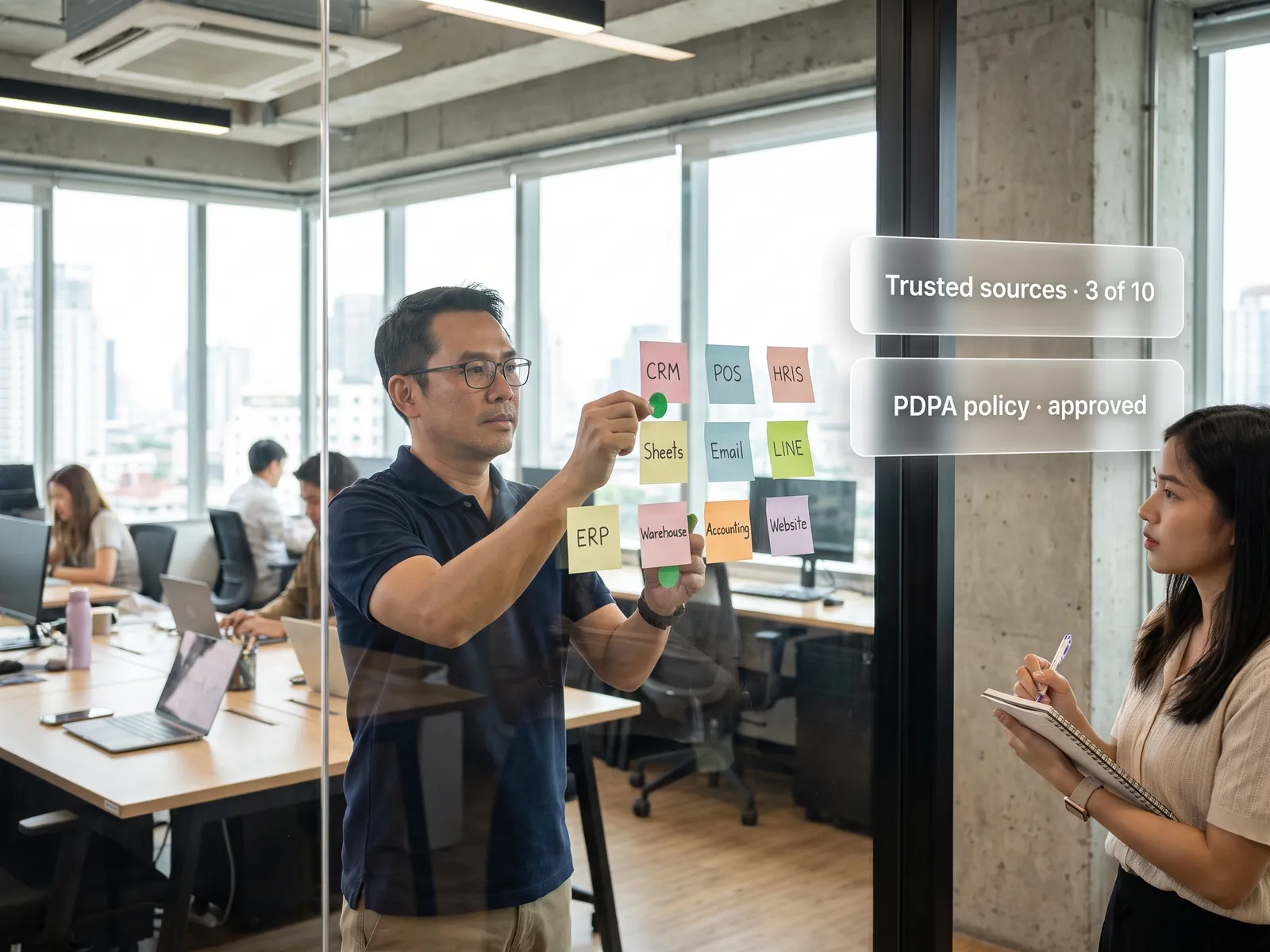
We start with a day or two alongside the HR team, looking at where each week goes and which employee data can be used under PDPA, then rank which job AI can take on with the best return. For companies that hire all year round, the answer is usually screening.
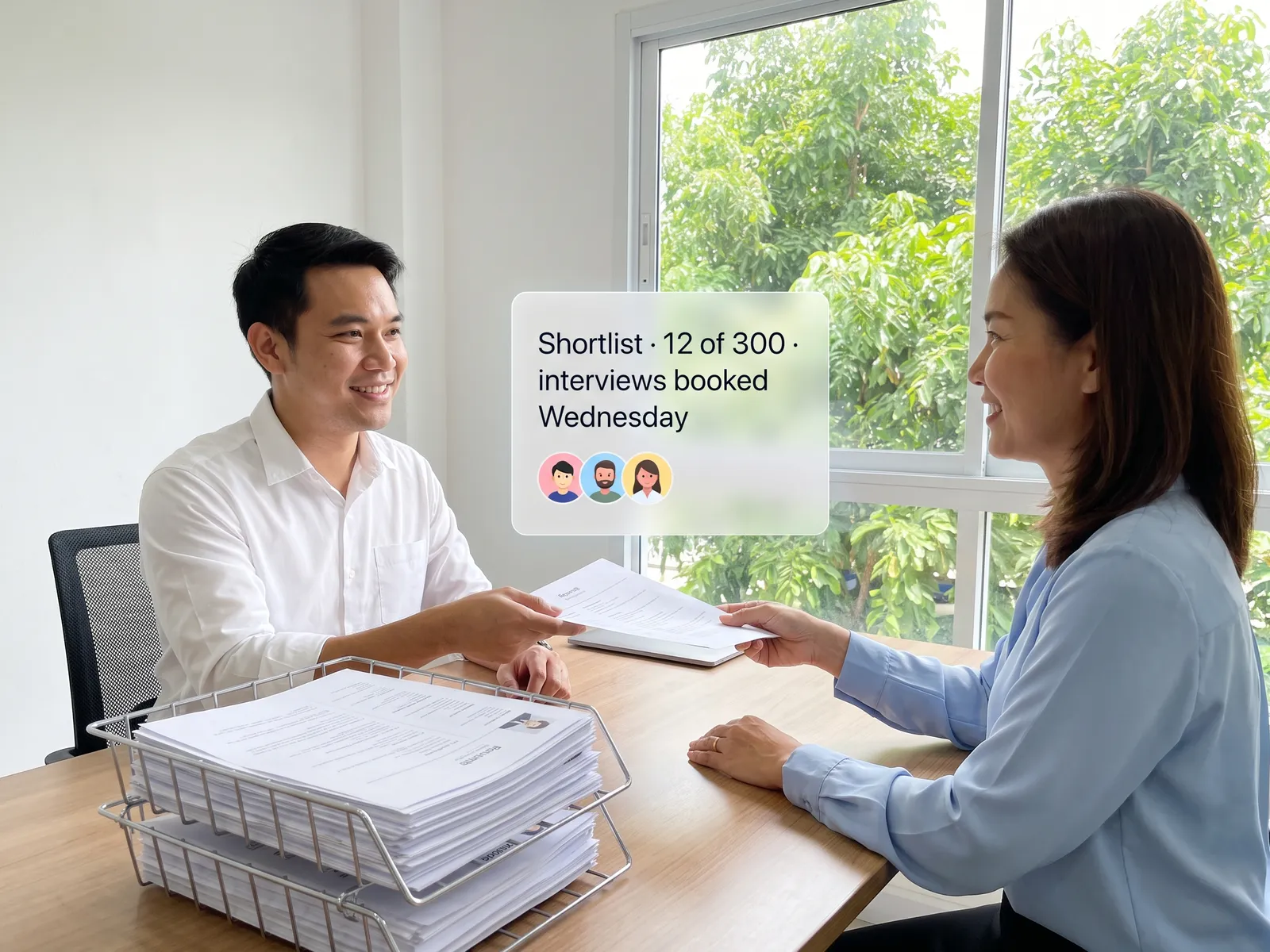
The first system we build together reads every application that comes in and scores it against criteria you write in plain language: the experience required, the skills wanted, the salary range. It summarises each candidate’s strengths and open questions on one page. HR opens the ranked list, picks who to talk to, and the system books the slot in the interviewer’s calendar and emails the candidate a confirmation.
Rejections, offers and every decision that affects a person stay with HR and the department head. The AI sorts and summarises. Applications it cannot score with confidence go into a pile for a person to read, and every screening keeps a record of the criteria used, in case it has to be explained later.
How it runs
Work comes in from
- Applications from JobsDB, LinkedIn and email
- Employee data in the HRIS
- Staff questions on LINE
- Interviews with HR and department heads
What the AI does
- Find where HR’s week goes
- Rank use cases by payback and PDPA
- Deliver the 90-day roadmap
- Build the screening system together
Where it lands
- A ranked short list with a page per candidate
- Interviews booked in the interviewer’s calendar
- Rules for using employee data
- An HR team that adjusts the criteria itself
Before and after
Before
After
Hundreds of applications, and HR can read fifty a day
A ranked list with a page per candidate, waiting for HR the next morning
The best candidate accepts elsewhere before we call
Interview invitations go out the day the application arrives
HR answers the same leave and benefits questions all day
Staff ask the policy assistant on LINE, and HR handles what needs a person
What you get
- 01
An audit of where HR’s week goes, from reading applications and answering leave questions to onboarding paperwork and collecting appraisal forms
- 02
A list of HR use cases ranked by payback, such as application screening, a policy assistant for staff questions, onboarding and appraisal summaries
- 03
A 90-day roadmap that says which phase uses which employee data, how it passes PDPA and how it is measured
- 04
The first system, built together: screening that scores applications against your criteria, summarises each candidate on one page and books interviews through the interviewers’ calendars
- 05
A rule that rejections, offers and anything else that affects a person go through a human, plus a workshop so the HR team adjusts the criteria themselves
Who gets what
Connected to the HRIS and email through official APIs. Employee data stays in the existing system, the new one sees only the fields you allow, every access is logged, and it runs in your cloud account or on your own server.
The HR team stops opening applications one file at a time and gets its time back for people, from interviews to the conversation with someone who is about to leave.
Who this fits
Companies that hire all yearFactories and retailers with hundreds of staffHospitals and hotelsOutsourcing and recruitment firmsGroups with a shared HR function
Connects with what you already run
JobsDBLinkedInHRISMicrosoft 365Google WorkspaceLINE OA
Development process
- 1
Discover
Requirements, users and success metrics, with scope and price fixed before we start.
- 2
Design
UX and system architecture; the prototype is approved before anything is built.
- 3
Build
AI-accelerated sprints with a demo every week, reviewed by senior engineers.
- 4
Test
QA, security and performance verified against the agreed scope.
- 5
Launch & care
Production deploy, team training, and a monthly care plan.

Turn your business problem into a system that works for you
Tell us today — get an executive-ready proposal with the plan and budget.
Talk to an engineer about thisMore solutions in AI Transformation
See the whole service Executives & finance AI roadmap for executives and finance Sales teams AI roadmap for sales Operations & production AI roadmap for production and operations Marketing teams AI roadmap for marketing IT & data AI roadmap for IT and data Organisations rolling out AI Forward Deployed Engineers (FDE) for AI adoption Factories & manufacturers AI roadmap for a factory Hospitals & clinic groups AI roadmap for healthcare providers Banking, insurance & securities AI roadmap for financial institutions Multi-branch retail AI roadmap for retail Logistics companies AI roadmap for transport and warehousing Family businesses & SMEs AI roadmap on a limited budget