Document volume grows without another typist, and each day shows how many documents came in, how many went through on their own, how many wait for a check and with whom.
Back to AI Workflow
Accounting, purchasing & admin teams · 07 / 17
Thai document OCR with AI
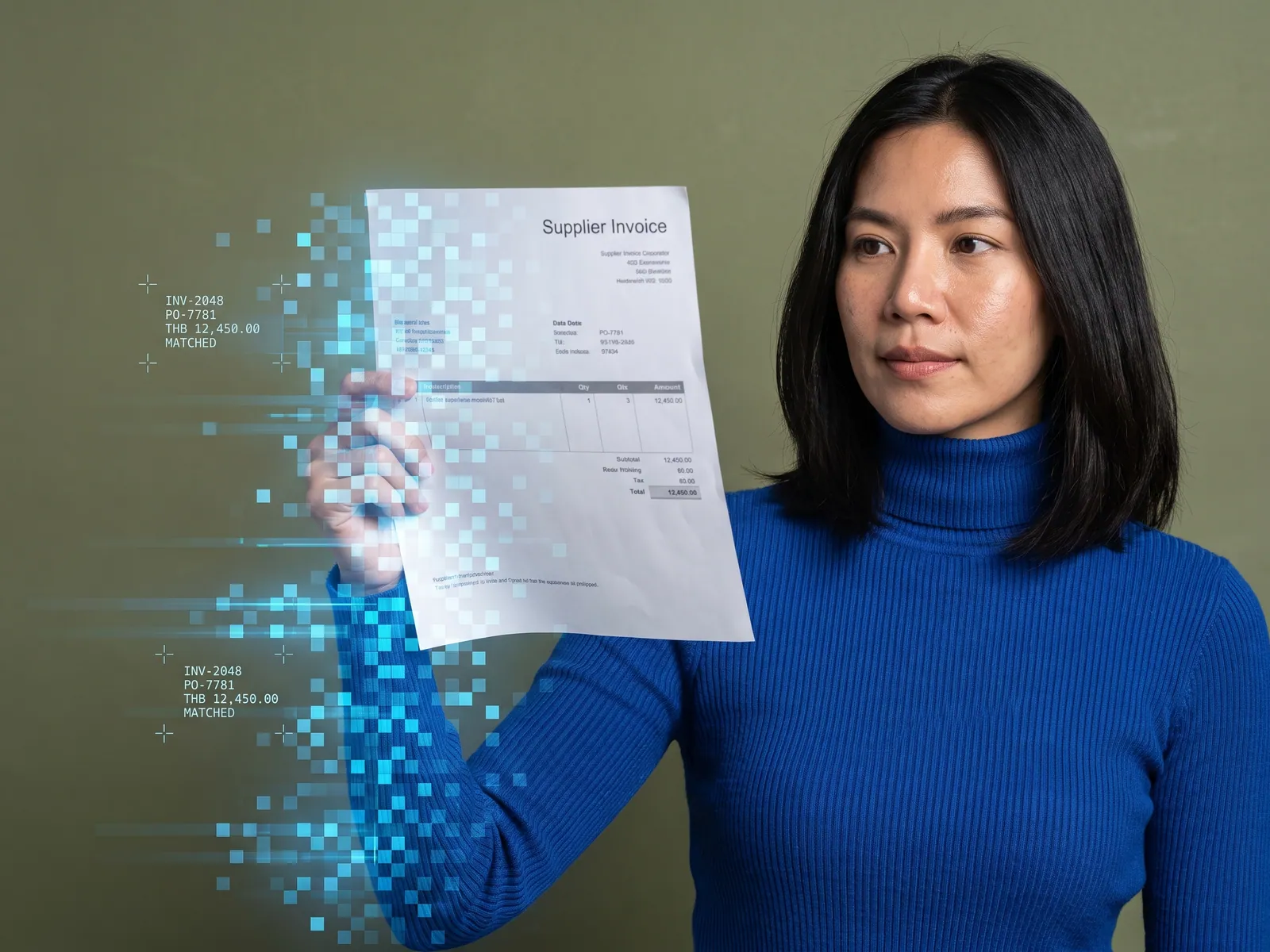
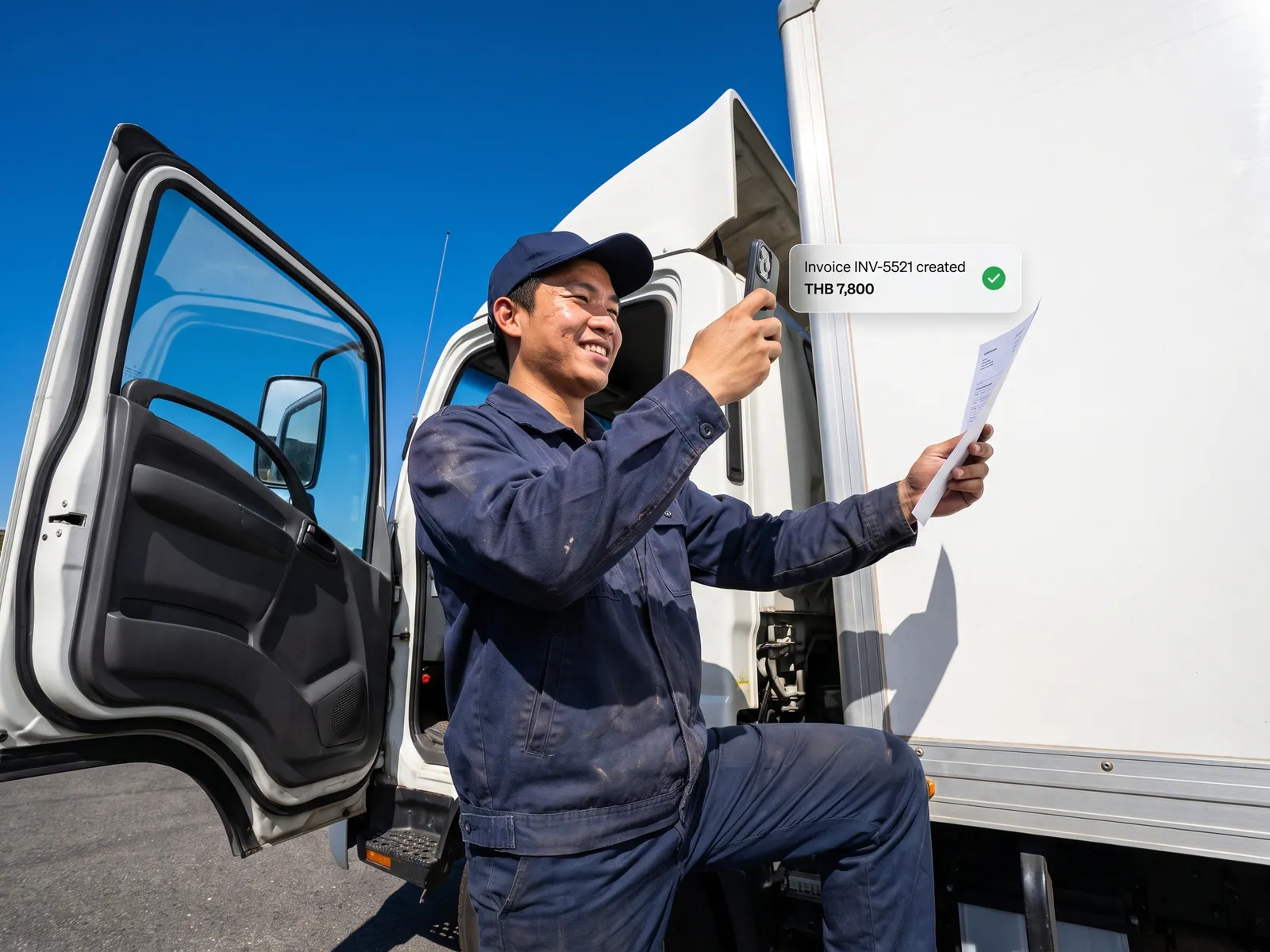
Invoices, receipts, delivery notes, ID card copies and Thai-language forms go into your own system the day they arrive, and a person checks the fields the AI is unsure of before anything is posted.
“Documents come in all day as PDFs, LINE photos and handwritten paper, and staff type them into the system one by one. The OCR program we tried misread Thai so badly we corrected every page, then went back to typing.”
The problem
A Thai company’s documents arrive by every route. Tax invoices from large suppliers come as PDFs in email, receipts from small shops as photos on LINE, delivery notes as paper signed by hand at the warehouse, ID card copies and forms from customers on paper. Someone in accounting, purchasing or HR types each one into the system. General OCR programs read Thai poorly: words have no spaces between them, vowels and tone marks stack above and below the line, several letters look alike, photos are tilted and shadowed, and every vendor lays out its fields differently. The output needs correcting on every page, so many teams stop using it.
The cost of typing shows up later. A wrong digit is found at month-end reconciliation. A tax invoice with the wrong tax ID or company name has to be reissued by the vendor before it can be used. A missing delivery note leads to paying twice, or paying for goods that never came. Old documents sit in paper folders that only the person who filed them can search, and when that person leaves, the history goes too.
How we solve it
We connect the OCR system to the routes your documents already take: the department’s inbox, LINE OA, the scanner folder, Google Drive or an upload page. The AI reads Thai and English text from PDFs, photos and scans, including clearly written handwriting on delivery notes and slips, and extracts fields by document type. A tax invoice yields the number, date, the vendor’s name and tax ID, the amount before VAT, the VAT and the total, and each line item. A delivery note yields the PO number, items, quantities and whether it was signed. An ID card copy yields only the fields you decide to keep under PDPA. New document types can be added later without rebuilding the system.
Before posting, the system runs the checks people already do by hand: do the line items add up to the subtotal, VAT and total, is the tax ID complete and well formed, has this document number come in before, does the vendor exist in your system. The AI scores its confidence on every field. Fields it is unsure of, or that fail a check, go to the check queue, where the person sees the original image beside the fields and confirms or corrects on one screen. Documents that pass every check go straight into your ERP, accounting software or Google Sheets with the original file attached. Every field has a log of what the AI read, who confirmed it, what changed and when.
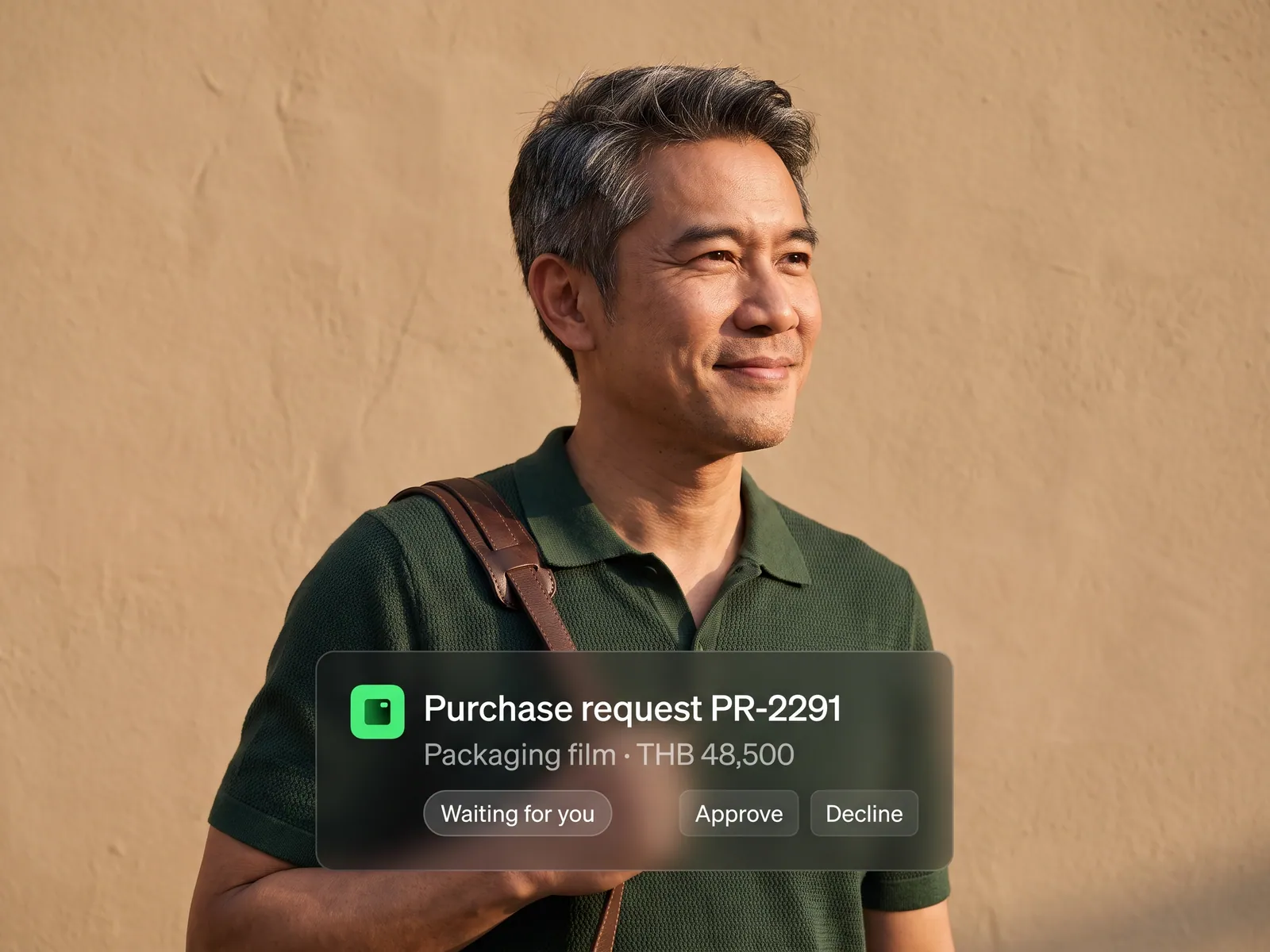
Original files stay in your own storage, named and filed by document type and month, searchable by number, vendor or amount. For ID card copies, HR files and medical records that cannot leave the company, we install a Private LLM so the AI reads inside your network. This reading system is the base for the next step: to match invoices against POs and post payables, it feeds the accounting and finance workflow, and when the destination program has no API, RPA keys the extracted data in place of a person.
How it runs
Work comes in from
- Invoices and tax invoices by email
- Receipt and slip photos on LINE
- Handwritten delivery notes and forms
- ID card copies and scanned documents
What the AI does
- Read Thai and English text from any format
- Extract fields by document type
- Check totals, tax ID and duplicate numbers
- Send unsure fields to a person
Where it lands
- Your ERP or accounting software
- Check queue with the original image
- A document archive you can search
- A log of who read, who corrected, when
Before and after
Before
After
Staff type figures from paper and photos one document at a time, every day
Documents enter the system the day they arrive, from every route
A wrong digit is found at reconciliation or at the tax filing
Totals and tax IDs are checked before posting; unsure fields get a person
Old documents sit in paper folders only the filer can search
Any old document found by number, vendor or amount
What you get
- 01
AI reads Thai and English documents from PDFs, photos and scans, printed or legibly handwritten, and extracts fields by document type: number, date, vendor, amounts before and after VAT, and each line item
- 02
Checks before posting: line items add up to the subtotal and VAT, the tax ID is complete and well formed, the document number has not been seen before, and the vendor exists in your system
- 03
A check queue for fields the AI is unsure of or that fail a check: the person sees the original image beside the fields on one screen, confirms or corrects, and the record moves on
- 04
Data posted to the ERP, accounting software or Google Sheets your team uses, with the original file attached to the record and filed in your own storage, named so it can be found later
- 05
A log for every field of what the AI read, who confirmed it, what changed and when, plus a Private LLM option for ID card copies, HR files and medical records that cannot leave the company
Who gets what
Connected to the ERP and accounting software through their official APIs or the import files they support, never the database directly. Original files stay in your storage, every field is logged for auditors, and a Private LLM option covers documents that cannot leave the company.
Staff stop typing figures from paper. What remains is the fields the system highlights, with the original image beside them, and finding an old document in seconds instead of opening a folder.
Who this fits
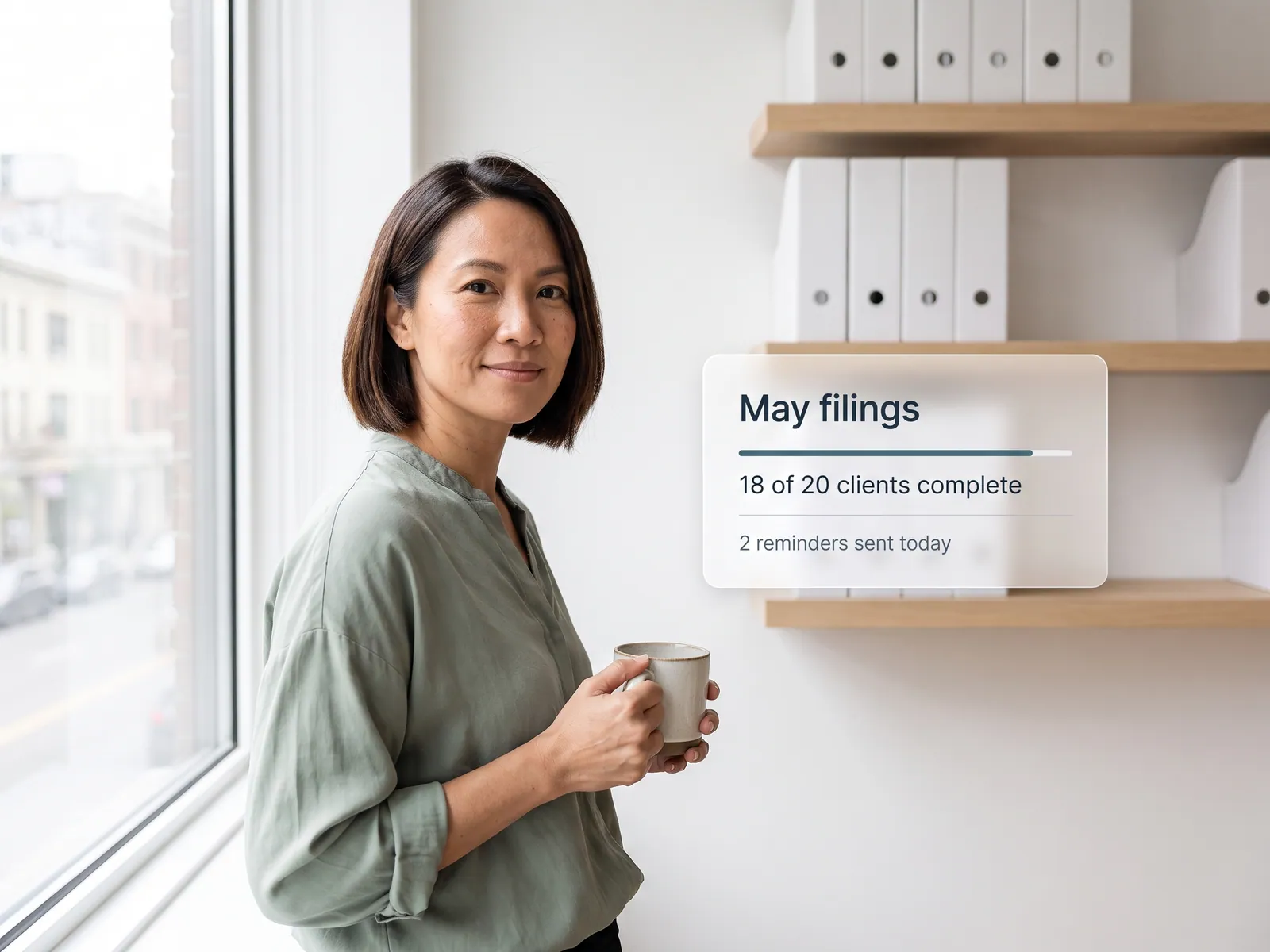
Factories and manufacturers receiving delivery notes and tax invoices dailyWholesalers and dealers with many suppliersAccounting firms whose clients send documents as photos and PDFsBusinesses that keep ID card copies and customer forms: insurance, hire purchase, clinicsForeign-owned companies in Thailand receiving Thai-language documents every day
Connects with what you already run
ExpressPEAKFlowAccountSAP Business OneGoogle SheetsGoogle DriveLINE OAEmail inbox
Development process
- 1
Discover
Requirements, users and success metrics, with scope and price fixed before we start.
- 2
Design
UX and system architecture; the prototype is approved before anything is built.
- 3
Build
AI-accelerated sprints with a demo every week, reviewed by senior engineers.
- 4
Test
QA, security and performance verified against the agreed scope.
- 5
Launch & care
Production deploy, team training, and a monthly care plan.

Turn your business problem into a system that works for you
Tell us today — get an executive-ready proposal with the plan and budget.
Talk to an engineer about thisMore solutions in AI Workflow
See the whole service Marketing teams Marketing workflow Sales teams Sales and CRM workflow Accounting & finance teams Accounting and finance workflow HR teams Employee onboarding workflow Purchasing teams Purchase request and approval workflow Customer service teams Customer service workflow Operations & IT teams n8n Automation Teams re-keying data between systems RPA with AI Accounting teams issuing many invoices e-Tax Invoice and e-Receipt workflow Brands selling on marketplaces Marketplace back-office workflow Factories & manufacturers Purchasing and goods-receipt workflow Accounting & law firms Client document workflow Hospitals & clinics Insurance claim and records workflow Logistics & transport Job sheet and billing workflow Real estate & juristic offices Repair request and common-fee workflow Wholesalers & distributors Orders-from-chat workflow