Every branch on one page, a clear view of which category your cash is sitting in, and a single category that proves the result before you invest across the chain.
Back to AI Transformation
Multi-branch retail · 11 / 13
AI roadmap for retail
Sales, members and stock from every branch in one picture, then one product category where stockouts and overstock visibly drop.
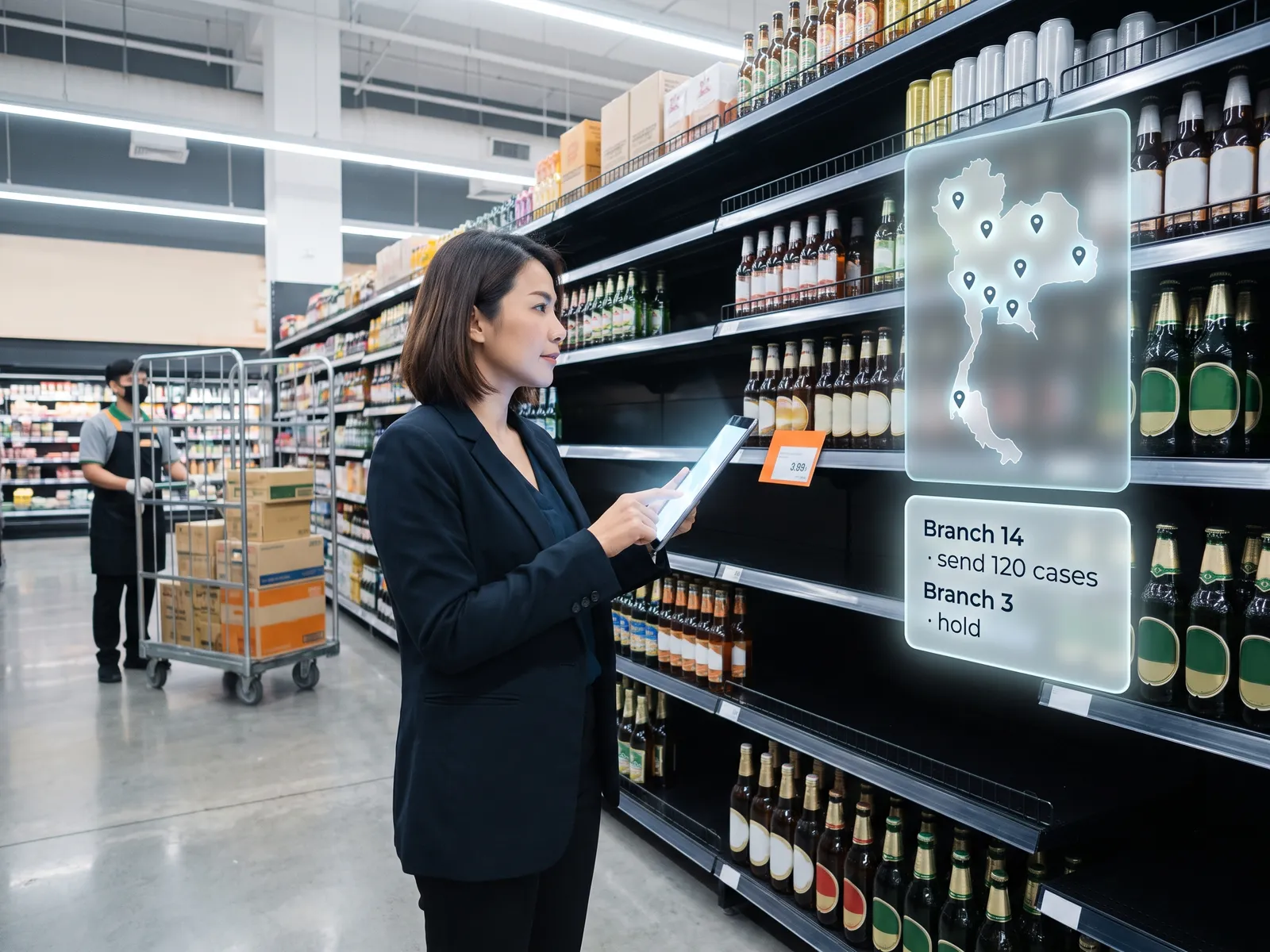 Multi-branch retail
 “Branch sales sit in the POS, customers in the membership system, stock in the ERP. The three never talk, so nobody knows what to send to which branch.”
The problem
Most retail chains have the data. Item-level sales sit in each branch’s POS, members’ purchase history in the membership system, and stock and purchasing in the ERP at head office. The three come from three vendors, use three sets of product codes, and nobody has ever laid them side by side. So what gets sent to each branch comes down to the branch manager’s feel and last month’s sales.
One branch runs out mid-month while another sits on stock until it has to be cleared at a discount, and the same promotion runs in every branch even though customers in each area buy differently.
How we solve it
We start by connecting the POS, the membership system and the ERP read-only and building the mapping table that makes product and branch codes agree, which is usually the slowest job and the one nobody wants. The result is one data set that shows what each branch sells, to whom and what is left, with a dashboard area managers open themselves.
The pilot we build together starts with the one category that runs out or piles up most often. Every week it works out what each branch should order from past sales, stock on hand and the promotions coming up, and sends purchasing a list to check and approve before it goes into the ERP.
Ordering, pricing and clearance discounts stay with purchasing and the managers. The system suggests and shows its reasons. We measure the pilot category against the others over the same weeks, and move to the next category once the numbers are clear.
How it runs
Work comes in from
- SKU-level sales from every branch’s POS
- Purchase history from the membership system
- Stock and purchasing from the ERP
- Interviews with branch managers and purchasing
What the AI does
- Connect the systems and match the codes
- Rank use cases by payback
- Deliver the 90-day roadmap
- Build the replenishment pilot together
Where it lands
- One dashboard of every branch for area managers
- Per-branch order lists awaiting purchasing
- Stockout and overstock numbers for the pilot
- A plan for the next category
Before and after
Before
After
Branch orders come down to gut feel and last month’s sales
A per-branch order list every week, approved by purchasing
One branch runs out while another clears stock at a discount
You see which branch will run short or pile up and move stock in time
Three systems from three vendors, three sets of product codes
Sales, members and stock in one picture, with codes that match
What you get
- 01
An audit of what your POS, membership system and ERP hold, how each can be connected, and whether product and branch codes match across the three
- 02
A combined data set that lays sales, members and stock for every branch in one picture, with a dashboard area managers open themselves
- 03
A list of use cases ranked by payback, from branch-level stock forecasting and member recommendations to branch-level promotions
- 04
A 90-day roadmap that picks one product category to start with, with the budget, team and metric
- 05
A pilot built together: replenishment suggestions per branch for that category, approved by purchasing, measured in stockouts and overstock reduced, with training for branch and purchasing staff
Who gets what
POS and ERP connected through their API or a read-only database link, no change to the store systems. The code mapping table is yours, and orders enter the ERP through the existing approval steps.
Branch managers stop counting shelves to guess an order, and purchasing gets a thought-through list to check instead of starting from an empty Excel sheet.
Who this fits
Convenience stores and minimartsPharmacies and health storesFashion and cosmeticsBuilding materials and home goodsMulti-branch restaurants and cafésFranchises
Connects with what you already run
POSERPMembership systemShopee and LazadaLINE OAPower BILooker
Development process
- 1
Discover
Requirements, users and success metrics, with scope and price fixed before we start.
- 2
Design
UX and system architecture; the prototype is approved before anything is built.
- 3
Build
AI-accelerated sprints with a demo every week, reviewed by senior engineers.
- 4
Test
QA, security and performance verified against the agreed scope.
- 5
Launch & care
Production deploy, team training, and a monthly care plan.

Turn your business problem into a system that works for you
Tell us today — get an executive-ready proposal with the plan and budget.
Talk to an engineer about thisMore solutions in AI Transformation
See the whole service Executives & finance AI roadmap for executives and finance Sales teams AI roadmap for sales Operations & production AI roadmap for production and operations HR teams AI roadmap for HR Marketing teams AI roadmap for marketing IT & data AI roadmap for IT and data Organisations rolling out AI Forward Deployed Engineers (FDE) for AI adoption Factories & manufacturers AI roadmap for a factory Hospitals & clinic groups AI roadmap for healthcare providers Banking, insurance & securities AI roadmap for financial institutions Logistics companies AI roadmap for transport and warehousing Family businesses & SMEs AI roadmap on a limited budget