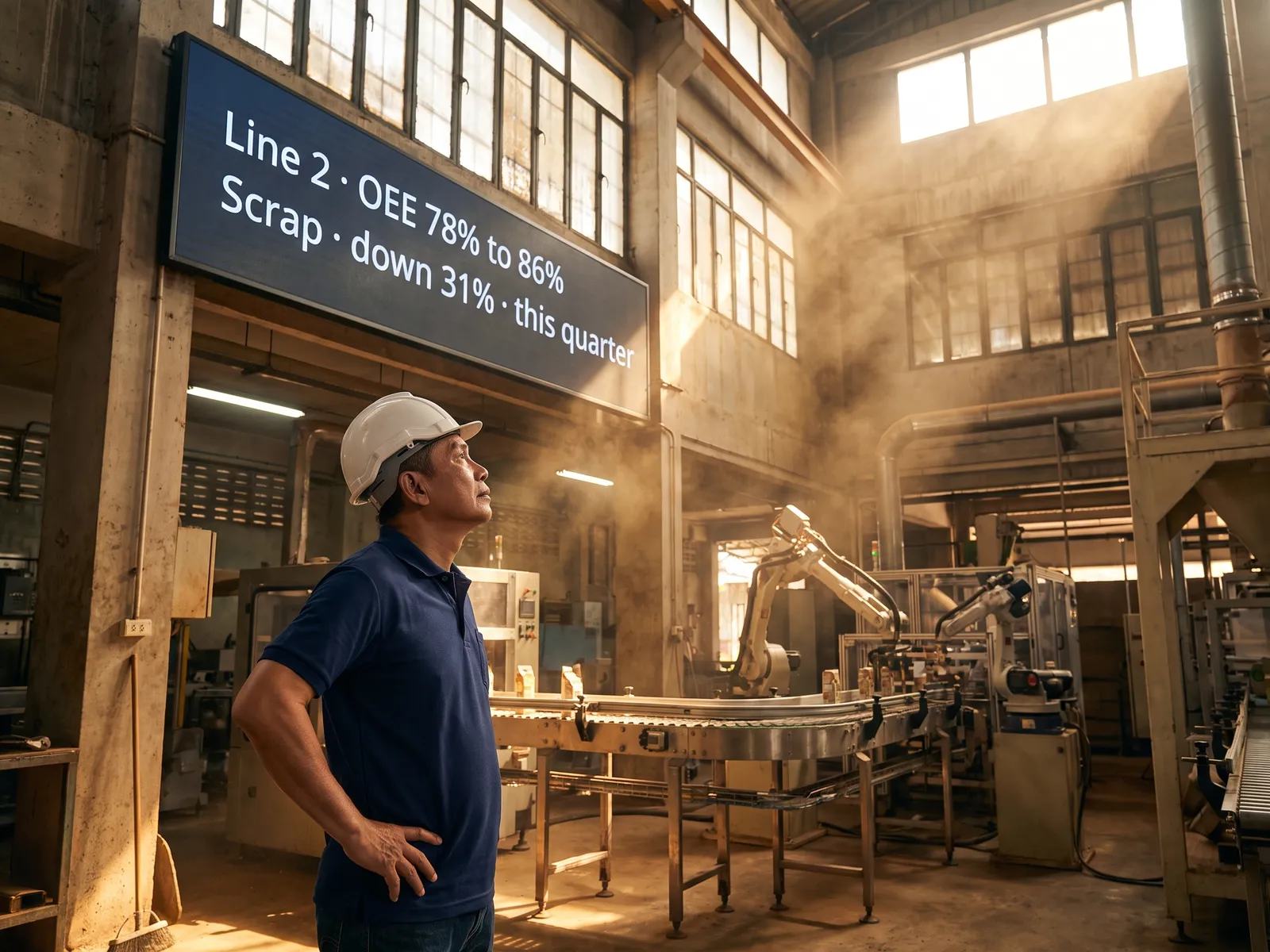
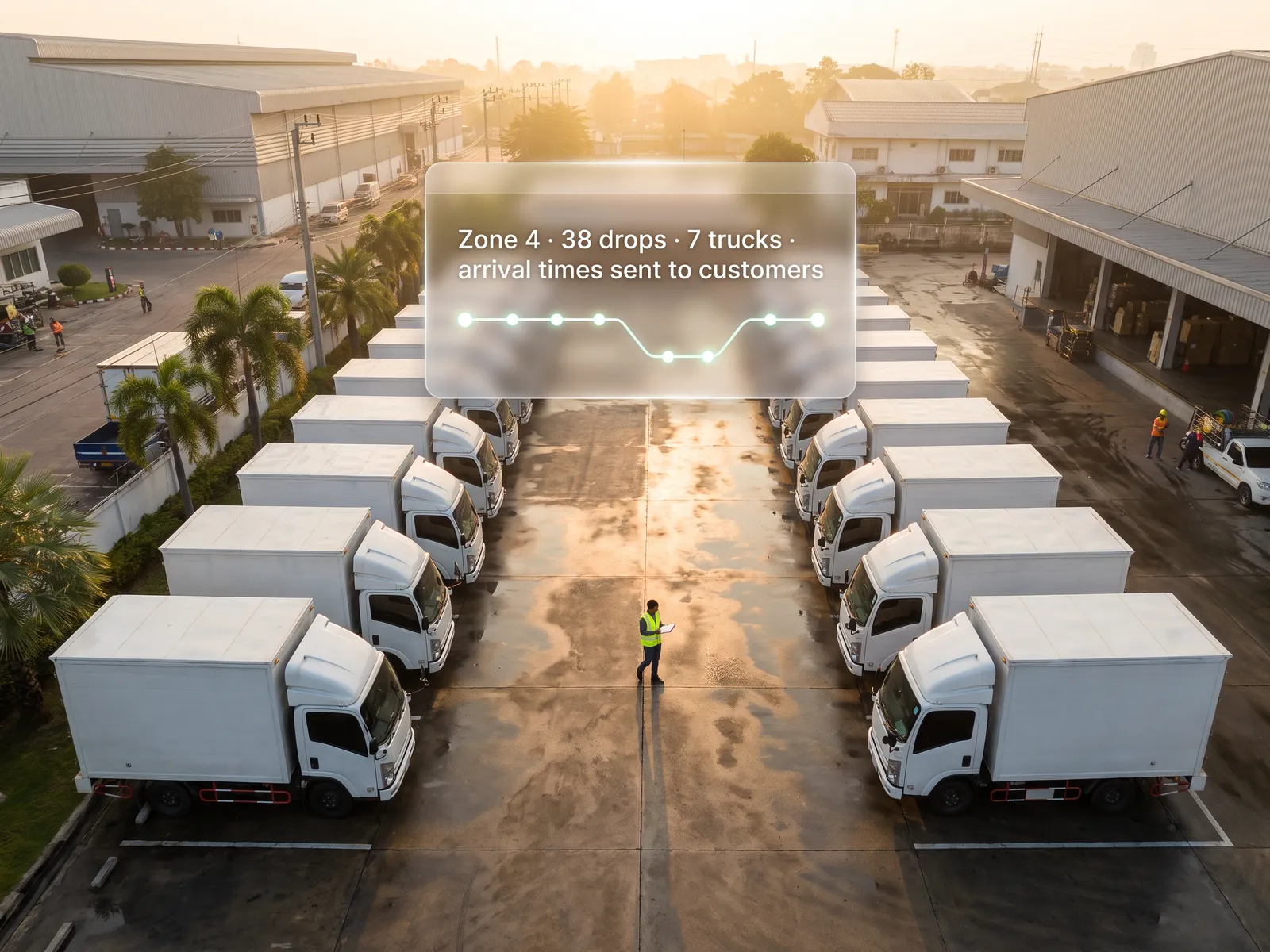
Pay only for what is needed, know which job the first system pays back from, and stop calling an outsider every time something needs changing.
Back to AI Transformation
Family businesses & SMEs · 13 / 13
AI roadmap on a limited budget
Two days watching how your team really works, one job that pays back most, and a first system built on the LINE and Google Workspace you already have.
 Family businesses & SMEs
 “We know we need AI because competitors have started. We have no IT team, no million-baht budget, and a fear of buying tools nobody uses.”
The problem
The owner of a family business knows AI has to start, because competitors post about it and customers have begun asking whether there is a system. But there is no IT department, the whole business runs on LINE, Excel and the bookkeeper’s notebook, and every vendor who comes by starts at a million baht with a pitch that sounds the same as the last one.
Past experience is usually a tool that got bought and used for two months, because the person who set it up was an outsider. When they left, nobody in the family could fix it, and the team went back to LINE and paper.
How we solve it
We start with two days actually working beside your team: how orders come in, who retypes what, and what eats the owner’s day. At the end you have a list of jobs with the hours each takes, and we point to the one job worth starting with, which is usually a small one no vendor ever pitched.
The first system is built on tools you already pay for: an agent that reads orders from LINE into a Google Sheet for dispatch, an assistant that answers the usual customer questions on LINE OA and hands the rest to a person, or a summary of sales and cash in for the owner every morning. We build it together with the person on your team who will look after it, so they see every setting.
Quoting prices, giving a customer credit and paying money out stay with the owner and whoever they delegate to. The system prepares and reminds. After handover there is a short manual and a line to us, and once the first system is running we talk about the next job, going on the numbers you can now see.
How it runs
Work comes in from
- Orders and customer questions on LINE
- The team’s Excel and Google Sheets
- Accounts in FlowAccount or PEAK
- Two days with the owner and the team
What the AI does
- Watch the real work and time each job
- Pick the one job that pays back most
- Plan a roadmap on the tools you have
- Build the first system with its future owner
Where it lands
- A first system in daily use on LINE and Sheets
- A sales summary for the owner every morning
- A manual and a team that runs it
- The next jobs, each with its cost
Before and after
Before
After
Vendors pitch million-baht systems with the same promises
One job first, on tools you already pay for, with a clear line on what costs extra
A tool bought and used for two months, because an outsider set it up
Someone on the team saw every setting and can change it
The owner types up the day’s sales every night from LINE and Excel
Sales and cash in wait for the owner on LINE every morning
What you get
- 01
Two days of us working alongside your team, noting who does what, where the work repeats and which job eats most of the owner’s time, written up as a list of jobs with the hours each takes
- 02
One job chosen as the best payback, with the reasons it comes first and which jobs can wait
- 03
A roadmap that starts with the tools you already have, such as LINE, Google Workspace or Microsoft 365, and says what you would pay extra for and what you would not
- 04
The first system, built together within a few weeks: orders read from LINE into a sheet, routine customer questions answered, or a sales summary for the owner every morning
- 05
Training and a short manual so someone in the family runs it from here, with a line to us after handover
Who gets what
With no IT department, we work with whoever already looks after the company’s computers, use the Google or Microsoft accounts you have, add no new server, and leave every setting documented in a manual someone in the family can open.
Staff stop retyping LINE orders into a sheet line by line and answering the same question all day.
Who this fits
Wholesalers and distributorsFamily-run factoriesRestaurants and cafésContractors and service firmsClinics and beauty salonsOnline businesses selling through LINE
Connects with what you already run
LINE OAGoogle WorkspaceMicrosoft 365FlowAccountPEAKn8n
Development process
- 1
Discover
Requirements, users and success metrics, with scope and price fixed before we start.
- 2
Design
UX and system architecture; the prototype is approved before anything is built.
- 3
Build
AI-accelerated sprints with a demo every week, reviewed by senior engineers.
- 4
Test
QA, security and performance verified against the agreed scope.
- 5
Launch & care
Production deploy, team training, and a monthly care plan.

Turn your business problem into a system that works for you
Tell us today — get an executive-ready proposal with the plan and budget.
Talk to an engineer about thisMore solutions in AI Transformation
See the whole service Executives & finance AI roadmap for executives and finance Sales teams AI roadmap for sales Operations & production AI roadmap for production and operations HR teams AI roadmap for HR Marketing teams AI roadmap for marketing IT & data AI roadmap for IT and data Organisations rolling out AI Forward Deployed Engineers (FDE) for AI adoption Factories & manufacturers AI roadmap for a factory Hospitals & clinic groups AI roadmap for healthcare providers Banking, insurance & securities AI roadmap for financial institutions Multi-branch retail AI roadmap for retail Logistics companies AI roadmap for transport and warehousing