HR gets time for workforce planning, and you can tell the PDPA committee where employee data lives and who has looked at it.
Back to Private LLM
HR teams · 02 / 12
HR assistant on a Private LLM
Staff get instant answers on leave, benefits and policy, HR searches employee records by permission, and salaries and reviews never leave the company.
 HR teams
 “Salaries, reviews and employee records are personal data under PDPA, so the team doesn’t dare use AI for HR work at all.”
The problem
HR answers the same questions every day. How many leave days do I have left, what can I claim for medical, how do I get a salary certificate. The questions come by email, by LINE and by walking to the desk, while the answers sit in a handbook nobody opens and in an HRIS only HR can log into.
AI could take this over, except everything HR holds is personal data under PDPA. Salaries, reviews and health records cannot go into a public tool, so the team keeps answering by hand and the work that deserves the time, such as workforce planning, never gets done.
How we solve it
We install the HR assistant on your own servers or in your own cloud account and connect it to the handbook, the rules, the announcements and the HRIS you already run. Staff sign in with their company account and ask about leave, benefits or a procedure, and get the answer with the clause it comes from. HR asks about the record or review of someone in their care in a plain sentence.
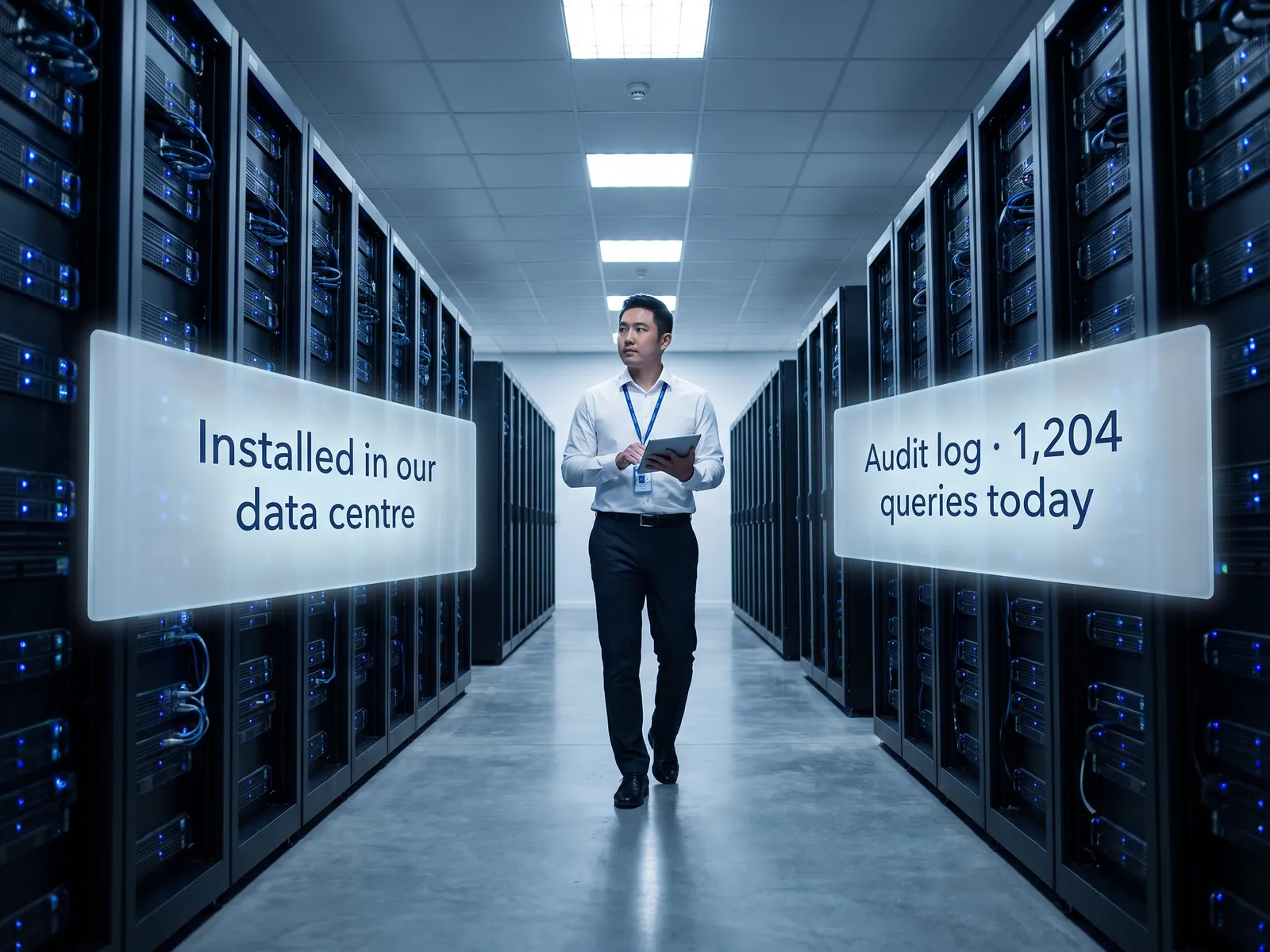
The system answers only within the asker’s permissions. Staff see their own data, managers see their team, and every lookup of personal data goes into an audit log the DPO can review later. Nothing leaves the company network and there are no external API calls.
Anything that affects an employee, such as approving leave, changing pay or issuing a warning, is drafted by the system and decided and signed by a person every time.
How it runs
Work comes in from
- Staff questions on LINE and email
- Handbook and rules
- Data in the HRIS
- New announcements and policies
What the AI does
- Check the asker’s permissions
- Find the answer in rules and real data
- Draft the answer with its citation
- Log the access in the audit log
Where it lands
- Instant answers to staff
- Drafts for HR to check
- Audit log for the DPO
- Frequent questions for HR to fix the rules
Before and after
Before
After
HR answers the same questions all day on LINE and email
Staff ask the assistant and get the answer with its clause at once
Staff wait days for an employment letter
The system drafts the letter from real data; HR checks and signs the same day
Nobody knows who looked at whose salary
Every access is in an audit log the DPO can open
What you get
- 01
An internal chat assistant that answers staff questions from the employee handbook, rules and announcements, citing the clause
- 02
Role-based permissions: staff see their own data, managers see their team, HR sees what the policy allows
- 03
Drafts of announcements, employment letters and benefit answers for HR, built from real data in the HRIS
- 04
Search across records, leave and reviews in plain questions, with every lookup logged
- 05
An audit log the DPO can open to see who asked about whose data and when, as PDPA requires
Who gets what
Installed on your infrastructure, connected to the HRIS through a read-only API at first, permissions from Active Directory and an audit log on every question.
HR stops answering the leave question dozens of times a day, and staff get answers late at night when nobody from HR is around.
Who this fits
Companies with several hundred staff or moreFactories running several shiftsRetail chains with many branchesHospitals & clinic groupsGroups with a shared HR function
Connects with what you already run
SAP SuccessFactorsHRISMicrosoft 365Google WorkspaceLINE OAActive Directory
Development process
- 1
Discover
Requirements, users and success metrics, with scope and price fixed before we start.
- 2
Design
UX and system architecture; the prototype is approved before anything is built.
- 3
Build
AI-accelerated sprints with a demo every week, reviewed by senior engineers.
- 4
Test
QA, security and performance verified against the agreed scope.
- 5
Launch & care
Production deploy, team training, and a monthly care plan.

Turn your business problem into a system that works for you
Tell us today — get an executive-ready proposal with the plan and budget.
Talk to an engineer about thisMore solutions in Private LLM
See the whole service Legal & contracts Private LLM for contract work Finance & accounting Private LLM for financial documents R&D & engineering Private LLM for engineering knowledge Customer service teams Customer reply assistant on a Private LLM Executives & the board Private LLM for executives and the board Banks & financial institutions Private LLM for financial institutions Hospitals Private LLM for health data Law firms & consultancies Private LLM for clients’ confidential documents Telecoms & ISPs Private LLM for telecom operators Energy & utilities Private LLM for critical infrastructure Insurers Private LLM for claims and underwriting