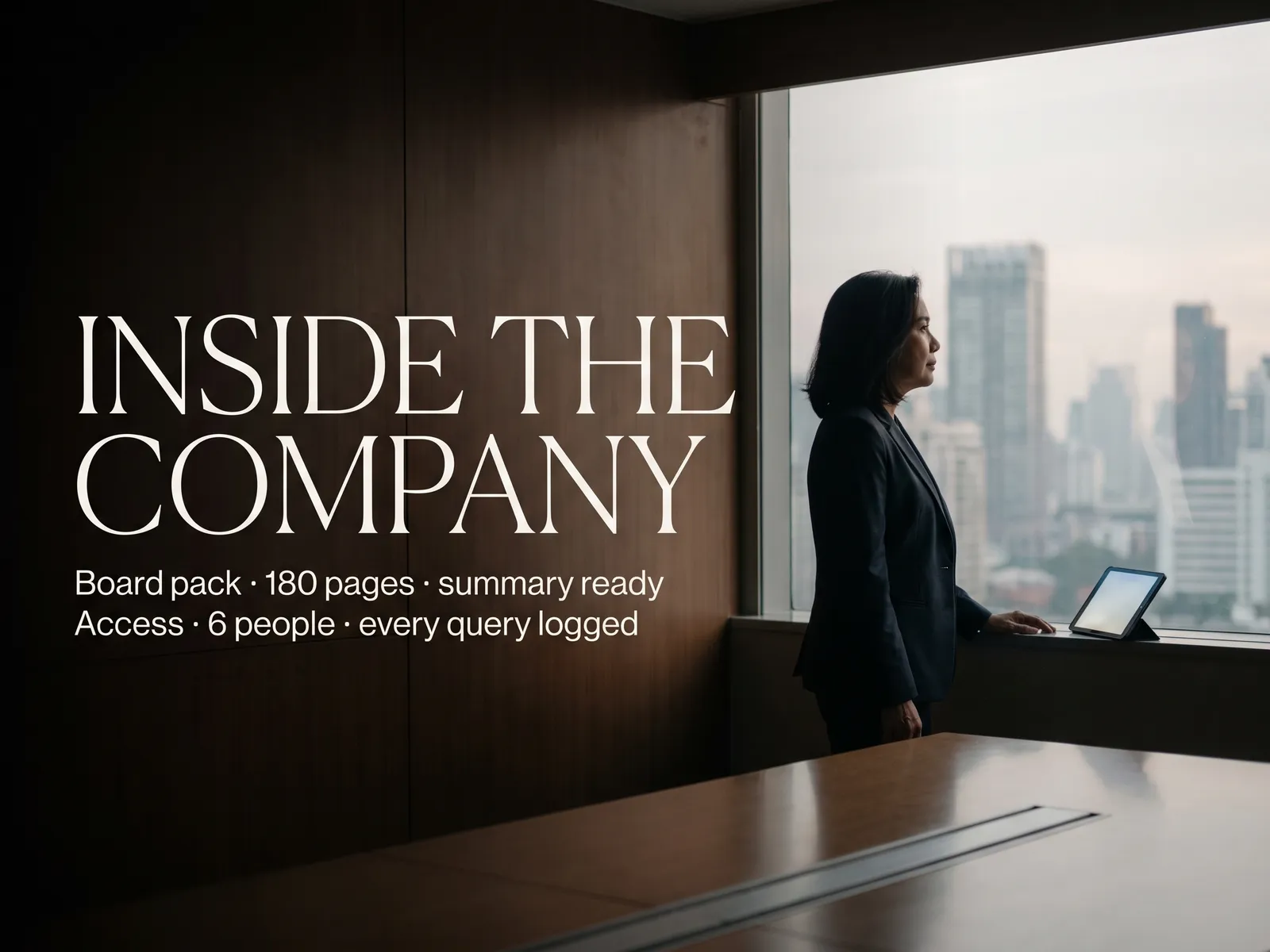
Lawyers work faster on what the firm has already built over ten years, and you can tell every client their data lives on the firm’s servers alone.
Back to Private LLM
Law firms & consultancies · 09 / 12
Private LLM for clients’ confidential documents
Search, compare and draft contracts from the firm’s own document library, on your own servers, with data walled per client and a usage log you can show clients.
 Law firms & consultancies
 “Our work is entirely clients’ confidential documents. To use AI on contracts, we must be able to tell clients exactly where their data goes.”
The problem
A law firm has ten years of documents: the agreements it drafted, the opinions it gave, the judgments it relied on. None of it can be found when it is needed. A junior lawyer drafts from scratch or walks over to ask a partner whether the firm has done something like this before.
A public tool would help, and every file is a client’s confidential matter. Some clients write into the engagement letter that their data must never enter an outside system. So before using AI on any matter, the firm has to be able to say where the data is and who has looked at it.
How we solve it
We install a language model on the firm’s own servers or in a cloud account the firm controls, and index the library from the document management system you already use. A lawyer asks whether the firm has drafted a clause like this for a client in the same industry and gets the matching documents with the clause itself, or has the system write a first draft from the firm’s templates and past work.
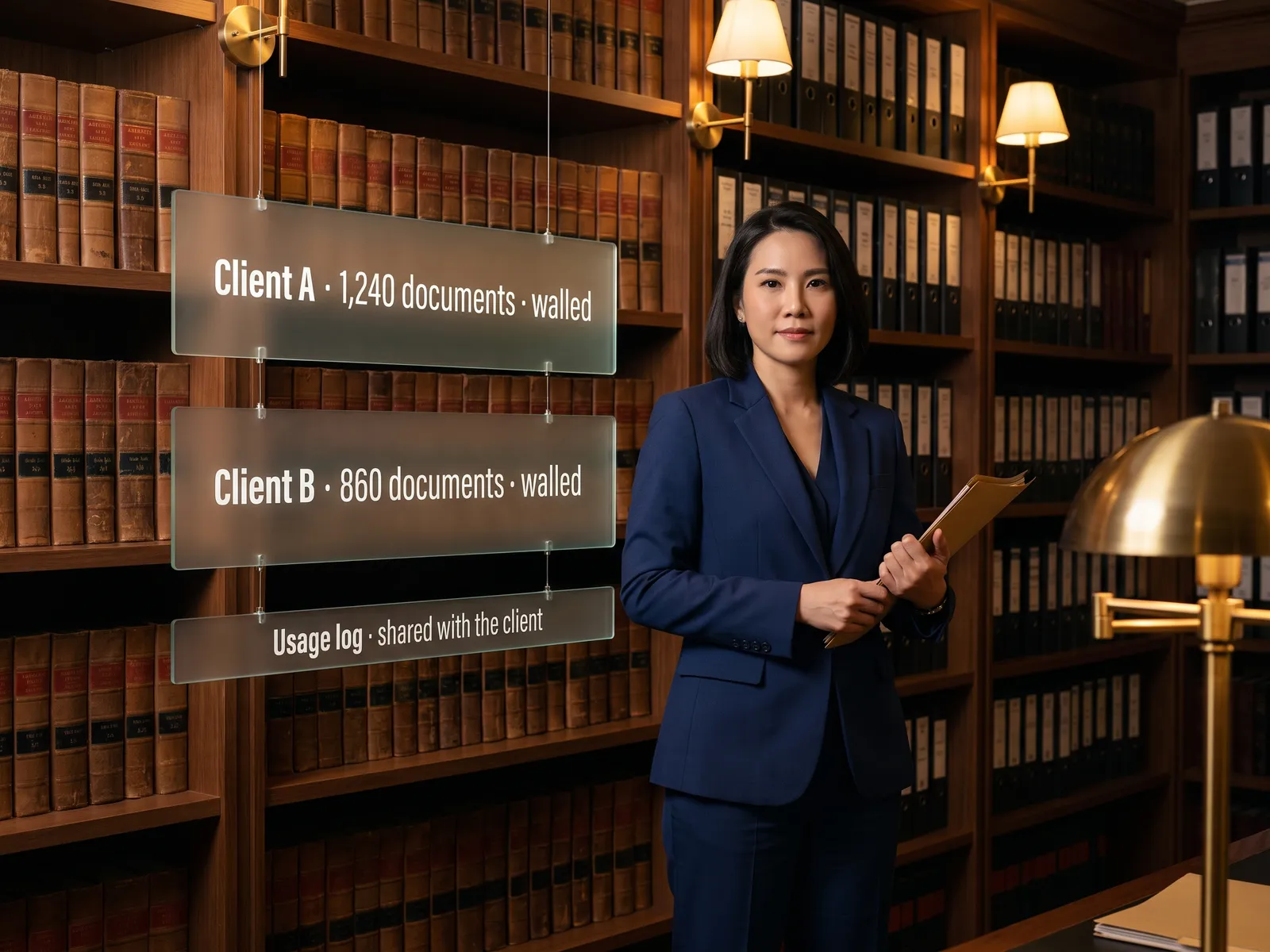
Data is walled per client and matter, following the permissions already set in your system. A team outside the matter finds nothing even when it types the name directly. Every question is logged, and the firm can print the log for a client to show who opened their documents, when and for what. There are no external API calls.
The system searches and drafts. Every opinion sent to a client and every document filed with the court is still read, edited and signed by the responsible lawyer.
How it runs
Work comes in from
- The library in document management
- Past agreements and opinions
- Judgments and case files
- Questions from lawyers
What the AI does
- Check permissions per client and matter
- Search and compare across documents
- Distil issues and write a first draft
- Log the usage per client
Where it lands
- Matching documents with the clause itself
- First drafts for the lawyer to edit
- Issue summaries for the opinion
- Usage log the firm can show clients
Before and after
Before
After
Junior lawyers draft from scratch or ask a partner whether the firm has done this before
One typed question returns the old agreement with the matching clause
A client asks where their data goes and the answer is not a confident one
The firm prints a usage log showing the client who opened their documents
Ten years of work sits in folders searchable by file name alone
The archive is searchable by content, walled per client
What you get
- 01
A model on the firm’s servers that searches, compares and drafts from your document library
- 02
Data walls per client and matter: one team cannot search another matter’s files, and conflict-of-interest walls hold
- 03
A usage log you can show clients: who opened their documents and when
- 04
Judgments, old agreements and meeting notes distilled into issues with page references, for lawyers preparing an opinion
- 05
First drafts of agreements and legal opinions from the firm’s templates and past work, for the lawyer to finish
Who gets what
Indexed from the document management system you already run, permissions per client and matter from Active Directory, every question logged, installed on the firm’s own servers.
Lawyers stop searching by file name and stop redrafting the same clause; they start from the first draft that already exists.
Who this fits
Law firmsBusiness consultanciesAccounting & audit firmsTax advisersIn-house legal teams that outsource work
Connects with what you already run
Document ManagementiManageNetDocumentsMicrosoft 365Active Directory
Development process
- 1
Discover
Requirements, users and success metrics, with scope and price fixed before we start.
- 2
Design
UX and system architecture; the prototype is approved before anything is built.
- 3
Build
AI-accelerated sprints with a demo every week, reviewed by senior engineers.
- 4
Test
QA, security and performance verified against the agreed scope.
- 5
Launch & care
Production deploy, team training, and a monthly care plan.

Turn your business problem into a system that works for you
Tell us today — get an executive-ready proposal with the plan and budget.
Talk to an engineer about thisMore solutions in Private LLM
See the whole service Legal & contracts Private LLM for contract work HR teams HR assistant on a Private LLM Finance & accounting Private LLM for financial documents R&D & engineering Private LLM for engineering knowledge Customer service teams Customer reply assistant on a Private LLM Executives & the board Private LLM for executives and the board Banks & financial institutions Private LLM for financial institutions Hospitals Private LLM for health data Telecoms & ISPs Private LLM for telecom operators Energy & utilities Private LLM for critical infrastructure Insurers Private LLM for claims and underwriting