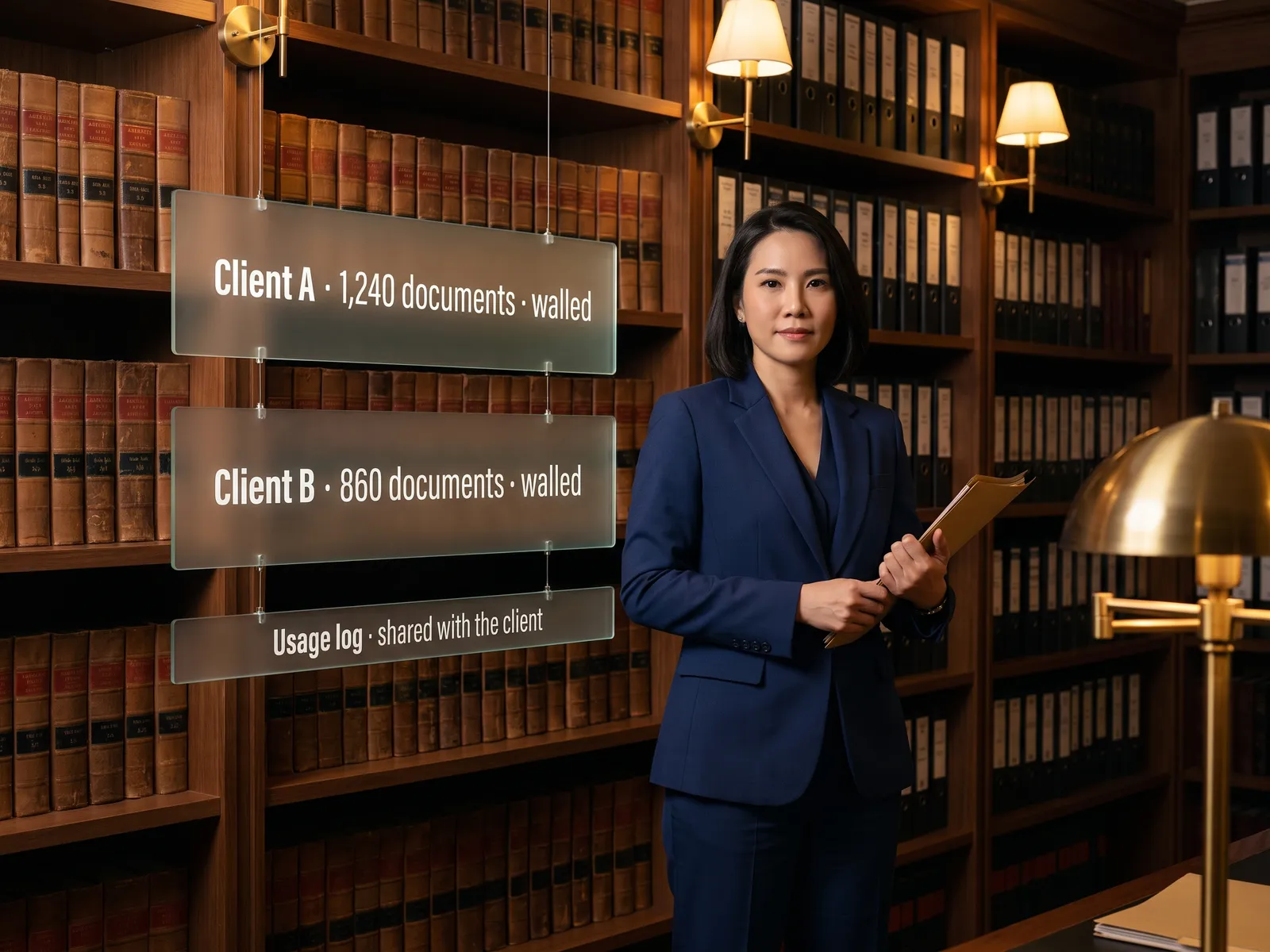
Contracts clear legal faster without adding headcount, and you can tell every counterparty their documents live on our servers alone.
Back to Private LLM
Legal & contracts · 01 / 12
Private LLM for contract work
Every contract read by AI on your own servers, with the clauses that differ from your standard flagged in minutes, and no contract ever leaving the company.
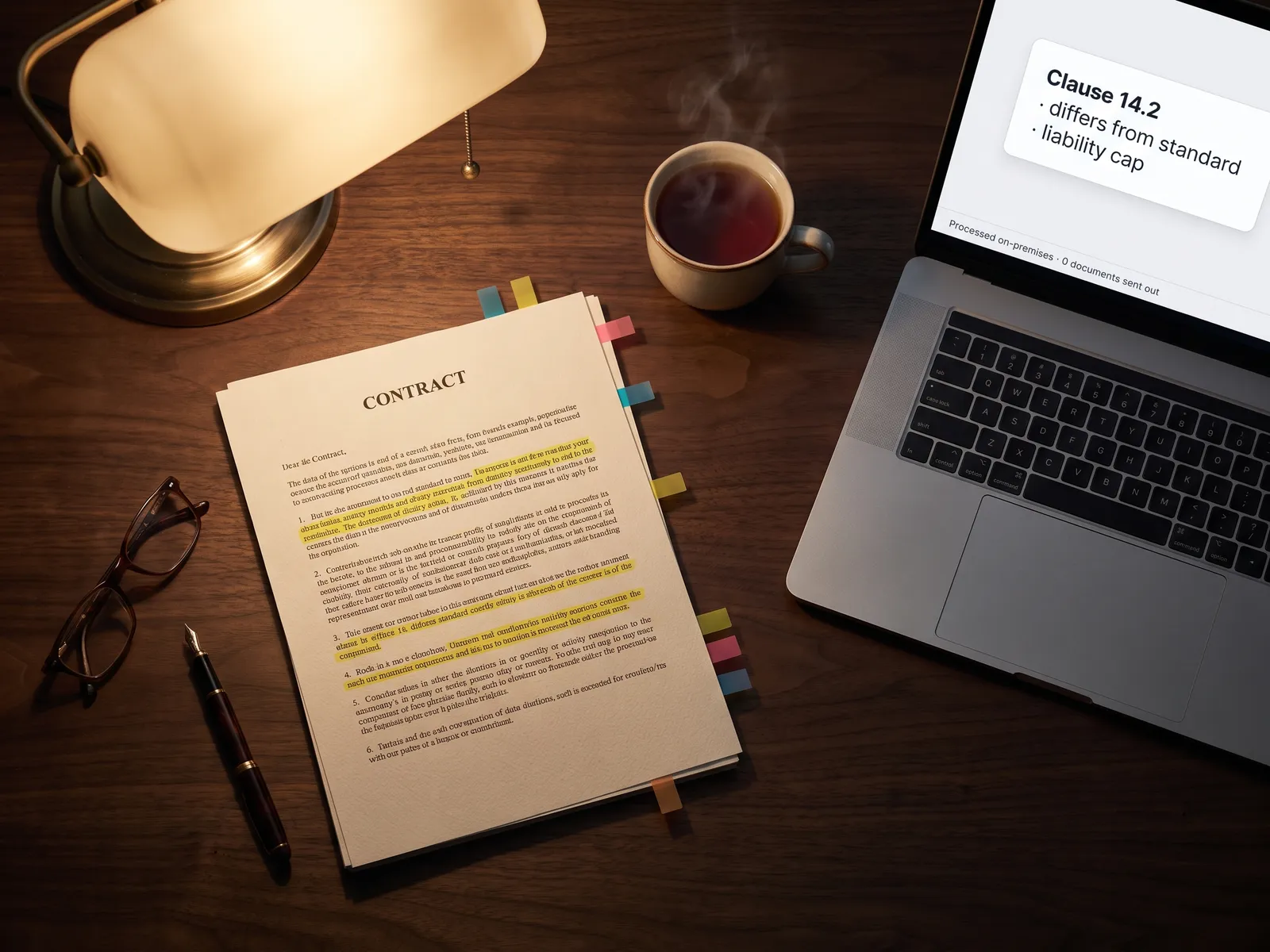 Legal & contracts
 “Legal wants AI to read contracts, but every contract holds counterparty data, and pasting it into a public tool breaks policy.”
The problem
One contract takes half a day to read. A legal team of two or three receives contracts from purchasing, sales and HR every week, and each one has to be opened next to the company template and checked clause by clause: what did the counterparty change, what is hidden in the annex. When the queue grows, sales starts asking every day when they can sign.
Public tools would help, and every contract carries counterparty names, prices and confidential terms, so compliance forbids pasting them in. The team goes back to reading with their eyes, and the clause that should have been caught slips through in the tenth contract of the day.
How we solve it
We install an open language model, such as Llama, Qwen or Typhoon for Thai, on your own servers or in your own cloud account, and connect it to the contract archive you already keep in SharePoint or Google Drive. A lawyer signs in with their company account through Active Directory, uploads a contract and gets a clause-by-clause comparison with the template and a risk summary within minutes.
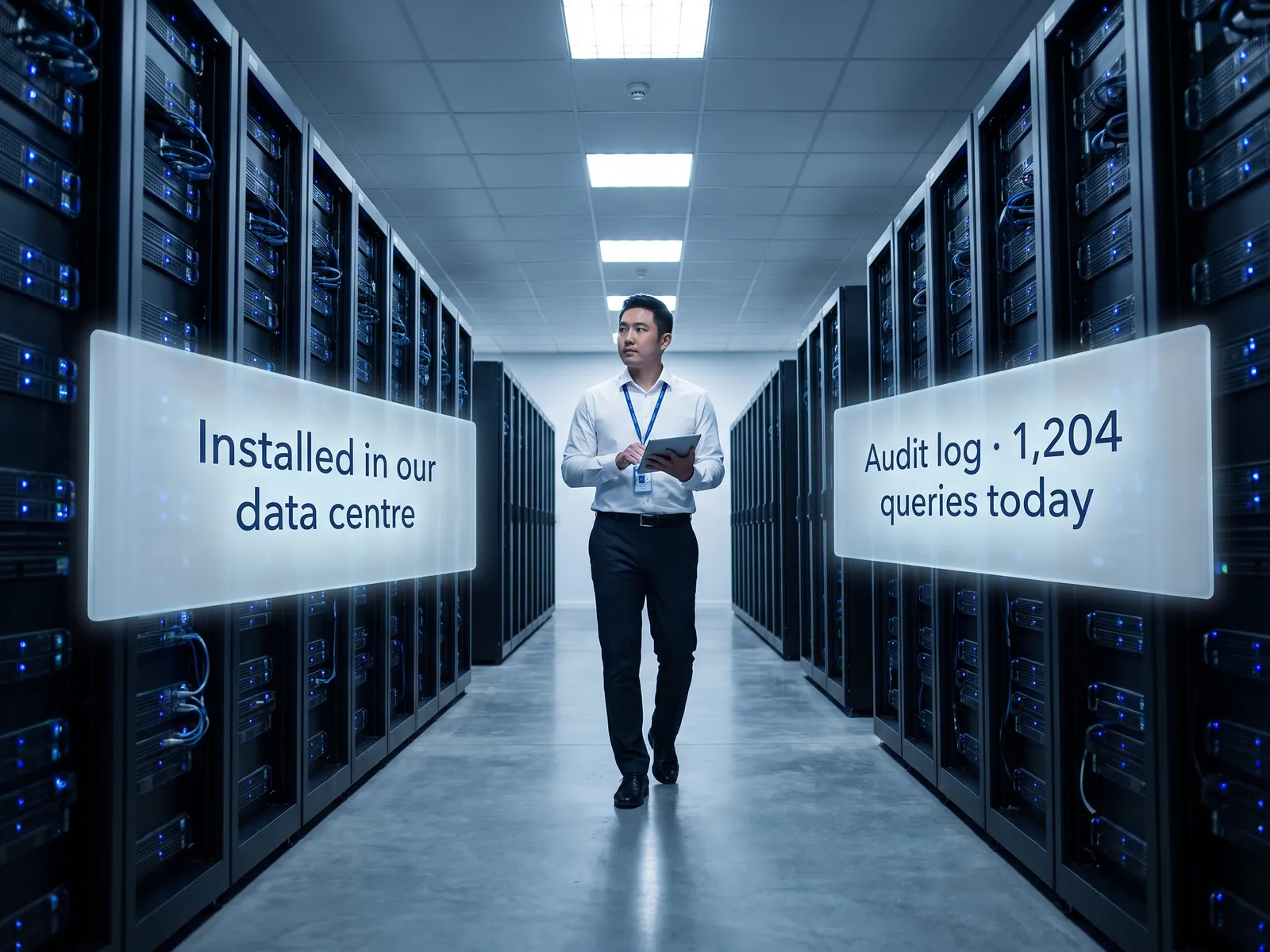
Every question and every answer stays inside your network. There are no external API calls, and an audit log records who opened which contract, what they asked and when. Where a contract holds a counterparty’s personal data, storage and access follow the PDPA approach we design with your legal counsel.
The system flags and summarises. The decisions stay with people: your lawyer reads the highlighted clauses, decides what is acceptable and what needs negotiating, and approves before any contract goes back out.
How it runs
Work comes in from
- Contracts from purchasing and sales
- The contract archive in SharePoint
- The company’s standard template
What the AI does
- Read the whole contract, annexes included
- Compare every clause with the template
- Highlight differences and summarise risk
- Record every question in the audit log
Where it lands
- Clause comparison for the lawyer
- Risk summary to the requesting team
- Answers from the archive search
- Audit log for compliance
Before and after
Before
After
Half a day per contract, comparing clauses with the template by eye
Clause comparison and risk summary ready in minutes; the lawyer reads only what differs
Sales asks every day whether their contract has reached the queue
Sales gets a first answer the same day the contract arrives
Finding which old contract has a clause like this means opening files one by one
One typed question returns the matching contracts with page references
What you get
- 01
A language model installed on your own servers or in your own cloud account, reading contracts uploaded as PDF or Word
- 02
Every clause compared with the company’s standard template, with the differences highlighted and explained
- 03
A plain-language risk summary by topic: payment terms, penalties, termination and governing law
- 04
Search across the whole contract archive in plain questions, such as "which contracts have a non-compete longer than two years", with page references
- 05
An audit log of who read which contract, what they asked and when, for compliance
Who gets what
Installed on your own servers or in your own cloud account, sign-in through your existing Active Directory, no external API calls, and an audit log on every question.
Lawyers stop re-reading clauses that match the template word for word and spend their time on the ones that actually need negotiating.
Who this fits
Companies with many supplier contractsContractors & constructionManufacturers & distributorsReal estateGroups with a central legal team
Connects with what you already run
Microsoft 365SharePointGoogle WorkspaceActive DirectoryDocument ManagementDocuSign
Development process
- 1
Discover
Requirements, users and success metrics, with scope and price fixed before we start.
- 2
Design
UX and system architecture; the prototype is approved before anything is built.
- 3
Build
AI-accelerated sprints with a demo every week, reviewed by senior engineers.
- 4
Test
QA, security and performance verified against the agreed scope.
- 5
Launch & care
Production deploy, team training, and a monthly care plan.

Turn your business problem into a system that works for you
Tell us today — get an executive-ready proposal with the plan and budget.
Talk to an engineer about thisMore solutions in Private LLM
See the whole service HR teams HR assistant on a Private LLM Finance & accounting Private LLM for financial documents R&D & engineering Private LLM for engineering knowledge Customer service teams Customer reply assistant on a Private LLM Executives & the board Private LLM for executives and the board Banks & financial institutions Private LLM for financial institutions Hospitals Private LLM for health data Law firms & consultancies Private LLM for clients’ confidential documents Telecoms & ISPs Private LLM for telecom operators Energy & utilities Private LLM for critical infrastructure Insurers Private LLM for claims and underwriting