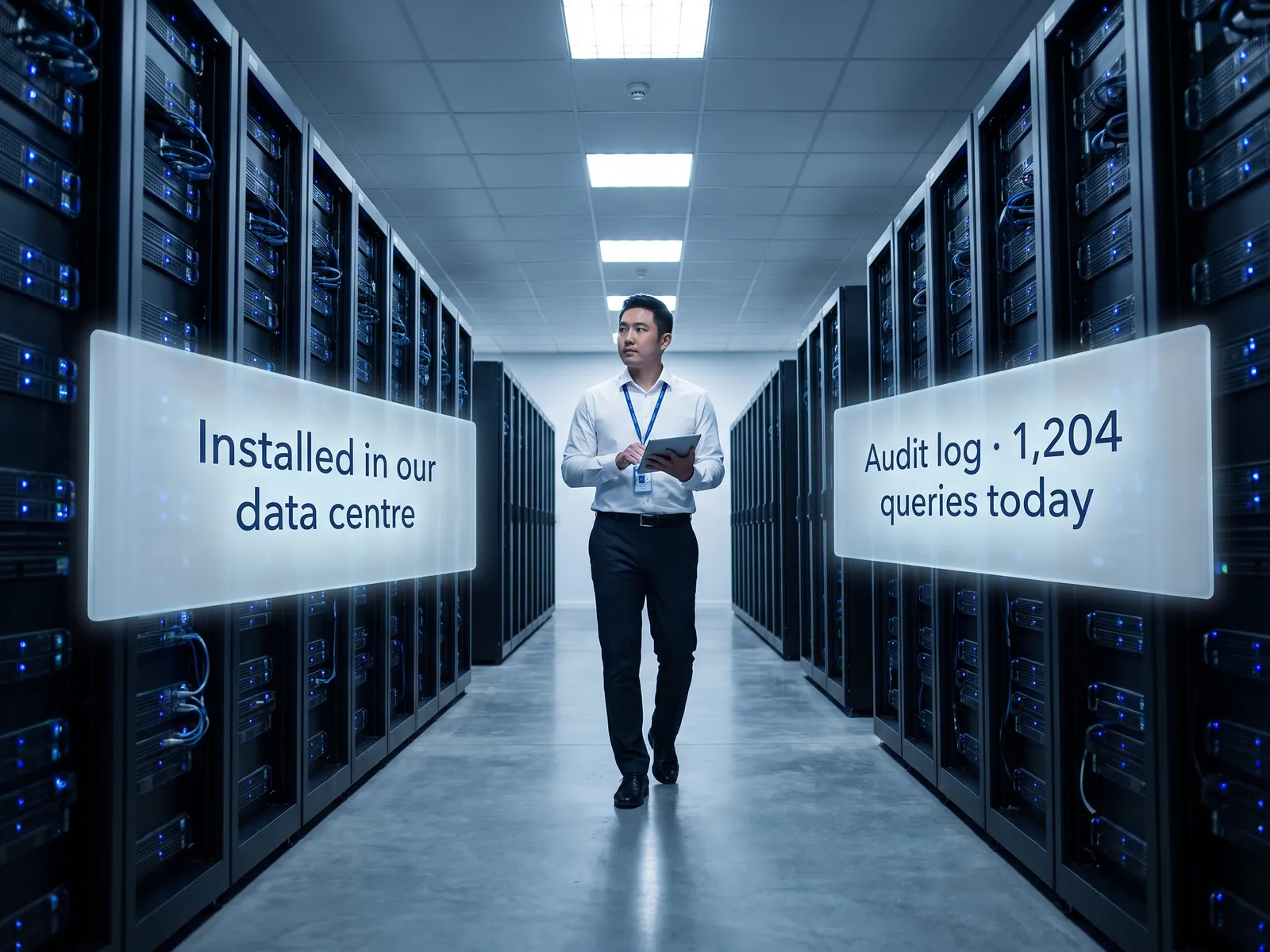
Customers get faster, consistent answers on every channel, and you can tell customers and regulators their data lives on our systems alone.
Back to Private LLM
Customer service teams · 05 / 12
Customer reply assistant on a Private LLM
Replies drafted for agents from the customer’s real history within seconds, while ID numbers, account details and medical history never leave the company.
 Customer service teams
 “Medical history, account details or ID numbers appear in every customer conversation. Using a public AI to help reply means sending customer data out every time.”
The problem
Customers write on LINE OA, send email and phone the call centre, and every conversation carries an ID number, an account number or a medical history. The agent opens three screens, reads the old tickets and types the reply from scratch. The customer waits on the line, and the answer depends on who picked up.
Some agents have pasted customer messages into ChatGPT to get a draft, which sends personal data out of the company every time. The DPO finds out and bans it, and the team goes back to typing slowly.
How we solve it
We install a language model on your own servers or in your own cloud account and embed the assistant in the screen your agents already use, whether that is Salesforce, Zendesk or your own contact-centre system. When a customer writes in, the assistant reads that customer’s history and past tickets within the agent’s permissions, summarises the story in one paragraph and drafts a reply that cites the actual policy, for the agent to edit and send.
Personal data stays inside your network. The system masks ID and account numbers wherever the agent does not need them, and every lookup goes into an audit log the DPO can check under PDPA. There are no external API calls.
The agent still presses send on every message. Anything that touches money or a contract, such as a refund or a cancellation, is prepared by the system and approved by the team lead.
How it runs
Work comes in from
- Messages from LINE OA and email
- Calls into the contact centre
- History in the CRM and past tickets
- Internal manuals and policies
What the AI does
- Check permissions and mask sensitive data
- Summarise the customer’s story so far
- Draft a reply citing the policy
- Log the access in the audit log
Where it lands
- Draft reply in the agent’s screen
- Pre-call summary to the agent
- Refund cases to the team lead for approval
- Audit log for the DPO
Before and after
Before
After
The agent opens three screens and reads old tickets before replying; the customer waits
The story so far and a draft reply are ready before the agent starts typing
The answer depends on who picked up
Every reply cites the same policy
Nobody knows how many times customer data was pasted into a public tool
Every lookup of customer data is in an audit log on your systems
What you get
- 01
An assistant inside the contact-centre screen that reads the customer’s history from the CRM and past tickets and drafts the reply for the agent to send
- 02
A summary of the customer’s previous conversations for the agent to read before picking up, inside your systems
- 03
ID numbers, account numbers and health data masked automatically, so agents see only what their permissions allow
- 04
Search across policies, product terms and troubleshooting steps in the internal manuals, citing the clause
- 05
An audit log of which agent opened which customer’s history and which drafts were edited before sending, for the DPO
Who gets what
Embedded in the CRM screen you already run through its official API, installed on your infrastructure, sensitive data masked before it reaches the model, and an audit log on every access.
Agents stop juggling screens and retyping the same answers; they read the summary, touch up the draft and send.
Who this fits
Banks & financial institutionsInsurersHospitals & clinic groupsTelecoms & ISPsUtilities with a large retail customer base
Connects with what you already run
SalesforceZendeskFreshdeskLINE OAGenesysActive Directory
Development process
- 1
Discover
Requirements, users and success metrics, with scope and price fixed before we start.
- 2
Design
UX and system architecture; the prototype is approved before anything is built.
- 3
Build
AI-accelerated sprints with a demo every week, reviewed by senior engineers.
- 4
Test
QA, security and performance verified against the agreed scope.
- 5
Launch & care
Production deploy, team training, and a monthly care plan.

Turn your business problem into a system that works for you
Tell us today — get an executive-ready proposal with the plan and budget.
Talk to an engineer about thisMore solutions in Private LLM
See the whole service Legal & contracts Private LLM for contract work HR teams HR assistant on a Private LLM Finance & accounting Private LLM for financial documents R&D & engineering Private LLM for engineering knowledge Executives & the board Private LLM for executives and the board Banks & financial institutions Private LLM for financial institutions Hospitals Private LLM for health data Law firms & consultancies Private LLM for clients’ confidential documents Telecoms & ISPs Private LLM for telecom operators Energy & utilities Private LLM for critical infrastructure Insurers Private LLM for claims and underwriting