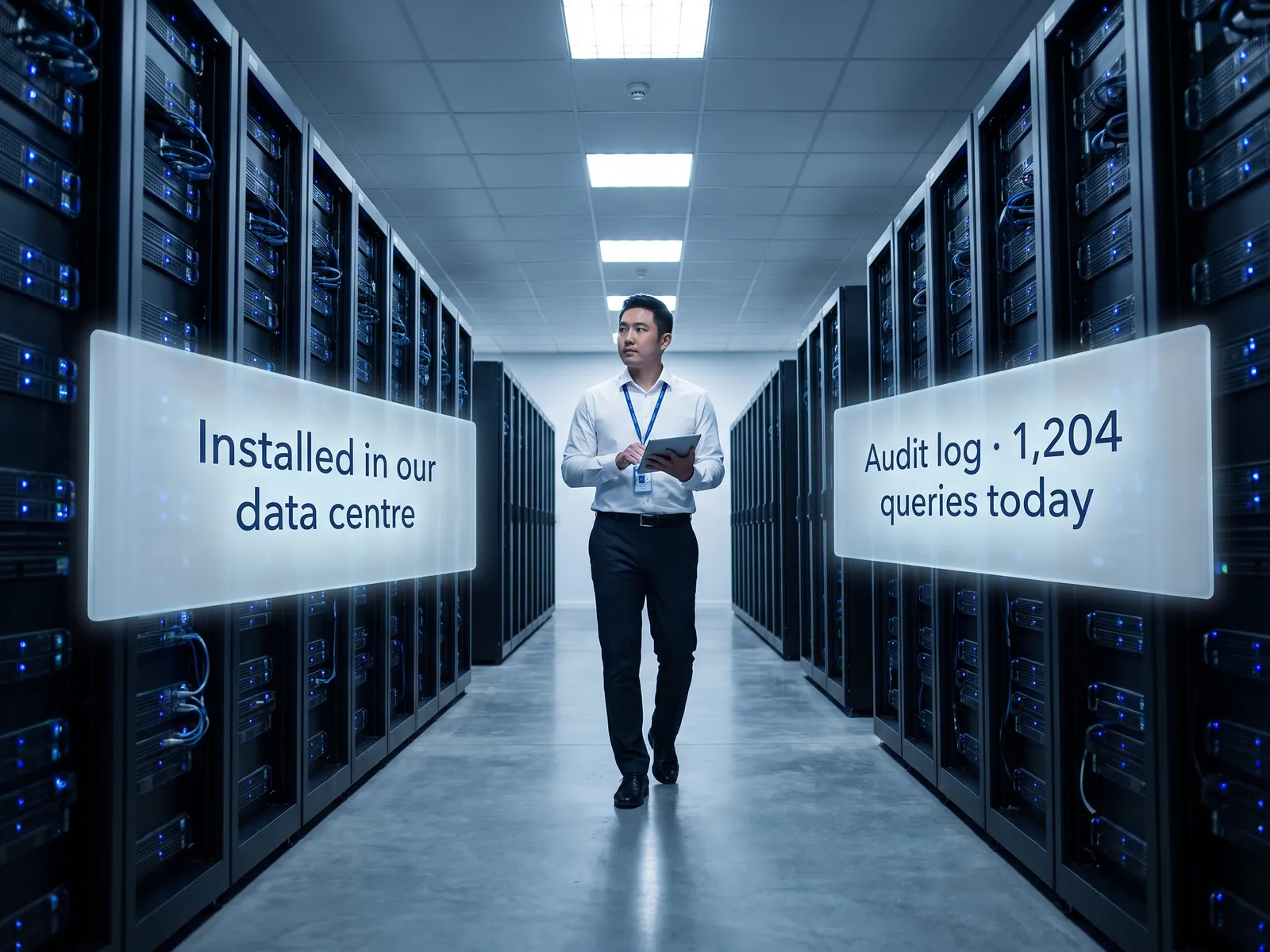
Intellectual property stays on company systems alone, and knowledge that lived with a handful of people becomes the company’s.
Back to Private LLM
R&D & engineering · 04 / 12
Private LLM for engineering knowledge
Search your drawings, formulas, machine manuals and source code in plain questions, on your own systems, with nothing sitting on someone else’s cloud.
 R&D & engineering
 “Designs, formulas and source code are the most valuable things the company owns. Send them to someone else’s cloud and who guarantees they won’t be used for training?”
The problem
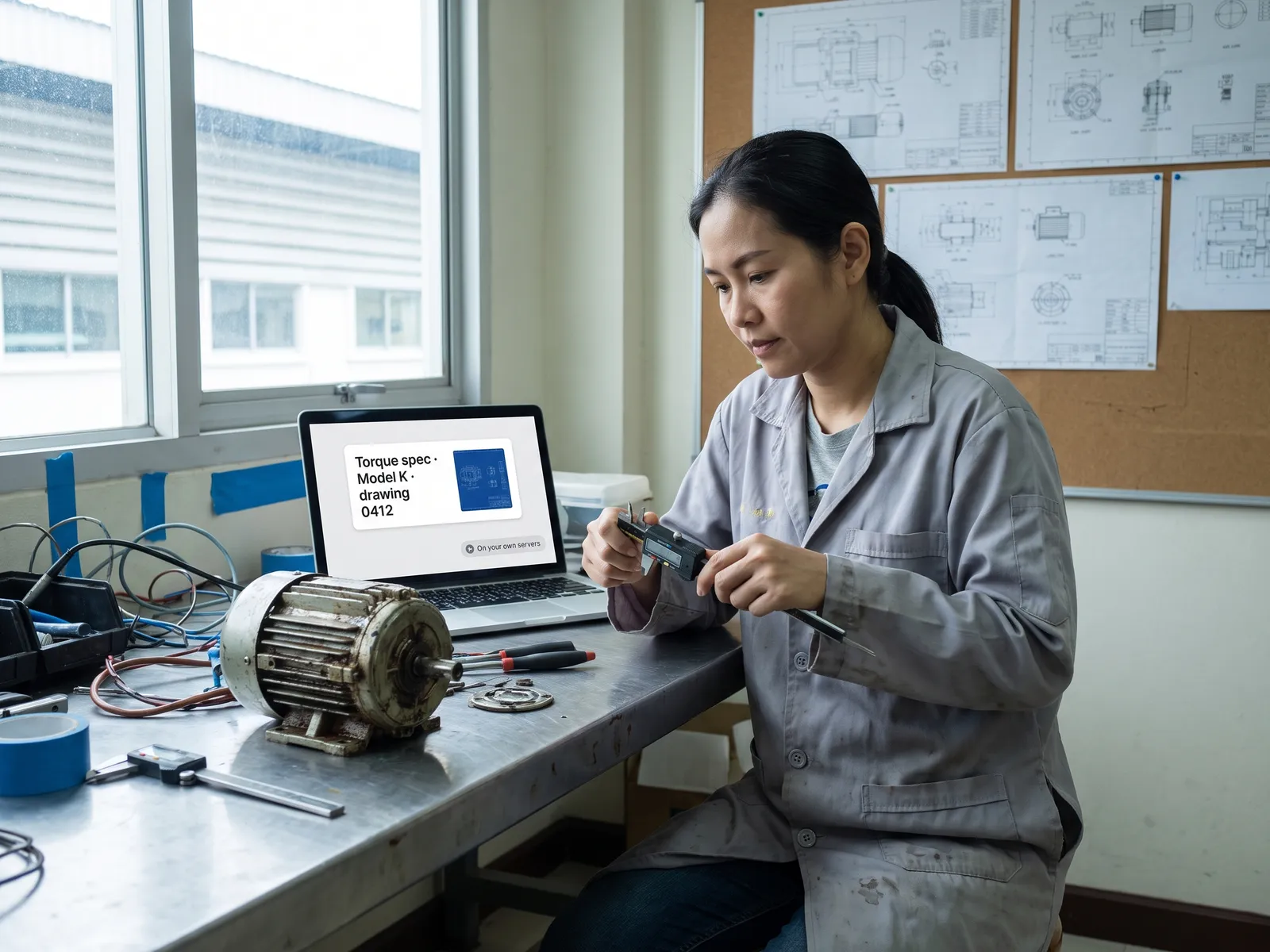
Formulas, drawings and machine manuals live in senior engineers’ heads and in binders nobody opens. A machine fails at night and the technician phones the person who fixed it three years ago. A new developer takes months to read the old code. When someone retires or resigns, the knowledge goes with them.
Using a public tool to search means uploading the drawings and formulas that are the company’s most valuable assets to someone else’s cloud, with nobody guaranteeing they will stay out of the next training run. Management says no, and the team goes back to asking around.
How we solve it
We install a language model on your own servers or in your own cloud account and index the manuals, drawings, repair reports, lab records and source code from the stores you already have, whether that is a file server, SharePoint or GitLab. An engineer types a plain question, such as "has extruder two ever had this pressure drop before", and gets the answer with the repair reports and manual pages it came from.
We tune the model with the vocabulary, part numbers and abbreviations your team uses, and set permissions per project, so one team cannot search another project that is still confidential. There are no external API calls, and every question goes into an audit log.
The system searches and suggests. Changing a drawing, altering a formula or merging code into production is still checked and approved by your engineers, every time.
How it runs
Work comes in from
- Manuals, drawings and repair reports
- Source code in GitLab
- Lab records and formulas
- Questions from the floor
What the AI does
- Index documents and code inside the network
- Search with your own vocabulary
- Answer with the source cited
- Draft code or a repair procedure
Where it lands
- Answers to technicians on a floor tablet
- Code explanations to developers
- A searchable knowledge store for the team
- Audit log per project
Before and after
Before
After
A machine fails; the technician phones whoever fixed it three years ago
The technician types the symptom and gets the repair reports and manual pages at once
A new developer spends months reading old code
The developer asks what a module does and gets the answer with the lines of code
An engineer retires and the knowledge leaves with them
The knowledge sits in a searchable store, whoever stays or goes
What you get
- 01
A model that searches and answers from machine manuals, drawings, repair reports and lab records inside the company, citing the source
- 02
An assistant for the software team that reads your source code, explains what each module does and drafts code without the code leaving the network
- 03
Tuned with the vocabulary, part numbers and units your team uses, so a search finds the part even by its nickname
- 04
Usable on the floor from a tablet on the plant network, with no outside internet connection
- 05
Knowledge captured from senior engineers before they retire, with interviews transcribed and repair notes indexed into the searchable store
Who gets what
Installed inside your network, working without internet access, indexing the file server and GitLab you already have, permissions from Active Directory and an audit log on every question.
Technicians and engineers stop opening binders one at a time and chasing old colleagues; they type one question and get back to the repair.
Who this fits
Factories with many machine generationsCompanies with an in-house software teamFood & chemical makers with secret formulasEngineering & design firmsR&D centres
Connects with what you already run
ERPCMMSPLMGitLabFile ServerSharePointActive Directory
Development process
- 1
Discover
Requirements, users and success metrics, with scope and price fixed before we start.
- 2
Design
UX and system architecture; the prototype is approved before anything is built.
- 3
Build
AI-accelerated sprints with a demo every week, reviewed by senior engineers.
- 4
Test
QA, security and performance verified against the agreed scope.
- 5
Launch & care
Production deploy, team training, and a monthly care plan.

Turn your business problem into a system that works for you
Tell us today — get an executive-ready proposal with the plan and budget.
Talk to an engineer about thisMore solutions in Private LLM
See the whole service Legal & contracts Private LLM for contract work HR teams HR assistant on a Private LLM Finance & accounting Private LLM for financial documents Customer service teams Customer reply assistant on a Private LLM Executives & the board Private LLM for executives and the board Banks & financial institutions Private LLM for financial institutions Hospitals Private LLM for health data Law firms & consultancies Private LLM for clients’ confidential documents Telecoms & ISPs Private LLM for telecom operators Energy & utilities Private LLM for critical infrastructure Insurers Private LLM for claims and underwriting