Decisions made on papers read in full, without choosing between speed and confidentiality.
Back to Private LLM
Executives & the board · 06 / 12
Private LLM for executives and the board
Board papers, merger plans and pre-announcement financials summarised in minutes, on company infrastructure, restricted to management level with every access logged.
 Executives & the board
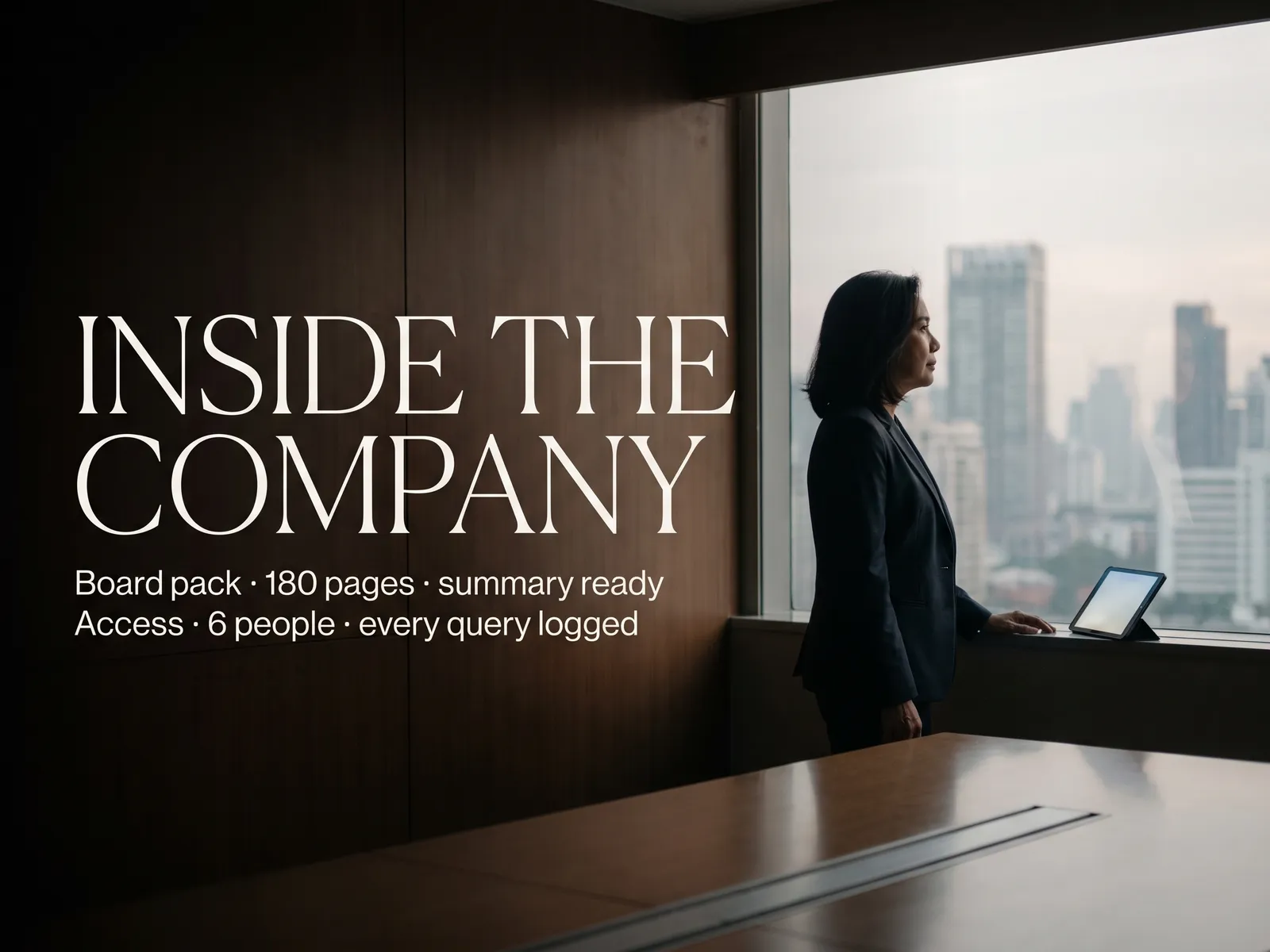
 “Board papers, merger plans and unannounced matters. Executives want AI to summarise them, and no tool on the market is trusted enough.”
The problem
Before every quarterly board meeting, executives receive a pack of several hundred pages a few days ahead. Alongside it sit a merger plan, adviser reports and financials that have not been announced. The company secretary summarises some of it, and the person who has to decide still reads the rest late at night.
A public tool would summarise it in a minute, and data at this level cannot leak a single line, under stock exchange rules and under the non-disclosure agreements with the other side of the deal. So executives have no assistant they can trust, and the summarising falls to the few people cleared to see the papers.
How we solve it
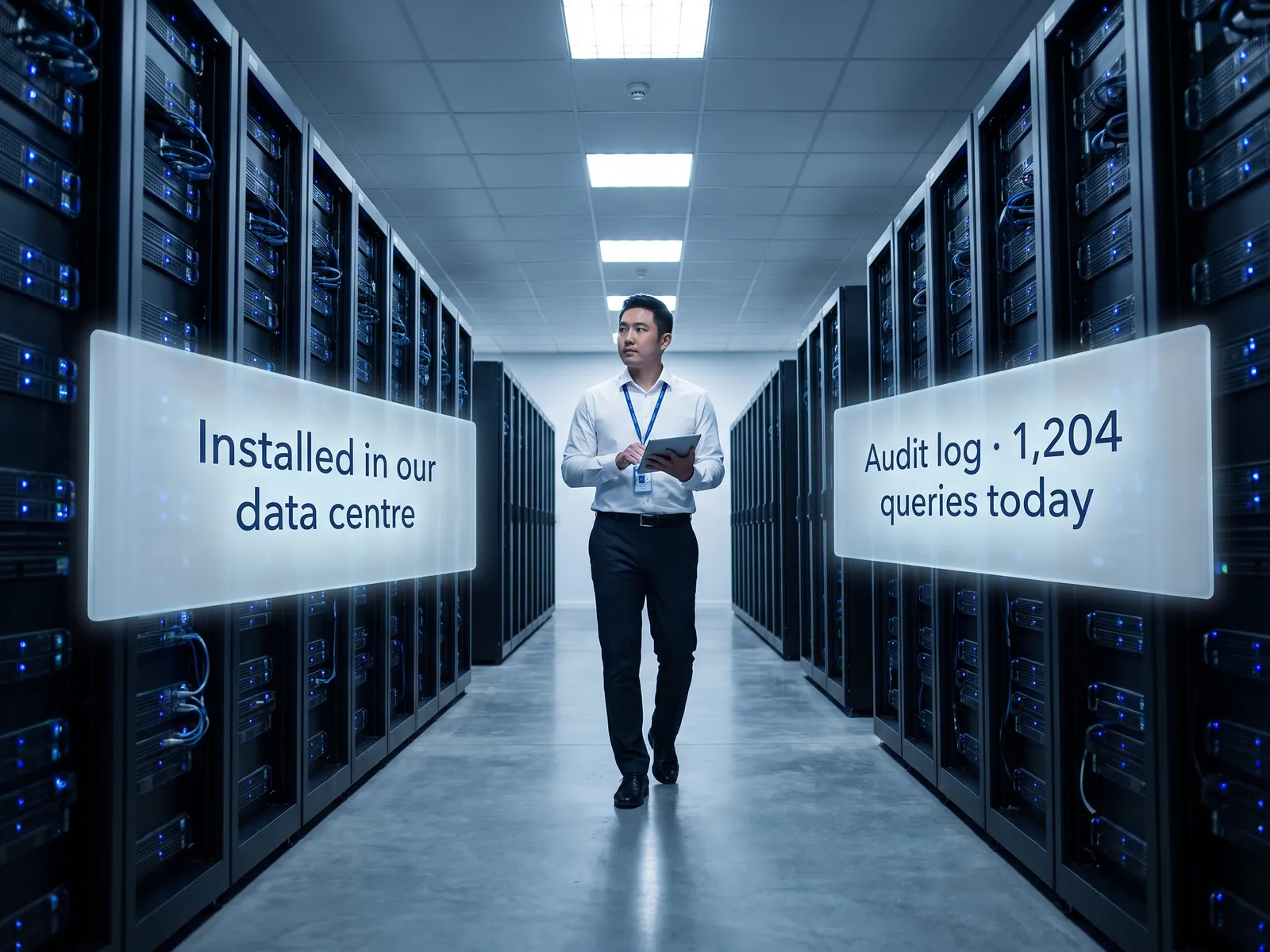
We install the assistant on your own servers or in your own cloud account and connect it to the executives’ Microsoft 365 or Google Workspace and to the board document store. An executive opens it on a phone or laptop and asks directly: "what does the board have to vote on this time" or "what value did the adviser put on the deal", and gets the answer with the page it came from.
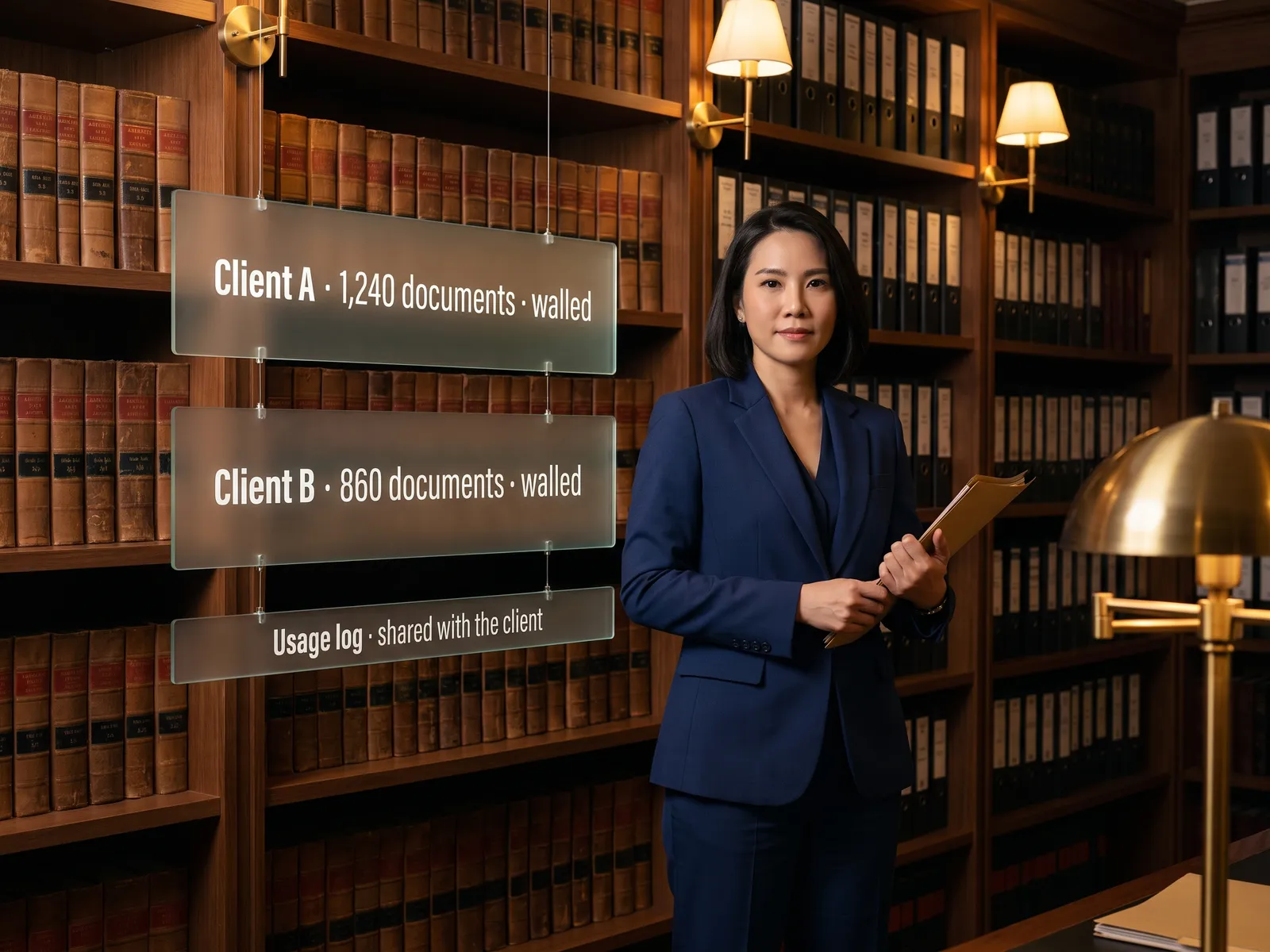
Permissions are set per document set. Merger papers are visible only to the people the company secretary has listed, group companies’ data is kept apart, and every access goes into an audit log compliance can inspect. There are no external API calls.
The system summarises and drafts. Votes, signatures and anything that goes out to shareholders remain with executives and the board. The system sends nothing out on its own.
How it runs
Work comes in from
- Board packs and adviser reports
- Executives’ email and calendar
- Unannounced financials and plans
- Questions from executives
What the AI does
- Check permissions per document set
- Read and distil into decision points
- Draft memos and answers
- Log every access
Where it lands
- Pre-meeting brief on the executive’s phone
- Board memo drafts for the secretary
- Answers with the page cited
- Audit log for compliance
Before and after
Before
After
Executives read several hundred pages of board papers themselves, late at night
The decision points are ready before the meeting, on one page
A question about a figure in the adviser report waits for the secretary to find it
The executive types the question and gets the answer with the page at once
Merger papers are forwarded by email and nobody knows who opened them
The papers sit in a permission-controlled system and every view is logged
What you get
- 01
An executive assistant on company infrastructure that turns a board pack of several hundred pages into the points that need a decision
- 02
Connected to executives’ email and calendar, preparing a pre-meeting brief from the attachments and the items left over from last time
- 03
Drafts of board memos, shareholder letters and answers to analyst questions from internal data, for the company secretary to finish
- 04
Data separated between group companies and between document sets: merger papers visible only to the people on the list
- 05
Every access logged, so compliance can see who opened which document before the announcement
Who gets what
Installed on company infrastructure, connected to Microsoft 365 or Google Workspace through their official APIs, permissions per document set and group company, and an audit log on every access.
The company secretary stops summarising the same pack for each executive in turn and spends the time preparing the items that need thought.
Who this fits
Listed companiesGroups & holding companiesFamily businesses handing over to the next generationCompanies mid-merger or raising capitalState enterprises
Connects with what you already run
Microsoft 365Google WorkspaceBoard PortalSharePointActive DirectoryPrivate Cloud
Development process
- 1
Discover
Requirements, users and success metrics, with scope and price fixed before we start.
- 2
Design
UX and system architecture; the prototype is approved before anything is built.
- 3
Build
AI-accelerated sprints with a demo every week, reviewed by senior engineers.
- 4
Test
QA, security and performance verified against the agreed scope.
- 5
Launch & care
Production deploy, team training, and a monthly care plan.

Turn your business problem into a system that works for you
Tell us today — get an executive-ready proposal with the plan and budget.
Talk to an engineer about thisMore solutions in Private LLM
See the whole service Legal & contracts Private LLM for contract work HR teams HR assistant on a Private LLM Finance & accounting Private LLM for financial documents R&D & engineering Private LLM for engineering knowledge Customer service teams Customer reply assistant on a Private LLM Banks & financial institutions Private LLM for financial institutions Hospitals Private LLM for health data Law firms & consultancies Private LLM for clients’ confidential documents Telecoms & ISPs Private LLM for telecom operators Energy & utilities Private LLM for critical infrastructure Insurers Private LLM for claims and underwriting