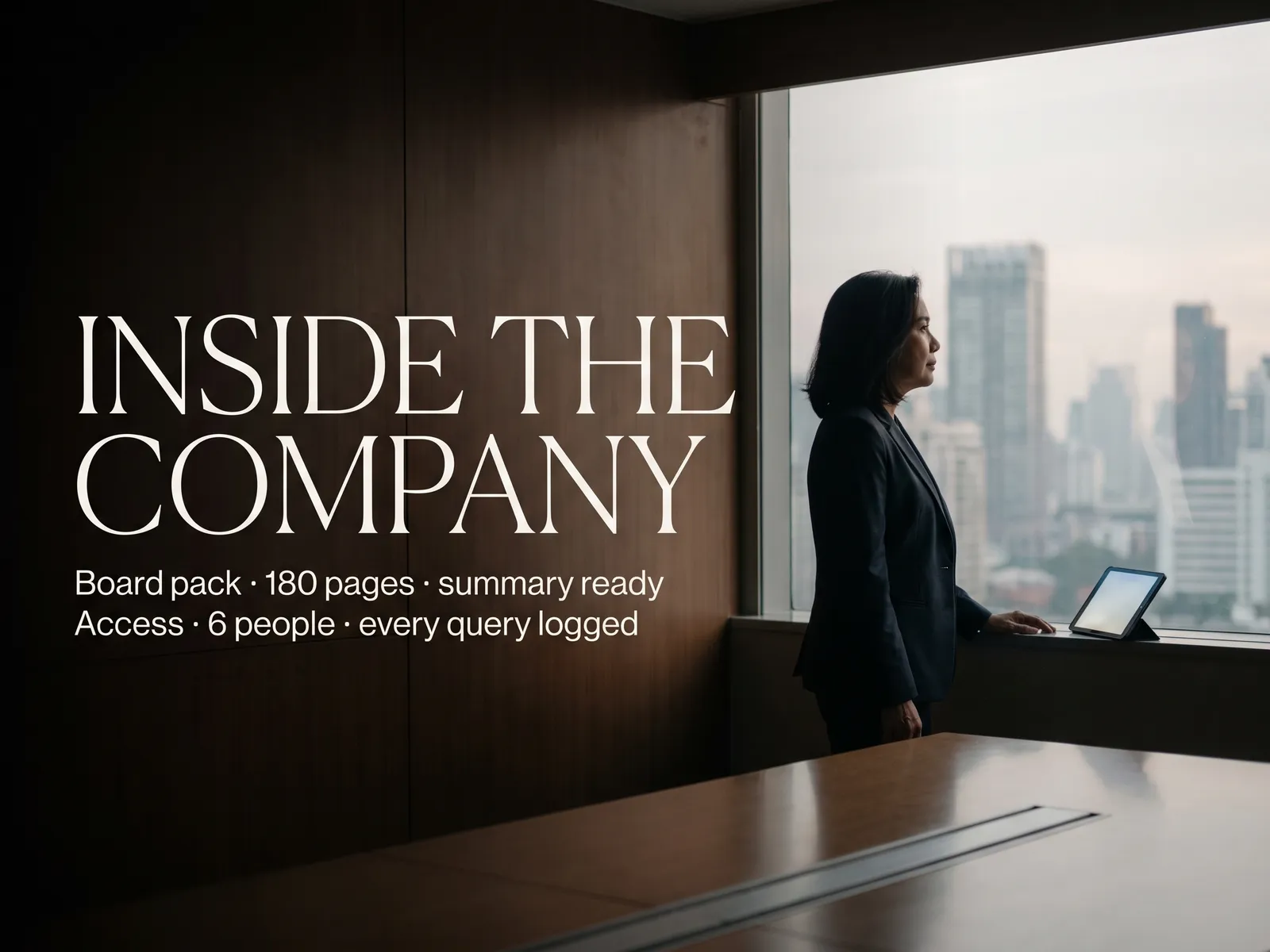
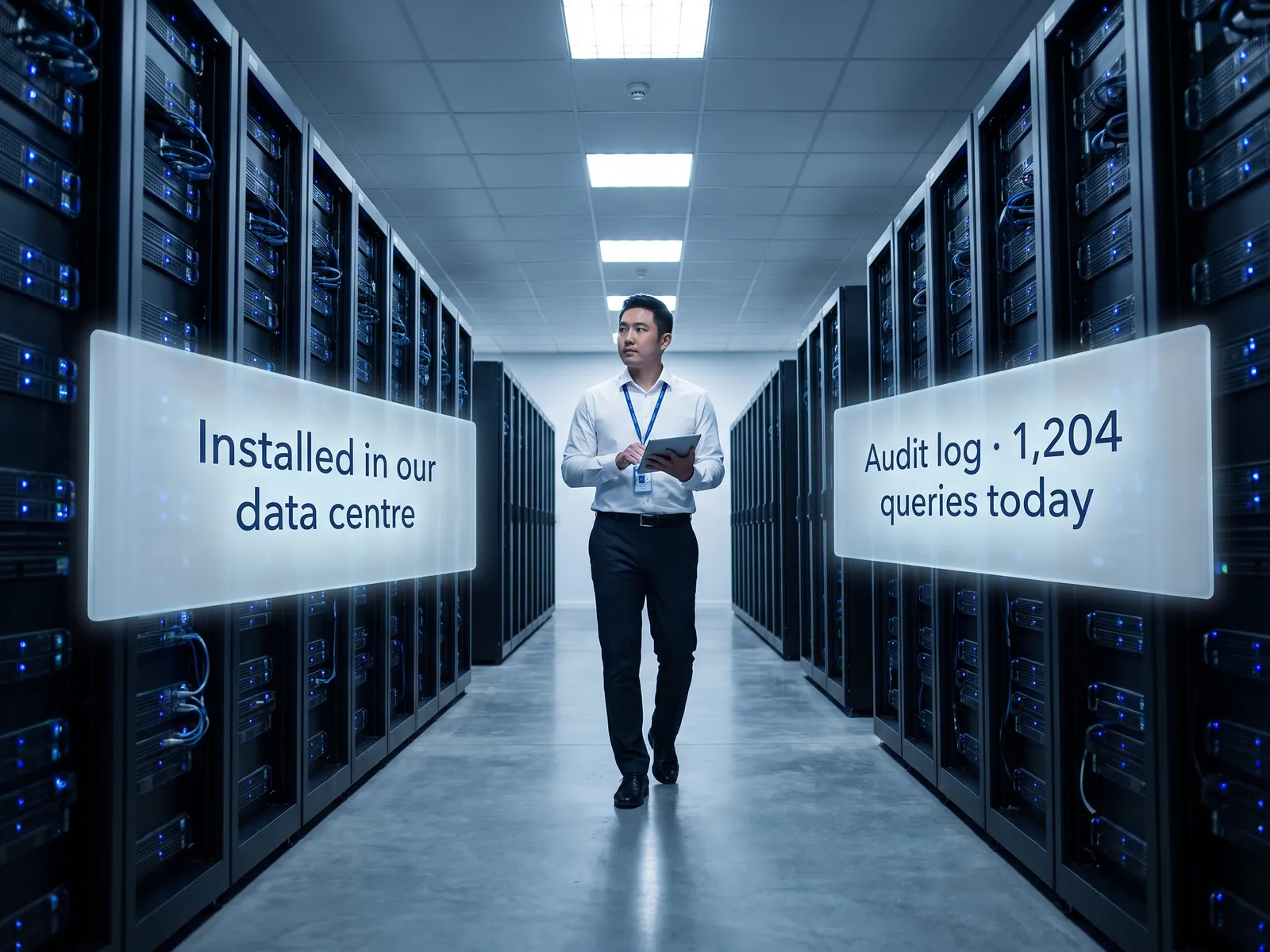
Faster answers about the numbers without risking a leak before the announcement, and you can tell the auditors all of it stayed in our systems.
Back to Private LLM
Finance & accounting · 03 / 12
Private LLM for financial documents
Summaries and answers from hundred-page financials, budget plans and loan agreements, inside the company network, with no pre-announcement number going outside.
 Finance & accounting
 “Pre-announcement financials and budget plans can’t leak a single line, yet the team still summarises hundred-page documents by hand.”
The problem
At closing, the accounting team receives documents by the pile: the audit report, loan agreements with dozens of covenants, the accounts of a dozen subsidiaries, and questions from the CFO who wants an answer within the hour. The team opens each file, copies numbers into Excel and builds slides. It is done late at night and wrong every time a number is pasted into the wrong cell.
A public tool would summarise it in a minute, and pre-announcement numbers and budget plans cannot leave the company. The stock exchange and the auditors can ask where the data went. So the team does it by hand.
How we solve it
We install a language model inside the company network, on your own servers or in your own cloud account, and connect it to the finance document store and the ERP you already run. The accounting team uploads a report or types a question and gets a summary with page, table and source-number references, so every line can be checked back.
Permissions follow the period and the list. Pre-announcement documents are visible only to the people compliance has named, every question goes into an audit log, and there are no external API calls. The auditors can ask to see who accessed what during the close.
The system summarises and drafts. Any number that goes outside the company is still checked and approved by the accounting team and the CFO, every time. The system sends nothing out on its own.
How it runs
Work comes in from
- Financial statements and audit reports
- Loan agreements and covenants
- Actuals from the ERP
- Questions from the CFO and management
What the AI does
- Read every page, tables included
- Search and compare across documents
- Summarise and draft with references
- Log the access in the audit log
Where it lands
- One-page summary to the CFO
- Draft memos and notes for the team
- Lines drifting from budget
- Audit log for the auditors
Before and after
Before
After
A hundred-page report takes a day to summarise, numbers copied into Excel by hand
A summary with page references in minutes; the team checks instead of typing
The CFO asks about a covenant and waits while the team opens every agreement
The CFO types the question and gets the answer with the clause at once
No record of who looked at the accounts before the announcement
An audit log on every question, available to the auditors
What you get
- 01
A model inside the company network that turns financial statements, audit reports and loan agreements into a one-page summary
- 02
Questions across several documents at once, such as "which covenant is closest to a breach", with page and table references
- 03
Drafts of notes to the accounts, memos to management and replies to the auditors from data in the system, for the team to finish
- 04
Budget compared with actuals from the ERP, with the lines that drift from plan flagged and explained from the documents
- 05
Permissions by closing period: pre-announcement data visible only to people on the list, with an audit log on every question
Who gets what
Read-only connection to the ERP, permissions from Active Directory split by closing period, an audit log on every question, and no data leaving the network.
The accounting team stops copying numbers from reports into Excel and spends the time on the analysis the CFO actually wants.
Who this fits
Listed companiesGroups with many subsidiariesCompanies preparing an IPOFinancial institutions & leasingCompanies with several loan facilities
Connects with what you already run
SAPOracleMicrosoft Dynamics 365Microsoft 365SharePointActive Directory
Development process
- 1
Discover
Requirements, users and success metrics, with scope and price fixed before we start.
- 2
Design
UX and system architecture; the prototype is approved before anything is built.
- 3
Build
AI-accelerated sprints with a demo every week, reviewed by senior engineers.
- 4
Test
QA, security and performance verified against the agreed scope.
- 5
Launch & care
Production deploy, team training, and a monthly care plan.

Turn your business problem into a system that works for you
Tell us today — get an executive-ready proposal with the plan and budget.
Talk to an engineer about thisMore solutions in Private LLM
See the whole service Legal & contracts Private LLM for contract work HR teams HR assistant on a Private LLM R&D & engineering Private LLM for engineering knowledge Customer service teams Customer reply assistant on a Private LLM Executives & the board Private LLM for executives and the board Banks & financial institutions Private LLM for financial institutions Hospitals Private LLM for health data Law firms & consultancies Private LLM for clients’ confidential documents Telecoms & ISPs Private LLM for telecom operators Energy & utilities Private LLM for critical infrastructure Insurers Private LLM for claims and underwriting