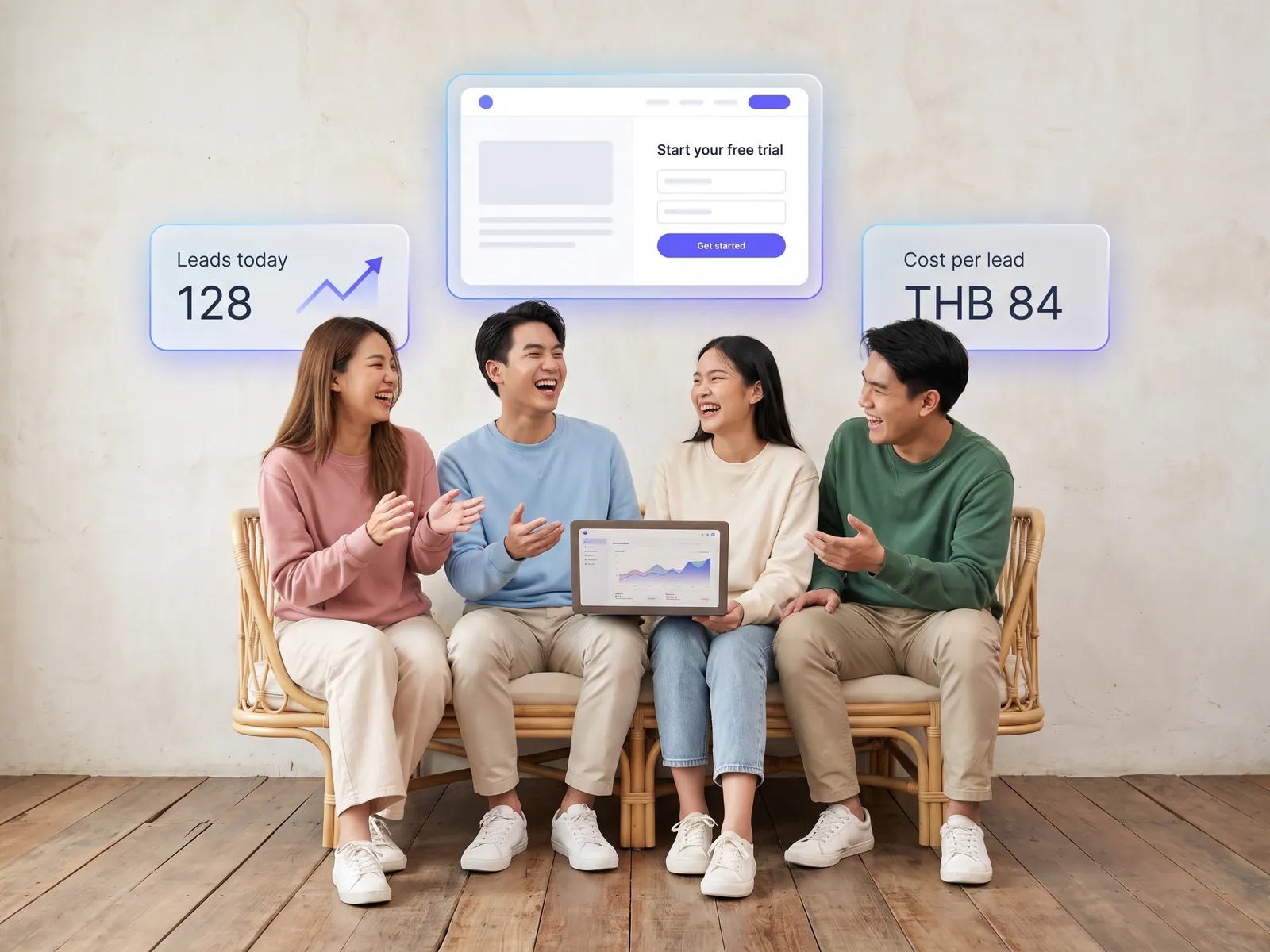
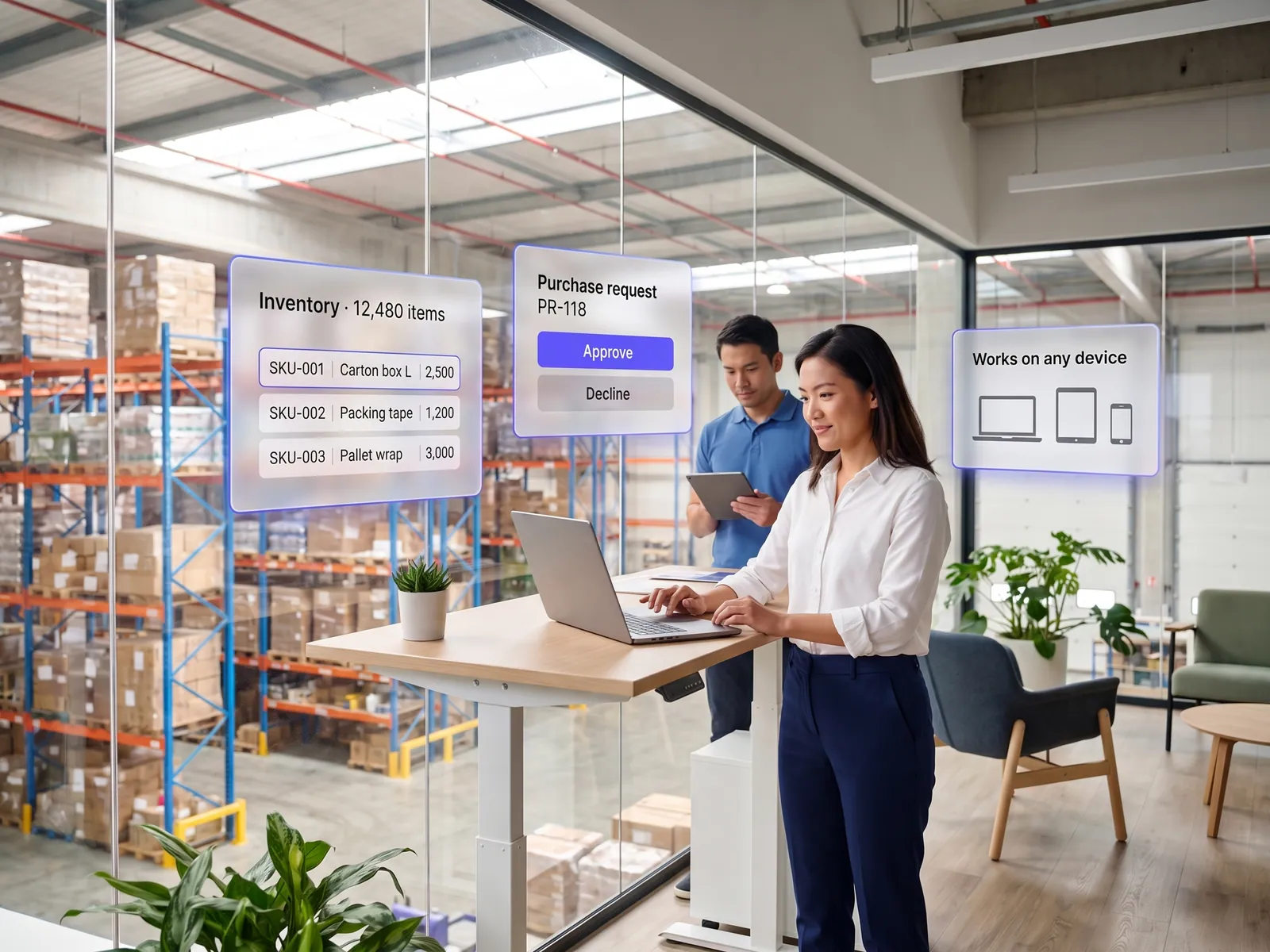
Earnings after commission for each channel, and a base of regulars you can send offers to without paying an app.
Back to AI Web Development
Restaurants & cafés · 11 / 13
Restaurant site with ordering and table booking
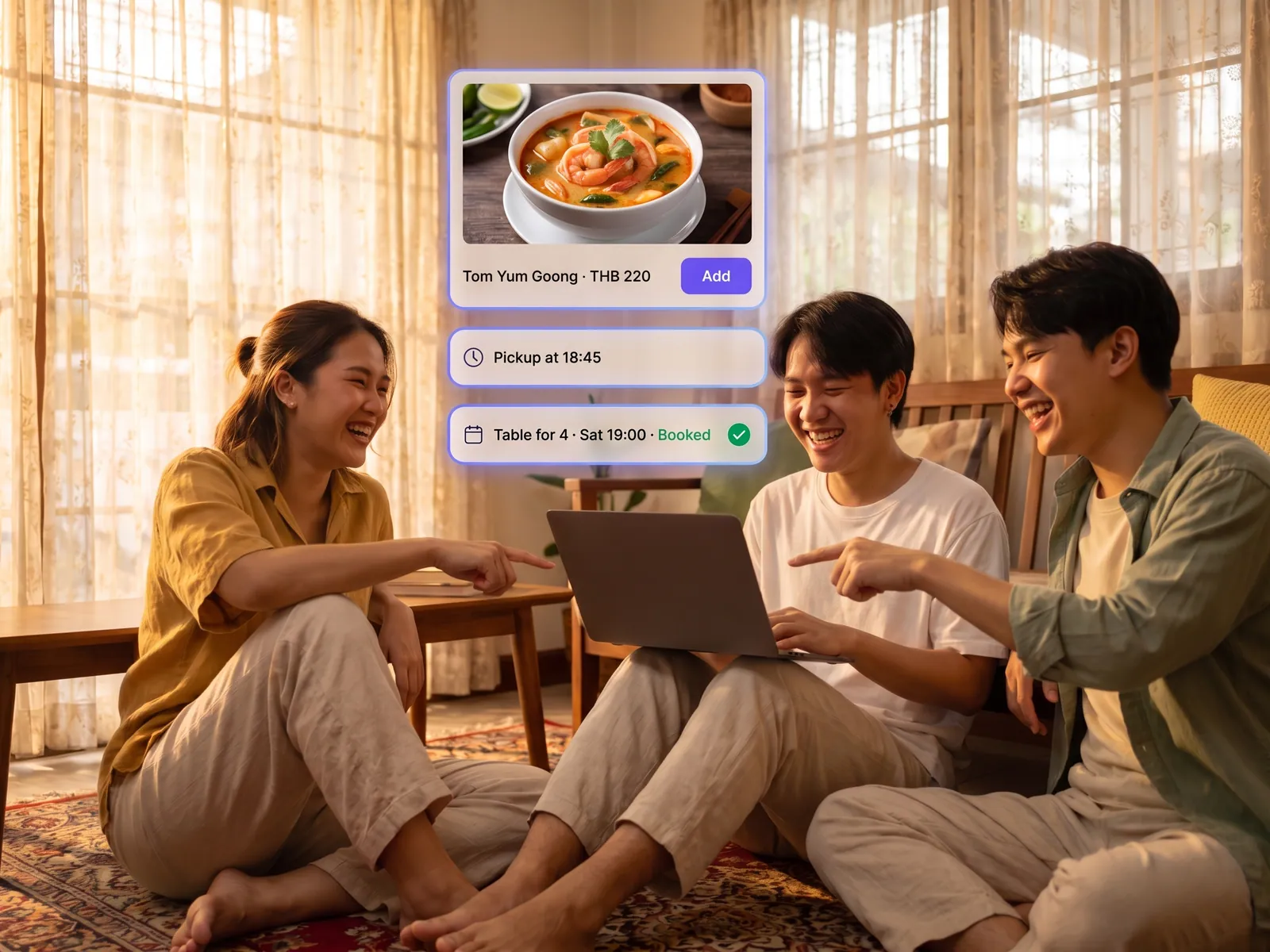
The restaurant’s own site where customers order takeaway, book a table and browse the menu, with orders going straight to the POS and the kitchen and no delivery-app commission.
 Restaurants & cafés
 “Regulars order through the delivery apps, so we pay commission on every order from people who were coming to us anyway. Table bookings come in on LINE, the admin can’t keep up, and tables get double-booked.”
The problem
Restaurants with regulars run into the same thing. Customers open a delivery app because it is easy, the restaurant pays commission on every order and never gets the name or number of the person who ordered. Anyone who wants to order direct messages on LINE and waits for the admin to reply, send the menu as a photo, type out the order, send the bank details and wait for the slip. The busiest hour is the hour the admin is slowest.
Table bookings over chat go the same way. Nobody sees how many tables are booked tonight, some overlap, some never show, and orders from several apps arrive on several screens for staff to re-key into the POS, wrong every time the restaurant is full.
How we solve it
We build a site for the restaurant that does three things on one page: show the menu, take orders and book tables. The menu is live data; the restaurant changes a price, closes a sold-out dish or adds today’s special from a phone. Customers order takeaway, order ahead or scan the QR at the table, pay by PromptPay, and the order appears on the kitchen screen and in the POS by itself. Orders from LINE MAN or GrabFood, if you keep them, land on the same screen.
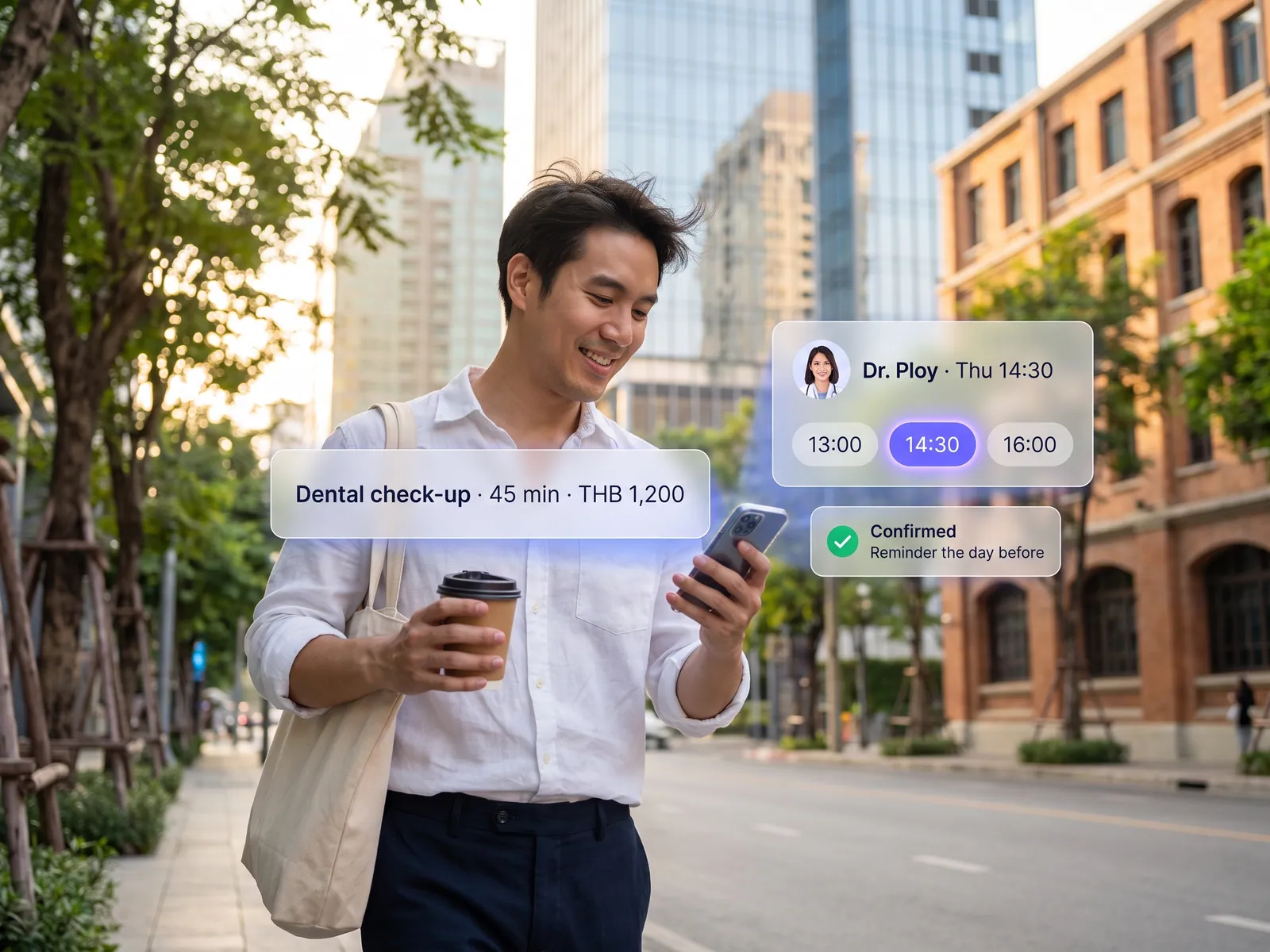
AI chat on the site and LINE OA recommends dishes from what the customer says, a party of six, children, no chilli, a nut allergy, and suggests a set, with ingredients and waiting time from what the restaurant entered. Table booking shows real availability against the floor plan, confirms on LINE, reminds before the time, and lets the customer change or cancel. Front-of-house sees the whole night’s bookings on one page.
Refunds and large group bookings always pass through the restaurant’s own staff: the system proposes, a person confirms. Customers who order on the site become the restaurant’s members, and the restaurant sends promotions or new dishes to them on LINE itself. The dashboard shows what each channel earns after commission, which dishes sell, and which nights have empty tables.
How it runs
Work comes in from
- Orders from the site and table QR
- LINE OA
- LINE MAN and GrabFood
- Online table bookings
What the AI does
- Recommend dishes from what the customer says
- Merge orders from every channel
- Seat and confirm bookings
- Remind and handle changes
Where it lands
- POS and kitchen screen
- Confirmation on LINE
- The restaurant’s member base
- Dashboard of sales by channel
Before and after
Before
After
Regulars order through apps, commission paid on every order
Customers order and pay on the restaurant’s site, no commission, name captured
Direct orders mean messaging on LINE, waiting for the admin and a slip
Order placed on LINE or the site, straight to the kitchen screen
Orders from several apps on several screens, re-keyed into the POS
Every channel on one POS and one kitchen screen
What you get
- 01
A menu on the site the restaurant edits from a phone, prices and sold-out items included; customers order takeaway or at the table by QR and pay by PromptPay or card
- 02
Orders from the site, LINE OA and LINE MAN or GrabFood merged into one POS and one kitchen screen, with nothing re-keyed
- 03
Online table booking against real table availability, confirmed and reminded on LINE, with self-service changes and cancellations
- 04
AI chat on the site and LINE that recommends dishes from what the customer says, no chilli, nut allergy, a party of six, and answers about hours, parking and today’s specials
- 05
Membership and LINE messages to past customers, and a dashboard of sales by channel, best sellers and the hours when tables sit empty
Who gets what
POS, LINE OA and the delivery apps connect through official APIs. Payment runs through a certified provider. Member data is stored under PDPA, and the restaurant edits the menu without touching code.
The admin stops typing orders and waiting for slips. Front-of-house sees the night’s bookings on one page. The kitchen works from one screen.
Who this fits
Restaurants with regularsCafés & bakeriesMulti-branch restaurantsHotel restaurantsCatering & pre-order kitchensGrill & buffet restaurants that take bookings
Connects with what you already run
LINE OALINE MANGrabFoodFoodStory POSOmisePromptPayGoogle Business Profile
Development process
- 1
Discover
Requirements, users and success metrics, with scope and price fixed before we start.
- 2
Design
UX and system architecture; the prototype is approved before anything is built.
- 3
Build
AI-accelerated sprints with a demo every week, reviewed by senior engineers.
- 4
Test
QA, security and performance verified against the agreed scope.
- 5
Launch & care
Production deploy, team training, and a monthly care plan.

Turn your business problem into a system that works for you
Tell us today — get an executive-ready proposal with the plan and budget.
Talk to an engineer about thisMore solutions in AI Web Development
See the whole service Companies & factories Multilingual corporate website Retail & brands Online store on your own domain Hotels & resorts Booking engine on the hotel’s own site Service firms & B2B Customer portal Marketing teams & agencies Campaign & landing pages Operations & IT Internal web app Owners & marketing teams AI search visibility (GEO & AEO) Clinics & aesthetics Clinic website with online booking Schools & universities Admissions site and student portal Real estate Project site with viewing appointments Factories & wholesalers B2B catalogue and quote requests Tutoring schools & trainers Online course website