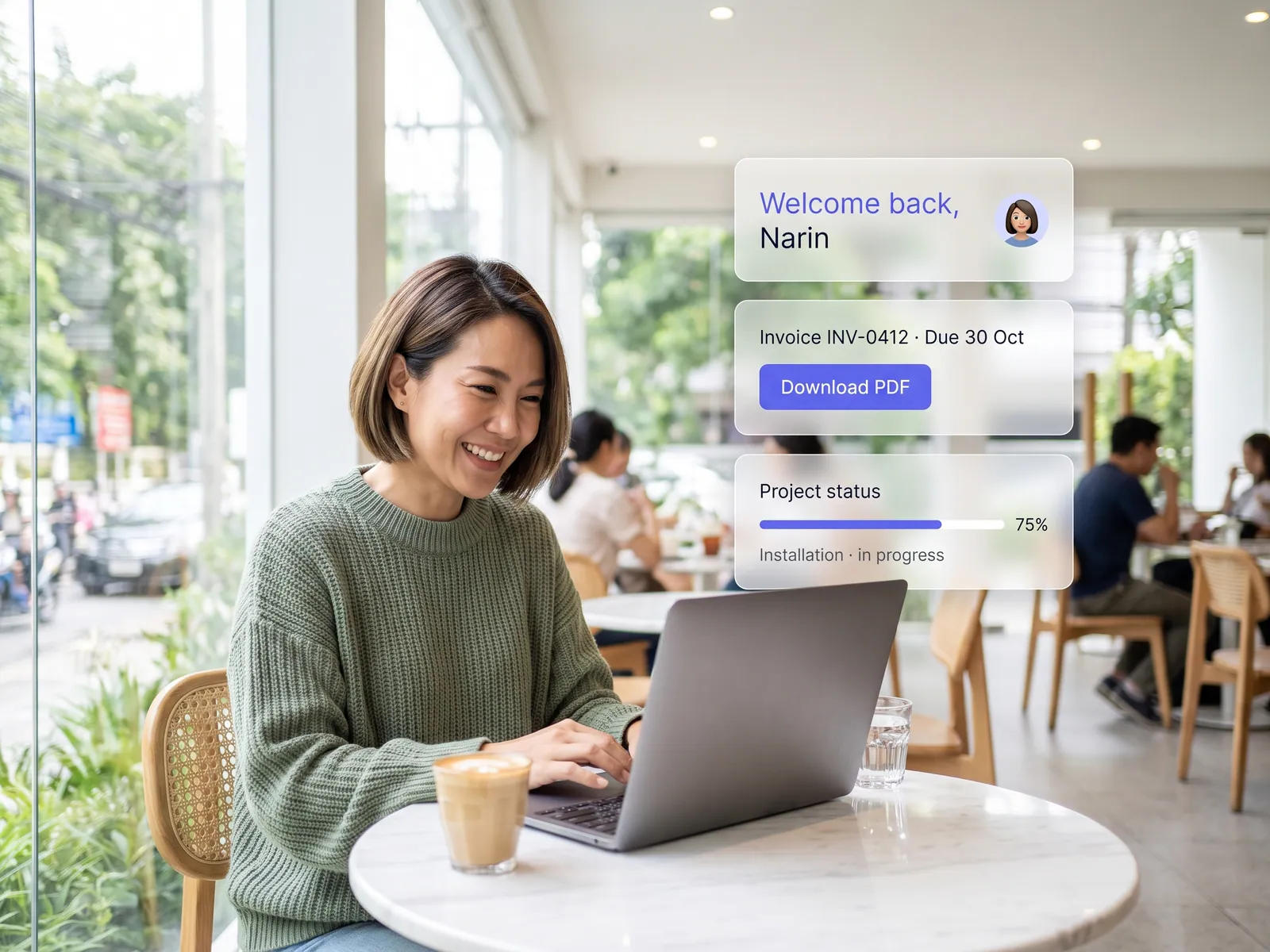
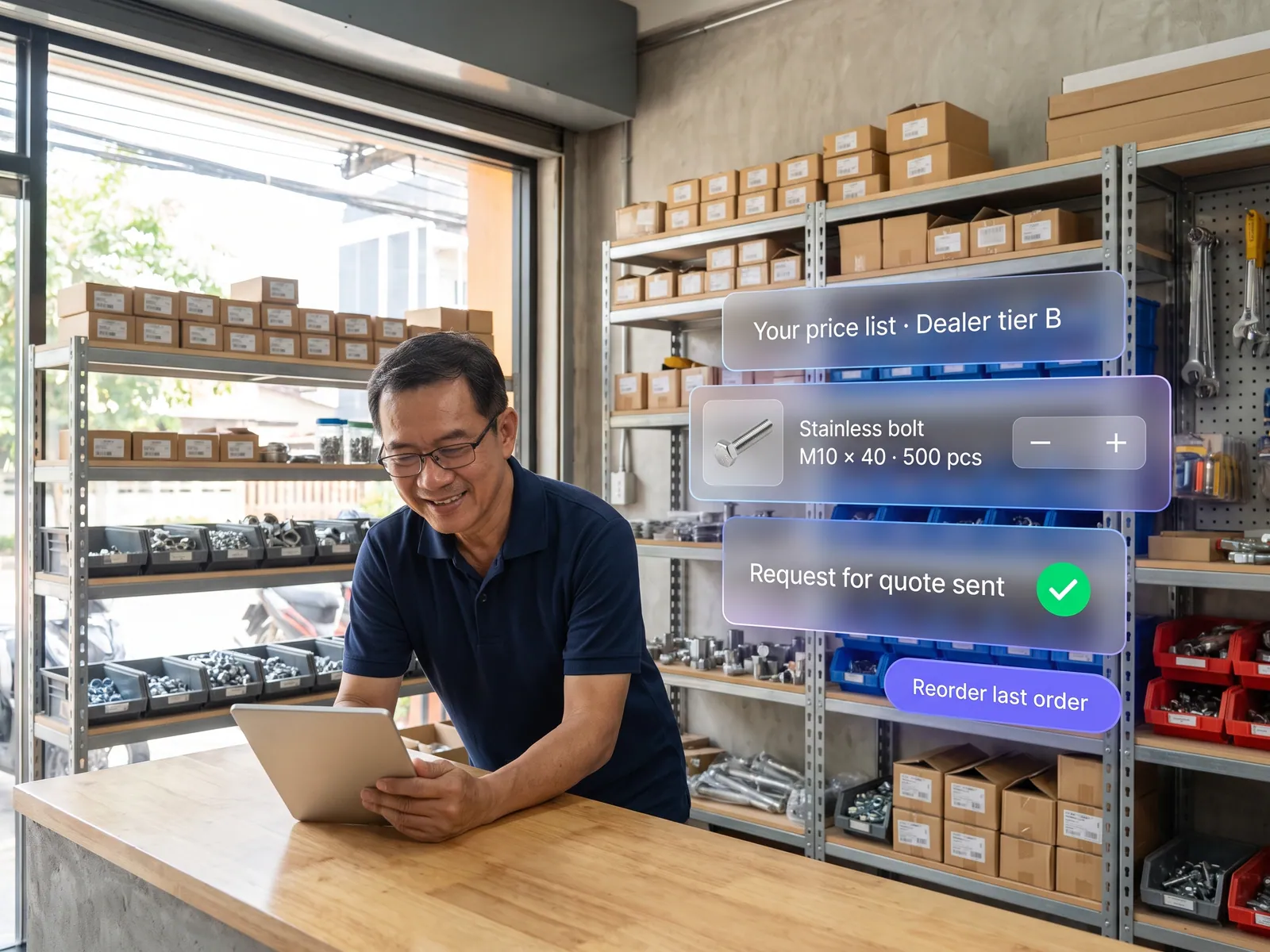
No more betting the business on one machine, and every branch’s work on one page without waiting for someone to send a file.
Back to AI Web Development
Operations & IT · 06 / 13
Internal web app
A web-based system that runs on any device anywhere, with the old data migrated in full, plus source code and documentation that belong to you.
 Operations & IT
 “The old system is a program installed on one PC in the office. It can’t be used anywhere else, and the developer can’t be reached anymore.”
The problem
Plenty of companies still run on a program written ten years ago, installed on one machine, one user at a time, with the developer long gone. The team works around it: Excel files passed by email, approvals on LINE keyed in afterwards, and anyone working from home or a branch phones the office to have someone key it in for them.
The risk is the day that machine dies. Ten years of data sit in files whose structure nobody knows, nobody can say who changed which number when, and every new branch or new hire makes the old system slower until people queue for it.
How we solve it
We start by sitting with the people who use the old system every day: which screens are actually used, which fields are never filled, which steps happen outside the system. Then we design the new web app around the real work instead of copying the old screens. The old data comes across in full, and we check the totals together before the old system is switched off.
The new system opens in a browser anywhere, with company-account login, permissions by role, approvals inside the system and a history of every edit. The AI assistant inside it finds records in plain words, say this customer’s outstanding balance over the last three months, drafts the monthly report from live data, and reads uploaded documents to fill in forms, which a person checks before saving.
Every approval that touches money or people stays with the manager who holds that authority; the system gets it to them fast and keeps the evidence. At handover you receive the source code, the documentation and every server credential, so your own IT team, or anyone else, can maintain it.
How it runs
Work comes in from
- Data from the old program and Excel
- Staff at the office, branches and home
- Uploaded documents
- Approval requests
What the AI does
- Migrate and check the old data
- Find records in plain words
- Read documents and fill in forms
- Draft the monthly report
Where it lands
- A web app that opens on any device
- Approval flow with an audit log
- ERP and accounting
- Source code and docs that are yours
Before and after
Before
After
The system lives on one PC; branches phone the office to have data keyed in
Opens in a browser anywhere, with company-account login
Approvals on LINE, keyed in afterwards, no history
Approvals in the system, with a record of who changed what and when
The developer can’t be reached and nobody dares touch it
Source code and documentation are yours; anyone can maintain it
What you get
- 01
A web app that opens in any browser, on phones and tablets, with login through the company’s Microsoft 365 or Google Workspace accounts
- 02
Data migrated in full from Access, Excel or the old program, with totals checked before and after alongside your team
- 03
Permissions by role, approval steps, and an audit log of who changed what and when
- 04
An AI assistant inside the system that finds records in plain words, drafts the monthly report, and reads uploaded documents to fill in forms
- 05
Connections to the ERP, accounting and the company LINE, with the source code, documentation and every credential handed to you
Who gets what
Login through Active Directory or Google Workspace, permissions by role, an audit log on every record, deployable in your cloud or on-premise, with the source code in the company’s own repository.
The team stops passing Excel files around and stops keying things in afterwards. They ask the system where a number is, and the monthly report arrives drafted.
Who this fits
Factories & warehousesTransport & logisticsMulti-branch businessesConstruction & contractorsHospitals & clinicsAny company still running on Access or Excel
Connects with what you already run
Active DirectoryMicrosoft 365Google WorkspaceSAPExcelLINE OA
Development process
- 1
Discover
Requirements, users and success metrics, with scope and price fixed before we start.
- 2
Design
UX and system architecture; the prototype is approved before anything is built.
- 3
Build
AI-accelerated sprints with a demo every week, reviewed by senior engineers.
- 4
Test
QA, security and performance verified against the agreed scope.
- 5
Launch & care
Production deploy, team training, and a monthly care plan.

Turn your business problem into a system that works for you
Tell us today — get an executive-ready proposal with the plan and budget.
Talk to an engineer about thisMore solutions in AI Web Development
See the whole service Companies & factories Multilingual corporate website Retail & brands Online store on your own domain Hotels & resorts Booking engine on the hotel’s own site Service firms & B2B Customer portal Marketing teams & agencies Campaign & landing pages Owners & marketing teams AI search visibility (GEO & AEO) Clinics & aesthetics Clinic website with online booking Schools & universities Admissions site and student portal Real estate Project site with viewing appointments Restaurants & cafés Restaurant site with ordering and table booking Factories & wholesalers B2B catalogue and quote requests Tutoring schools & trainers Online course website