The real cost per lead of each campaign, and whether that lead closed, without taking the platform’s click numbers on trust.
Back to AI Web Development
Marketing teams & agencies · 05 / 13
Campaign & landing pages
Campaign pages built to get the form filled and the chat started, wired to analytics and your CRM from day one, so you see which ad brought a real lead and at what cost.
 Marketing teams & agencies
 “Ads send people to the homepage. Plenty of visitors, few form fills, and no idea where they drop off.”
The problem
Most ads drop people on the homepage, which was designed for everyone and says nothing about the promotion they just clicked. They scroll for two seconds and leave. The few who fill the form land in a shared inbox or a Google Sheet that sales opens once a day, and by the time anyone calls back the customer is talking to someone else.
At review time marketing can say how many clicks there were, and cannot say which lead came from which ad, how many closed, or which page lost people. Asking for a new page per campaign takes a week, so the team stops asking.
How we solve it
We build a campaign page system on a template your team opens new pages from in a day. Paste in the campaign brief and the system drafts the headline, copy and A/B variants; the team edits and publishes. Every page carries analytics and each platform’s pixel from the start, with no developer adding code page by page.
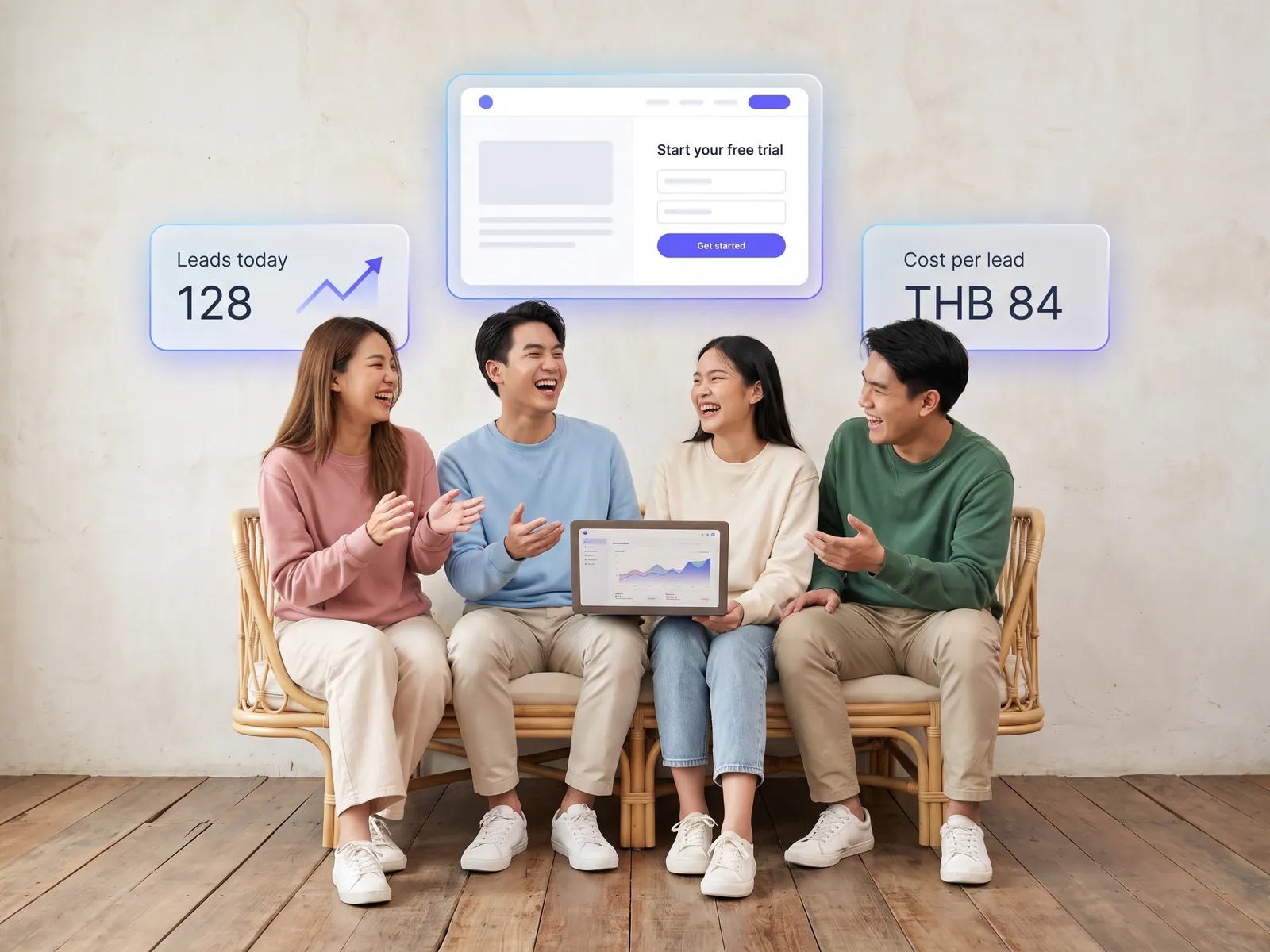
When someone fills the form or starts a chat, the lead goes into the CRM at once with its source: campaign, keyword and the page they came in on. The sales rep gets a LINE message within minutes and calls back while the customer is still interested. AI chat answers about the promotion and its terms from information the team approved, and captures the name and number of people who ask without being ready to fill the form.
The system never changes ad budgets and never pauses a campaign. The dashboard shows which campaign brings leads at what cost and where on the page people drop off. Adding budget, stopping, or changing the page stays a marketing decision.
How it runs
Work comes in from
- Clicks from Facebook and Google Ads
- Clicks from TikTok
- The campaign brief
- People who start the AI chat
What the AI does
- Draft the page and variants from the brief
- Record the source of every click
- Answer questions and capture leads
- Send leads with source to the CRM
Where it lands
- Leads in the CRM with the campaign attached
- Sales rep alerted on LINE
- Dashboard of cost per lead
- A new campaign page in a day
Before and after
Before
After
Ads send people to the homepage, lots of visitors, few forms
The page says what the ad said, and shows where people drop off
Leads sit in a shared inbox sales opens once a day
Leads reach the CRM and the rep’s LINE within minutes, source attached
A new campaign page means a week waiting for a developer
Marketing opens a new page itself in a day
What you get
- 01
Campaign pages that load fast on a phone, with a short form and a LINE button, every page wired to Google Analytics and the pixel of each ad platform
- 02
Leads into the CRM at once with their source, which ad and which keyword, and the sales rep alerted on LINE within minutes
- 03
A template your team opens new pages from, with headlines, copy and A/B variants drafted by the system from the campaign brief
- 04
AI chat on the campaign page that answers about the promotion and its terms, and captures the name and number of people not yet ready to fill the form
- 05
A dashboard comparing cost per lead across campaigns and showing where on the page people leave
Who gets what
Ad platforms and the CRM connect through official APIs. Forms and cookie consent meet PDPA. Campaign pages sit apart from the main site and switch on and off without touching it.
Marketing stops waiting for a developer and stops exporting lead files by hand. Sales gets leads while they are warm and knows what each one asked about.
Who this fits
Real estateClinics & aestheticsCars & insuranceSchools & coursesAd agenciesAny brand advertising on several channels
Connects with what you already run
Facebook AdsGoogle AdsTikTok AdsGoogle AnalyticsHubSpotLINE OA
Development process
- 1
Discover
Requirements, users and success metrics, with scope and price fixed before we start.
- 2
Design
UX and system architecture; the prototype is approved before anything is built.
- 3
Build
AI-accelerated sprints with a demo every week, reviewed by senior engineers.
- 4
Test
QA, security and performance verified against the agreed scope.
- 5
Launch & care
Production deploy, team training, and a monthly care plan.

Turn your business problem into a system that works for you
Tell us today — get an executive-ready proposal with the plan and budget.
Talk to an engineer about thisMore solutions in AI Web Development
See the whole service Companies & factories Multilingual corporate website Retail & brands Online store on your own domain Hotels & resorts Booking engine on the hotel’s own site Service firms & B2B Customer portal Operations & IT Internal web app Owners & marketing teams AI search visibility (GEO & AEO) Clinics & aesthetics Clinic website with online booking Schools & universities Admissions site and student portal Real estate Project site with viewing appointments Restaurants & cafés Restaurant site with ordering and table booking Factories & wholesalers B2B catalogue and quote requests Tutoring schools & trainers Online course website