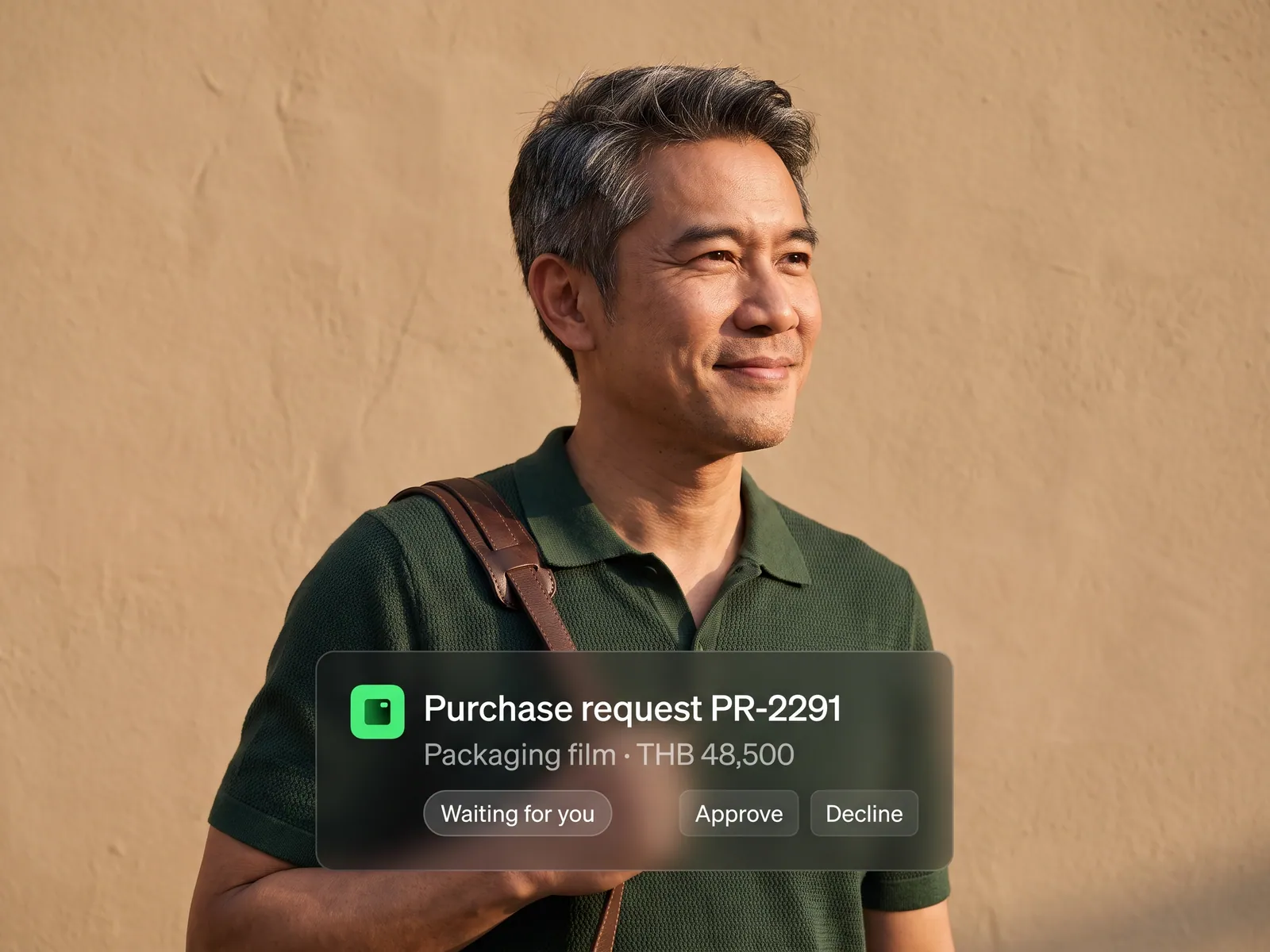
New hires are productive from day one, and HR can take on more hiring without adding people to HR.
Back to AI Workflow
HR teams · 04 / 14
Employee onboarding workflow
Accounts, equipment and paperwork ready before a new hire’s first day, without HR sending a single chasing email.
 HR teams
 “One new hire means seven emails, accounts on four systems and two weeks of chasing paperwork.”
The problem
Bringing in one person involves dozens of small tasks spread across several departments. HR emails IT for accounts, admin for a desk, payroll for the salary record, then chases the new hire for an ID copy, house registration and bank details. Every department has its own work, so the request always ends up waiting in someone’s inbox.
A new hire’s first day often starts with sitting around because the email account is not open yet. The line manager does not know someone is starting today, and HR answers the same questions every month. When several people join at once, chasing paperwork eats most of HR’s week.
How we solve it
We set up an agent to take over as soon as the contract is signed. It opens the checklist for that role and department and sends each request to the person responsible: IT for email and the system access the role needs, admin for a desk and equipment, and the new hire gets the forms on LINE with a link to upload documents.
The agent does the chasing. Anyone who has not finished gets a reminder on the schedule you set. When the new hire sends documents, the agent reads them, checks they are complete and legible, and files them in the personnel record in your HR system. The line manager gets the orientation booking in their calendar ahead of time, and HR sees on one screen what each person still has outstanding.
Anything about people stays with people. The agent does not set salaries, change contract terms or grant system access beyond what HR and IT have approved for that role. Employee personal data stays in your systems under PDPA, with a log of who viewed what and when.
How it runs
Work comes in from
- The signed contract
- Documents the new hire sends on LINE
- The checklist for each role
- Replies from IT and admin
What the AI does
- Open the checklist for the role
- Send each request to the right department
- Check documents and chase what is missing
- Summarise status every morning
Where it lands
- Accounts and access from IT
- The personnel record in the HR system
- The line manager’s calendar
- A summary in HR’s LINE
Before and after
Before
After
HR sends seven emails and chases paperwork for two weeks per hire
The agent sends the requests and chases from the day the contract is signed
The new hire spends day one waiting for an email account
Accounts, equipment and paperwork are ready before the start date
The line manager does not know someone is starting today
The orientation session is in the line manager’s calendar ahead of time
What you get
- 01
An agent starts the moment the employment contract is signed, opening the checklist for that role and start date on its own
- 02
Requests for email, system accounts and the application access that role needs, sent to IT as a complete ticket, with reminders until they are done
- 03
Tax, social security and supporting forms sent to the new hire on LINE or email, chased until everything is in
- 04
Equipment and a desk reserved, and an orientation session booked with the line manager, in everyone’s calendar
- 05
A morning summary to HR of what each new hire still has outstanding and who is ready to start on which day
Who gets what
Account requests arrive as complete tickets matched to the role, no scattered emails. Access follows the sets IT defined, and every account opened is logged.
HR stops chasing paperwork and gets time to actually talk to new hires. New hires never have to ask who they should send what to.
Who this fits
Companies hiring several people a monthFactories & manufacturersMulti-branch retailHospitals & clinicsService & outsourcing firms
Connects with what you already run
Microsoft 365Google WorkspaceLINEExisting HRISSlackJira Service Management
Development process
- 1
Discover
Requirements, users and success metrics, with scope and price fixed before we start.
- 2
Design
UX and system architecture; the prototype is approved before anything is built.
- 3
Build
AI-accelerated sprints with a demo every week, reviewed by senior engineers.
- 4
Test
QA, security and performance verified against the agreed scope.
- 5
Launch & care
Production deploy, team training, and a monthly care plan.

Turn your business problem into a system that works for you
Tell us today — get an executive-ready proposal with the plan and budget.
Talk to an engineer about thisMore solutions in AI Workflow
See the whole service Marketing teams Marketing workflow Sales teams Sales and CRM workflow Accounting & finance teams Accounting and finance workflow Purchasing teams Purchase request and approval workflow Customer service teams Customer service workflow Accounting teams issuing many invoices e-Tax Invoice and e-Receipt workflow Brands selling on marketplaces Marketplace back-office workflow Factories & manufacturers Purchasing and goods-receipt workflow Accounting & law firms Client document workflow Hospitals & clinics Insurance claim and records workflow Logistics & transport Job sheet and billing workflow Real estate & juristic offices Repair request and common-fee workflow Wholesalers & distributors Orders-from-chat workflow