Arrears and open repairs visible every day, and residents stop complaining in the LINE group that nobody acts on their reports.
Back to AI Workflow
Real estate & juristic offices · 13 / 14
Repair request and common-fee workflow
A repair reported on LINE becomes a work order with a technician and a status residents can see, and common fees are billed, reminded and reconciled on their own every cycle.
 Real estate & juristic offices
 “Residents report repairs on the juristic LINE. Staff write them on paper and phone a technician, old requests get forgotten, and common fees are chased unit by unit.”
The problem
Most condo and housing-estate juristic offices run a few staff for several hundred units. Residents report repairs on LINE, by phone or at the counter. Staff write it in a book and phone a technician. If the technician is busy that day, the job stays in the book. Residents have no idea where their request stands, so they ask again or complain in the project’s LINE group.
Common fees are manual work too. Invoices printed unit by unit and dropped in mailboxes, then waiting for residents to transfer and send a slip. Staff match slips to units and issue receipts by hand, chase the units that have not paid one at a time, and the committee always gets arrears figures that are behind the truth.
How we solve it
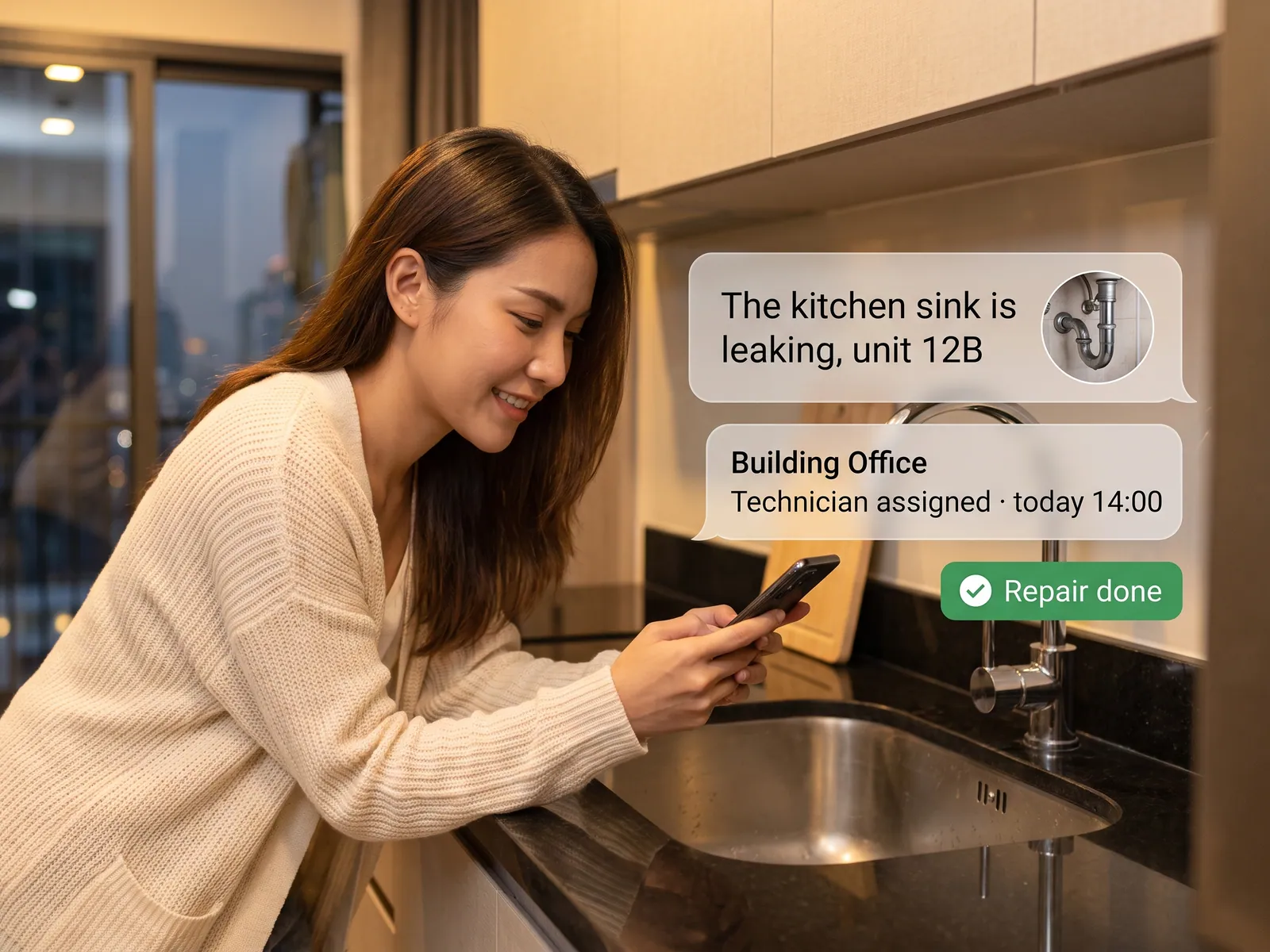
We set up the agent on the juristic LINE OA. Residents type or send a photo as they always have. The agent reads it, opens a work order with the unit number, job type and priority, a leak ranked above a dead light bulb, and sends the job to the in-house technician or contractor who is free, in LINE. The resident gets a message at every change of status, from received to scheduled to the photo of the finished job.
For common fees, the agent issues the invoice each cycle from the unit and rate data in the juristic system, sends it to the resident in LINE with a PromptPay QR, and reminds before the due date. When money reaches the juristic account the agent matches the amount to the unit, records the payment and sends the receipt itself. Amounts that do not match, or cannot be tied to a unit, go to staff.
Money and anything that affects a resident stay with people. The agent does not waive late fees, does not suspend privileges, and does not approve a repair above the spending limit without the juristic manager confirming. Every month the committee gets a report of open jobs and arrears by unit without anyone having to prepare it.
How it runs
Work comes in from
- Repair requests on the juristic LINE OA
- Unit and rate data in the juristic system
- Money reaching the juristic account
- Status from technicians
What the AI does
- Open the work order and set priority
- Dispatch and update the resident
- Issue and remind on common fees
- Match transfers to units
Where it lands
- Work orders to technicians in LINE
- Status messages to residents
- Payments recorded in accounting
- Monthly committee report
Before and after
Before
After
Repairs written in a book; residents ask again because nobody knows the status
Every request is a work order with a technician and a status residents can see
Slips matched to units and receipts issued by hand
Money arrives, the payment is recorded and the receipt sent on its own
Common fees chased unit by unit
Reminders go out before the due date; staff chase only the units that stay silent
What you get
- 01
An agent takes repair requests from the juristic LINE OA, reads the message and photos, and opens a work order with the unit, job type and priority
- 02
The job sent to the in-house technician or contractor who is free, in LINE, with the resident updated at every status change through to the photo of the finished work
- 03
Common-fee and water invoices issued every cycle, sent to residents in LINE with a PromptPay QR, and a reminder before the due date
- 04
Payment recorded when the money reaches the juristic account, the receipt sent to the resident, and any amount that does not match set aside for staff
- 05
A monthly report to the committee of open jobs, overdue jobs and arrears by unit
Who gets what
Connected to the juristic management system and accounting software through APIs or file exchange, whichever the vendor supports. Resident data stays within PDPA, and every payment recorded is logged.
Juristic staff stop writing in the book, stop matching slips and stop phoning technicians. What is left is the work that needs a person to decide.
Who this fits
Condominium juristic personsHousing-estate juristic personsBuilding management companiesApartments & dormitoriesProperty developers
Connects with what you already run
Juristic management systemLINE OAPromptPayAccounting softwareGoogle Sheets
Development process
- 1
Discover
Requirements, users and success metrics, with scope and price fixed before we start.
- 2
Design
UX and system architecture; the prototype is approved before anything is built.
- 3
Build
AI-accelerated sprints with a demo every week, reviewed by senior engineers.
- 4
Test
QA, security and performance verified against the agreed scope.
- 5
Launch & care
Production deploy, team training, and a monthly care plan.

Turn your business problem into a system that works for you
Tell us today — get an executive-ready proposal with the plan and budget.
Talk to an engineer about thisMore solutions in AI Workflow
See the whole service Marketing teams Marketing workflow Sales teams Sales and CRM workflow Accounting & finance teams Accounting and finance workflow HR teams Employee onboarding workflow Purchasing teams Purchase request and approval workflow Customer service teams Customer service workflow Accounting teams issuing many invoices e-Tax Invoice and e-Receipt workflow Brands selling on marketplaces Marketplace back-office workflow Factories & manufacturers Purchasing and goods-receipt workflow Accounting & law firms Client document workflow Hospitals & clinics Insurance claim and records workflow Logistics & transport Job sheet and billing workflow Wholesalers & distributors Orders-from-chat workflow