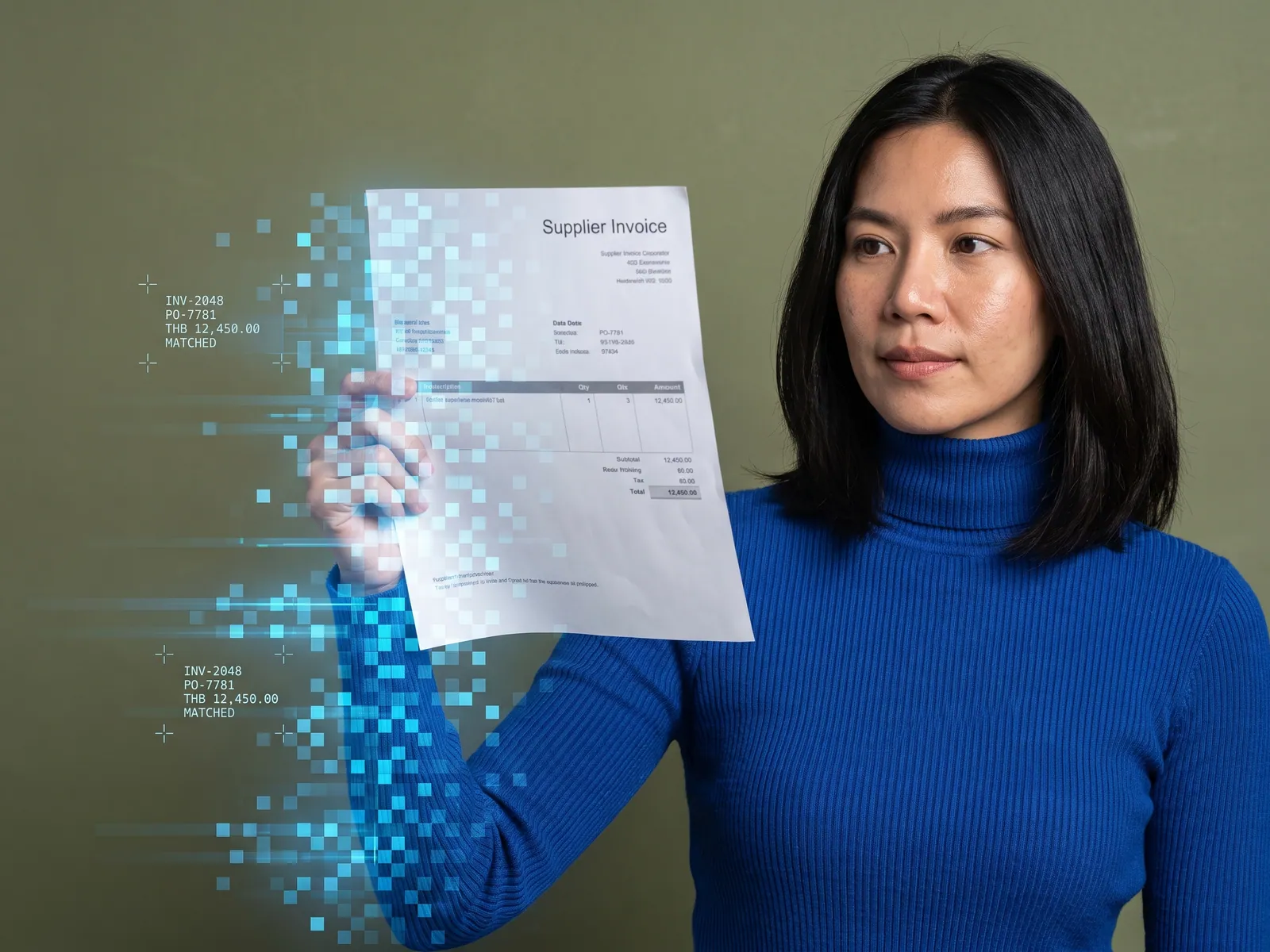
The re-keying disappears from the month-end calendar without extra hands for filing week, and one page shows which runs finished, which are waiting on a person and where the robot got stuck.
Back to AI Workflow
Teams re-keying data between systems · 09 / 17
RPA with AI
A software robot opens the programs and portals that have no API and keys the data for you, AI reads the documents that differ every time, and a person checks before any step that cannot be undone.
“Every month end, accounting pulls a report from SAP, reshapes it in Excel and types it into the Revenue Department site form by form. HR types the social security return again. The same numbers get typed three times. None of these programs has an API, so nobody can build us an integration.”
The problem
Many companies keep the same figures in three places: in the SAP or Express system the books live in, in the Excel file the team reshapes them in, and in the websites of agencies and trading partners that someone has to log in to and fill by hand. Monthly tax returns, social security contributions, files for the bank, status updates on a large customer’s portal. None of these programs has an API, so the only way in is a person at a screen, usually the same person every month and the only one who knows which button comes first.
Any field can be mistyped, and the mistake shows up when the agency asks for a corrected return or at reconciliation. A recorded macro gets halfway: as soon as a supplier’s document arrives in a different layout or a website changes its screen, the macro stops without saying where it got stuck. The team goes back to typing, and filing week turns into the week everyone goes home late.
How we solve it
We start by sitting with the person who does the job and following every step, from pulling the report and preparing the file to the last screen where they press submit. Then we build an RPA robot that repeats those steps in the programs and portals that have no API. The robot has its own user account with only the rights that job needs and runs on the schedule you set or when a file arrives. Where a program does have an API we connect through the API instead, because it holds up better, so the robot is kept for the screens that truly have no other way in.
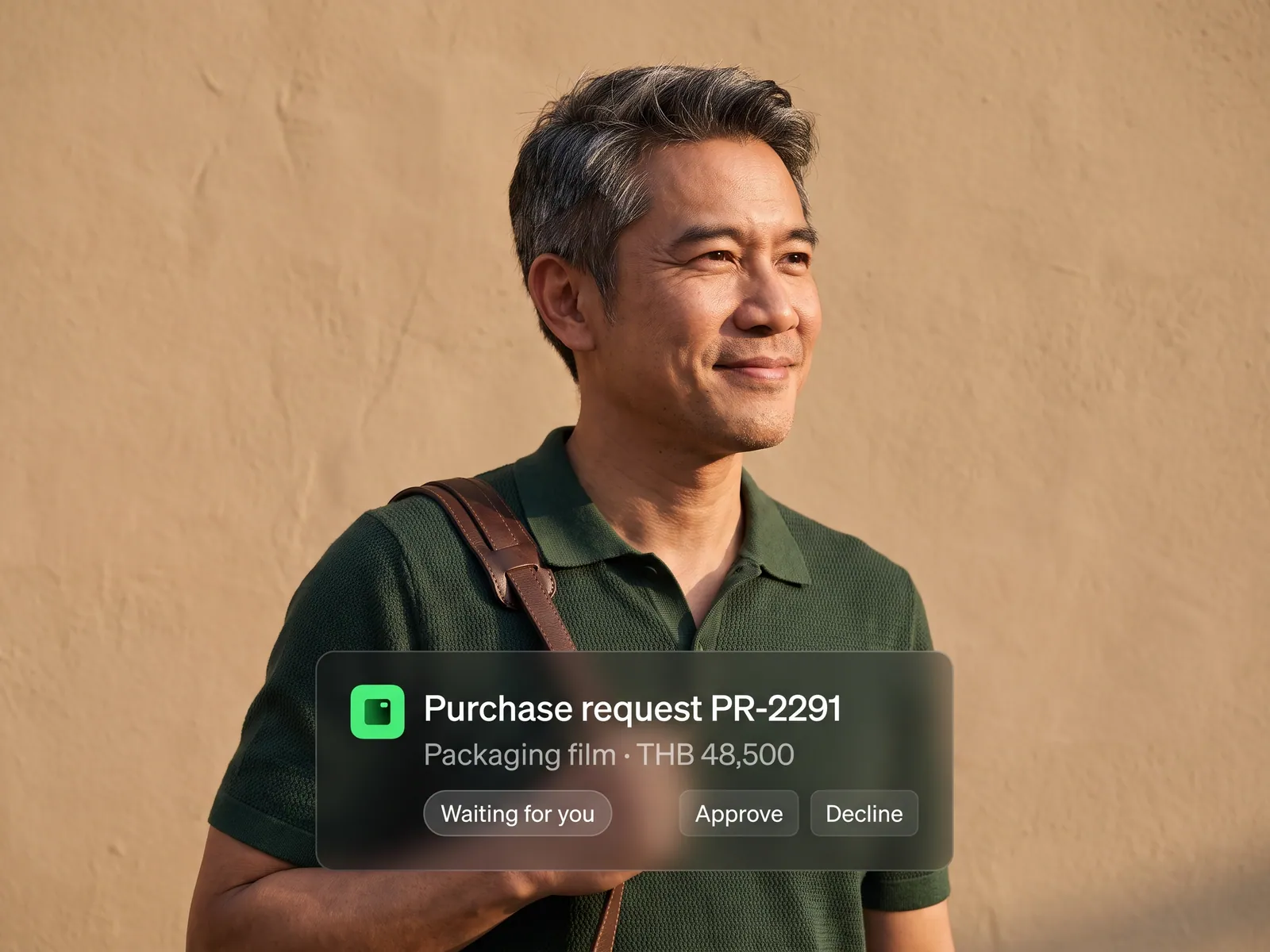
The part a plain robot cannot do, we give to AI: reading documents that look different every time, pulling out the figures, comparing them with your ERP and deciding within the rules you set, such as how far an amount may differ from the purchase order before a person must look. Anything the AI is unsure about goes to an exception queue with a screenshot and the reason; the person confirms or corrects it on one screen and the robot carries on. Steps that cannot be undone, pressing submit on a return or confirming a transfer, the robot prepares in full and then waits for a person. It waits the same way at any step that asks for an OTP.
Every run is logged: what the robot did, when, under which account, with screenshots your auditors can review later. When a website changes its screen and the robot cannot go on, the system alerts your team in LINE and alerts us. We choose the RPA tool to suit the programs the robot has to work in and the number of robots you will run, hand over the robot’s source and a runbook within the agreed scope so your IT team can run it, and offer a Private LLM when the documents the AI reads cannot leave the company.
How it runs
Work comes in from
- Reports from SAP, Express or the existing ERP
- Excel files and documents arriving by email
- Invoices and purchase orders from suppliers
- Agency, bank and partner websites with no API
What the AI does
- Read documents that differ every time
- Compare the figures with the ERP under your rules
- Drive the robot to fill and click in place of a person
- Send unsure cases to the queue for a person to decide
Where it lands
- Every field filled in the target program
- A completed form waiting for a person to check and submit
- An exception queue with screenshots and reasons
- A log and dashboard of every run
Before and after
Before
After
The same figures keyed into three systems every month end
The robot fills everything in; a person opens it, checks and submits
One person knows the portal steps; the day they are off, the work stops
The steps live in the robot and the runbook, so anyone can start a run
One mistyped field, found when the agency asks for a corrected return
Figures that do not agree are set aside before filing, with a note on what differs
What you get
- 01
An RPA robot that logs in, clicks through the menus, fills the forms and downloads and uploads files in programs and portals with no API, under its own account, on a schedule or when work arrives
- 02
AI that reads the documents before keying: invoices, purchase orders and bank reports that look different every time, pulling out the figures and comparing them with your ERP under the rules you set
- 03
An exception queue for the cases the AI is unsure about, figures that do not agree, or a screen that has changed, sent to a person with a screenshot and the reason; the person confirms or corrects and the robot carries on
- 04
An approval stop before anything that cannot be undone: the robot completes the tax return, the transfer list or the purchase order and waits for a person to check and press submit, and it waits the same way at any step that needs an OTP
- 05
A log of every run, what the robot did, when and under which account, with screenshots, alerts in LINE or email when the robot stalls, and a dashboard showing which runs finished and which are waiting on a person
Who gets what
The robot runs under its own account with limited rights and never touches a database directly. Programs with an API are connected through the API instead. Every run has a log and screenshots, the robot’s passwords sit in a vault rather than in code, you receive the robot’s source and runbook within the agreed scope, and a Private LLM is available when documents cannot leave the company.
Accounting and HR stop typing the same figures again. What is left is opening the exception queue, checking the form the robot filled in and pressing submit themselves.
Who this fits
Companies filing tax and social security for several entities or branchesAccounting firms serving many clientsFactories and trading companies on SAP or an ERP with no APILogistics and import-export businesses keying data into partner portalsForeign-owned companies in Thailand sending data from Thai systems to head office
Connects with what you already run
Revenue Department e-FilingSocial Security Office e-ServiceBank internet bankingSAPExpressExcelOutlook and GmailSupplier and customer portals
Development process
- 1
Discover
Requirements, users and success metrics, with scope and price fixed before we start.
- 2
Design
UX and system architecture; the prototype is approved before anything is built.
- 3
Build
AI-accelerated sprints with a demo every week, reviewed by senior engineers.
- 4
Test
QA, security and performance verified against the agreed scope.
- 5
Launch & care
Production deploy, team training, and a monthly care plan.

Turn your business problem into a system that works for you
Tell us today — get an executive-ready proposal with the plan and budget.
Talk to an engineer about thisMore solutions in AI Workflow
See the whole service Marketing teams Marketing workflow Sales teams Sales and CRM workflow Accounting & finance teams Accounting and finance workflow HR teams Employee onboarding workflow Purchasing teams Purchase request and approval workflow Customer service teams Customer service workflow Accounting, purchasing & admin teams Thai document OCR with AI Operations & IT teams n8n Automation Accounting teams issuing many invoices e-Tax Invoice and e-Receipt workflow Brands selling on marketplaces Marketplace back-office workflow Factories & manufacturers Purchasing and goods-receipt workflow Accounting & law firms Client document workflow Hospitals & clinics Insurance claim and records workflow Logistics & transport Job sheet and billing workflow Real estate & juristic offices Repair request and common-fee workflow Wholesalers & distributors Orders-from-chat workflow