Work you would have hired for runs on its own, every step that touches money still passes a person you trust, and one page shows what the workflows did each day and where they stumbled.
Back to AI Workflow
Operations & IT teams · 08 / 17
n8n Automation
We design, build and maintain n8n workflows on your own server or cloud account, linking LINE OA, Google Sheets, email and your ERP, with AI steps that read and decide and a human approval step wherever money or customers are touched.
“Our team built a few n8n workflows themselves and then got stuck. The person who built them left, nobody knows which machine they run on or who holds the passwords, and some days the data just doesn’t land in the sheet.”
The problem
Many companies start with a ready-made automation tool or try n8n on their own. They get two or three workflows running and then stall at the point where a workflow has to reach an internal system, juggle several sets of credentials, or have AI read messages that arrive in no fixed format. When the person who built them changes jobs, the workflows keep running on a machine nobody looks after, the passwords sit in a personal account, and nobody dares touch them.
The failures that hurt most are the silent ones. An API changes, someone edits a column in the sheet, a token expires, and the workflow stops for three days before anyone notices that orders are missing. And when a workflow touches money, such as issuing invoices or refunding customers, a chain that runs end to end with no one looking is more risk than any accounting team will accept.
How we solve it
We start by sitting with your team to see the work they repeat every day, and pick the first two or three workflows that pay back fastest. Then we install n8n on your server or cloud account: your data and credentials stay in your system, the encryption key is yours, and the self-hosted Community edition is used for your internal work under the terms of its Sustainable Use License. Every workflow has an error workflow behind it, retries for steps that stumble, an alert to LINE or email when a step really fails, and a log of every execution so you can see what each step received and sent.
The n8n AI Agent is a node that connects a language model such as Claude or GPT to tools, such as reading a sheet, searching documents or calling an API, and lets the model choose which tool to use for the task it was given. We use it where the input has no fixed shape: order emails that every customer types differently, requests arriving on LINE, replies drafted from your own documents. Where the rules are clear we use ordinary nodes, because they cost less to run, finish faster and are easier to check. And when your case is an agent that must hold a long conversation with customers or process heavy loads, we say so and build it as code or as a separate AI Agent service, with n8n calling it.
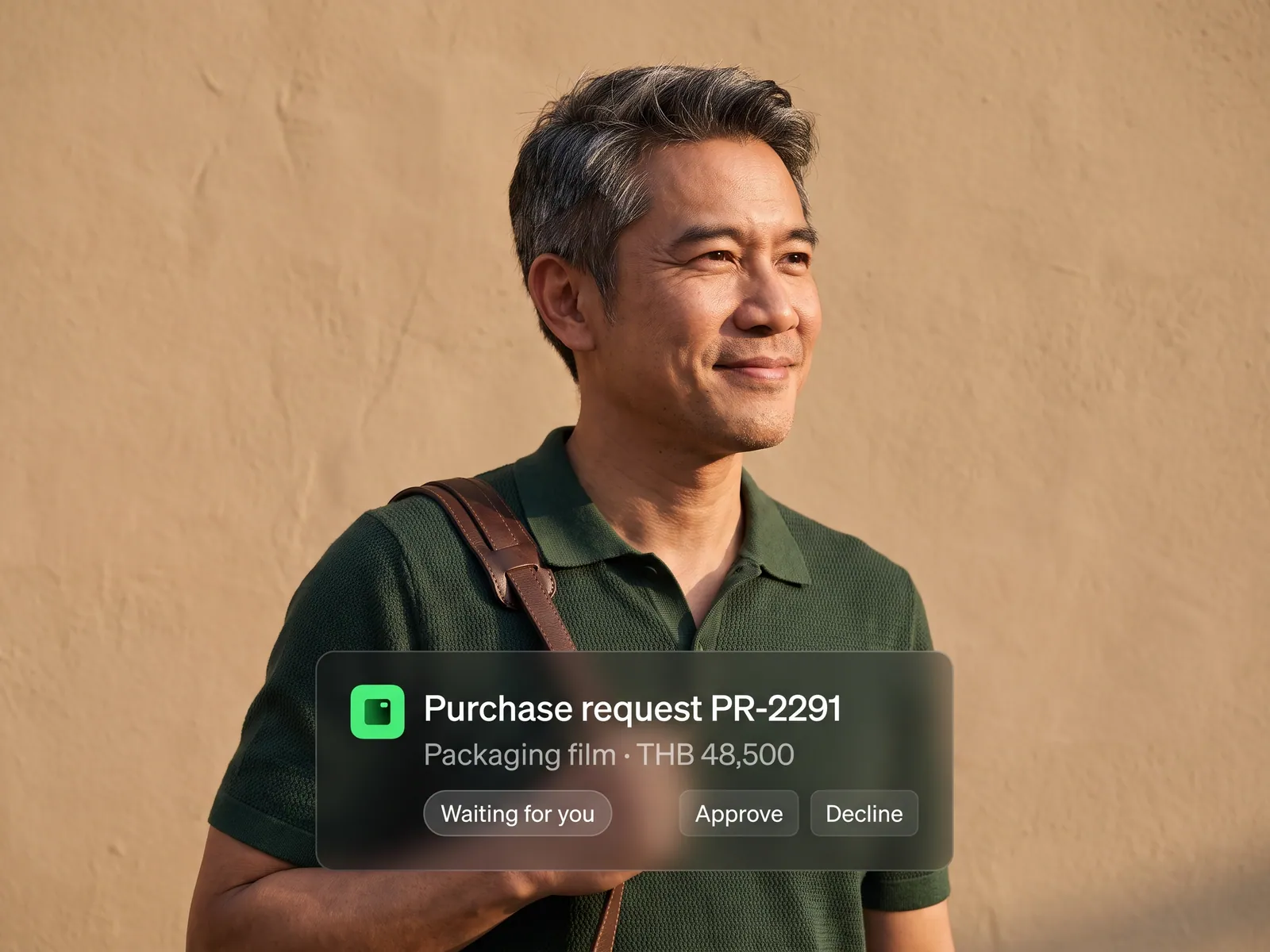
Wherever a step touches money or a customer there is a human approval step: the workflow waits, sends a message with approve and reject buttons to Slack or LINE, and continues when someone presses, recording who and when. At the end we hand over the workflow files with node-by-node documentation, per the scope in the contract, and train your team, so they can change a message, add a column or swap an approver without waiting for us. A first set of workflows usually takes two to six weeks. After that your team can run it alone, or we look after it monthly.
How it runs
Work comes in from
- Messages on LINE OA
- Emails and attachments
- New rows in Google Sheets
- Webhooks from your ERP or website
What the AI does
- Reads and sorts the request
- Pulls the data out of documents
- Checks it against your systems
- Drafts the reply or the record to save
Where it lands
- Approval in Slack or LINE
- Records in your ERP or accounting program
- A reply to the customer on LINE
- Logs and an alert when a step fails
Before and after
Before
After
Staff copy data from LINE and email into sheets by hand every evening
Data lands in the sheet and the ERP minutes after the customer sends it
A home-made workflow stops and nobody knows until a customer asks
A failed step alerts LINE at once, with a log of where it stopped
The one person who understood the setup leaves and the whole chain stalls
The team opens and edits the workflows, and new staff have documentation to read
What you get
- 01
n8n installed with Docker on your server or cloud account, with its database, backups, version updates and a credential encryption key that you hold
- 02
Workflows that connect LINE OA through the Messaging API, Google Sheets, Gmail, Slack, Notion and your ERP or accounting program, through its API, a webhook or the files it accepts
- 03
AI steps inside the workflow that read emails and documents, sort requests, summarize messages and draft replies, using the AI Agent node with Claude or GPT and only the tools we give it
- 04
A human approval step wherever money or customers are touched: the workflow pauses, sends a message with approve and reject buttons to Slack or LINE, continues when someone presses, and records who pressed and when
- 05
An error workflow, automatic retries, alerts to LINE or email when a step fails, a log of every execution, and a handover as workflow files your team can open and edit, with documentation and training
Who gets what
n8n runs on a machine you control, installed with Docker with a proper database and backups. Credentials are encrypted with a key you hold, workflows call existing systems through APIs with rights limited to the task, and you receive the workflow files and documentation per the scope in the contract.
Sales, accounting and customer service stop copying data between screens. What is left for them is pressing approve in chat, and when they want a different message or an extra column they open the workflow and change it.
Who this fits
Companies that tried n8n or a ready-made automation tool and got stuckIT teams that want automation for other departments without more code to write and maintainMarketing, sales and operations teams working in Google Sheets, LINE and emailOnline shops and brands taking orders from several channelsAccounting firms and service companies that receive client documents every day
Connects with what you already run
n8nLINE OAMessaging APIGoogle SheetsGmailSlackNotionClaude or GPTYour ERP or accounting program
Development process
- 1
Discover
Requirements, users and success metrics, with scope and price fixed before we start.
- 2
Design
UX and system architecture; the prototype is approved before anything is built.
- 3
Build
AI-accelerated sprints with a demo every week, reviewed by senior engineers.
- 4
Test
QA, security and performance verified against the agreed scope.
- 5
Launch & care
Production deploy, team training, and a monthly care plan.

Turn your business problem into a system that works for you
Tell us today — get an executive-ready proposal with the plan and budget.
Talk to an engineer about thisMore solutions in AI Workflow
See the whole service Marketing teams Marketing workflow Sales teams Sales and CRM workflow Accounting & finance teams Accounting and finance workflow HR teams Employee onboarding workflow Purchasing teams Purchase request and approval workflow Customer service teams Customer service workflow Accounting, purchasing & admin teams Thai document OCR with AI Teams re-keying data between systems RPA with AI Accounting teams issuing many invoices e-Tax Invoice and e-Receipt workflow Brands selling on marketplaces Marketplace back-office workflow Factories & manufacturers Purchasing and goods-receipt workflow Accounting & law firms Client document workflow Hospitals & clinics Insurance claim and records workflow Logistics & transport Job sheet and billing workflow Real estate & juristic offices Repair request and common-fee workflow Wholesalers & distributors Orders-from-chat workflow