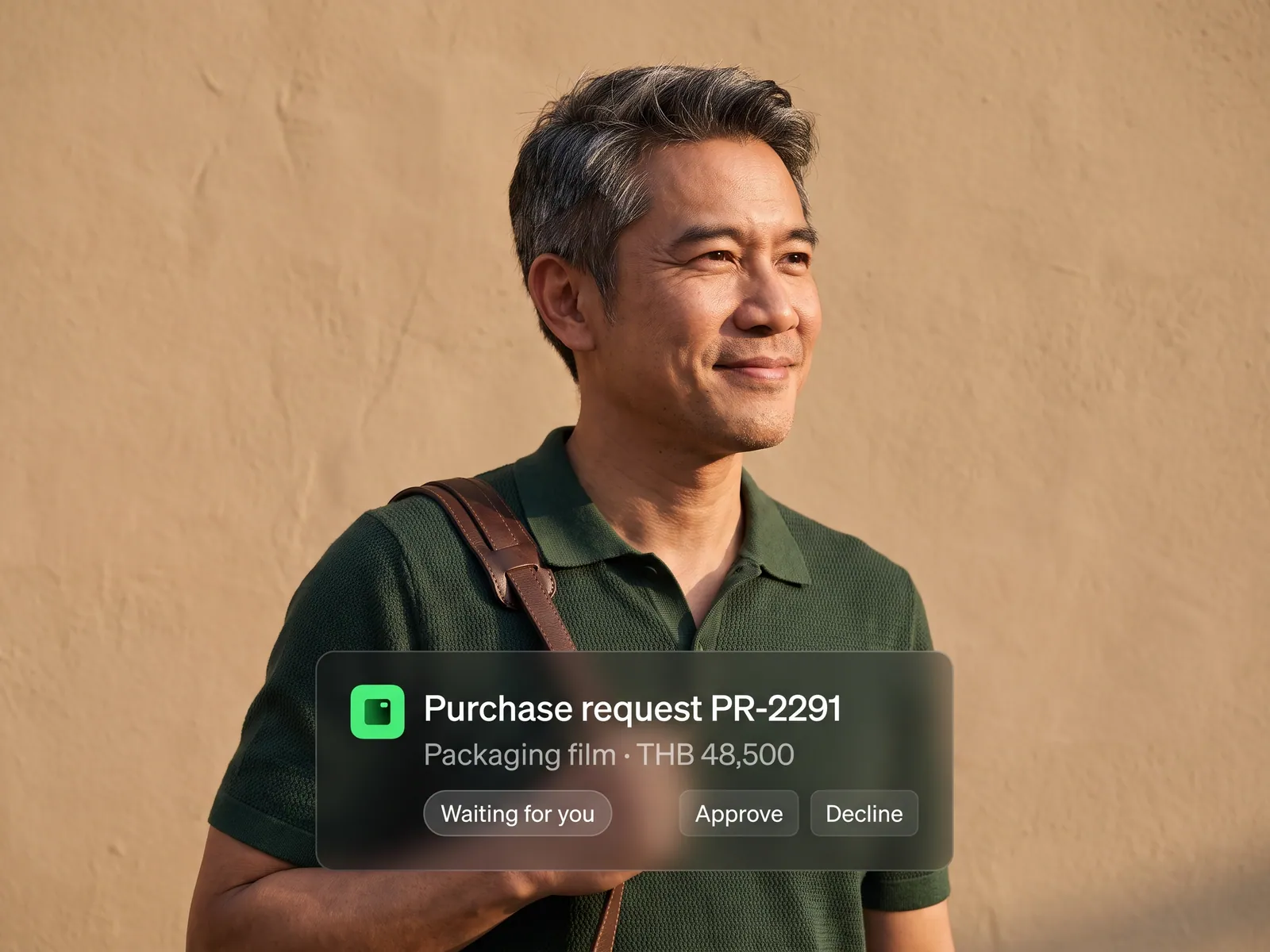
How many leads came in, how fast they were answered and how many closed, by channel and by rep, without waiting for anyone to build a report.
Back to AI Workflow
Sales teams · 02 / 14
Sales and CRM workflow
Every lead lands in the CRM on its own, reaches a free rep within minutes, and the sales manager can see which deals are close without asking anyone.
 Sales teams
 “Leads arrive by LINE, web and email, and each rep keeps their own notes. When the boss asks which deals are close, it takes two days to find out.”
The problem
Leads reach most companies through several doors at once. The web form emails a shared inbox, an admin answers LINE OA, someone else watches Facebook. Once a rep takes a lead, the notes go into a notebook, a phone or a personal Excel file. The CRM the company paid for holds only the deals somebody had time to type in.
So the sales manager never sees a live picture. Asking how much will close this month means waiting for everyone to send in their numbers. Leads that got a slow reply quietly disappear, nobody knows when, and the same customer sometimes gets calls from two reps.
How we solve it
We set up an agent as the first thing every lead meets. Whether it comes from a form, LINE, Facebook or email, the agent reads the message, pulls out the name, phone number, product of interest and rough budget, and opens a record in the CRM you already use. If that phone number has been in touch before, it attaches the enquiry to the existing record instead of creating a duplicate.
It then grades the lead by the rules your team sets, such as budget, urgency and area, and hands it to a free rep who covers that zone, with a short LINE message saying what this customer wants. The rep can call back straight away without opening the CRM first. Every time the rep updates a deal in chat or in the CRM, the system keeps both in step.
When a deal goes quiet for three days the agent nudges the rep, and if it stays quiet, the manager. On Monday morning the manager gets the pipeline summary without asking anyone. Pricing, discounts and moving a deal between reps stay with people; the agent suggests and records.
How it runs
Work comes in from
- Web forms
- LINE OA and Facebook
- Customer email
- Phone numbers the admin jots down
What the AI does
- Read the message and pull out the details
- Open or link the CRM record
- Grade it and pick a free rep
- Chase deals that go quiet
Where it lands
- The CRM your team already uses
- A LINE message to the rep
- A nudge to the manager on stuck deals
- Monday morning pipeline summary
Before and after
Before
After
A lead waits for an admin to forward it, sometimes overnight
A free rep has the lead and a summary of what the customer wants within minutes
The manager asks which deals are close and waits two days
The manager opens the pipeline any time and gets a summary every Monday
A deal goes quiet for two weeks before anyone notices
Three quiet days and the system nudges, before the customer walks
What you get
- 01
An agent picks up leads from LINE OA, web forms, Facebook and email and opens each one in the CRM the moment it arrives, linking repeat enquiries to the existing record
- 02
Each lead graded by budget, urgency and product of interest, read from what the customer actually wrote
- 03
Leads handed to a free rep by territory or product line, with a LINE message to that rep within minutes
- 04
A nudge to the rep, then the manager, when a deal has had no update for three days or a customer has written in and nobody has replied
- 05
A pipeline summary every Monday morning: which deals are close, which are stuck, and what each rep is carrying
Who gets what
Connected to your existing CRM through its official API, no data migration and no new system. Customer data stays within PDPA, and every change the agent makes is logged.
Reps stop keying leads into the CRM and stop writing the Monday report. The time goes to the customers the agent says are about to decide.
Who this fits
Real estateInsurance & financeDistributors & B2BCar dealers & after-salesClinics & aesthetics
Connects with what you already run
LINE OAHubSpotSalesforceZoho CRMFacebook Lead AdsGoogle SheetsGmail
Development process
- 1
Discover
Requirements, users and success metrics, with scope and price fixed before we start.
- 2
Design
UX and system architecture; the prototype is approved before anything is built.
- 3
Build
AI-accelerated sprints with a demo every week, reviewed by senior engineers.
- 4
Test
QA, security and performance verified against the agreed scope.
- 5
Launch & care
Production deploy, team training, and a monthly care plan.

Turn your business problem into a system that works for you
Tell us today — get an executive-ready proposal with the plan and budget.
Talk to an engineer about thisMore solutions in AI Workflow
See the whole service Marketing teams Marketing workflow Accounting & finance teams Accounting and finance workflow HR teams Employee onboarding workflow Purchasing teams Purchase request and approval workflow Customer service teams Customer service workflow Accounting teams issuing many invoices e-Tax Invoice and e-Receipt workflow Brands selling on marketplaces Marketplace back-office workflow Factories & manufacturers Purchasing and goods-receipt workflow Accounting & law firms Client document workflow Hospitals & clinics Insurance claim and records workflow Logistics & transport Job sheet and billing workflow Real estate & juristic offices Repair request and common-fee workflow Wholesalers & distributors Orders-from-chat workflow