Full bookings and orders through the whole peak without extra staff, and a view of which dishes sell through chat.
Back to AI Agent & Chatbot
Restaurants & cafés · 08 / 12
Ordering and table booking agent
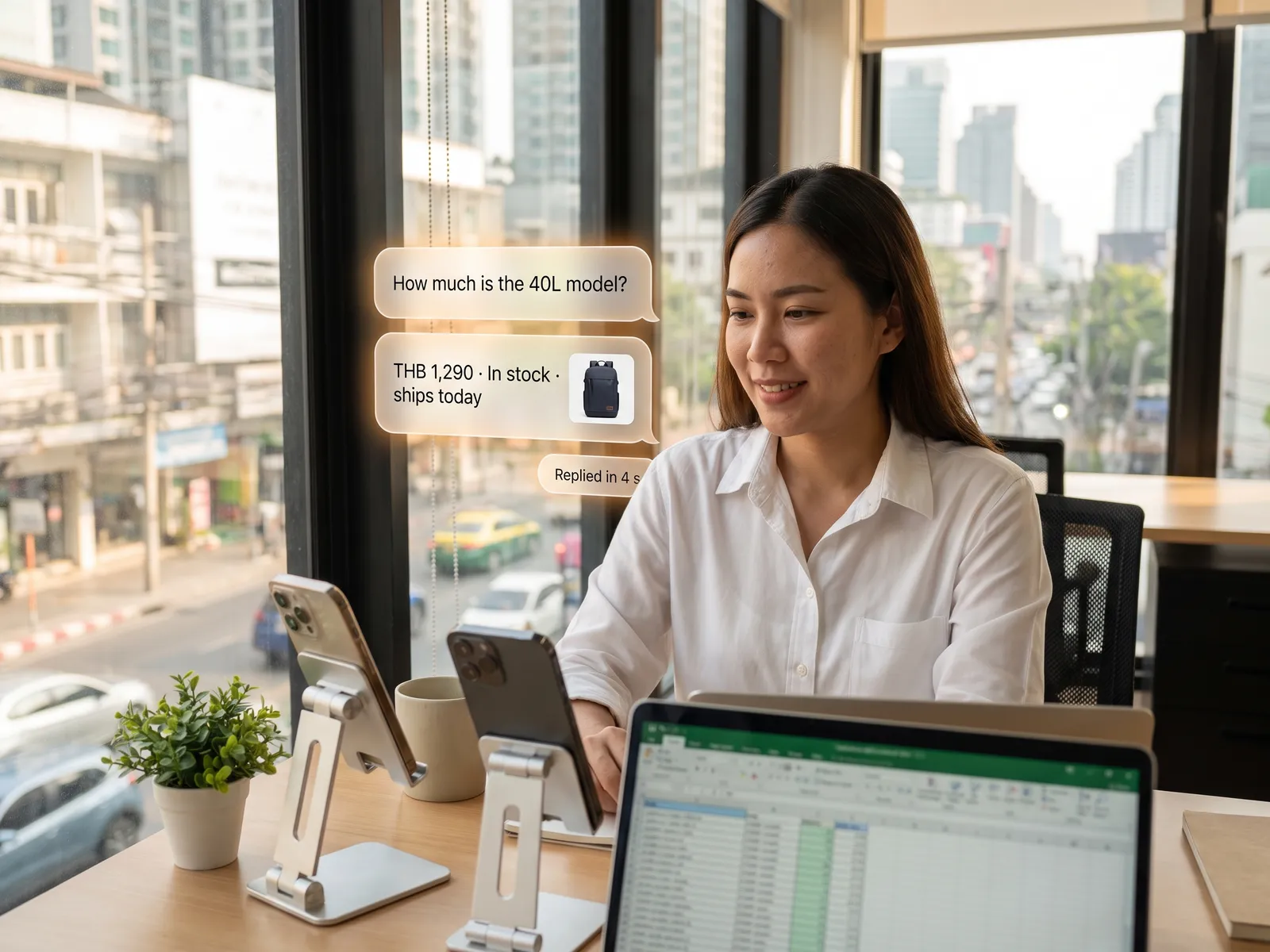
At peak hours customers book a table or order takeaway on LINE themselves, against real seating and the real menu, so nobody puts down a plate to answer the phone.
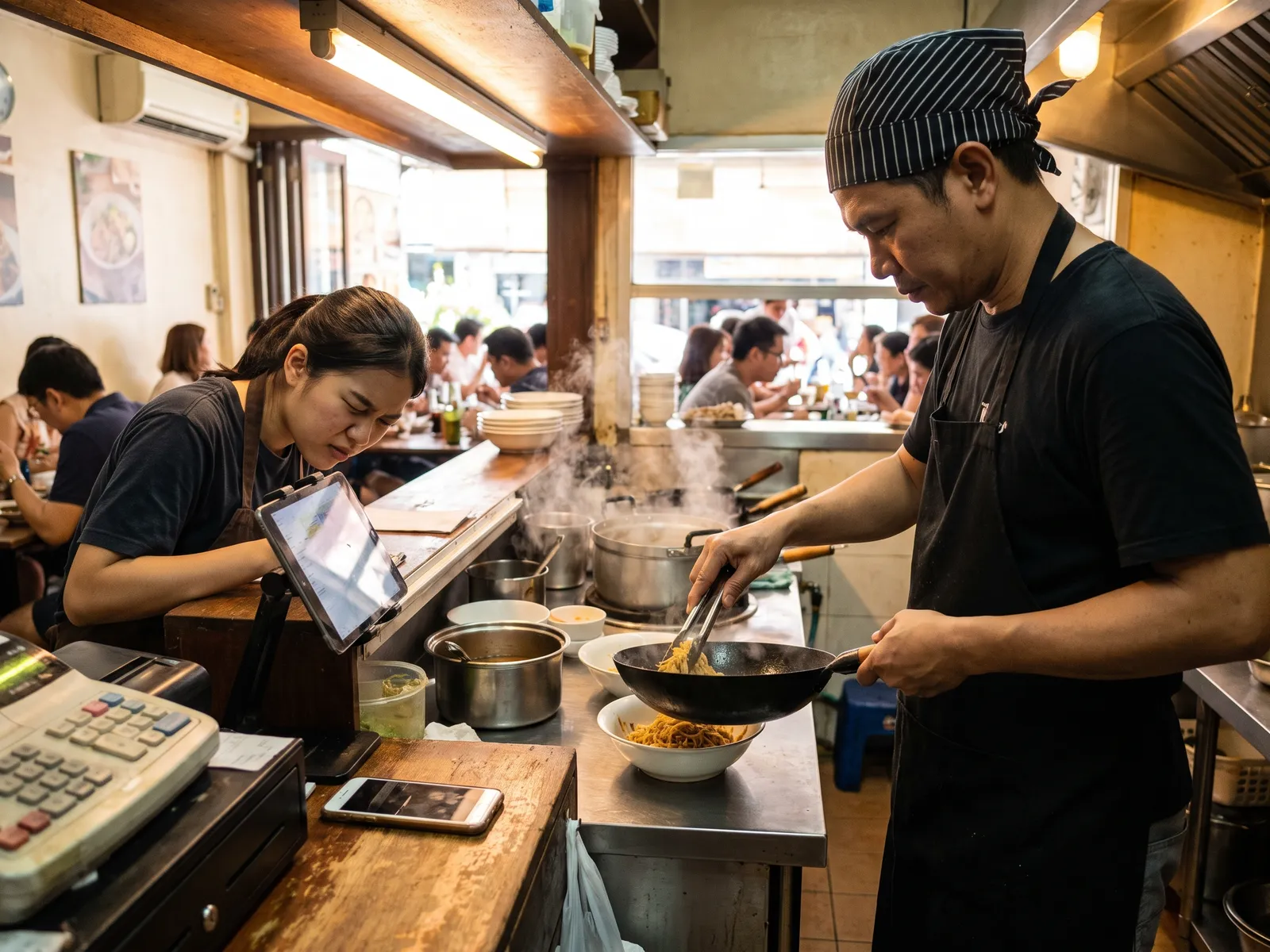 Restaurants & cafés
 “At peak hours nobody can answer the phone for reservations, and takeaway orders on LINE go unanswered.”
The problem
From six to eight in the evening everyone in the restaurant has a plate in their hands. The phone rings for reservations and nobody can get to it, while a dozen takeaway orders sit unopened on LINE OA. By the time someone replies at nine, the customer has ordered from somewhere else.
Phone bookings go into a notebook. Some days they are written twice, some days not at all, and a customer arrives to find no table. Orders taken in chat need someone to walk to the kitchen and key them into the POS a second time.
How we solve it
We connect the agent to the restaurant’s POS and reservation system. When a customer messages on LINE OA asking for a table for four at seven, it checks the seats free in that sitting, books it on the spot and sends a reminder before the time. If the customer cancels, the table goes back to the pool for the next person with nobody correcting a notebook.
Takeaway orders are taken from the current menu and prices in the POS. If a dish is sold out, the agent says so and suggests something similar. A confirmed order goes into the POS and the kitchen display by itself, and the customer gets a pickup time and a payment link. Questions about allergens, vegetarian dishes or parking are answered from the information the restaurant provides.
Large group bookings, private events and complaints about the food go to the restaurant manager at once, and refunds or compensation are always a person’s call.
How it runs
Work comes in from
- LINE OA and Messenger
- Chat from Google Business Profile
- Menu and stock from the POS
- Free seats from the reservation system
What the AI does
- Check free seats and book the table
- Take the order from the current menu
- Answer menu and allergen questions
- Pass events and complaints to the manager
Where it lands
- Reservation in the system with a reminder
- Order in the POS and kitchen display
- Customer gets pickup time and payment link
- Dashboard of chat bookings and orders
Before and after
Before
After
At peak hours the reservation phone goes unanswered
Customers book on LINE themselves against the seats actually free
Takeaway orders sit in LINE until the customer orders elsewhere
Takeaway orders reach the POS and kitchen within the first minute
Phone bookings go in a notebook, sometimes twice, sometimes lost
Every booking lives in one system, and a cancelled table frees itself
What you get
- 01
An agent that takes reservations against the seats actually free in each sitting, reminds before the time and releases the table on cancellation
- 02
Takeaway orders taken from the current menu and prices, sent to the POS and kitchen, with a pickup time and payment link
- 03
Questions about the menu, allergens, vegetarian and halal options, parking and opening hours answered from the restaurant’s own information
- 04
Sold-out items hidden automatically from the POS, with a similar dish suggested instead
- 05
A message after the meal asking for a Google review, and promotions sent to customers who have ordered before
Who gets what
Connected to the POS the restaurant already uses through the vendor’s API, with the menu and prices read from one place so there is no second menu to maintain, and payment through the provider the restaurant already has.
Floor staff stop running to the phone mid-service and look after the customers at the tables.
Who this fits
Restaurants & cafésMulti-branch restaurantsBuffet & grill restaurantsBakeries & pre-order kitchensHotel restaurants
Connects with what you already run
POSLINE OAReservation systemOmiseGoogle Business ProfileGrabFood
Development process
- 1
Discover
Requirements, users and success metrics, with scope and price fixed before we start.
- 2
Design
UX and system architecture; the prototype is approved before anything is built.
- 3
Build
AI-accelerated sprints with a demo every week, reviewed by senior engineers.
- 4
Test
QA, security and performance verified against the agreed scope.
- 5
Launch & care
Production deploy, team training, and a monthly care plan.

Turn your business problem into a system that works for you
Tell us today — get an executive-ready proposal with the plan and budget.
Talk to an engineer about thisMore solutions in AI Agent & Chatbot
See the whole service Sales teams & page admins Sales chat agent Customer support teams After-sales support agent B2B & project sales teams Lead qualification agent Online shops & wholesalers Order and status tracking agent HR & IT departments HR and IT helpdesk agent Accounts & collections Payment reminder agent Hotels & resorts Room booking agent on LINE and web Clinics & hospitals Appointment and first-contact agent Schools & institutes Admissions and parent agent Real estate Lead qualification and viewing agent Car dealers & service centres Test drive and service booking agent