Cash arrives sooner without adding staff, and every morning you see what is outstanding, who has promised, and which accounts should lose their credit terms.
Back to AI Agent & Chatbot
Accounts & collections · 06 / 12
Payment reminder agent
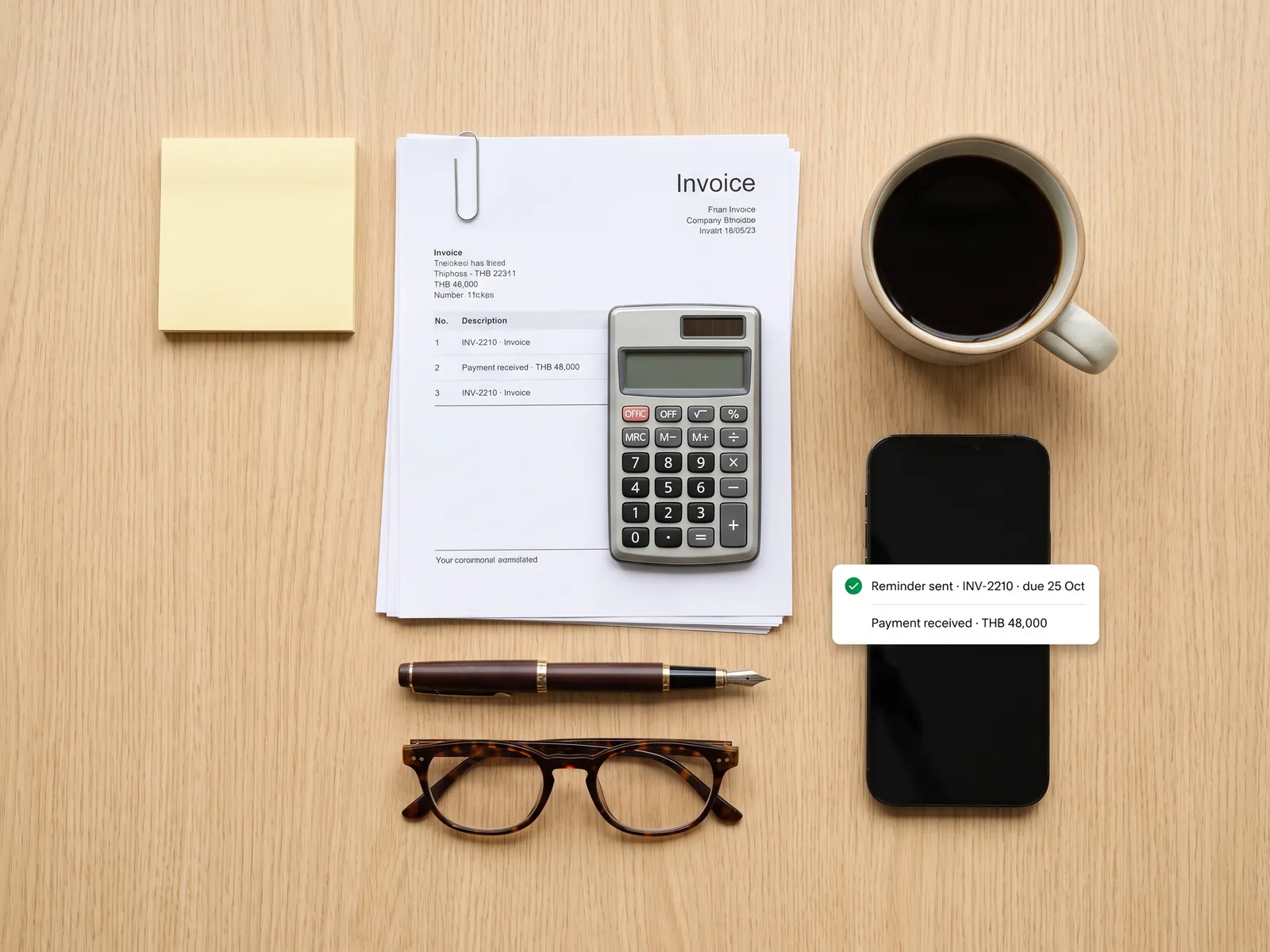
Every unpaid invoice and instalment chased politely, customers told what they owe and paid by QR in the chat, and accounts given a report every morning.
 Accounts & collections
 “At month end, accounts sit and phone debtors one by one. Some say they’ll transfer tomorrow and go quiet, and by the next due date nobody remembers who promised what.”
The problem
Overdue accounts are spread across an Excel file in accounts, the accounting system and the memory of whoever last phoned. At month end two people in accounts call debtors one at a time. Some say they never received the invoice, some ask for the total and wait while the system is opened, and many say they will transfer tomorrow, which nobody writes down.
Cash comes in later than it should every month, and the person doing this has the most tedious job in the company: half a day of calling people who do not want to pick up.
How we solve it
We give the agent your invoices and instalment schedules from the accounting system, and it sends reminders on the timetable you set, say three days before the due date, on the day, and weekly after that. The tone follows the days overdue: the first message is a notice, later ones get more direct, and a regular customer who always pays on time gets different wording from an account that is often late.
When a customer replies, the agent says how many invoices are open and for how much, and sends a PromptPay QR or payment link in the chat. If the customer says they will pay on Friday, it logs that promise and follows up on Friday if the money has not arrived. When a transfer lands, it matches the amount to the invoice, updates the status and sends the receipt.
Accounts overdue beyond the limit you set, requests for more time and disputes over the amount go to accounts with the full chase history. Writing off, extending terms or suspending service is always a person’s decision.
How it runs
Work comes in from
- Invoices from the accounting system
- Instalment schedules and contracts
- Transfers into the bank account
- Customer replies on LINE or email
What the AI does
- Send reminders by schedule and history
- Answer the balance with a payment QR
- Log promises and follow up
- Match transfers to invoices
Where it lands
- Customer pays in the chat and gets a receipt
- Status updated in the accounting system
- Morning report for accounts
- Accounts take only the cases needing a person
Before and after
Before
After
Accounts phone debtors one by one every month end
The agent chases every invoice on schedule; accounts handle only the hard ones
A customer says they’ll transfer tomorrow and nobody follows up
The agent logs the promise and follows up on that day
A transfer arrives and someone works out which invoice it was for
Transfers are matched to invoices and receipts go out at once
What you get
- 01
An agent that sends reminders before the due date, on the day and after it, with wording that changes with the days overdue and the customer’s history
- 02
Answers to how many invoices are open and for how much, with a PromptPay QR or payment link, and a receipt sent once paid
- 03
Promises to pay logged with the date, and a follow-up on that day if the money has not arrived
- 04
Incoming transfers matched to invoices and the status updated in the accounting system without anyone keying it
- 05
A morning report of who has paid, who has promised, and which accounts are overdue enough for a person to call
Who gets what
Invoices read from PEAK, FlowAccount, Xero or SAP through their official APIs, no card data stored, your own PromptPay QR used, and every outgoing message logged in line with PDPA.
Accounts stop making the same collection calls and close the month on time again.
Who this fits
Wholesalers & distributorsHire purchase & instalment plansSchools & tutoringCondo & housing juristic personsSubscriptions & membershipsClinics with instalment packages
Connects with what you already run
LINE OAPEAKFlowAccountXeroSAP Business OnePromptPayOmise
Development process
- 1
Discover
Requirements, users and success metrics, with scope and price fixed before we start.
- 2
Design
UX and system architecture; the prototype is approved before anything is built.
- 3
Build
AI-accelerated sprints with a demo every week, reviewed by senior engineers.
- 4
Test
QA, security and performance verified against the agreed scope.
- 5
Launch & care
Production deploy, team training, and a monthly care plan.

Turn your business problem into a system that works for you
Tell us today — get an executive-ready proposal with the plan and budget.
Talk to an engineer about thisMore solutions in AI Agent & Chatbot
See the whole service Sales teams & page admins Sales chat agent Customer support teams After-sales support agent B2B & project sales teams Lead qualification agent Online shops & wholesalers Order and status tracking agent HR & IT departments HR and IT helpdesk agent Hotels & resorts Room booking agent on LINE and web Restaurants & cafés Ordering and table booking agent Clinics & hospitals Appointment and first-contact agent Schools & institutes Admissions and parent agent Real estate Lead qualification and viewing agent Car dealers & service centres Test drive and service booking agent