
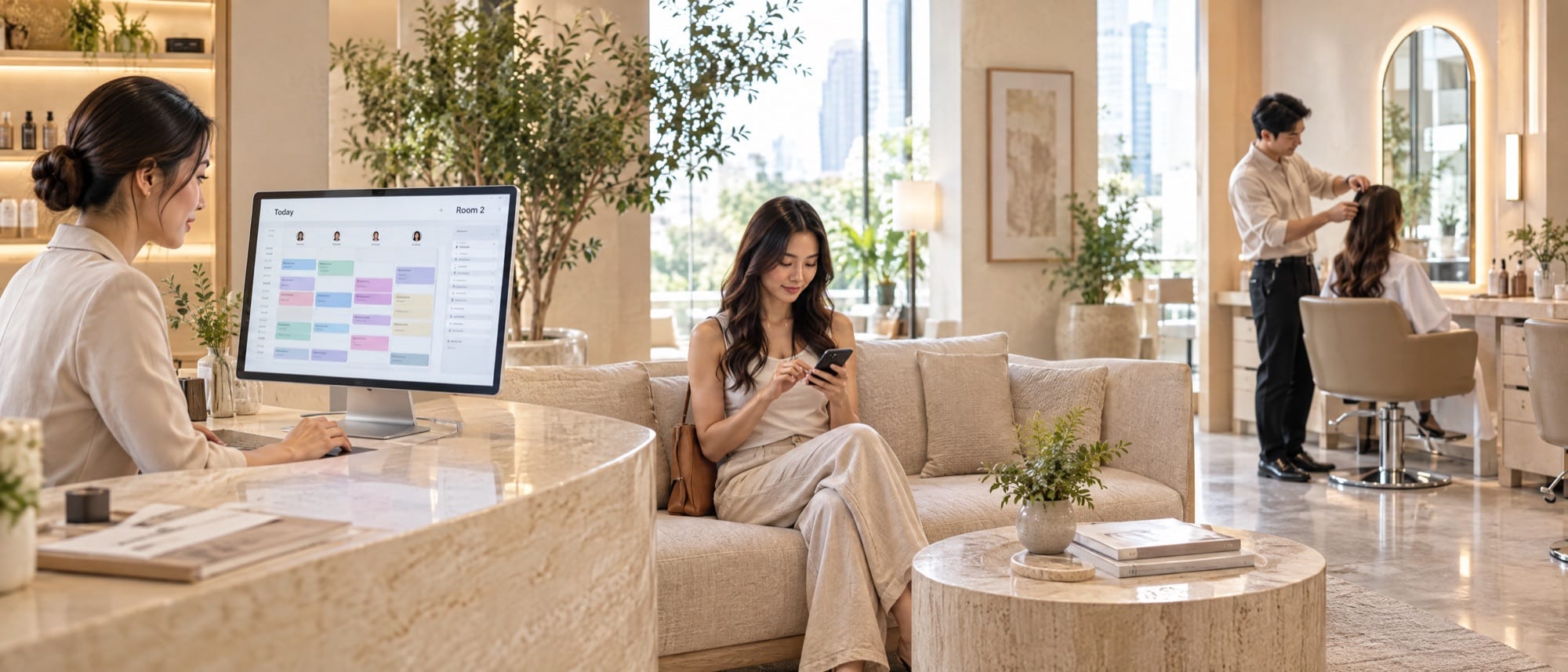
- A shop with a few staff that doesn't take deposits can start with a free form or a ready-made booking app, and many shops stay that way for a long time.
- Your chat channel is the door customers know best. The real choice is where the booking diary lives and who keeps it right every day.
- Count signals from two weeks of real bookings, such as several branches, deposits, a waitlist or sending data to your sales system. Zero or one: stay on the free tool. Two or three: try a ready-made app. Four or more: start thinking about a system of your own.
Whose job does an online booking system take over?
Picture one booking diary at the front counter. Anyone who wants a slot has to go through the person holding it, whether they phone, send a message or walk in. Every kind of online booking system opens that diary so customers can see the free slots and book themselves, and staff no longer have to turn away from the customer in front of them to answer the phone.
Compare tools with the same four questions. Can customers see real availability? What stops two people getting the same slot? Who sends the reminder before the appointment? And on the day you open a new branch, can the tool still cope? Service businesses in Thailand take online bookings in four ways, and each answers these questions differently.
Option 1: Google Form and Google Sheets, free and running in an afternoon
An online form is like a sign-up sheet taped to the shop door. Anyone passing can write on it, but the sheet doesn't know which slots are taken. A booking system built on Google Form suits fixed time slots and a small number of staff, such as a morning yoga class, a seminar, or a shop that takes a handful of bookings a day.
If you want to set up online booking for free, the quickest route is a form asking for name, phone number, service and time. Answers go into one Google Sheets file every staff member can open, and you put the link in the shop's profile. The limits show once bookings get busy. A plain form doesn't close a slot once someone has booked it, so two customers can both pick 2 p.m. on Saturday, and reminders are still done by hand. Create the form from the shop's own account from day one, so the customer list doesn't leave with a staff member who quits, and add a PDPA consent line at the end of the form.
Option 2: a ready-made booking app on a monthly plan
A ready-made app is like renting a shop that's already fitted out. You can move in within days, but you can't knock down walls. Hair salons, spas and studios go this way because they get a booking page showing each stylist's free time, plus reminders and a staff calendar, without hiring anyone to write code.
Check four things before you sign up. First, how it charges. Many providers charge by the number of staff, branches or messages, so the cost grows with the shop. Second, your shop's rules. If one service needs a therapist and a particular room together, or you sell packages usable at any branch, set it up for real before paying for a year. Third, Thai language, PromptPay and LINE messaging, which providers support to different degrees. Last, the customer list. Ask whether you can export customers and booking history as a file. On the day you want to switch systems, that file is what brings your customers with you.
Option 3: booking through LINE OA, the door customers know best
LINE OA, short for LINE Official Account, is the shop's front door. Customers already have LINE, so they can message to book straight away. The question is what kind of booking diary waits behind that door. Shops that take bookings this way usually use one of three set-ups.
The first is chatting with an admin. A customer types "Are you free at 2 p.m. tomorrow?" and the admin checks the diary and replies. This works well for a small shop, but the phone workload has simply moved into the chat. If repeat questions arrive faster than anyone can answer, an AI chatbot for LINE OA can answer from the shop's own information and hand over to an admin, with the chat history, when a person is needed.
The second is a button in the Rich Menu, the menu under the chat box, that opens a ready-made app's booking page. The third is the shop's own booking page opening inside the LINE window. The system knows who is booking from their LINE account, customers don't retype their phone number, and reminders come back in the same chat. A booking system on LINE OA can mean either of the last two. The difference is whose system holds the diary. Reminders sent through LINE OA count toward the account's message quota under the shop's plan, so include them in the monthly cost from the start.
Option 4: a booking system built for your business
A custom system is like building a shop on your own land. It takes longer and needs investment up front, but the floor plan follows the way you work.
This pays off when your rules don't fit a ready-made app's settings. For example, one appointment must book a therapist, a room and a machine together, packages can be redeemed at any branch, or every booking must send its sale to the POS and its history to the CRM you already use. The booking calendar and customer history live in the shop's own system, and whether customers book on the website, in an app, through LINE OA or through staff, every booking lands in the same calendar. See what a custom booking and appointment system includes, then pick only the parts you need. The cost depends on channels, the number of branches and services, deposits and packages, and the systems to connect. Read more in what decides the cost of a website or app.
Don't build your own yet if the shop has never taken bookings online, because two or three months on a free tool will show when customers book and which bookings need fixing by hand. If nobody owns the rules yet, such as how many hours ahead a free reschedule is allowed and who approves deposit refunds, a new system will fill up with exceptions fixed by hand. And if a rented app already does everything you need, renting is better value.
For the development team · Before moving off the old tool
Start the data model from resources: staff, rooms, beds and machines. Each service has a duration, a buffer for room prep, and the set of resources it needs. Prevent double booking in the database with a transaction or constraint, because a check on the screen alone fails when two people tap at the same moment. Before migrating, ask for three exports: the customer list with consent records, future appointments, and remaining package balances. If the booking page opens in LINE through LIFF, link each LINE user ID to the existing customer's phone number on first use. If you sync two ways with Google Calendar, agree clearly which side is the source of truth.
The four options side by side
Read this table with last week's bookings in mind, rather than the shop in your five-year plan.
| Option | Suits | Common limits | Sign it's time to change |
|---|---|---|---|
| Google Form and Google Sheets | Fixed time slots, one or two staff | Clashing bookings, and every reminder sent by hand | Phoning customers to fix clashes every week |
| Ready-made monthly app | One or two branches, standard services | Cost grows with the shop, special rules can't be set | Working outside the app or compiling reports by hand |
| Booking through LINE OA | Shops whose customers already message them | If a person answers the chat, the workload moves into the chat | Booking messages arrive faster than you can answer |
| A custom system | Several branches, complex rules, POS or CRM links | Takes time to build, needs someone to look after it | Review it when you open a branch or add a service |
Seven signs your shop has outgrown its booking tool
Before you pay anyone, count signals from the last two weeks of real bookings, and count them with the person who takes bookings every day, because they know which bookings had to be fixed by hand.
Count the seven signals
- Several branches. Customers book across branches, or staff rotate between sites.
- Bookings that need several things at once. A person, a room, a bed or a machine in one appointment.
- Deposits or packages. You take money before the appointment, or sell courses used one visit at a time.
- A waitlist. Some slots are always full, and people ask to be told when one opens.
- Data that has to go somewhere else. Sales to the POS, history to the CRM, or bookings to staff calendars.
- Reports done by hand. Someone adds up full slots, empty slots and revenue per person every week.
- No-shows you can see in the takings. Bookings go missing so often the owner remembers which days.
Zero or one: stay on Google Form and Google Sheets. Two or three: try a ready-made app on real bookings for two weeks. Four or more, or one must-have the app can't do: start talking about a system of your own. Leave LINE OA out of the count, because it can sit in front of any of them.
Count what actually happens. A shop that has never taken deposits doesn't count sign 3, even if deposits seem worth trying. Recount every time you open a branch or add a service that needs a room or a machine. Sign 7 has several fixes to try before you change systems. Read how to reduce appointment no-shows.
Hypothetical case
A pilates studio in Chiang Mai (name and details invented) had six Reformers and three teachers, and took bookings through Google Form plus LINE OA chat. In its first year two problems kept coming back. Two customers got the same machine in the Wednesday evening class several times a month, and teachers copied names from the sheet into a calendar every night. The owner counted three signals: appointments that needed a teacher and a machine together, ten-class packages, and a waitlist for evening classes. So the studio tried a ready-made app for two weeks, tested the customer export before paying for a year, and put the booking button in the Rich Menu. The app worked well all year.
In year two the studio opened a second branch and added a physiotherapy room. Members used packages at both branches, the front desk sold equipment through a POS, and the manager compiled both branches' reports by hand every Monday morning. The recount came to six, and the owner started building a system of their own. Phase one covered only booking, reminders and the teachers' screen. The old app stayed in use meanwhile, and the customer list moved over from the exported file on the day the new system opened. The slowest part was getting the two managers to agree on the cross-branch package rule, which had to be settled before any code was written.
Four signals or more? We start with your shop's rules
The real booking rules live with the people in the shop. The owner knows which services make money, the front desk knows who reschedules often, and the stylists know which jobs need extra time. DNA Maker starts by listening to these people, then writes it all down as workflow, rules and screens: who and which room each service uses, how long it takes, how many hours ahead it can be moved, and who approves deposit refunds. The shop's people check it before we build. If your count comes to only two or three, a ready-made app is still better value, and we'll tell you so in the first conversation.
DNA Maker's own team in Bangkok designs and builds the whole system, with no subcontracting. We build custom booking systems where customers see each person's or room's real availability and book on the website, in an app or on a booking page inside LINE OA. Every booking lands in one central calendar that every branch can see, deposits go through PromptPay or card, reminders come with confirm and reschedule buttons, and the system connects to Google Calendar or your existing POS. Most shops start with booking, reminders and the staff screen, and add the rest later. This work sits within our app development service, and scope and price are clear before work starts. Tell us your shop's booking rules, and we'll help you see which part to build first.
SOFTWARE ENGINEERING GLOSSARY
Software engineering glossary
| Term | What it is | A simple example | What executives should ask the development team |
|---|---|---|---|
| Source of Truth | The one copy of the data every system treats as the real one | The central booking calendar is the real copy, and staff calendars are copies | If a staff calendar and the booking calendar disagree, which one does the system believe? |
| Double Booking | Two people getting the same time slot or resource | Two customers get the same Reformer at 6 p.m. | If two people book at the same moment, how does the system stop the clash? |
| LIFF | A way to open the shop's web page inside the LINE window and know who the user is | A customer taps the booking button in the Rich Menu and books without typing a phone number | How will customers who don't use LINE book? |
| Vendor Lock-in | Being unable to change systems because the data or account is tied to the current provider | The customer list can't be exported from the rented app | If we stop using it next year, what data do we get back, and in what file format? |