

- Don't start by asking how many people you can cut. Start by looking at where the real work loses time.
- Before making work faster, remove the work that shouldn't exist in the first place. Otherwise you are paying to speed up tasks nobody needs.
- Make workforce decisions only after you have seen one full cycle of real numbers.
1. Can a team of 10 really become 5?
The honest answer is sometimes yes and sometimes no, and anyone who immediately says “definitely” probably hasn't looked at the real data. The question you can answer first is where your team's time goes today.
It is possible in some processes, but you shouldn't set a headcount figure before you know what the work actually consists of. If a ten-person team spends half its time copying data, creating documents and chasing status, cutting the human touch by 50 percent might let the team shrink or handle twice the volume. If most of the work is negotiating, inspecting on site or looking after relationships, the same target may be unrealistic.
Start from the output you need, rather than the number of people you'd like to cut. Say the company has to process 5,000 items a month, answer customers within 15 minutes and keep errors below 1 percent. Then work out how many items the system handles, how many exceptions people handle and how many person-hours that takes. A calculation like this gives the decision a far sounder basis than an across-the-board announcement of cost cuts.
2. Map the process from what really happens
Don't start from documents written three years ago. Look at the traces in your systems to see how the work actually flows. This data often contradicts what the team believes, and that is exactly why it is useful.
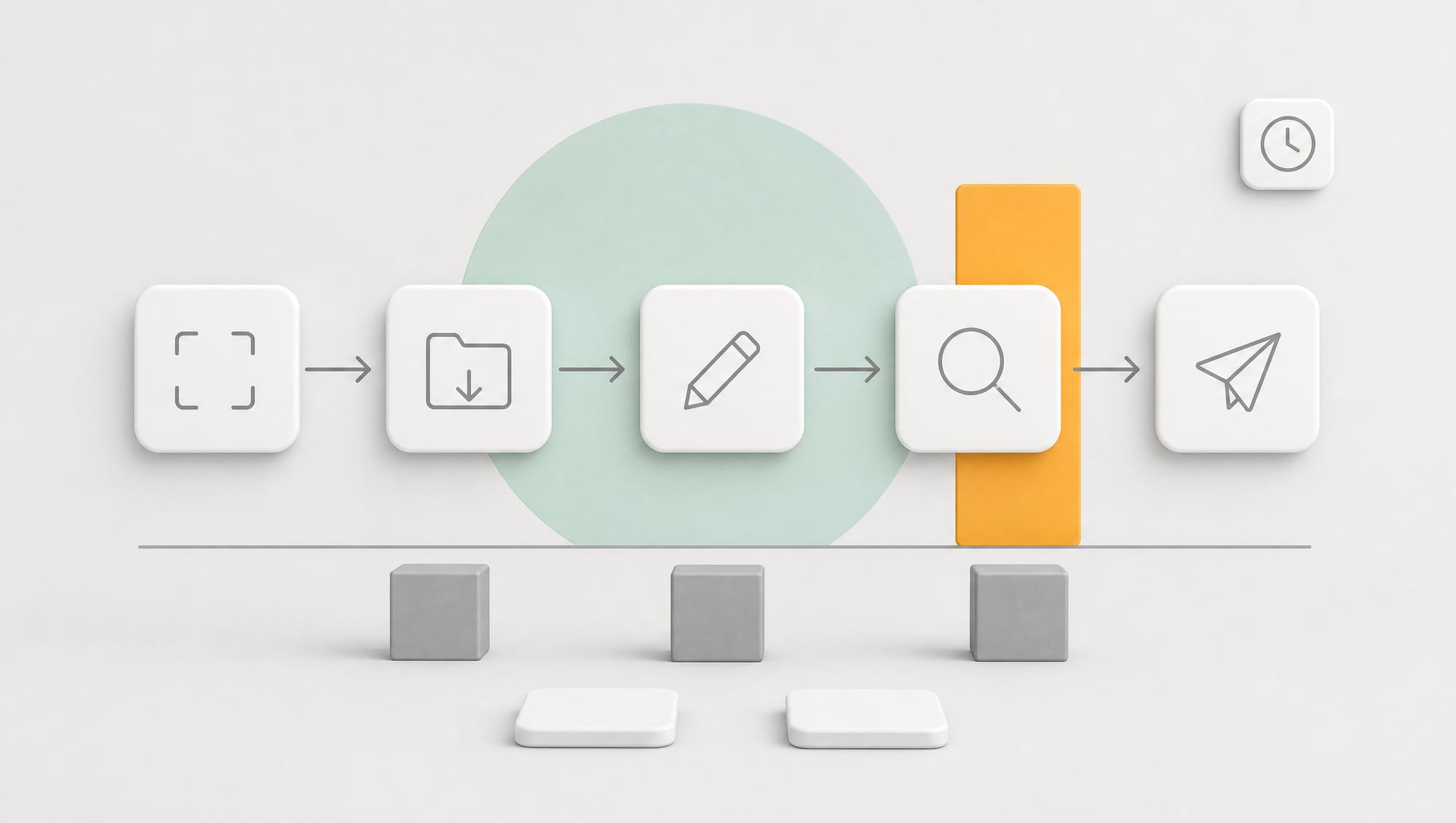
Choose one process and follow real work from start to finish. Record who is responsible, which systems they open, what data comes in, what decisions are made, the actual working time and the waiting time. Separate “touch time” from “wait time,” because a job may take only 40 minutes of work but sit in a queue for three days. Cutting the typing time to 20 minutes won't get the work to the customer any sooner if it still waits for the same approval.
Mark every point where employees read, summarize, copy, reformat, search for data, compare or send reminders. These are candidates for AI and automation. Points that require building trust, taking responsibility for consequences or deciding on exceptions should stay with people.
| Step | Question to ask | Approach |
|---|---|---|
| Receiving work | Does data arrive through several channels? | Combine and sort the data automatically |
| Preparing | What has to be searched for or copied? | AI gathers it and creates a draft |
| Deciding | Are there clear rules, or many exceptions? | Automated rules, or send it to a person |
| Delivering | Which documents must be created and which systems updated? | The workflow carries on immediately |
| Following up | Who has to remember and chase? | Alerts triggered by events |
3. Cut unnecessary work before you automate
Automation that makes an unnecessary step faster is still waste. Check whether every report actually has a reader, how many times the same data is entered, whether multiple approval layers really reduce risk or are just left over from the past, and whether customers have to send information the company already has. Cut, combine and standardize before you connect AI.

For example, one company had staff produce three versions of a summary, for sales, managers and accounting. Instead of building three AI setups, it should agree on one set of central data and let each department open the view it needs. Another company required discount approval on every deal, even though 80 percent of them fell within the standard range. Setting a range for automatic approval cut waiting time far more than using AI to draft approval-request emails faster would have.
4. A Human + AI team model that works in practice
Split the work into three lanes. The first is Straight-through, for standard cases the system handles from intake to completion with no human touch. The second is Review, where AI prepares everything and a person checks and approves it within a short time. The third is Exception, for incomplete data, high risk or special customers, which goes to a specialist.

The aim is to shrink the amount of work that has to queue for a person, and forcing every task into the automated lane would defeat that. A service team, for example, might have the system close 60 percent of standard questions, prepare answers for people to check on 25 percent and send 15 percent to specialists. The team then doesn't need the same number of people even as the customer base grows.
Team leads move from handing out work and chasing status to watching the exceptions dashboard, analyzing why the system passed cases on, and adjusting data or rules to raise the straight-through rate. Employees need to be good at checking quality, solving difficult cases and giving structured feedback.
5. Recalculate headcount from workload, not gut feeling
Use a simple formula: tasks per month × minutes of human touch per task ÷ productive working minutes per person per month. Suppose there are 6,000 tasks, each previously taking 12 minutes, for a total of 72,000 minutes. If, with the new system, 65 percent finish automatically, 25 percent need a 3-minute review and the 10 percent that are difficult take 20 minutes each, the human workload falls to 16,500 minutes, a reduction of more than 75 percent.
Don't assume employees have a full 160 productive hours a month. Subtract meetings, training, leave and administrative work. A conservative figure of around 100 to 120 productive hours is typical, plus a buffer for peaks and outages. A system sized too tightly will break down when volume rises or the AI service stops.
6. Manage the transition so people don't hide problems
If the team believes that feedback used to improve the AI will lead straight to layoffs, employees have every reason to hold back their knowledge or keep quiet when the system doesn't work. Owners should communicate the plan openly, stating the trial period, the decision criteria and the opportunities to move into new roles. Don't promise what you can't deliver, but do offer fairness and time to prepare.
For the development team · Technical detail
Start by not hiring more as volume grows, and use transfers and natural attrition first where you can. Define new roles such as Process Owner, AI Quality Reviewer, Customer Specialist or Automation Coordinator, and provide training tied to real work. Cutting staff without leaving anyone to look after the system will make performance drop within a few months of going live.
Base incentives on team outcomes such as cycle time, quality and the number of customers the team can serve, rather than hours spent looking busy. Employees should get credit when they find systemic errors, because that information helps prevent problems before the system scales up.
7. The risks of a smaller team that relies more on systems
With fewer people, knowledge and backup capability can disappear. You need a runbook for outages, a minimum manual way of working and a list of who is responsible for each system. Don't let an outside developer be the only one who understands the whole workflow. The company must be able to export its data and access its own logs.
Watch for silent errors, such as AI misclassifying items without anyone noticing, customers getting answers that sound good but don't solve the problem, or the system picking off easy work while the hard cases pile up. Set up sampling so people spot-check automated work, test risky cases from time to time, and check costs as volume grows.
- The system has run stably through at least one peak period
- You have several weeks of quality data, beyond a demo
- There is a plan for working when the AI, an API or the core system goes down
- There is a process owner and a quality reviewer in place after the team changes
8. An 8-week action plan
- Week 1: choose the process and capture a baseline for volume, time, quality and headcount
- Week 2: build the process map, cut unnecessary steps and define the three work lanes
- Weeks 3 to 4: build a system where AI prepares and people review, and test it on historical data
- Week 5: trial with a small team, measure the real human touch and log the exceptions
- Week 6: open straight-through processing for standard cases only, and add monitoring and a stop button
- Week 7: recalculate capacity, and design the roles and a backup rota
- Week 8: decide whether to expand, adjust or stop, with a workforce plan based on the data
In short: Whether a team of ten can become five depends on the share of standard work and the human touch left after the redesign. Start with the process and the service level, use AI for repetitive work, create an exception lane and calculate capacity from real data. Lasting cost reduction has to protect quality, backup knowledge and accountability at the same time.
Redesign the process first, then answer the headcount question
A process map you can use has to come from the people doing the work, not from a document written three years ago. So we build process maps from real past events, using the traces in your systems: when work entered and left each status, how many rounds of revision there were and where work sat the longest. This data often contradicts what the team believed, and that is exactly why it is useful. Before anyone talks about reducing headcount, we cut the unnecessary work, because making work that shouldn't exist run faster is money wasted.
The sequence we work through with team leads
Next we design a Human plus AI team model that states clearly which parts the system takes, which parts people take and how quality is measured, then build the system to support it: work queues, approval points and a dashboard team leads use to see the real workload each week. We don't recommend making workforce decisions until you have seen the numbers from at least one full cycle after the process changes. If your team is debating whether to reduce headcount, start by measuring the real process once.
SOFTWARE ENGINEERING GLOSSARY
Software engineering glossary
These terms help when you discuss how to measure and redesign the way work gets done.
| Term | What it is | A simple example | What executives should ask the development team |
|---|---|---|---|
| Process Map | A picture of the real sequence of work, with who is responsible and the time taken at each step | A diagram of the work from receiving a purchase order to shipping the goods | Is this map based on real data, or only on interviews? |
| Bottleneck | The point that slows the whole process because it can only take so much work | Every job waits for approval from the same one person | Where is the bottleneck right now, and how was it measured? |
| Wait Time | Time when work sits idle with nobody working on it | A document waits two days for approval but takes 10 minutes to check | What percentage of our total time is actual working time? |
| Capacity | The maximum volume of work a team or system can handle in a given period | The team can handle 200 items a week | If volume rises by 30 percent, what do we need to add? |
| Dashboard | A screen that brings key numbers together so the status can be seen at a glance | A team lead sees the backlog and waiting times each week | How often are the numbers on this screen updated, and where do they come from? |