

- Giving one AI everything to do is like asking one employee to fill five positions. When something goes wrong, you can't find where the mistake happened.
- If you split the work across several agents, you need a “supervisor” that hands out tasks and combines the results, plus a handoff sheet that states exactly what goes to whom. The agents should never be left to sort things out by chatting among themselves.
- The yardstick is whether the work reaches the customer complete. The number of AIs tells you nothing. If splitting doesn't make the work safer or easier to check, don't split.
Where old websites and apps stop
Picture one employee who has to take customer calls, write quotations, check stock, review work and approve discounts, all at once. They might cope on a quiet day, but when something goes wrong you can't trace which step failed, and nobody dares change how they work because touching one thing affects everything. An AI that handles everything on its own runs into exactly the same problem.
A single agent that takes on every job ends up with a huge prompt, is hard to review and has access to more tools than it needs. Splitting the work across several agents without an orchestrator causes its own trouble: duplicate answers and nobody owning the result.

When a business has one agent read documents, plan, talk to other systems, check quality and approve work at the same time, the context gets long, the permissions get wide, and finding the cause of a wrong result gets hard. The team may keep adding to the prompt until nobody dares edit it, because a single instruction affects behavior across several functions.
A multi-agent platform splits roles when there is a real reason to: different responsibilities, tools, data or ways of evaluating the work. Each agent takes on a limited task and hands its output to the next one according to a contract. It works like a team with a coordinator, an analyst, an operator and a reviewer, and a person is still accountable for the final result.
| The old way | The new AI product approach |
|---|---|
| A single chatbot answering for every department, or several bots working separately | A manager agent breaks the work down, calls specialists as tools or through handoffs according to their roles, combines the results, checks guardrails and records a trace of every step |
Agents need to connect through task state and contracts that software can check, instead of passing loose messages back and forth. A tool gateway checks each role's permissions, and a combined trace lets the team see which agents and which data every output passed through.
New capabilities a business can put to work
The fix is to organize the AI like a real team: someone researches, someone plans, someone pulls data, someone executes and someone reviews, with one team lead who takes the brief, assigns the work and combines the results. What you, as the owner, should see on screen is how far the work has got, who is holding it, where the data came from and where it is waiting for your approval. A single chat box that hides everything behind it can't show you any of that.
What the project looks like
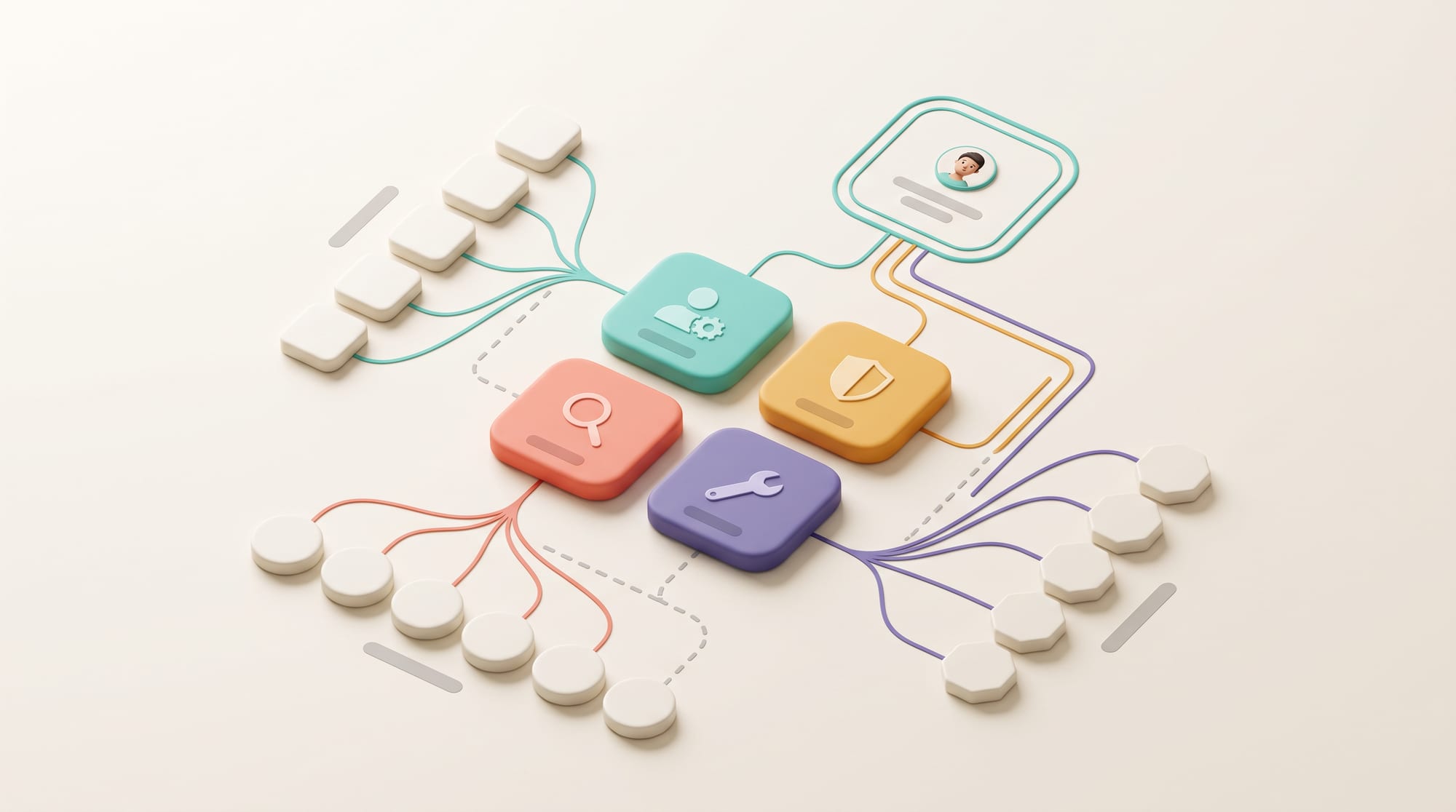
The platform has an orchestrator that takes a goal, breaks it into tasks and sends them to specialist agents such as Research, Planning, Data, Operation or Review. Users can see the plan, the status, the data sources and the points waiting for approval. The work should never be hidden behind a single chat screen.
Key features
For the development team · Feature list
Features may include a Task Board, Agent Registry, Handoff Contract, Shared Artifact, Approval Queue, Exception handling, Trace, Cost/Latency Monitor and Replay. Administrators can set which agent may use which tool or data, and can stop the whole job or a single step when something looks wrong.
The technology behind it
For the development team · System architecture
The system needs an Orchestration Layer, State Store, Event/Job Queue, Tool/API Gateway, Identity, Policy and Observability. Agents may use different models depending on the task, but every output has to pass a schema check and an evaluation before it moves on. Loose messages between agents with no contract make the system hard to inspect and hard to recover.
Benefits and the right timing
Splitting roles helps you limit permissions, test one part at a time and swap out one agent without affecting the rest. It suits multi-step work that needs different knowledge or different systems. It is a poor fit for short jobs that a single workflow can handle, because the complexity, cost and handoff time can outweigh the benefit.
- Specialist agents whose knowledge and tools are limited to their role
- Manager orchestration that combines the results and owns the final answer
- Handoffs that let a specialist take over the conversation when it makes sense
- Trace and evaluation that show which agent made a wrong decision, and where
Hypothetical case
What it looks like in practice
The easiest example to picture is work that today has to go around several departments before it's done, such as preparing a quotation for a major customer. Someone has to read the brief, someone has to dig up past data, someone has to work out the price and someone has to check it before it goes out.

A request to launch a new product is split among a Market Research Agent, a Content Agent and an Operations Agent, while the Manager Agent combines the plan, checks dependencies and sends the budget question to a person for approval. No agent has permission to use every system.
In a hypothetical tender response, an Intake Agent organizes the requirements, a Research Agent searches only the approved library, a Solution Agent matches them to the company's capabilities, a Pricing Tool calculates the price, and a Review Agent checks the claims and any gaps before everything goes to the person with authority to approve.
If the pricing data isn't ready, the orchestrator pauses only that branch and lets the other parts carry on. When a reviewer corrects a claim, the system records which agent created it, from which source, and through which contract it was passed. The team can then fix the actual fault without guessing whether the problem came from the model or from the handoff.
Least-capability Agent
Give each agent the fewest tools and the least data it needs to do its job.
This limits the damage when something goes wrong and makes evaluation clearer than handing out broad permissions.
Scope, risks and how to measure results
The most important caution is this: having many AIs is no achievement in itself. The more you split, the more places a handoff can fail, and the slower and more expensive the system gets. Ask one question: how often does the work make it all the way to the customer? If splitting doesn't improve that number, hold off.
The number of agents is no KPI. Measure End-to-end Completion, Handoff Failure, Human Correction, Tool Error, Cost and Recovery Time, and limit permissions on a Least Privilege basis. If agents simply pass messages to one another and nobody owns the state, the system adds risk and is harder to debug than a single agent.

Multi-agent setups add latency, cost and failure points. Use them when roles and permissions genuinely differ, and never just to make the architecture look modern.
For the development team · Technical metrics
Metrics to track: End-to-end Success, Handoff Error, Tool Rejection, Cost per Outcome and Trace Coverage
- Discover: follow the real work and collect examples of normal cases and exceptions
- Assist: let AI draft or recommend while people stay in control
- Act: switch on tools one at a time after the test set passes
- Scale: expand once monitoring, fallback, cost control and an owner are in place
Cut the number of agents when handoff failures are high, latency keeps piling up, or nobody owns the overall state. Merging roles, or turning some steps into fixed rules or tools, usually makes the system easier to maintain and more trustworthy.
BUSINESS & PRODUCT READINESS
Use several agents only when their responsibilities really differ, never to make the system look sophisticated
Before adding another AI, do what you would do before hiring a new employee: write down what this position handles, what data it may use, whom it hands work to and who checks it. If two positions turn out to do the same thing on every line, you don't need two positions.
Build a Responsibility Matrix: which agent receives what input, uses which tool, sends what kind of output, who checks it and who owns the outcome. If two agents use the same data, tools and criteria, you may not need to separate them. Multi-agent setups add cost and failure points, so a split needs a reason rooted in permissions, expertise or evaluation.

Design a Handoff Contract that states what context is passed on, what is left out, the timeout and who owns errors. Run trace and evaluation for each agent and for the end-to-end flow, and cap concurrency and cost. The system should let people see the plan and stop flows that carry high stakes.
Build a Responsibility Matrix that sets out the input, output, tools, data, permissions, evaluation and owner for every role. If two agents use the same data, tools and criteria, ask whether they should be merged into one. A split has to actually reduce risk or make the work easier to check.
Start with a process that today involves specialists in several roles and has clear handoffs. Let agents help with one or two stages first, with a shared task state and human approval. Once trace and recovery are working, expand parallelism or autonomy. Don't open with a large team of agents in a single demo.
Which agent owns the final result?
Why does this agent need to be separate?
What is the minimum tool access it needs?
Who takes over when a handoff fails?
Set up an agent team the way you set up a staff team: clear duties, clear permissions and a clear lead
DNA Maker starts with a process and responsibility workshop instead of drawing lots of agent boxes. We help you choose between manager-as-tools and handoffs, depending on who should control the conversation and the outcome, and we specify human approval points and guardrails for each tool.
We build a flow prototype that shows the plan, tool calls, handoffs and errors for the process owner to review. We then use an evaluation set to measure both the subtasks and the overall outcome, to prove that several agents really do better than one.
DNA Maker helps design agent responsibilities, handoff contracts and human control based on the customer's real processes. We pick out the points that should use an ordinary workflow, the points suited to AI, and the points that need a tool with fixed, predictable results. We also design the architecture for state, queues, permissions and audit so that everything can be traced back.
Development can cover the orchestrator, specialist agents, MCP/API tools, a task console, evaluation and observability, starting with one line of work and a set of failure scenarios we agree on together. If your organization has work that passes between several teams every week, bring the actual artifacts and the real waiting points to the conversation. We'll help you work out whether it should be multi-agent, a workflow or a mix of the two.
For the development team · What we can build
DNA Maker can build the agent platform, orchestrator, specialist agents, MCP/API integration, permissions, trace, evaluation and cost/latency monitoring, along with an admin console for switching tools and agents on and off as the work requires.
If your process involves specialists in several roles and context gets lost at each handoff, we can build an Agent Responsibility Map with you and pilot one flow, with a person still owning the final result.
SOFTWARE ENGINEERING GLOSSARY
Software engineering glossary
These terms cover the coordinator, handoffs, permissions and traces in a multi-agent system. Use them to check whether each role has a real scope and real pass criteria, or is just one more name on a diagram.
| Term | What it is | A simple example | What to ask the development team |
|---|---|---|---|
| Orchestrator | The controller that sequences agent work and pulls it together. The orchestrator owns the plan and the overall status, but it shouldn't hold every permission itself. Each tool still checks the permissions for its own task. | A Manager Agent calls in the specialists | Who owns the final outcome? |
| Handoff | Passing control to another agent. A good handoff carries the facts, the evidence, what has already been tried and why the case is being passed on, so whoever takes over can decide straight away. | Sending a refund case to the Refund Agent | What context is passed on, and what has to be left out? |
| Agent as Tool | Having an agent help with a subtask while the manager stays in control. The specialist agent is wrapped so it can be called like a tool with a clear input and output, which cuts down on uncontrolled conversations between agents. | The Research Agent sends its findings to the manager | How are the partial results checked before they are combined? |
| Least Privilege | Granting the fewest permissions necessary. Give only the access needed for that task and that time window, which limits the impact when an instruction is wrong or data gets used beyond its intended scope. | The Content Agent can read data but can't send email | Are permissions reviewed when a role changes? |
| Tracing | Recording the system's sequence of reasoning steps and tool calls. A good trace links the input, model, prompt, tool, output, time and cost, so the team can track down causes and build regression tests. | Seeing at which step a flow failed | How is trace data secured, and how long is it kept? |
Further reading from the original documents: https://openai.github.io/openai-agents-js/guides/multi-agent/