
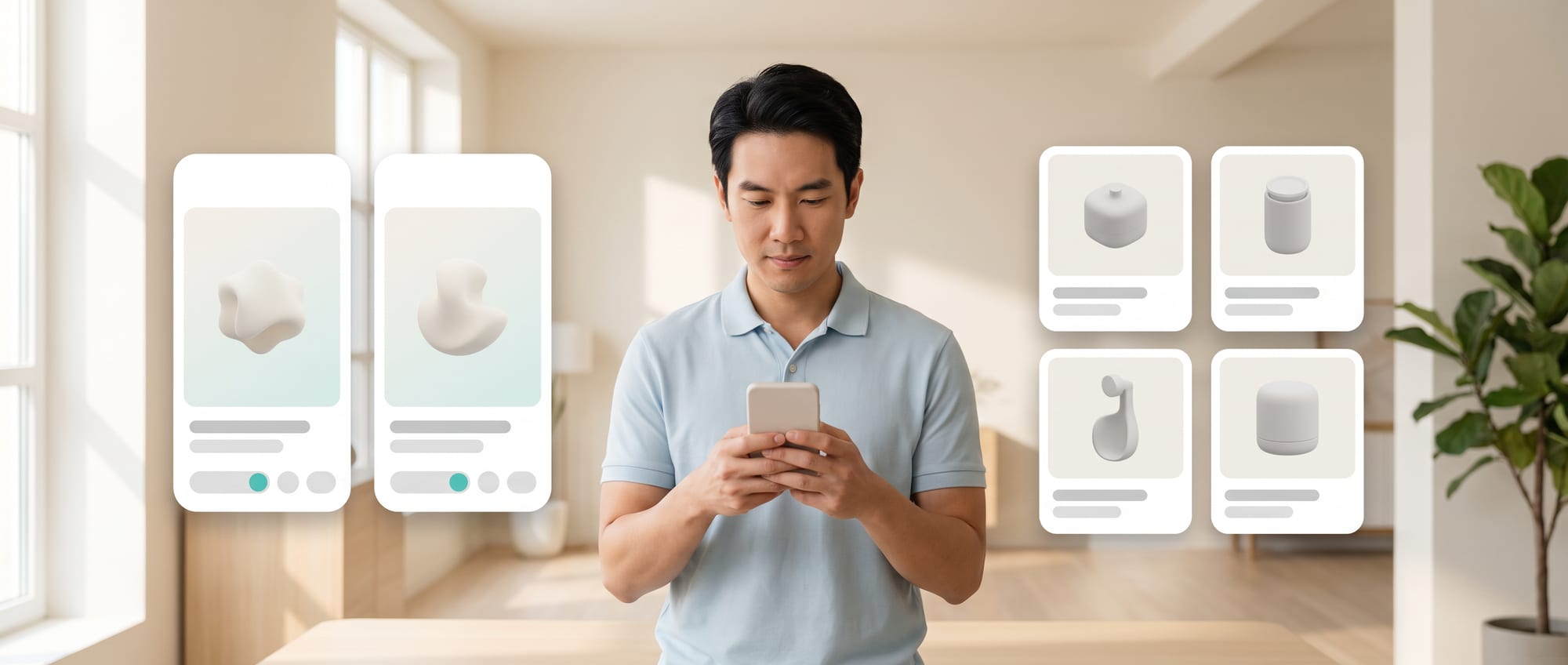
- When every user sees the same screen, new users get confused and experienced users get annoyed by things they already know.
- Adapting the screen to each user really does help, but you must be able to explain why someone sees what they see, and they must be able to switch it off.
- The line that matters: adapt to help users get their work done, and never to trick them into buying.
Where traditional websites and apps stop
A good shop talks to a new customer differently from a regular one. Newcomers want guidance, regulars want speed. Yet most apps show everyone the same screen, so newcomers get confused and regulars get annoyed.
An app with one flow for everyone is easy to build and hard to use. Beginners need guidance, experts need shortcuts, and risky cases need an extra checking step.
One-size-fits-all websites and apps force users to translate the system to fit their own role. New employees face a long list of menus, regular users have to sit through the same explanations every time, and customers with limitations in language, eyesight or devices can get stuck in a journey that was never designed for them. Traditional personalization usually changes only a banner or the products being recommended.
An Adaptive AI Product goes further and adjusts the order, steps, explanations and help to fit the context. It still needs boundaries so the product stays learnable and predictable. Users should know what was adjusted and why, be able to correct what the system remembers about them, and always be able to return to the standard experience.
| The old way | The new kind of AI Product |
|---|---|
| Define segments in advance and change the content in a few fixed places. | Use the current context to choose explanations, tools and the level of automation dynamically, while letting users see and control the adjustments. |
An adaptive product has to connect events, profiles, rules and feature flags, with a default that always works. AI helps choose the right kind of help, but permissions, prices and the core elements must stay under predictable rules.
New capabilities a business can put to use
Adapting to users the right way means adjusting the order and the explanations to whether this person has just started or already knows their way around. It also means always being able to say why they are seeing this view, and letting them switch back to the full view at any time.
How the project works
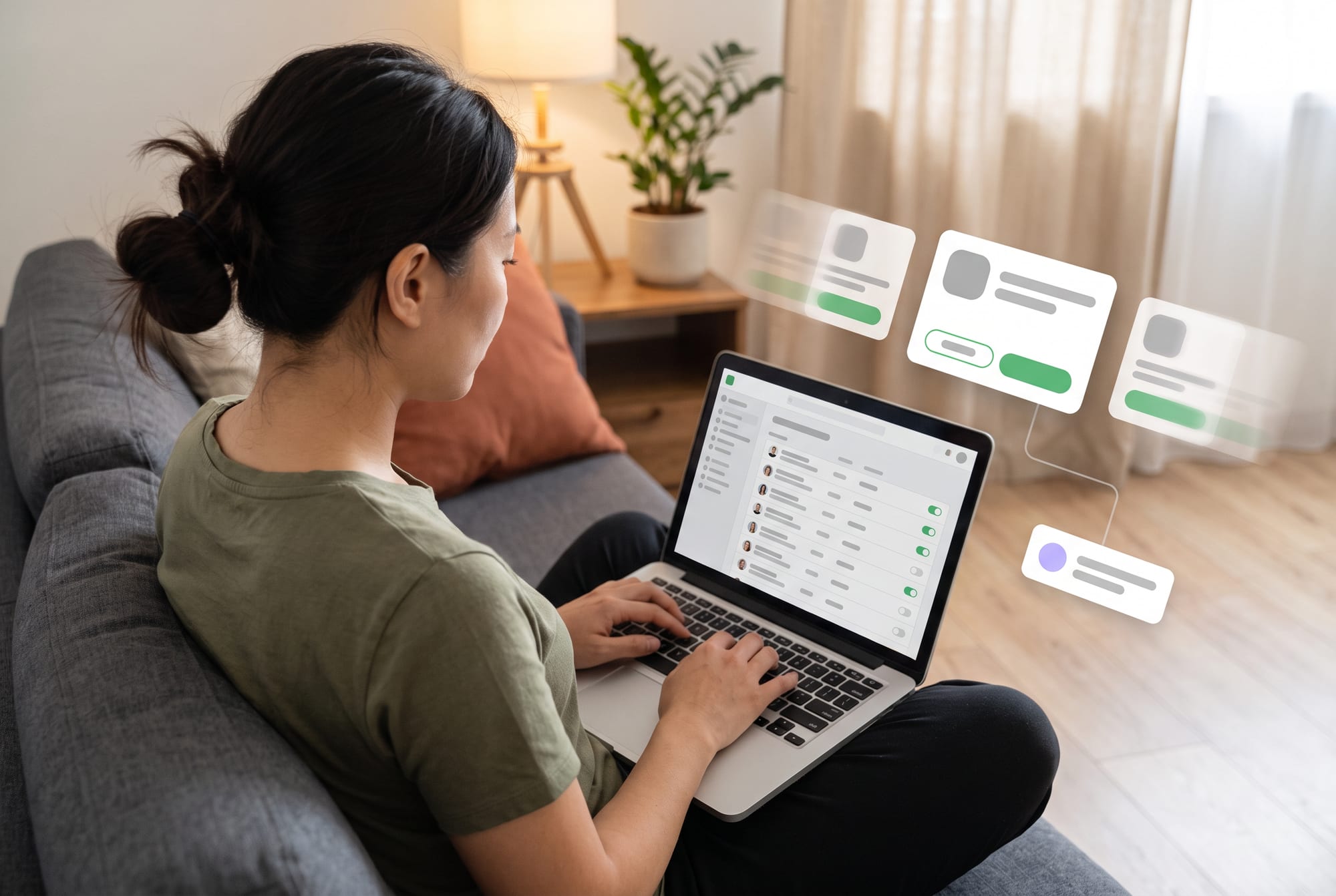
The system has a Core Journey that everyone can complete, and then uses context to add or reduce help: onboarding for beginners, a condensed screen for experts, or explanations tailored to a particular industry. Adaptation shouldn't keep moving important buttons around. Limit it to the points where it clearly reduces the effort.
Possible features
Features might include Adaptive Onboarding, Dynamic Form, Contextual Help, Next-best Action, Role-based Workspace, Preference Memory, Accessibility Mode and a Reset/Why-this UI. Users must be able to see and control what the system remembers, and opt out of any adaptation they don't want.
Technology and data
The data layer might include Event Tracking, a User/Profile Store, feature flags and Consent. Rules and models work together to choose a variant, which is then measured through an Experimentation Platform. Important features need a default that keeps working when the AI is down, when there is still little data about a new user, or when the user doesn't consent to being remembered.
Benefits and why it is worth doing
New users learn faster, skilled users finish their work in fewer steps, and the support team gets fewer questions caused by screens that don't match someone's role. The business can improve the experience based on real behavior instead of building several separate versions. The value shows up when you measure Task Success and how well users understand the product; time spent in the app or the number of clicks on their own will not reveal it.
- Progressive Guidance: explains more or less depending on the user's skill
- Dynamic Toolset: opens only the actions that fit the current state and the user's permissions
- Generative UI: builds a data structure or summary that fits the task, instead of generating random layouts with no limits
- Preference Control: lets users edit what has been remembered and return to the default
Hypothetical case
What it looks like in practice
A trip-planning app shows beginners guiding questions and detailed explanations. Regular users state their goal in a few words and get a plan they can edit. Families with travel constraints get an extra checking step.
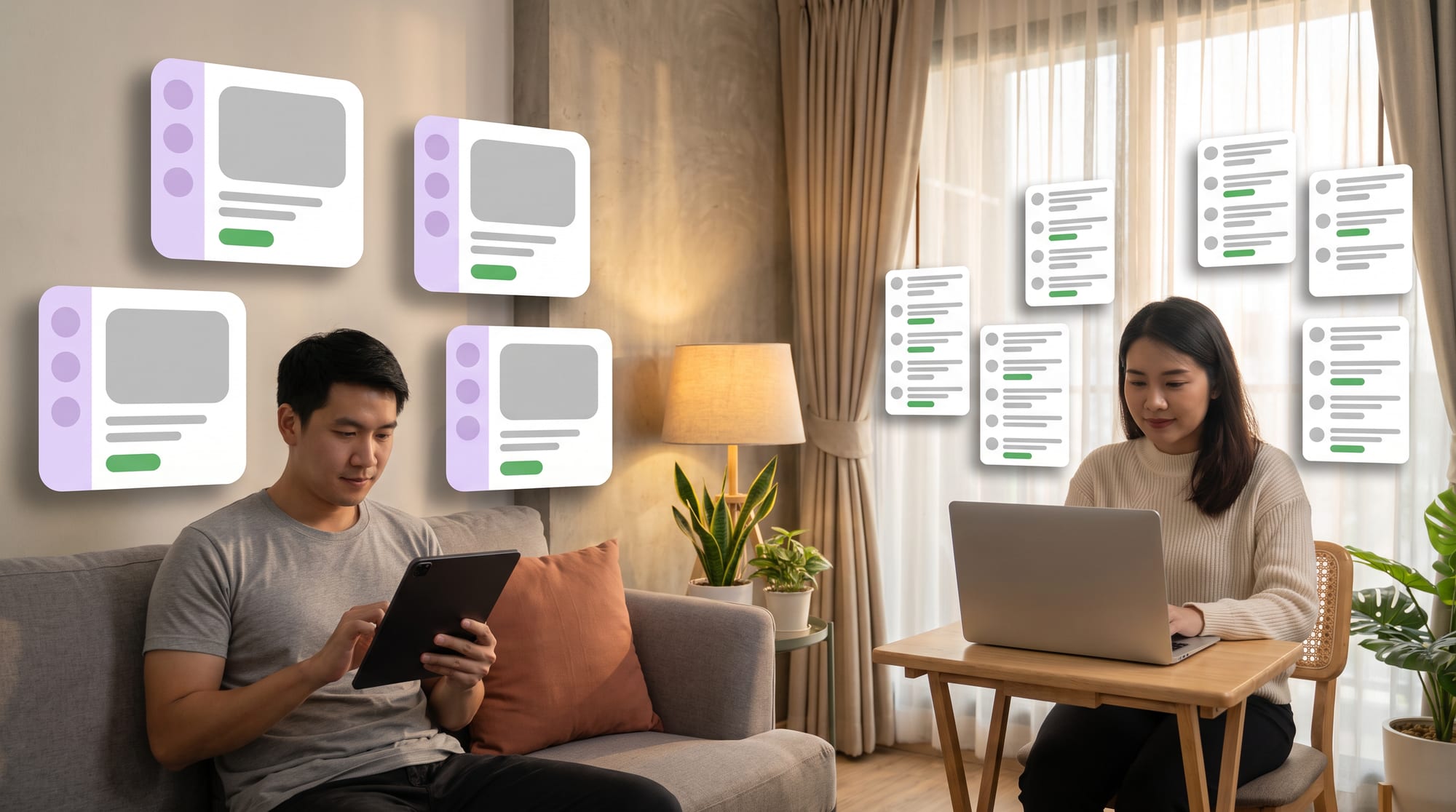
In another hypothetical case, a project management web application is used by the business owner, managers and new employees. The owner sees exceptions and the decisions waiting to be made, managers see the work queue and dependencies, and new employees get step-by-step guidance. Everyone works from the same records and can switch between views.
When a user keeps rejecting suggestions or going back, the system dials down the adaptation and asks what they want instead of quietly drawing its own conclusions. For a new user with no data yet, the app uses the Default Journey the team designed, rather than guessing their role from signals that may be wrong, such as age, device or location taken on their own.
Adaptation Budget
Define what the system may adapt, what must stay fixed, and how users can go back.
Start with content and guidance before adapting navigation or important actions.
Boundaries, risks and how to measure results
For the development team · Technical metrics
Personalization can turn into steering users, or create a filter bubble. Prohibit undisclosed adaptation of anything to do with prices, permissions or commitments. Measure Task Completion, errors, Undo, Help Requests, User Control and differences in outcomes between groups, and check that experiments don't reduce Accessibility.
Personalization can create a filter bubble or make the experience unpredictable, so you need a default, explanations, privacy safeguards and accessibility testing.
For the development team · Technical metrics
Metrics to track: Task Success by Segment, Time-to-Proficiency, Preference Correction, Accessibility Errors and Retention
- Discover: Follow the real work and collect examples of both normal cases and exceptions.
- Assist: Let AI draft or suggest while people stay in control.
- Act: Turn on tools one at a time after their test sets pass.
- Scale: Expand once monitoring, fallbacks, costs and an owner are in place.
Pull back on adaptation when Undo and Help Requests go up, when some groups of users complete fewer tasks, or when the support team can no longer explain the screen to users. Every variant must be possible to switch off without breaking the Core Journey.
BUSINESS & PRODUCT READINESS
Good personalization can be explained and controlled, and keeps the product predictable
Build a Context Map that separates what users tell you themselves, the behavior you observe and what the system guesses. Each type needs its own consent, retention period and confidence level. Start by adapting guidance and content before navigation or actions, to limit the impact.
For the development team · Technical metrics
Define the Default Experience and how to restore the original settings. Test across segments, for Accessibility, and for Cold Start when there is no data yet. Measure Preference Correction, because users having to correct the system often is a sign that personalization is creating extra work for them.
Build a Context Map that separates data users provide themselves, data that can be observed and data the system infers, with a retention period and a reason for keeping each one. Then set an Adaptation Budget that limits how many parts can change in each journey, so the product stays familiar and the testing load stays manageable.
For the development team · Technical metrics
Every adaptive rule should have an owner, a hypothesis, a metric, a default and a rollback. Start with one or two moments where there is evidence that users get stuck, such as onboarding or a long form. Don't start by changing the whole app, because you won't be able to tell which part produced the results and which part caused confusion.
What can the system adapt?
Can users see the reason?
When does the memory expire?
Does the default still work in full?
Designing intelligence that helps users without taking control away from them
DNA Maker helps product teams build a Context/Preference/Adaptation Map and draw red lines around what can change and what must stay fixed. We interview users at several levels of experience so that personalization isn't based only on power users or on whatever data happens to be easy to collect.
Our UX team builds prototype variants for everyone from beginners to regular users, with explanations and controls to try out. Testing looks at Task Success, confusion and Accessibility, and goes well beyond engagement figures.
DNA Maker carries out role and context research and lays out an Adaptive Experience Map that shows which points should stay fixed, which can adapt, and how users stay in control. We build prototypes in several variants to test whether people understand them before developing the data and event model, consent and memory that are actually needed.
The solution might include an adaptive web or mobile app, a profile and preference center, AI guidance, feature flags and an experiment dashboard, with evaluation broken down by user group. If your product has one page where new users always end up asking support, we can use that page as a small experiment and measure success, confidence and how often people press Undo.
We build adaptive web and mobile apps, profile and consent centers, memory, dynamic instructions, schema-based Generative UI and experiment and evaluation platforms. The architecture supports switching models and turning AI off when it isn't ready.
If your product has users at such different levels that one flow doesn't fit them all, DNA Maker helps you pick just 1 or 2 moments to adapt and test them before building personalization across the whole system.
SOFTWARE ENGINEERING GLOSSARY
Software engineering glossary
These terms help in conversations about screens that adapt to context, memory, generation within set limits, and Accessibility. Use them to ask how much users know about the adaptations and can control them, and what default applies when there isn't enough data.
| Term | What it is | A simple example | What to ask the development team |
|---|---|---|---|
| Adaptive UI | A screen that changes with context according to rules. The parts that adapt should be limited and have a default, so users can still predict where things are and how the product's core features behave. | Beginners see extra guidance. | Which parts can adapt, and which must stay fixed? |
| Dynamic Profile | A set of instructions and tools that changes with the state of a profile, including context that changes over time. It therefore needs a known source, freshness, permissions and a way for users to correct anything the system has misunderstood. | The planning tool opens when the user chooses trip mode. | Who defines the profile? |
| Memory | Data the system uses to remember context from one session to the next. Memory should hold only what helps the task and have a clear expiry, with preferences, facts and conversation history kept separate to control the risk. | Remembering dietary restrictions, with the user's consent. | Can users view, edit and delete it? |
| Guided Generation | Keeping AI output inside a defined structure. The system gives the AI a structure, options and rules before it generates anything, which keeps quality consistent and leaves room for people to check at the important points. | The plan comes back as a list of days and activities. | Does the schema handle cases where data is missing? |
| Accessibility | Designing so a wide range of people can use the product. It has to be designed in, from colors, fonts, keyboard use and screen readers through to plain language, and tested with real users; it cannot be bolted on later. | Support for screen readers and large text. | When AI changes the UI, does it still meet the standard? |
Further reading from the original documents: https://developer.apple.com/documentation/foundationmodels/adding-intelligent-app-features-with-generative-models