

- A job that takes three days often involves only a few hours of actual work. The rest is waiting.
- Time two things separately: the time someone is actually working on it, and the time the work just sits there waiting.
- What really makes things faster is letting the data flow from step to step, rather than pushing people to type faster.
1. A three-day job may hold only three hours of real work
Time a single quotation and you may find that someone actually works on it for just 40 minutes. The rest is waiting for the other side to reply, waiting for approval, and waiting for someone to open an email. If you speed up only those 40 minutes, customers will barely notice.
When you ask staff how long a job takes, the answer usually includes the waiting. A quotation might take 50 minutes of real work, but half a day waiting for information from sales, a day waiting for the manager's approval and another half day waiting for an admin to send it. Using AI to cut document creation to 10 minutes helps, but the cycle time will still be over two days if the waiting points stay the same.
Split the time into four types: actual work, searching for information, waiting and rework. Then get rid of them in order. Search time and rework can usually be cut with shared data and automatic checks, while waiting time comes down with event-triggered handoffs, approval limits set by amount, and summaries that let the approver decide in one pass.
2. Analyze the before picture with five pieces of evidence
Before fixing anything, gather evidence from the real work, such as when work entered and left each status, how many rounds of rework there were, and where work sat the longest. These numbers will tell you where to start.

- The real timeline: pick 20 to 30 past jobs and look at when each step happened, using email or system records.
- Number of handoffs: every change of owner is a chance for waiting and for information to drop out.
- Number of systems: count the screens and the times data gets copied again, including personal spreadsheets.
- Rework rounds: separate the causes, whether incomplete source data, the wrong template, or an approver adding new conditions.
- Exceptions: record the non-standard cases. Don't design from the easy cases alone.
Use the median and the 90th percentile instead of a single average. The median describes the typical job, while P90 shows how long your slowest-served customers have to wait. If the average improves but P90 stays high, the system still can't handle exceptions.
| Step | Touch Time | Wait Time | Problem |
|---|---|---|---|
| Receive request | 10 minutes | 4 hours | Information arrives through several channels |
| Prepare data | 25 minutes | 2 hours | Looking up prices and history |
| Create document | 30 minutes | 1 hour | Copying and formatting |
| Approval | 8 minutes | 1 day | Approver can't see the context |
| Send and record | 12 minutes | 3 hours | Several systems to update |
3. Design the after picture so data flows from step to step
Start the workflow the moment something happens: a form is submitted, an email arrives or a status changes. The system gathers data from permitted sources, checks the required fields and asks for missing information automatically. Only when the data is complete does AI summarize the requirement and create a draft on a standard template.
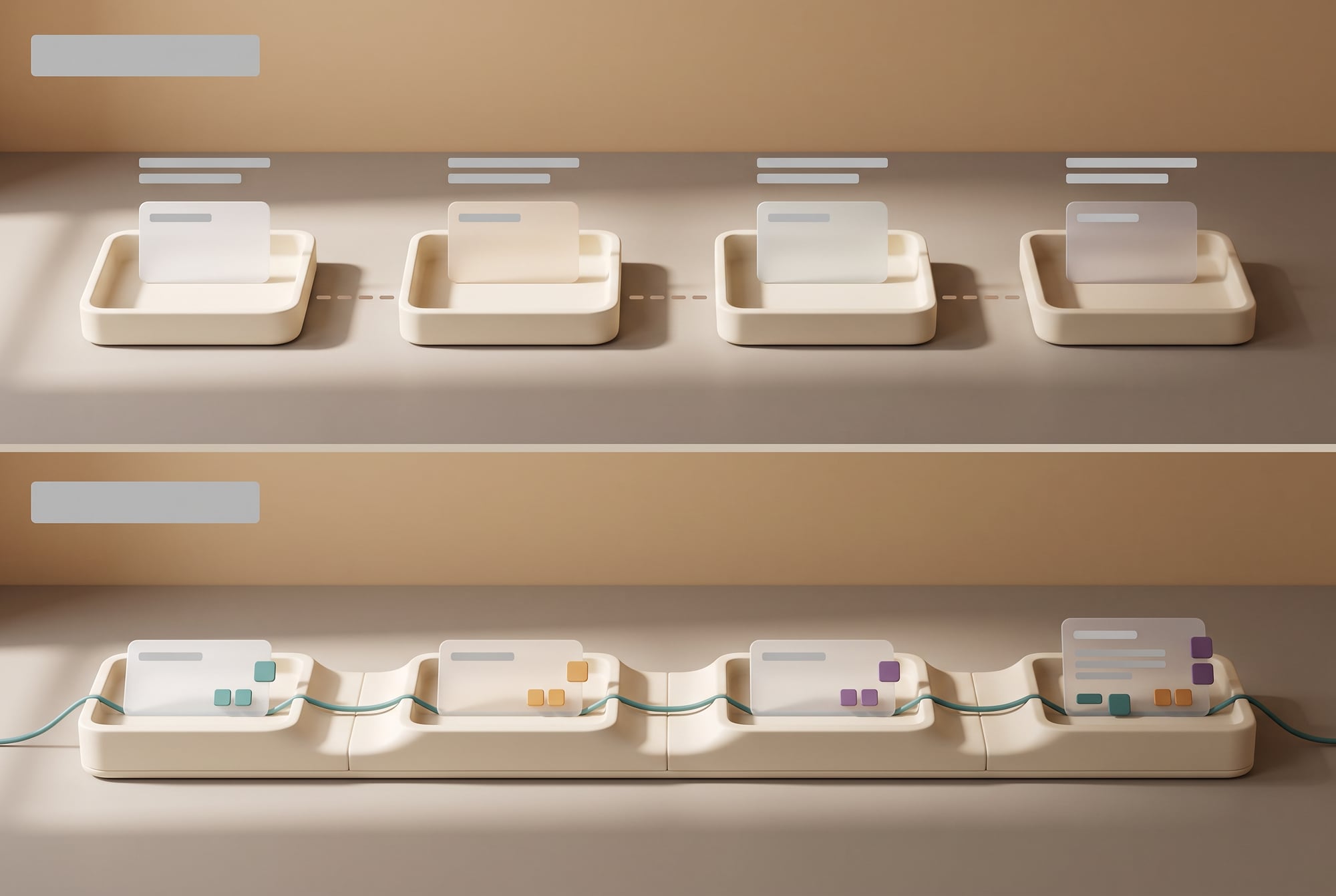
Then use rules to split the routes. Standard cases go to the person with authority for a short review, while special cases come with the reasoning and comparison data. Once approved, the system creates the file, sends it through the set channel, records it in the CRM and sets a follow-up task in a single transaction, so nobody has to copy results across to do the next step.
Every step should pass on “the information needed to decide”, instead of dumping a large bundle of documents on the next person. An approval screen, for example, should show the price, margin, special conditions, customer history and anything that differs from the standard. The manager can then decide from a phone in a few minutes.
4. Example: a quotation in under two hours instead of two days
Before: Sales sends the details over chat. An admin asks for more information, opens the pricing spreadsheet, copies it into Word, emails a PDF to the manager, waits for an answer, then comes back to make changes and sends it to the customer. The CRM gets updated later, or not at all.

After: Sales fills in the minimum information or forwards the customer's message. AI picks out the products and conditions, and the system pulls current prices and calculates by rule. If the discount is within the standard range, it creates a ready-to-send document for sales to check. If it is outside the range, it goes to the manager with the reasoning. Once approved, the system sends it and records it everywhere straight away.
The KPIs are time to first response, time to quotation, the percentage that needs no edits, and conversion once quotes go out faster. If you only cut the admin's time while sales still sends incomplete information, you won't reach the target, so the point where information comes in needs fixing too.
5. Example: an executive report in 30 minutes instead of a day
Before: Each department manager sends files in a different format. Staff combine the numbers, check versions, create charts and write the summary. Executives find numbers that don't match and send it back for corrections. Work meant to support decisions turns into document decoration.
After: Data is pulled from a central source on a schedule. The system checks completeness and compares with the previous period. AI summarizes the changes, anomalies and questions worth following up. The owners confirm only the points the system has flagged, and the report is built on the same template every time.
The key is to agree shared metric definitions first. Does “sales” count when an order is received, when an invoice is issued or when the money comes in? If each department uses a different definition, AI will summarize the conflicts faster but can't fix what the numbers mean. Data owners have to approve the definitions and the sources.
6. Example: a new campaign in three days instead of three weeks
Before: Product writes a brief and sends it to marketing to write the copy, then everyone waits for design to produce the visuals. Sales asks for changes to the details, and every channel edits its own files. What the team knows about customers stays in chats and never gets used. By the time everything is approved, the market opportunity may have passed.
After: The team starts from a central product brief covering the target customer, problem, evidence, value, price and restrictions. AI breaks the brief into copy for each channel, visual direction, FAQs and a sales script, and every piece links back to the source data. When the core offer changes, the system flags which pieces need review. The team spends its time choosing and refining creative ideas instead of starting from scratch.
Speed has to come with a testing cycle. Create two or three approaches, release them to a small group, measure clicks, leads, conversions or bookings, and feed the results back in. Don't use AI to produce 50 approaches with no test budget or stopping criteria.
7. Principles for workflows that are fast and maintainable
- One event starts the work: less waiting for someone to open the system or press start several times
- One central data set: every team reads the same status, and nobody sends duplicate file versions
- Rules outside the AI: prices, permissions, limits and restrictions must be enforced with certainty
- Approval by risk: standard work goes through fast, while special cases come with the full picture
- Idempotency: if the system runs again, it must not send the email or create the order a second time
- Logs and alerts: know where work is stuck, how much it is costing and who needs to fix it
- Manual fallback: the team can keep the minimum work going when an outside system goes down
Don't connect every system the first time. Pick the important routes and the minimum data that can produce results first. A large number of integrations adds failure points and slows down testing. Once the first workflow is stable, add data and capabilities one piece at a time.
8. How to test that it really is faster
Collect a baseline over at least two weeks, measuring the median, P90, touch time, rework rounds and error rate. Then trial the new workflow on part of the real work, with a control team, and compare both speed and quality. Keep the period when the team is still learning separate from the long-term results.
Set guardrails, such as errors no higher than before, no increase in customer complaints, and cost per item below the ceiling. If cycle time falls but quality drops, slow down straight-through processing and fix the data or the rules, instead of adding checkers at every point until the work is as slow as it was before.
In short: Getting from three days to three hours means fixing both touch time and wait time. Use AI to read and create, rules to control the numbers, workflows to pass work on immediately, and approvals designed around risk. Measure from start to finish and the company will see that real speed comes from how the work is organized, far more than from how fast the model is.
Keeping data flowing, instead of pushing people to work faster
The time lost in a three-day job mostly goes on waiting: for information from another team, for approval, for someone to open an email. The steps where the work actually gets done take far less. Your team knows where the waiting happens. We help turn that into numbers by pulling real timings from the systems you already have, then showing how much is actual work time and how much is waiting. Once they see that split, teams can usually decide for themselves what to fix first.
What actually changes in the system
The development work that follows is usually about closing gaps, and rarely means a big new system. That might be pulling customer data from the core system to fill in automatically, creating documents from a single data set instead of copying, and alerting approvers with complete information so they can approve from their phones, while the system measures time from start to finish so you can compare against the baseline at any point. We recommend starting with the one job everyone complains about most. If you already have that job in mind, we can help measure its real timings within a few days.
SOFTWARE ENGINEERING GLOSSARY
Software engineering glossary
These terms are about measuring and reducing waiting time in work processes.
| Term | What it is | A simple example | What executives should ask the development team |
|---|---|---|---|
| Lead Time | The total time from when a customer or requester starts waiting until they receive the result | From a customer asking for a price to receiving the quotation | Do we measure from when the customer starts waiting, or from when we start working? |
| Touch Time | The time someone is actually working on the task, excluding waiting | Checking a document takes 12 minutes | How big is the gap between touch time and lead time? |
| Webhook | A way for one system to notify another the moment something happens | Once an order is approved, the system notifies production straight away without waiting for the next batch run | If a notification fails, does the system retry or go silent? |
| Template | A document or message pattern that the system fills in automatically | A quotation that fills in the customer details and prices by itself | Who can edit the template, and is there version control? |
| SLA | An agreement on how quickly you will respond or deliver | Approval within one business day | If the SLA is breached, who does the system alert, and is it recorded? |