

- The nearer future is one employee overseeing several streams of work that systems carry out. People being replaced is further off.
- The danger is that staff end up clicking approve all day without really looking. You have to design the work to prevent that.
- The fix is to have the system raise only the risky items, so people don't have to go through every piece.
1. How the one-person, many-agent model came about
Think of a shift supervisor who looks after six machines at once. He doesn't stand watching each machine the whole time. He watches the control panel and walks over only to the machine showing an abnormal signal. Overseeing several AI agents works on the same principle.
For the development team · Technical detail
Knowledge work used to be serial: one person searched for information, wrote, analyzed and formatted, one step at a time. Agents can do some of this at the same time. For example, a Research Agent gathers evidence, an Analysis Agent compares scenarios and a Content Agent produces a draft. The user's job becomes setting the goal, connecting the results and taking responsibility for the final answer.
This capability doesn't amount to an unlimited supply of virtual employees. Agents use the wrong data, duplicate work or produce output that has to be checked. Adding more of them without a system buries the user in reviews, like a manager with lots of new staff and no job descriptions.
2. Build an agent portfolio by function instead of starting from zero every time
A common mistake is to have one employee look after several systems that have nothing to do with each other. They end up switching context all day and never check anything properly. The work one person oversees should belong to the same family of tasks.

For the development team · Technical detail
Divide agents into Personal, Team and Enterprise. A Personal Agent helps one individual and holds no significant permissions. A Team Agent uses a shared workflow and shared knowledge. An Enterprise Agent connects to core systems and needs full governance.
For the development team · Technical detail
Build a catalog that lists each agent's Sponsor, Version, Data, Tools, Cost and SLA. Teams should choose agents that are already approved instead of building duplicates, which reduces the risk of answers that don't meet the standard and of costs scattered everywhere. Agents with no users or no owner must be retired.
| Agent | Job | Autonomy |
|---|---|---|
| Research | Searches and summarizes, with sources | Read only |
| Drafting | Creates documents from templates | Creates drafts |
| Operations | Updates systems according to rules | Limited write access |
| Customer | Answers or prepares answers | Sends low-risk replies only |
3. How to manage the queue so people don't become the bottleneck
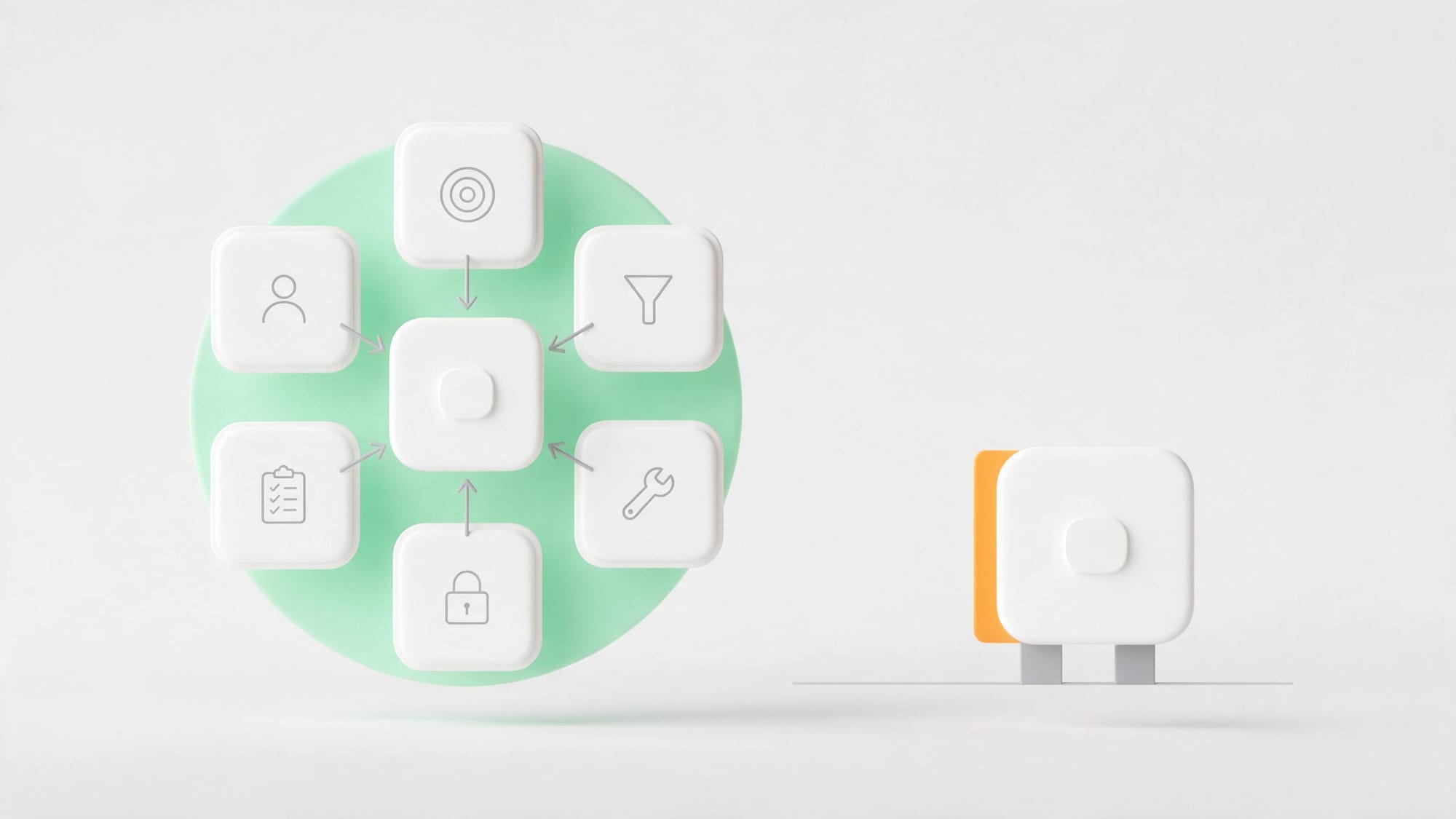
Set priority by value, deadline and risk. Agents shouldn't call a person to approve everything. Use straight-through processing for standard cases, batch review for similar work, and interrupts only for important events. The queue screen should show what needs deciding instead of the full, long output.
For the development team · Technical detail
Use a Work Package with an Objective, Context, Constraints, Deliverable and Definition of Done. For long tasks, add a checkpoint before the agent spends budget or makes a large number of tool calls. Avoid handing over broad goals like “analyze the whole market” without a decision question attached.
Set a WIP Limit, just as you would for a human team. If a user opens 20 agent tasks at once but can't keep up with checking them, cycle time grows and context gets muddled. The dashboard should show the work waiting for review, how long items have sat in the queue, and the cost spent so far.
4. Review by risk instead of reading every word with equal care
For the development team · Technical detail
Separate Fact, Calculation, Judgment and Style. Facts need a citation, numbers should come from a calculation system, judgments must state their assumptions, and style can be checked by sampling. Use checklists and automated evaluation to check completeness before the work reaches a person.
Build Golden Examples and a Failure Taxonomy, with categories such as wrong source, outdated data, miscalculation, policy breach or inappropriate language. When reviewing, record the category, so the fix goes into the system instead of stopping at that one piece of work. Base confidence on evidence and on passing the rules, rather than on how confident the text sounds.
5. Limits you need when agents work in parallel
- A separate identity for each agent, and a human sponsor
- Least Privilege permissions that separate reading, drafting and executing
- Rate and cost limits per task, per agent and per user
- Approval for money, personal data, publishing and deletion
- Idempotency to prevent anything being sent or created twice
- Logs that link each task, tool call and result
- A Kill Switch and Manual Fallback
Don't rely on the prompt as your only control. Important policies must be enforced by systems outside the model. Letting agents call one another adds the risk of chain reactions, so limit depth, tools and budget, and check for loops that never finish.

6. A day in the life of a Manager of Agents
In the morning, the manager opens an Outcome Dashboard instead of an inbox. She checks three exceptions from work the agents did overnight, approves the standard reports in one batch and handles a special customer case. Then she starts three research streams at once to prepare for a pricing decision.
For the development team · Technical detail
While the agents work, the manager meets customers and holds a team meeting. In the afternoon she reviews a summary brief that brings the evidence together, picks a scenario and has the Drafting Agent produce the documents. The Operations Agent updates the work once it is approved. Before the end of the day, the manager looks at the failure patterns and fixes one point in the knowledge base to reduce exceptions the next day.
People's value shifts from producing every step to setting direction, choosing evidence, making decisions and improving the system. So the job needs time set aside for system improvement, instead of being refilled with new work until every hour saved is gone straight away.
7. KPIs that don't reward the wrong use of agents
For the development team · Technical metrics
Add Quality, Cost/Outcome, Cycle Time and Customer Impact. Don't set targets on the number of agents, prompts or agent hours, because teams may generate lots of work and cost without adding value. Measure reuse and improvement: are the same old problems going down?
Set a safe capacity range. How many agents one person can oversee depends on the risk and variety of the work, so there's no single ratio, and sales is different from finance. Test it using real queue and review times.
8. Trial the team model within 45 days
- Choose one strong employee and an outcome with a lot of repetitive work.
- Build agents for 2 or 3 functions, starting with read and draft permissions only.
- Record baseline output, Touch Time and quality.
- Trial parallel work with a WIP Limit and a review queue.
- Add permissions only for standard cases, and only after they pass evaluation.
- Compare capacity and redesign the job description.
In short: One employee can direct several agents when each agent has a clear job, the queue sets priorities, review follows risk and the controls live in the system. The future role is managing outcomes and quality, and typing prompts is a small part of it. Companies should test ratios with data before using them as a plan to reduce headcount.
Let one employee run several streams of work without turning into a button-pusher
The people who know which work should be checked first and which can pass straight through are your own team leads and senior staff. We help turn that knowledge into rules the system can use to decide, such as risk criteria for each type of work, queue priorities, conditions where the system must stop and wait for a person, and what an acceptable result looks like. Once the rules are clear, the employee's job shifts from going through every piece to deciding only on what the system raises.
One screen for the person overseeing many agents
What we usually build is a single control screen that shows work from several agents in one queue, ordered by risk and deadline. It has buttons to approve or send back, with the reasons recorded in a Decision Log, and limits set in advance, such as a cap on the value of each transaction or a maximum number of tasks per hour. We recommend starting with the two or three agents whose work is clearest, running them in Shadow Mode so their results can be compared with people's before going live, then adding one at a time. If someone on your team is currently taking work from several tools at once, start at that person's desk.
SOFTWARE ENGINEERING GLOSSARY
Software engineering glossary
These terms are about keeping several streams of automated work under control and open to inspection.
| Term | What it is | A simple example | What executives should ask the development team |
|---|---|---|---|
| Queue | A line of work waiting to be processed or for a person to decide, in order of priority | High-risk work is pushed to the top of the queue | What criteria set the order of the queue, and who can change it? |
| Decision Log | A record of who decided what and why, so it can be reviewed later | Keeping the reason a manager rejected a particular proposal | Where do we keep the reasons for decisions, and how do we use them to improve? |
| Rate Limit | A cap on the number of tasks or requests in a given period, to stop the system from overreaching | Limiting an agent to a set number of emails per hour | When the limit is hit, does the system stop or queue the work, and who gets told? |
| Shadow Mode | Running the system in parallel so its results can be compared with people's, without letting it act for real yet | An agent puts its suggested answers alongside the staff's for two weeks so they can compare | Which numbers have to pass the threshold before we end Shadow Mode? |
| Kill Switch | A button that stops the system immediately when a problem is found | Stopping every agent that sends messages to customers when an error turns up | Who has the authority to press stop, and how is unfinished work handled afterward? |