
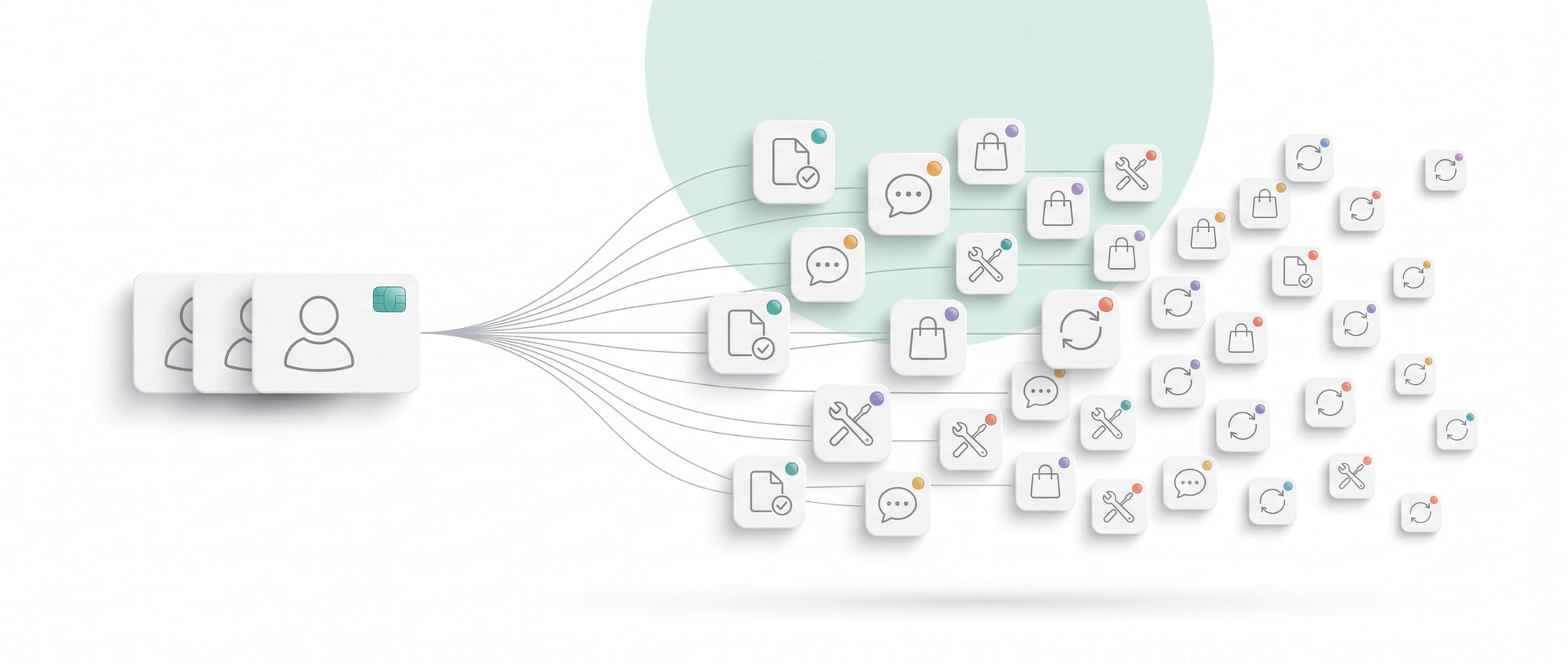
- When sales grow, the first instinct is to hire more people. But if the process stays the same, the new hires just do the same repetitive work.
- First look at what kind of work is overflowing. If it is searching, copying, summarizing and passing things on, a system can take it over.
- Start with one task that is high in volume and easy to check, and you will see results within a few weeks.
1. The process puts people on the wrong kind of work
When a team starts falling behind, everyone's first answer is to hire more people. But if the way of working stays the same, the new hires come in to do the same repetitive work, and all that changes is that each queue gets shorter. Costs end up growing almost in a straight line with sales.
As sales grow, business owners tend to see the same picture: admins can't keep up with replies, salespeople can't follow up with every customer, accounting is slow to close its documents, and managers spend the whole day chasing the status of work. The traditional answer is to hire more people, but if the process stays the same, the new hires simply do the same repetitive work and help split the queue into smaller pieces. Costs therefore rise almost in a straight line with the volume of work.
Businesses that get results from AI see work as a "data production line" more than as a set of job positions. Preparing a quotation, for example, involves more than one salesperson: it means capturing the requirements, checking product data, calculating the price, creating the document, sending the email, recording it in the CRM and setting up a follow-up task. Of these seven steps, perhaps only understanding special conditions and negotiating need a human. A system can prepare almost all of the rest.
A sensible goal for the first phase is to let one employee handle two to three times the workload, rather than to stop using people altogether. Then when someone leaves or the business grows, the company doesn't need to hire replacements at the old rate, and it can move its strongest people to work that generates more revenue.
2. How to find the work that should move from people to AI
There is a simple test: if the task is searching for information, copying it from one place to another, summarizing it and passing it on, a system can take it over first. Work that requires reading a customer's mind or taking responsibility for the consequences still needs a person.
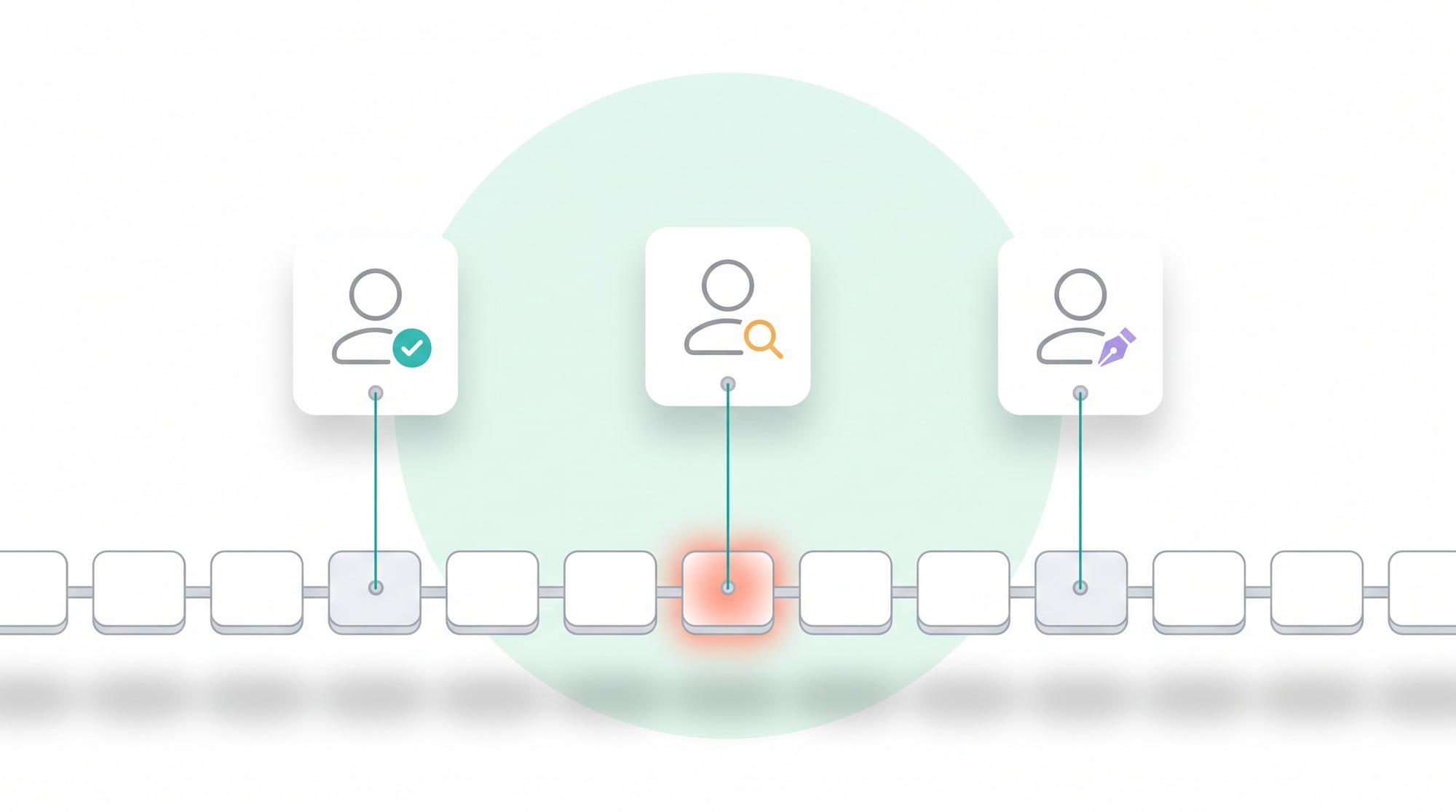
Start by having each team log its work for one week. There is no need for elaborate paperwork. Just note the task name, how many times it happens, the time each one takes, the data used and the output that has to be delivered. Then sort the tasks into the following four groups.
- Repetitive work with clear rules, such as naming files, moving data, creating standard documents or sending alerts when a condition is met. This suits straightforward automation.
- High-volume reading and writing, such as summarizing emails, pulling topics out of documents, drafting replies or categorizing. This suits Generative AI.
- Multi-step work across systems, such as taking an order, checking stock, creating a job ticket and notifying the team. This suits an AI workflow or an agent with limited permissions.
- High-impact decisions, such as approving money, giving legal advice or making commitments to customers. AI can prepare the information for this group, but a person has to approve.
Score each task from 1 to 5 on three dimensions: the time it takes per month, how consistent the data is, and the damage if the system gets it wrong. Tasks that take a lot of time, have fairly structured data and would do little damage if wrong should go first. Summarizing daily reports, for example, might take 80 hours a month but is easy to check afterwards, so it is a better place to start than having AI approve customer credit limits, even though the latter sounds more exciting.
3. A good system needs 4 layers, and a chat box alone is not enough
The first layer is a reliable source of data, such as product lists, prices, policies, manuals and customer records. If data is scattered or has no owner, AI will answer faster but no more accurately. So you need to decide which document is the master version, who updates it, and which parts of the data the system is allowed to read.
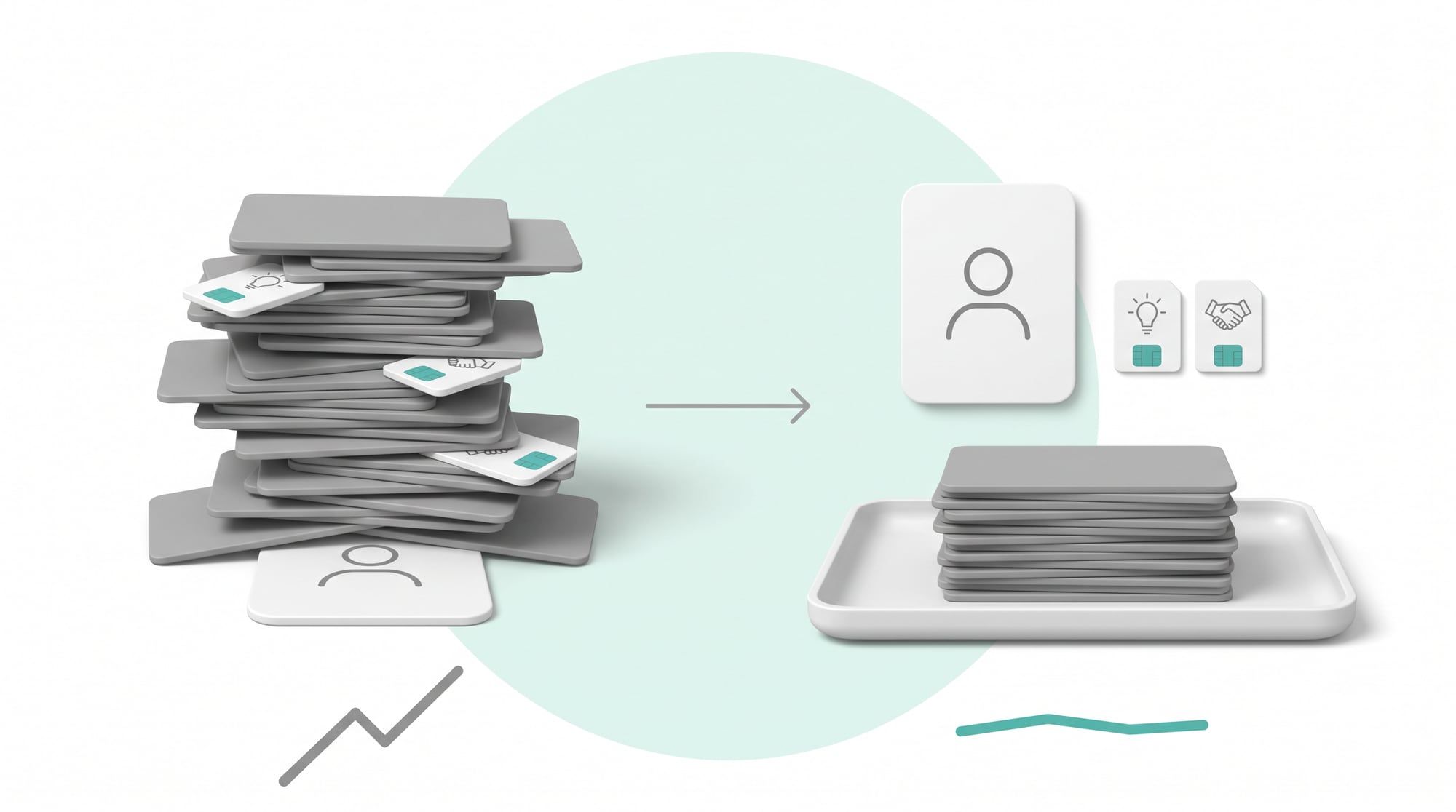
The second layer is business rules. Spell out the conditions under which AI may not decide on its own, such as discounts above 10 percent, customers with outstanding balances, or messages about warranties. These rules should live in a system that can be audited, rather than relying on written instructions to the model alone.
The third layer is AI, which understands messages, summarizes, categorizes and produces flexible output. The fourth layer is the workflow, which sends data on to the CRM, the ERP, email or the approvers. With AI but no workflow, employees still have to copy the answers over and carry the work forward themselves, so the benefit stops at a few minutes saved here and there when it could have cut out a whole process.
| System layer | The question the owner has to answer | The result |
|---|---|---|
| Data | Where should the system get data it can trust? | Up-to-date answers with a source you can cite |
| Rules | What can and can't be approved? | Less risk and less ambiguity |
| AI | What does it need to understand or create? | Less reading and writing work |
| Workflow | What has to happen once there is an answer? | Fewer manual handoffs |
4. Examples of work that let the same team serve more customers
Sales: from copying data to spending time on closing deals
AI reads the customer's message and picks out the product type, quantity, budget and delivery date. It then checks the price list, drafts the quotation and the email, and records the details in the CRM. The salesperson checks the key terms and clicks send, instead of starting every document from a blank page. The time saved goes into more calls to understand customer needs and to negotiate.
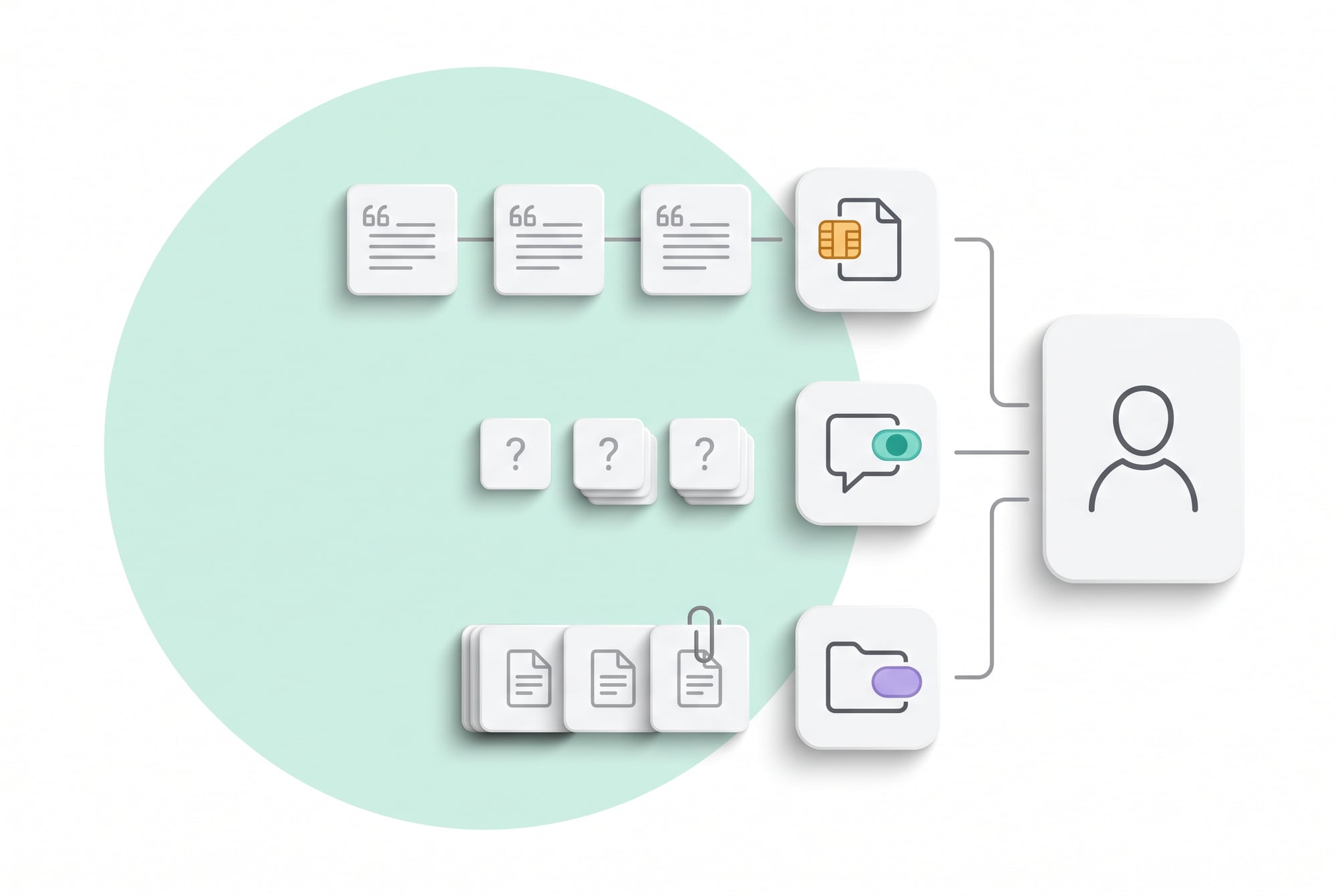
Customer service: answer routine questions instantly and send hard cases to the right person
The system answers questions from the knowledge base, checks status in the back-office system, and summarizes the history for staff when a case has to be handed over. Don't set the bot the goal of closing every case. Aim for standard questions to stay out of the human queue, and for difficult cases to arrive with complete information. One agent can then handle more complex cases without losing time on the same questions over and over.
Paperwork: create, check and file in a single process
When a new order comes in, the system creates the job ticket, checks that all required fields are filled in, names the file to the standard, stores it in the right folder and notifies the person responsible. Removing many small tasks often gives back more time than a single large AI project, because employees no longer have to switch between screens and remember a long list of steps.
5. You can reduce headcount only when quality can still be measured and controlled
Business owners shouldn't approve a system on the strength of a demo that answered well five times. Test it on a large volume of real work, including cases with incomplete data, customer typos, out-of-stock products, changed prices or messages containing trick instructions. The system should show where its data came from, record which rule it applied, and stop to ask a person for help when its confidence is low.
Start in an "AI prepares, a person approves" mode. Collect results for at least two to four weeks, then measure the percentage that staff could send as is, the percentage that needed small edits and the percentage that couldn't be used. Only once quality meets the bar should you let the system send automatically for low-risk cases. Expanding autonomy one level at a time gives the company speed without trading away its reputation.
- A process owner who is accountable for the results, so the job isn't simply handed to IT
- A history of the work done and the data used, so you can trace back when something goes wrong
- A button to stop or to send work back to a person when the system meets a case outside its rules
6. Redesign people's roles instead of bolting AI onto the old process
If you add AI and everyone still has to do every step they did before, the company ends up with extra system costs and the same headcount. Before going live, write down the new responsibilities clearly: what "the system does", what "a person checks" and what "a person owns". For example, admins stop keying in orders and check only the orders the system flags. Salespeople stop creating standard quotations and look after high-value deals and special terms.
In practice, reducing headcount responsibly usually happens through three channels: not filling positions when they fall vacant, moving people into work that generates revenue, and merging roles that were split only because there was too much administrative work. Make it clear that the company measures results by the volume and quality of work, and not by how often people use AI, and train the team to check accuracy and report anything unusual.
7. A 30-day action plan for business owners
- Week 1, map the work: Pick one team and log its repetitive tasks, how long they take and how often they happen. Work out the total hours per month, then choose a single process that has its data ready and carries low risk.
- Week 2, build a prototype: Connect sample data, set up the main rules, and have AI prepare the output without sending anything to real customers yet. Collect at least 50 to 100 test cases.
- Week 3, trial it with a small team: Have two or three real users do their work through the system. Time the work before and after, and note every point where people still have to copy data or wait for approval.
- Week 4, decide: If it saves time and quality meets the bar, adjust job responsibilities and roll it out to more users. If it doesn't, fix the data or end the project. Don't force an expansion just because you have already invested.
The first project should give time back within one to three months, without replacing all of your core systems. A small, measurable success builds the team's confidence and produces the data you need to choose the next project, and it does both far better than announcing a large "AI Transformation" with nobody owning the results.
8. The numbers that show whether the business is really growing without adding people
Measure cost per transaction, error rate, waiting time and customer satisfaction side by side. If work per person rises but customers have to chase you several times, or credit notes increase, that is no real gain in efficiency. Also track AI cost per transaction: a system that runs an expensive model on high-volume work may cut labor costs while raising API costs so much that the return falls short of what you expected.
In short: A company grows without adding people by changing its processes; adding tools on their own won't get it there. Start with the repetitive work that eats the most time, connect AI to your data and workflows, place approval points according to risk, and keep measuring the work handled per person. Done this way, AI becomes part of the company's production capacity, which is worth far more than an expensive assistant for writing text.
Let your existing team take on more work without pushing everyone to work faster
The people who know which tasks are repetitive to the point of boredom and which need experience are the members of your team who do them every day. So we start by sitting in on one full cycle of real work, rather than listening to a summary in a meeting room, to pin down which steps involve searching, copying, summarizing and passing things on, the group a system can take over first. Then we agree together on what counts as an acceptable result and which kinds of cases must always go to a person. That agreement matters more than the choice of tools.
A system that takes repetitive work off people
The systems we build usually have four layers: a central data source, business rules, a workflow that keeps the work moving, and a screen where people review exceptions. They come with numbers that show how many items the system handled this month, how many it sent back to people, and how quality has changed. We start with a single task that is high in volume and easy to check, so you can see results within a few weeks, and then build from there. If your team is about to hire because the work is overflowing, let us help you look first at what kind of work it is that's overflowing.
SOFTWARE ENGINEERING GLOSSARY
Software engineering glossary
These terms are about letting systems take repetitive work off people safely.
| Term | What it is | A simple example | What executives should ask the development team |
|---|---|---|---|
| Automation | Having a system carry out work according to rules without someone giving the command each time. | The system creates a quotation from data that was entered once. | Which work can the system do on its own, and which needs a person to confirm it? |
| Straight-through Processing | Letting standard transactions run through to completion without anyone touching them. | Requests that meet the criteria are approved and recorded automatically. | What percentage of transactions currently complete on their own, with no one touching them? |
| Business Rule | A business condition written down for the system to use when it decides, kept separate from the code. | Discounts above 15 percent need a manager's approval. | If a rule changes, who can update it and how long does that take? |
| Human-in-the-loop | Designing the system so that people check or decide at defined points. | People check only the items the system is not confident about. | Which cases do people check, and what percentage of the total is that? |
| Throughput | The amount of work a system or team completes in a given period. | The number of quotations that can go out per week. | If the workload doubled, could the system cope? |