
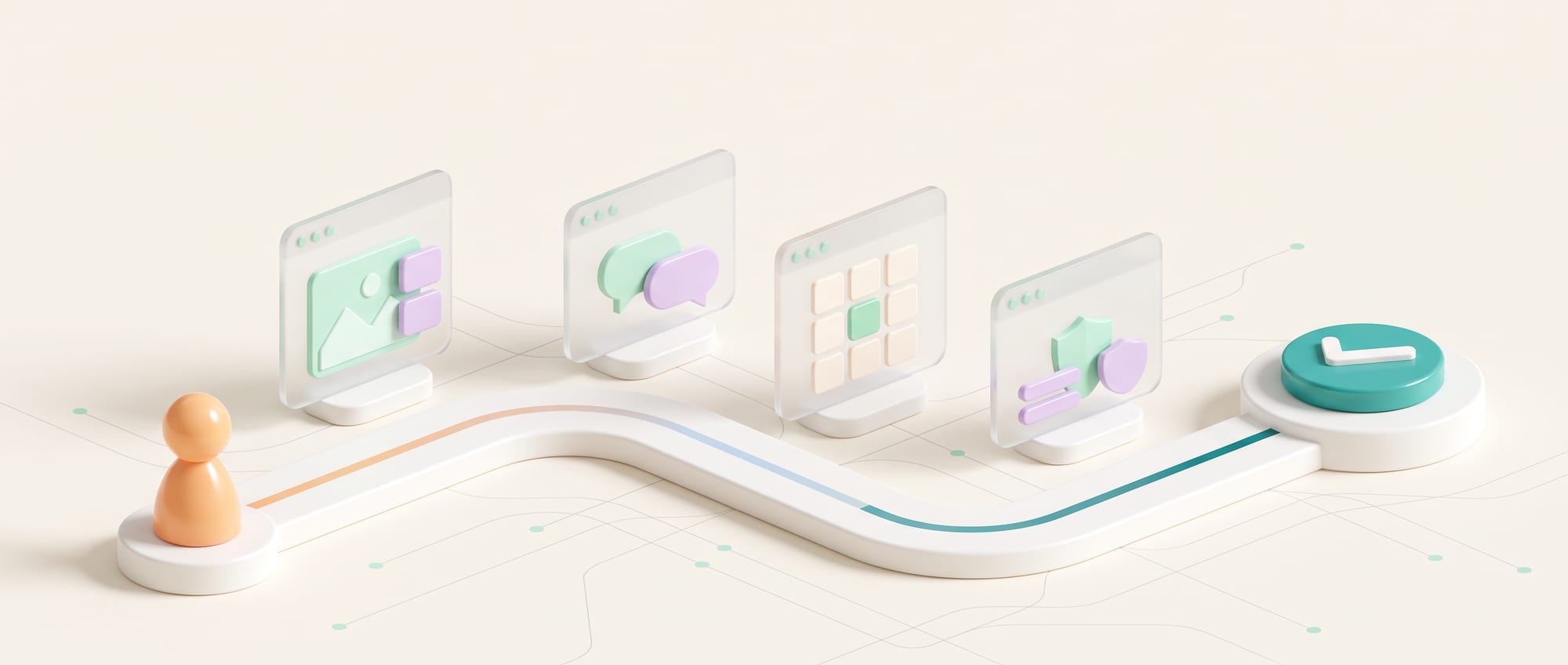
- Most websites can only say “the information is over here” and leave customers to dig for it. People who don't want to dig close the tab and go to a competitor.
- The new kind of website works like a good receptionist: it asks two or three questions, understands what the customer needs, and walks them through to the end.
- The preparation is less about technology and more about your company's correct answers: prices, terms and what you can actually deliver.
Where old websites and apps stop
Picture a customer walking into your shop and nobody greets them. There are only signs showing which shelf holds what. People who already know what they want can walk over and pick it up, but those who aren't sure stand there confused and then walk out. A website with nothing but information pages and a Contact Us button works exactly like a shop with no staff.
Customers don't want to read every page. They want to know whether the product fits, what they need to prepare, roughly what it costs and what the next step is. Traditional menus and search boxes answer these questions piece by piece.
The problem isn't always that a website has too little information. Many companies have all of it, organized by department and internal structure. A customer who arrives with a real situation then has to translate their problem into the name of one of your services on their own. When they can't find it, they leave the site, phone in, or send a vague message, and sales has to start gathering requirements again from zero.
So an AI website should be thought of as an experience layer that understands intent and keeps context throughout the journey, rather than a chat box floating in the corner of the screen. The existing content pages still have value as reference material, while the AI selects the relevant information, asks only for what's missing, and takes the user to the screen or action that fits their situation.
| The old way | The new AI product approach |
|---|---|
| Keyword search, an FAQ page, and the same form for every customer | A conversation that gathers context, search across approved information, recommendations specific to the case, and workflows such as booking an appointment, requesting documents or creating a lead with a summary attached |
The technical heart of it is connecting the conversation to the web pages and back-end systems in a way that keeps state. A customer can start with a question, go look at information, come back to change a requirement and book an appointment without losing context. Every tool must check permissions and data again before it has any real effect.
New capabilities a business can put to use
What has changed is that the website starts to work like a good receptionist. It asks a few questions to find out what the customer needs, pulls real prices and terms from your systems to answer, and takes them all the way to booking an appointment or requesting a quote, without the customer having to guess which page to click next.
What the project is
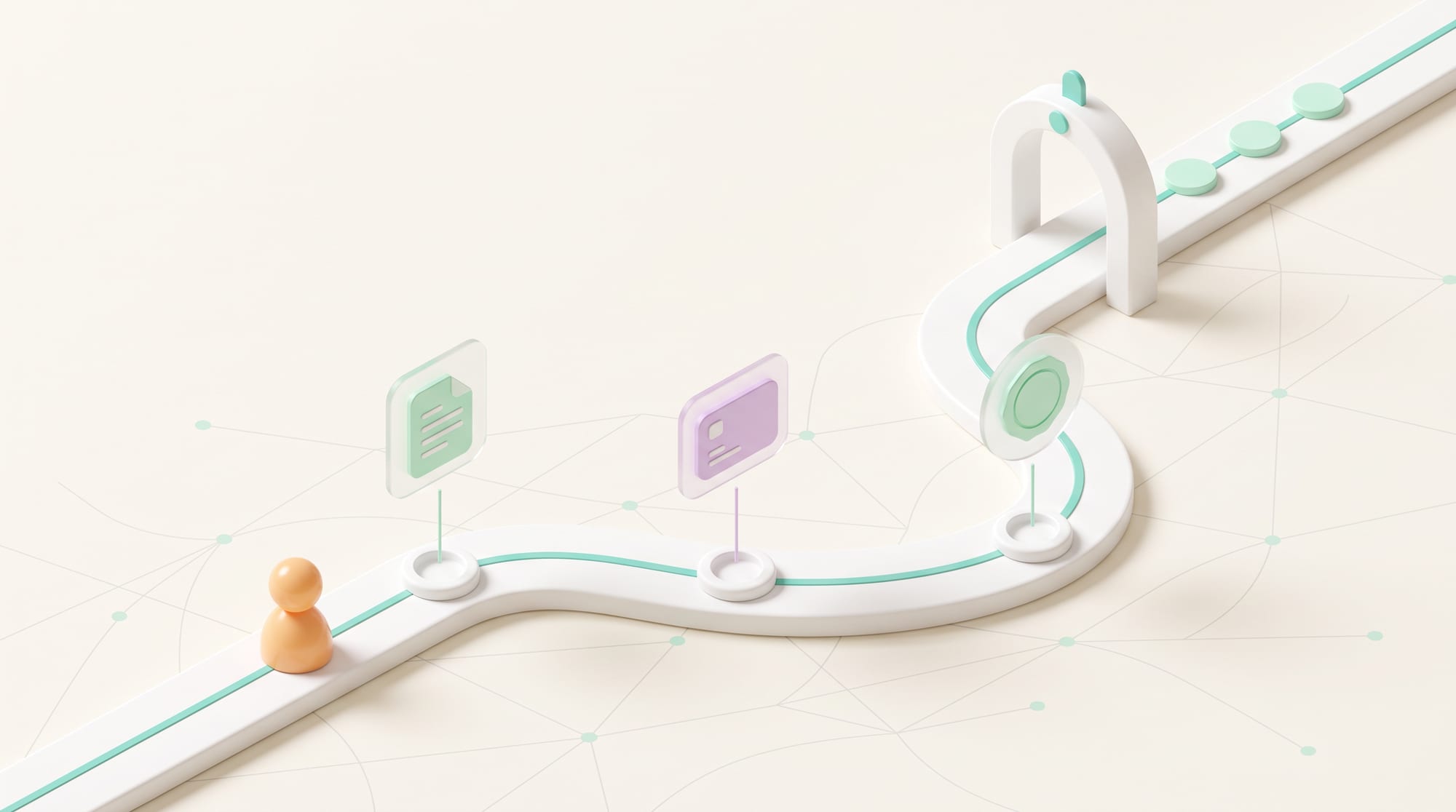
This project builds a Digital Concierge that works together with the web pages instead of forcing users to communicate by text alone. A customer might start by choosing a goal on screen, chat to give details, look at a comparison table, then go back and edit information in a form without losing context. The experience blends conversation with a familiar interface.
Features to picture
The system can screen needs, find answers in approved information, compare packages, estimate a price range, check service areas, book appointments, receive documents and summarize everything into a lead brief. Another important feature is explaining why it asks for each piece of information, and letting people skip a question or call a staff member when they don't want to talk to AI.
The technology behind it
The main components usually include Knowledge Retrieval for finding information, a Language Model for understanding language, Tool Calling to connect to the CRM, calendar and pricing system, Session Memory to remember context, and a Policy Layer to set permissions. Every answer and action should be logged so it can be audited later and failed cases can be tested again.
The value for users and the business
Customers don't have to guess which page to open or tell the same story several times. Sales receives structured information and knows what to do next. The business also sees which questions the website really can't answer, and can use that to improve its services, content or sales process. The benefit goes beyond fewer chats: a higher share of customers finish what they came to do.
- An AI Concierge that asks follow-up questions only as needed, without interrogating the customer
- A Guided Journey that adapts its questions and screens to the customer's intent
- Tool Calling connected to the calendar, CRM, pricing and service areas
- Handoff that passes the conversation and evidence to staff so the customer doesn't have to explain again
Hypothetical case
What it looks like in practice
A B2B services business lets customers state their goal, budget, timeline and constraints. The AI summarizes the requirements, compares packages using real data and offers open times for a call. Special cases go to a specialist along with a brief.
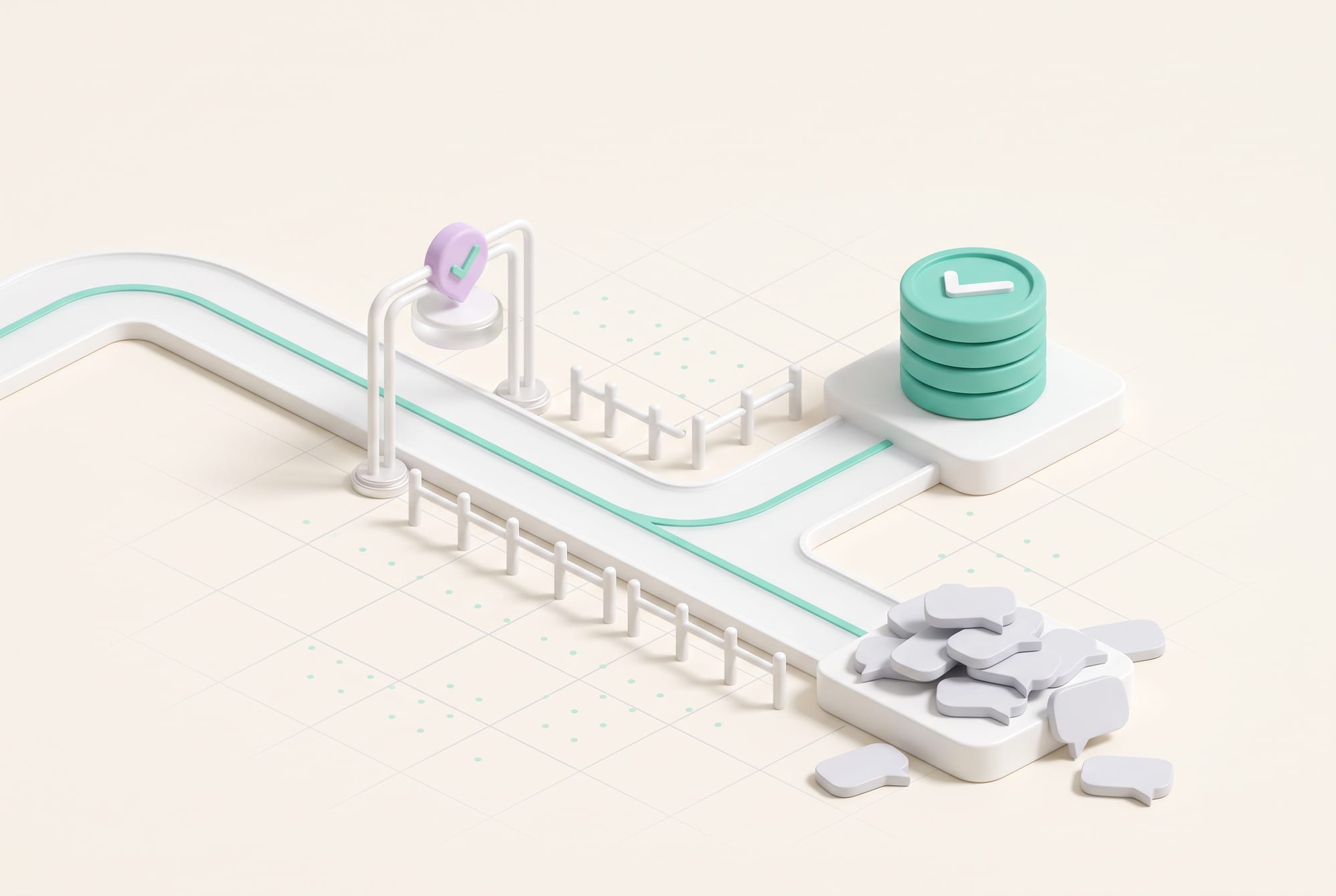
Think of a building manager who needs a new system installed. He doesn't know the package names, but he can give the number of points to be served, the type of building, the budget and the date the service must go live. The system checks the service area, lists the information still missing, shows two options with the reasoning for each, and books a meeting with a sales engineer with the summary already attached.
On the staff side, the screen shows more than a transcript. It shows the facts the customer confirmed, the documents received, the assumptions the system used and the questions still unanswered. If the customer comes back the next day, the same journey picks up where it left off. That is the difference between a chatbot and a product that takes responsibility for real work.
Intent-to-Action Map
Write down your customers' 10 main intents, then for each one specify the answer, the data, the tools, the approval points and what success looks like.
Start with intents that happen often, can be measured and can be reversed.
Scope, risks and how to measure results
Build an Answer-to-Action Matrix that makes clear which questions can be answered from which source, which actions can happen immediately, which need confirmation, and which the AI must never take, such as guaranteeing a project-specific price or committing to a delivery date in a contract. Measurement has to cover both accuracy and what happens after each action, rather than only a score for how natural the answers sound.

Don't let the agent promise prices, terms or delivery slots without reading the Source of Truth, and don't collect more data than you need.
Metrics to track: Task Completion, Qualified Lead, Time-to-Handoff, Answer Citation and Abandonment
- Discover: follow the real work and collect examples of normal cases and exceptions
- Assist: let AI draft or recommend while people stay in control
- Act: turn on tools one at a time after the test set passes
- Scale: expand once monitoring, fallback, cost control and an owner are in place
Stop or step back a level when the agent offers information from outside the reference sources, creates leads with missing information, or staff often have to ask customers the same questions again. These are signs that the journey and the Data Contract aren't ready for more actions yet.
BUSINESS & PRODUCT READINESS
How to organize your answers and customer journeys before building an AI Concierge
Start with a Conversation Inventory: take chats, emails and questions from the sales team and group them by intent, rather than by the words customers type. One intent can be phrased many ways, such as “Can I get a price?”, “What can I get for this budget?” and “Do you have a smaller package?” Then identify the answers you can confirm, the information you need to ask for, and the actions the website lets people take. This is the foundation of an agent that actually helps, instead of a bot that talks well but sends customers round in circles back to the same page.
A point that is often overlooked is designing for uncertainty. The system should show when information comes from an old document, when an answer is only an estimate, or when a case needs a specialist. Business owners should prepare product rules, service areas, pricing conditions, SLAs and examples of questions that can't be answered. A clear list of “answers the system must not guess” gets you live faster than piling on more and more prompts.
Before development, assign an owner to each data set and decide how it gets updated. If the price in the CRM differs from the PDF on the website, the system has to know which one is the real version. There should also be an admin workflow that lets the people responsible edit content, approve versions and see which answers are affected when data changes.
A safe rollout starts with a read-only concierge that searches and summarizes, moves on to reversible actions such as creating a draft appointment, and only then turns on actions that affect customers or real resources. Every stage should have a test set of questions drawn from real conversations and a rollback rule for when quality drops below the agreed level.
Which intents are frequent and high-value?
Which system holds the real version of the data?
Which actions can be reversed?
Which cases must go to a staff member immediately?
Design a website that starts from customer conversations instead of a menu structure
DNA Maker starts by listening to real conversations between customers and your sales or service team, then builds the Intent Map, Customer Journey and Action Boundary together with you. We help separate what should be answered from the Knowledge Base, what must be read from the CRM or pricing system, and what has to be asked of a person. The knowledge of your products and their exceptions stays with your team. Our job is to turn that knowledge into a flow customers can use without having to understand how your company is organized inside.
In the design stage, we build a Conversation Prototype and supporting screens such as a comparison, a form, a calendar or a document upload, to test whether customers can really get from a question to an outcome. Before building the larger system, we test the wording, the handoff points and the minimum data needed against both normal cases and cases the system can't answer.
Architecture choices follow the work. One model doesn't need to answer everything. Some intents suit fixed rules, some suit search, and some need an API call. We design Model Routing, the Knowledge Index, permissions, the Audit Log and Cost Control in proportion to the value and risk of each action.
The output of the first phase is therefore more than attractive screens. It is a Journey Prototype, an Intent Catalog, a Data/Tool Map, guardrails, an Evaluation Set and a pilot plan that the business team can review. After launch, DNA Maker helps read the usage data, find dead ends and adjust the UX, the knowledge and the workflow, so the system gets better based on evidence instead of gut feeling.
Once the approach is proven, DNA Maker can build the website or customer portal, the AI Concierge, CRM and calendar integration, tool approval, analytics and an admin area for updating knowledge, with evaluation and monitoring after launch. We design it so your team can edit content and rules without waiting for new development every time.
If your website gets traffic but customers still phone in with the same questions, bring 30 to 50 real questions and let's talk them through. We'll help you assess which journeys should be an AI conversation, a guided form or a handoff to a person, and set up a pilot that can measure task completion.
SOFTWARE ENGINEERING GLOSSARY
Software engineering glossary
These terms help website owners talk with the development team about everything from customer intent to actions and handing off to a person. Use the last column to check whether the project is measuring real outcomes or just the ability to hold a conversation.
| Term | What it is | A simple example | What to ask the development team |
|---|---|---|---|
| Intent | The goal the user wants to accomplish. In design, the system should link each intent to the data it needs, the next step and a definition of success, rather than simply naming a category of questions. | Wanting to book a site survey, beyond searching for the word “survey” | Do we know our main intents from real data, or are we guessing? |
| Tool Calling | Letting AI request a system function. The model asks to use the tool, but the software must check the parameters, permissions and result before anything actually happens. | Checking the appointment calendar before offering a time | Does every tool need approval? |
| Handoff | Passing work from AI to a person along with the context. A good handoff passes on the facts, the evidence, what has already been tried and the reason for handing off, so the person taking over can decide right away. | Sales gets a summary without asking the customer again | Which conditions require an immediate handoff to a person? |
| Guardrail | A rule that checks or stops the work. A guardrail can be a rule applied before an action, a check on the result afterward, or a condition to stop and call a person, so it has to be designed in several layers according to risk. | Never quote a price that isn't in the price table | Who owns the rules, and when are they reviewed? |
| Conversion Event | An event that counts as a business result. Define events that reflect real outcomes, such as a booked appointment or a complete submission, instead of only counting chats opened and clicks. | An appointment booked or a full set of documents submitted | Are we measuring conversations or real results? |
Further reading from the original documents: https://openai.github.io/openai-agents-js/