
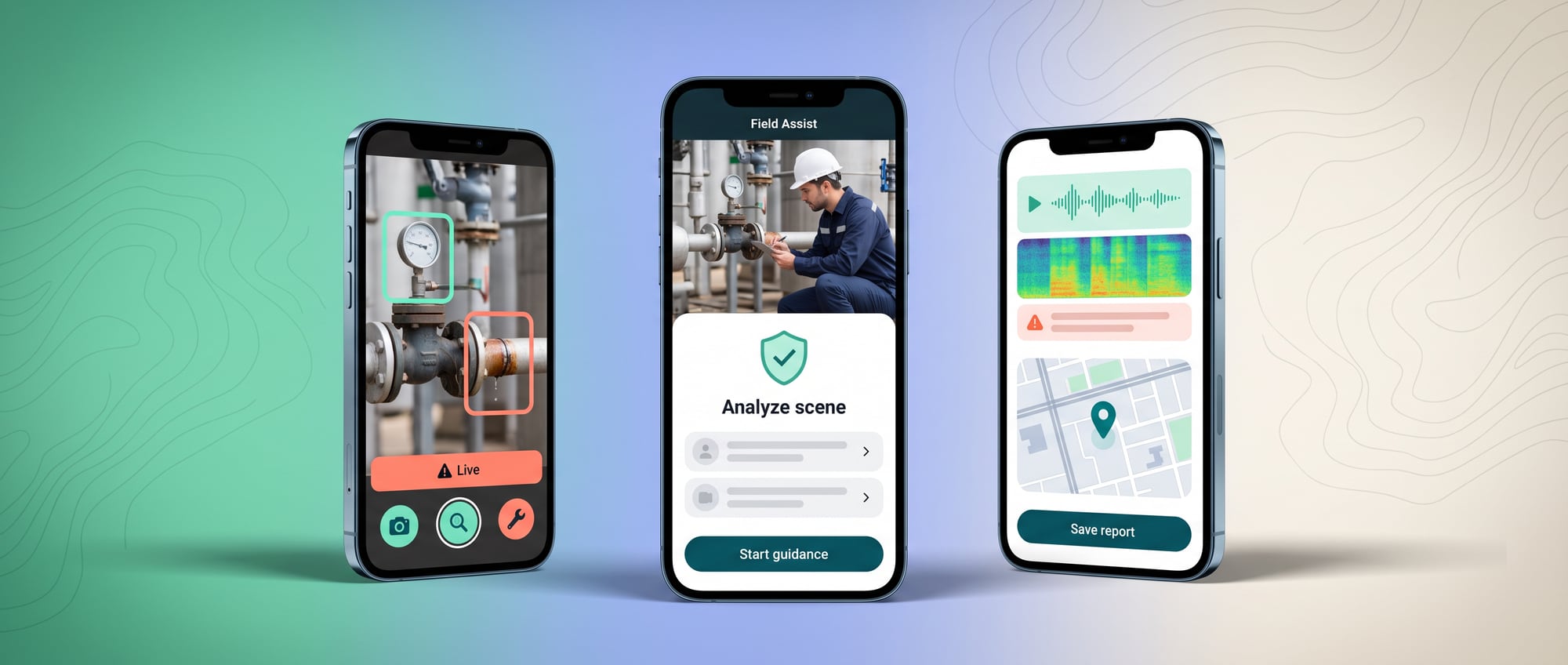
- Field staff already carry phones, but most systems force them to come back and fill in data at a desk later.
- A good assistant has to work one-handed: take a photo and it understands, speak and it takes the note for you, and it keeps working when there's no signal.
- The measurable benefit is that the job is finished on site, with no paperwork to redo afterward, and the data is more accurate than before.
Where old websites and apps stop
A technician on site has only one hand available, is wearing gloves, is standing in the sun and has a signal that keeps cutting out. Yet the system we give him is a ten-field form designed for someone sitting at a desk. So in the end he writes it on paper and comes back to fill it in that evening.
Traditional field apps are rigid checklists. Staff have to know which menu to open and type long entries in awkward conditions, so data comes in late or incomplete.
Field software often starts as an office form shrunk down to fit a phone, even though the user is standing in the sun, wearing gloves, working somewhere noisy or out of signal. So people jot things on paper, take photos to keep, and come back to type it all in that evening. Data arrives late, details get forgotten, and the system is seen as a burden more than a helper.
An AI Mobile Field Assistant has to be designed around the real working context. It can open the right manual, read signs or documents, take voice commands, suggest the next step and record evidence during the job. It must never pull a technician's attention away from safety, or lead them to trust advice that the organization's own experts haven't confirmed.
| The old way | The new AI product approach |
|---|---|
| Shows the manual, takes a form and uploads photos later | Understands images and voice, pulls context from the current job, suggests inspection steps interactively and creates a structured record that the staff member confirms |
Integration for a field app has to handle both online and offline periods. The app stores the Work Pack and evidence securely on the device, runs some AI tasks close to the user, and syncs through the API when it can, showing any conflicts for a person to decide.
New capabilities a business can put to use
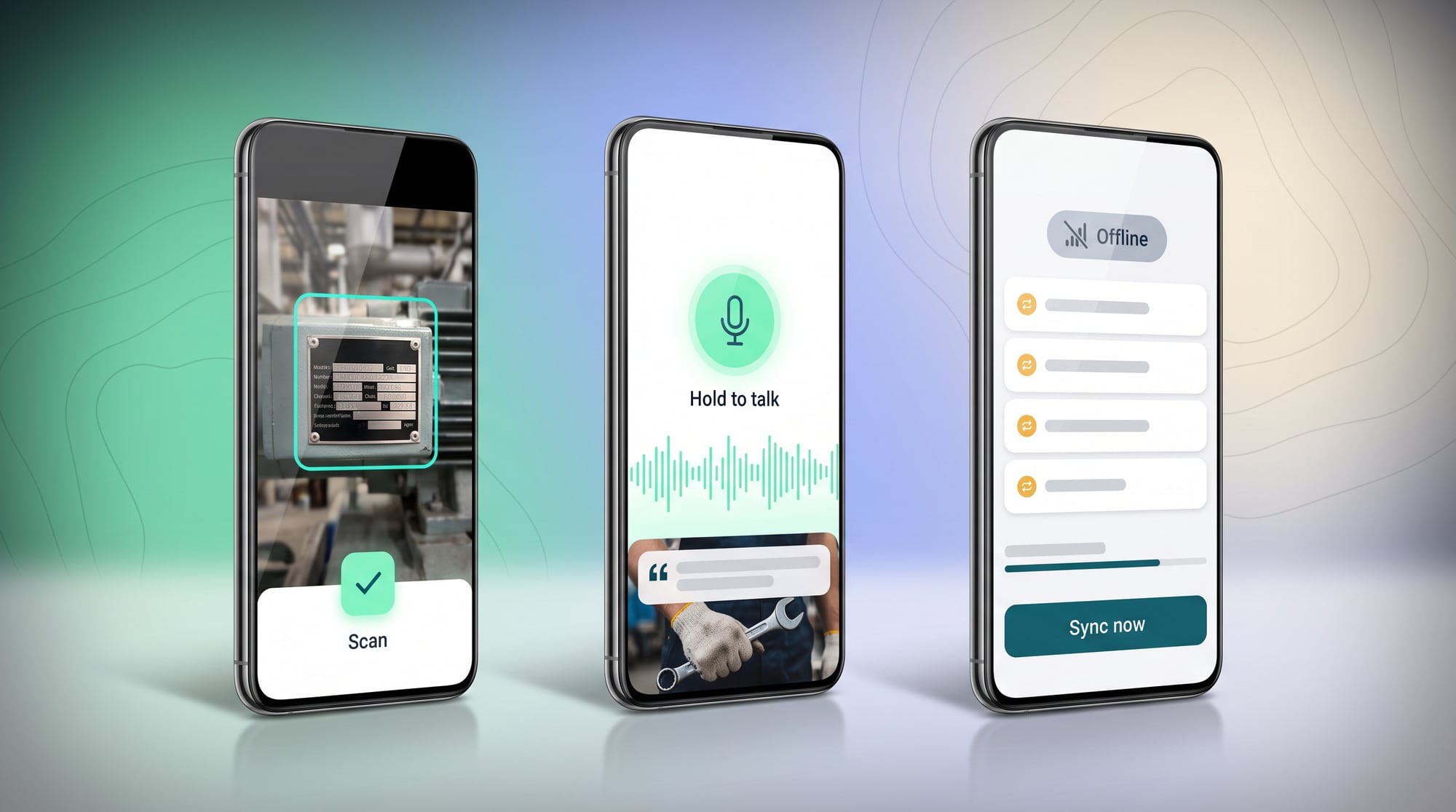
A field assistant that actually works therefore starts from the real conditions of the job. You take a photo and the system understands what it is, you say a few words and it records them in the right field, it keeps working without a signal, and it sends everything up to the system once you're back in coverage.
What the project is
The app is a manual and a smart job log in one device. The user selects an asset or scans a code, and the system preloads its history, checklist and related documents. During the job they can use large buttons, voice, images and short steps, with a record of who did what and when, even when the network isn't available.
Concrete features
Features may include an Offline Work Pack, Voice Note, OCR, Image Annotation, Guided Inspection, Parts Lookup, Remote Expert, Safety Confirmation, Auto Report and Sync Status. If the AI isn't sure, it should ask for another photo or call an expert, and never give an answer more confident than the data allows.
Technology suited to the field
Some tasks run on-device, such as speech, OCR or searching cached data, for fast responses and privacy. Tasks that need the latest data go to the cloud when there's a network. The app needs Conflict Resolution, Encrypted Storage, Background Sync and Device Permission, and may connect to MDM to manage company devices.
Benefits for people in the field
Technicians spend less time on reports, reach the knowledge they need without phoning someone every time, and send complete evidence to experts the first time. Supervisors see backlogs and anomalies sooner. The organization also captures tacit knowledge from the explanations and photos of its best people to improve the manuals, without claiming that AI can replace field skills.
- A Camera Assistant that reads signs, barcodes, documents or site conditions
- Voice-first operation for when hands are busy, with follow-up questions in real time
- On-device AI that handles some tasks without sending everything to the server
- Offline-first: the work is stored and syncs when the signal comes back
Hypothetical case
What it looks like in practice
A building surveyor photographs a piece of equipment. The app reads the code, pulls up its history, asks about its condition by voice and drafts an Inspection Record. Points of risk go to an engineer, and the AI is never allowed to certify safety.
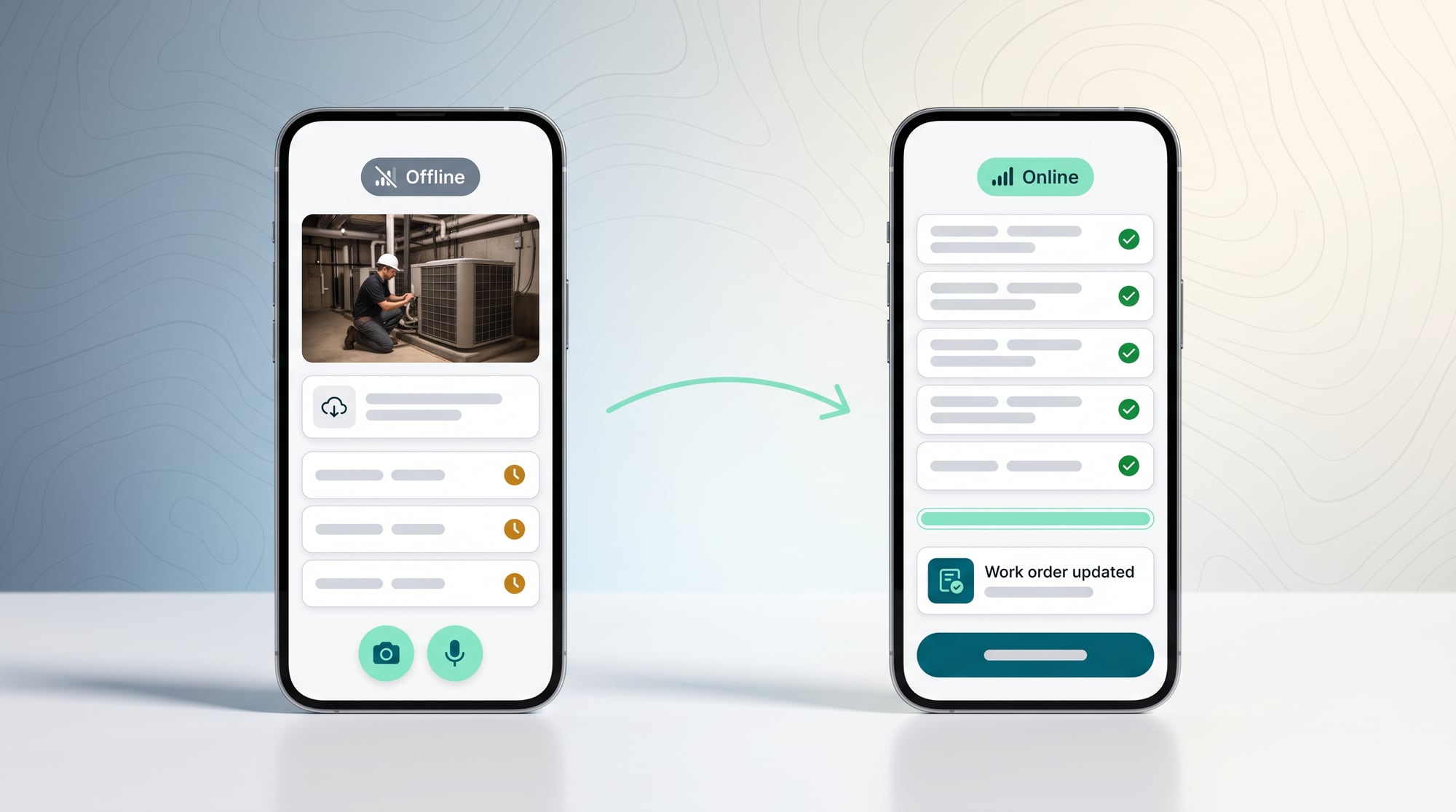
In this hypothetical case, a technician goes to inspect the air conditioning in a building with a weak signal. He scans the asset, and the app opens the history and checklist it downloaded earlier. He records the readings by voice and photographs the spots that look wrong. The system warns that one reading is outside the range set by the client's engineering team, so it adds a step requesting an expert review.
Back online, the app syncs the evidence, updates the work order and creates a draft report, which the technician checks and corrects before sending. If some of the data clashes with edits made at the office, the system shows him the differences to choose from rather than silently overwriting them. An experience like this cuts repeated work without taking decisions away from the people doing the job.
Three-context Check
Before making a recommendation, have the system check Person, Place and Task: who is where, doing which job.
Getting just one of these wrong can turn a correct manual into wrong advice.
Scope, risks and how to measure results
For the development team · Technical metrics
Test with the devices, lighting, noise, gloves, languages and networks people really use, and define which data may be stored on the device and for how long. Metrics should cover First-time Completion, Report Delay, Missing Evidence, Expert Call and Safety Stop. Speed should never score higher than safety or the quality of evidence.
You need to design consent, data retention, battery use and latency, support for each device model, and a Manual Mode for when the model can't be used.
For the development team · Technical metrics
Metrics to track: Time-to-Record, Data Completeness, Offline Success, Expert Escalation and Unsafe Advice
- Discover: follow the real work and collect examples of normal cases and exceptions
- Assist: let AI draft or recommend while people stay in control
- Act: turn on tools one at a time after the test set passes
- Scale: expand once monitoring, fallback, cost control and an owner are in place
Stop the pilot if the app pulls users' eyes off the work, evidence is lost during sync, or advice is vague at points of risk. Safety and a complete record must come before fast reports.
BUSINESS & PRODUCT READINESS
Field AI has to be designed for real conditions instead of being a website shrunk onto a phone
Survey the environment before the features. Does the user have a hand available? What are the light and noise like? Do they wear gloves or PPE? How long does the signal drop for? Within how many seconds does the job need an answer? These questions decide whether to use voice, the camera, large buttons, on-device processing or an offline queue, far more than how attractive the screens are.
For the development team · Technical detail
Prepare a Device Matrix, permissions, data retention, sync conflict handling and a manual checklist. AI should help create records or look up procedures, but advice that affects safety must rely on rules and experts. Set a battery and latency budget, and test with the hardest shifts and locations.
Build a Device and Environment Matrix that separates the situations, such as whether the user's hands are busy, whether there's enough light, how long the device can stay offline and what kind of identity check is needed. Then choose the right interaction for each. Some points should use voice, some a single button, and some shouldn't use the screen at all.
Manuals and thresholds must have an owner from the client's engineering, safety or expert team. The system should show the version and update date and always offer a Manual Mode. Start the pilot with a task that has a clear manual and controllable risk, and a small group of users ready to give feedback from real sites.
Which tasks leave hands busy?
Which data must never leave the device?
How long can it work offline?
Which advice needs an expert to confirm it?
Build a field assistant that respects the context and limits of real devices
DNA Maker goes on site or runs context interviews with staff and experts to understand their movements, tools, signal conditions and prohibitions, then builds a Three-context Map: Person, Place, Task. Job-specific knowledge is still confirmed by the client, and we organize it into interactions and data flows that suit a phone.
We build clickable, camera and voice prototypes and test them on real devices from the start, without waiting for the back end to be finished. That way the problems with buttons, voice, light, network and confirmation steps show up before the architecture is locked in.
DNA Maker works through the user journey in detail for each location and device before choosing features. We build prototypes tested against brightness, noise, button size, one-handed use and the offline flow, then design an on-device and cloud architecture that balances speed, privacy and how fresh the data is.
The solution may include a Native Mobile App, Offline Sync, OCR and voice, an AI Field Assistant, Work-order Integration and an Expert Console, with telemetry that doesn't get in the user's way. If there's one job where technicians have to open a manual, take photos and fill in a report every single time, that journey can be the pilot that proves real-world use before other capabilities are added.
DNA Maker can build native or cross-platform mobile apps, on-device and cloud AI, offline storage and sync, barcode and OCR, voice, the back end and integration, along with crash, latency and model monitoring.
If your staff have to juggle a phone between the manual, the camera and paper within a single task, bring that task to us. We'll help design a field pilot that measures time and data completeness without adding to anyone's workload.
SOFTWARE ENGINEERING GLOSSARY
Software engineering glossary
These terms explain what makes field software different, from on-device processing and offline work to multiple media and response time. Use them to ask how the system keeps working and recovers data when real conditions look nothing like a meeting room.
| Term | What it is | A simple example | What to ask the development team |
|---|---|---|---|
| On-device AI | Running AI on the device itself. It suits work that needs speed, privacy or offline operation, but you have to consider model size, battery and what each device model can handle. | Summarizing notes without sending the audio to the cloud | Which device models support it? |
| Offline-first | Designing the app to work without an internet connection. From the start, the app has to let people create and edit data offline, show the sync status, and handle cases where the data on the two sides conflicts. | Recording an inspection and syncing it later | How are conflicts resolved during sync? |
| Multimodal Prompt | Sending several kinds of media for the model to consider together. The instruction should state the role of each image, audio clip and piece of text, and what to do when the evidence is unclear, instead of leaving the model to guess. | A photo of equipment with a spoken question | Which media are necessary, and do we have consent for them? |
| App Intent | An app capability the system can call using natural language. It gives the app or outside systems a way to trigger a defined task, so the input, permissions and expected result must be spelled out clearly. | Asking it to open the next inspection job | Which actions should be open to being called? |
| Latency | The wait between a command and the response. It has to be measured across the whole journey, beyond the model's own response time, because data lookups, API calls and syncing all add to the time the user waits. | Voice guidance has to respond fast enough for site work | How many seconds of delay make it unusable? |
Further reading from the original documents: https://developer.apple.com/documentation/foundationmodels/