
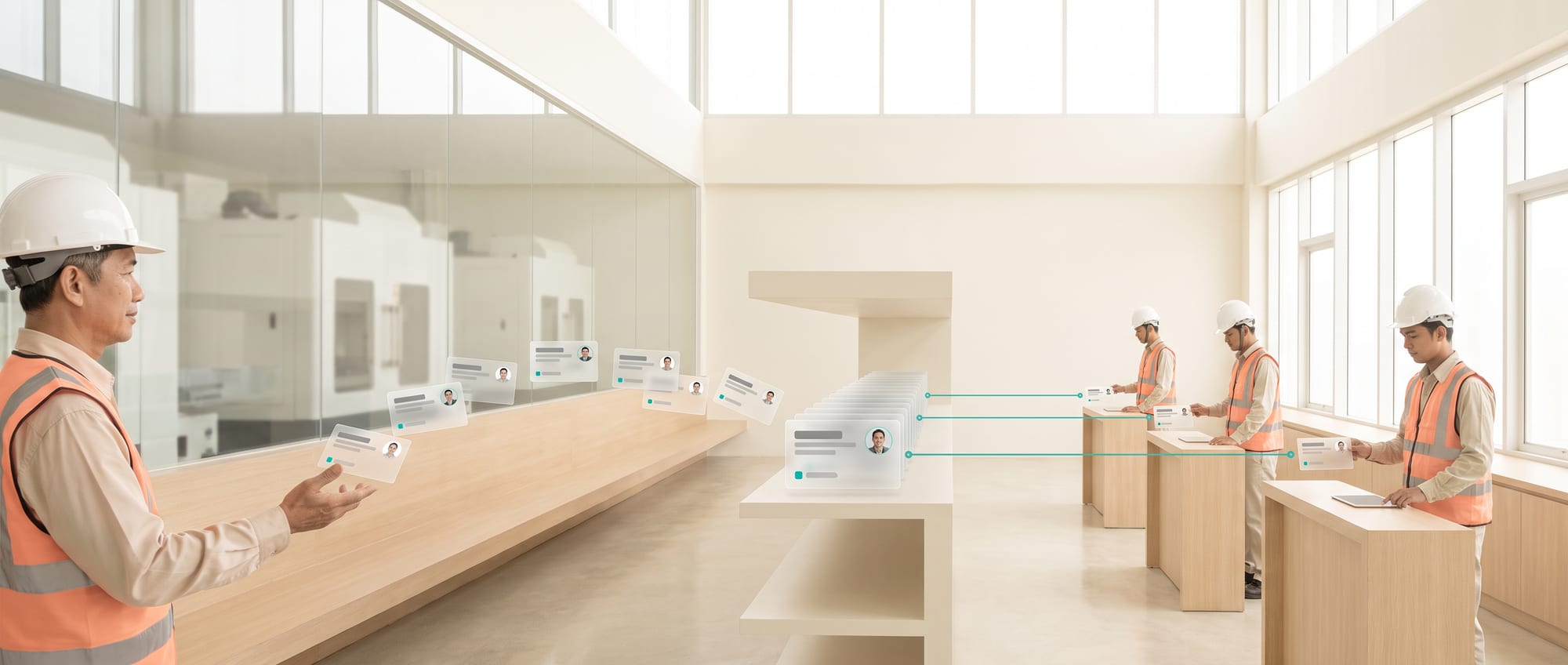
- A company's most valuable knowledge often sits in the heads of a few people, and it walks out the door with them the day they leave.
- Don't start by asking them to write a manual. Start by recording them while they solve real problems, which gives you something far more usable.
- A good system always answers with its sources, so people can check which document an answer came from.
Start with knowledge that is at risk and that people actually call on
Ask yourself: if the technician who has been with you for twenty years resigned tomorrow, which work would stall immediately? That answer is your list of knowledge to capture first. Writing manuals for the entire factory can wait.
Build a Knowledge Risk Map from four questions. If this person weren't here, which work would stop? How much damage would a mistake cause? How long does it take to teach? How many people could back them up? Then rank the situations, such as errors that keep calling the senior technician back, machine setup when the raw material changes, exceptions for major customers, or steps that affect safety.
Don't ask experts in broad terms what they'd like to pass on. Pick a real incident and do a walk-through: what signal did they see, which causes did they consider, in what order did they check, when did they have to stop, and where do newcomers usually go wrong? Record the reasoning and the conditions as well as the normal steps.
Turn experience into knowledge cards
A better approach than asking them to write a manual is to shadow them while they solve real problems, and record what they look at first, what they base their decisions on, and which cases they've seen where the method doesn't work.
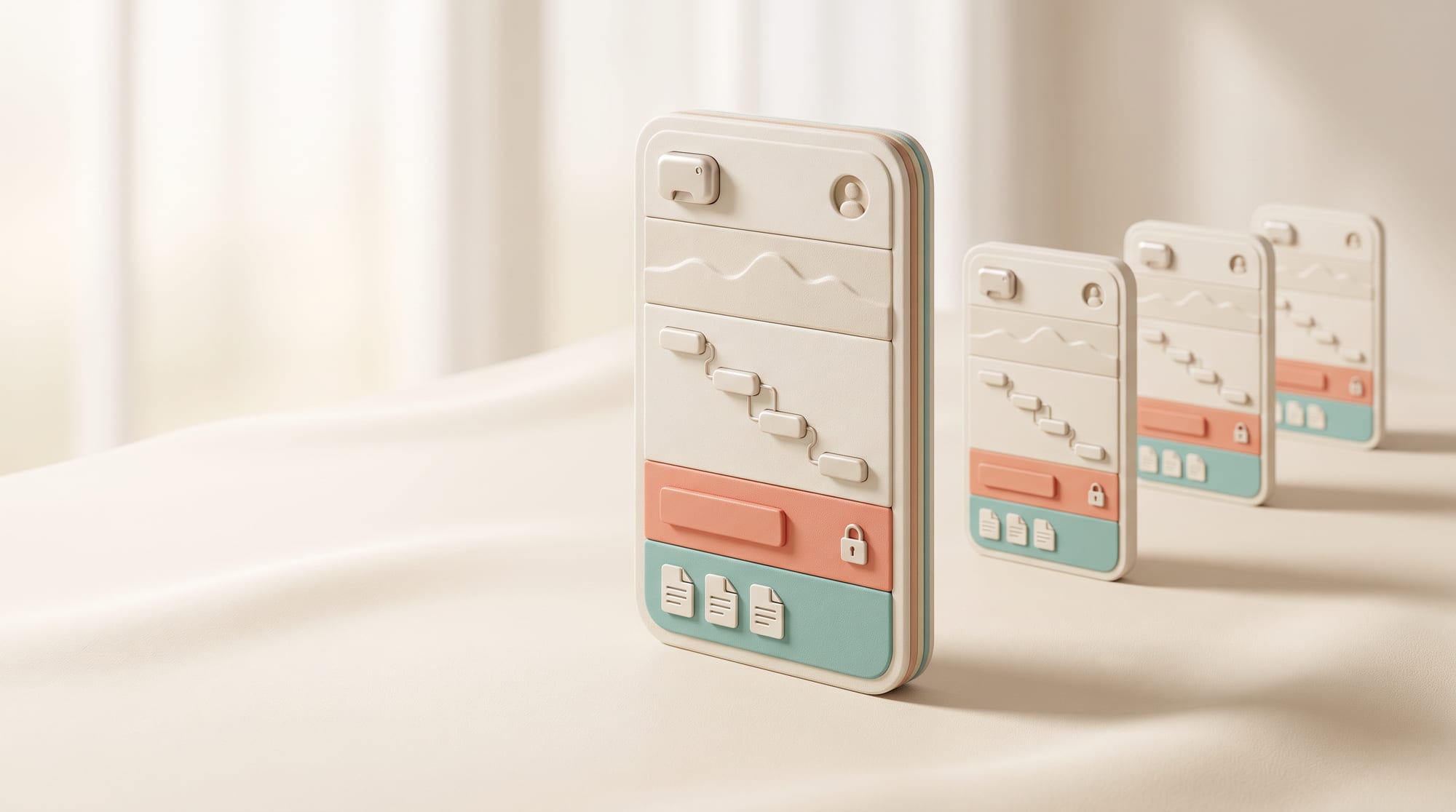
| Section | Information it needs |
|---|---|
| Context | Machine, model, customer, situation and constraints |
| Symptom/question | The words users actually search with, plus synonyms |
| Inspection steps | Order, reasoning, reference values and images |
| Restrictions | Safety, policy and the points where it goes to a specialist |
| Evidence | Manual, work order or approver |
| Lifecycle | Owner, version, review date, status |
AI can transcribe, structure and draft, but an expert has to check the meaning before anything is published. Break content into small pieces that each answer one problem and link to the full manual. Use Draft, Approved and Deprecated clearly, and never let old documents rank as high in search as the current version.
Design an assistant that cites its sources and can say it doesn't know
The system should ask for context before searching, such as the machine model, error code, customer or what has already been tried. Answers have to show the source, version and date, and keep what is confirmed apart from what is only a suggestion. If the evidence isn't enough, it should say nothing was found and open an escalation path. It must never make up safety procedures from general knowledge.

Limit access by role, site and confidentiality level. Log questions, the sources used and feedback in line with your privacy policy. Don't automatically feed every chat message back into the knowledge base, because misunderstandings will multiply. Let AI draft updates and have the owner approve them.
A test set before going live
- Normal questions, phrased in many different ways
- Models or conditions that look similar but need different methods
- Questions with no answer, where the system has to stop
- Data the user isn't permitted to see
- Old content that must never be recommended
Keep the knowledge base fresh and producing results
Tie updates to routine work: when an important work order or incident is closed, AI drafts a knowledge card from the evidence, and an expert reviews it before it's published. A dashboard shows unanswered questions, overridden answers, content close to expiry and articles nobody uses, which together make up a quality backlog.

For the development team · Technical metrics
Measure Time-to-Answer, First-time Fix, Repeat Incidents, Escalations, onboarding time and Safety Errors together. High adoption isn't enough if the answers are wrong. Start with 20 problems and one shift team, and expand categories and languages once the results are good.
Success comes from building a loop in which experts get credit, new employees learn quickly and the organization updates its lessons after every real incident. Simply extracting knowledge from people won't get you there. Built this way, the system becomes an organizational memory with someone accountable for it, instead of one more file store.
INTERVIEW TECHNIQUE · CAPTURE THE REASONING BEHIND THE ANSWER
Use a decision replay instead of asking “Is there anything you'd like to teach?”
Take a recent incident, open the photos or the work order, and have the expert walk through it point by point: what they saw, which options they ruled out and which signal changed their mind. Asking “Where would a newcomer go wrong?” usually draws out more tacit knowledge than asking them to write a manual from a blank page.

The 3C rule for answers
Context: which machine or customer it applies to. Citation: the source and the version. Cut-off: where to stop and hand over to a specialist. If any one of the three is missing, the answer isn't ready for use on the floor.
Tip: Credit the person who shared the knowledge and the reviewer by name on each knowledge card. Showing that you value your experts turns sharing into a matter of professional legacy, so it doesn't feel like their knowledge is being taken in order to replace them.
From knowledge to a problem-solving system that works in practice
The underlying problem
A good knowledge system answers from approved sources, states the context and knows when to stop, even if that leaves some questions unanswered.
A step-by-step approach
- Build a Knowledge Risk Map and collect decision replays from real incidents
- Turn them into knowledge cards with context, citation, cut-off and an owner
- Build a retrieval-based assistant with permissions, feedback and a review cycle
Let your organization's knowledge answer questions while staying clear about who owns the truth
A valuable knowledge base has to be more than a document search box. DNA Maker starts by helping the organization choose the questions that matter, and by setting up the taxonomy, metadata, owners, versions and escalation points. The client's experts certify the content, and we help design the capture and retrieval methods so answers show their context and sources. Users don't have to trust AI blindly, and the organization can see which questions still have no knowledge behind them.
DNA Maker can build a knowledge portal, enterprise search or a RAG-based AI agent on web or mobile, connected to SOPs, manuals, tickets and internal media. It controls access by role, answers with citations, collects feedback and hands over to an expert when the information isn't enough. We help all the way from the knowledge workshop, conversation UX, data preparation and system architecture through development to evaluation and analytics. If your organization has plenty of files but employees still keep asking the same people the same questions, we're ready to help turn that knowledge into a system that is easy to search, trustworthy and maintainable.
SOFTWARE ENGINEERING GLOSSARY
Software engineering glossary
This table is a shared vocabulary for executives, process owners and the development team, so nobody reads a term differently. There's no need to memorize it. Read the meaning, the example and the question on the right, because those questions often reveal scope, risks and hidden costs before development begins.
| Term | What it is | A simple example | What to ask the development team |
|---|---|---|---|
| RAG | Having AI search the organization's own data before it answers | Answering from an approved SOP, with a link to the document | Which sources does the system search, and how does it keep old documents out? |
| Embedding | Converting content into numbers so it can be searched by meaning | Searching for “machine running hot” finds documents about high temperature | Does it really find Thai-language content and specialist terms? |
| Metadata | Information that describes a document | Recording the machine model, owner and expiry date | Which fields are essential for finding and controlling documents? |
| Access Control | Controlling who can see which data | A team sees only the manuals for its own site | How are permissions inherited, and how are they revoked when someone changes jobs? |
| Citation | Stating where an answer came from | Showing the manual's name, version and page | Can users open the original and see which version it is? |