
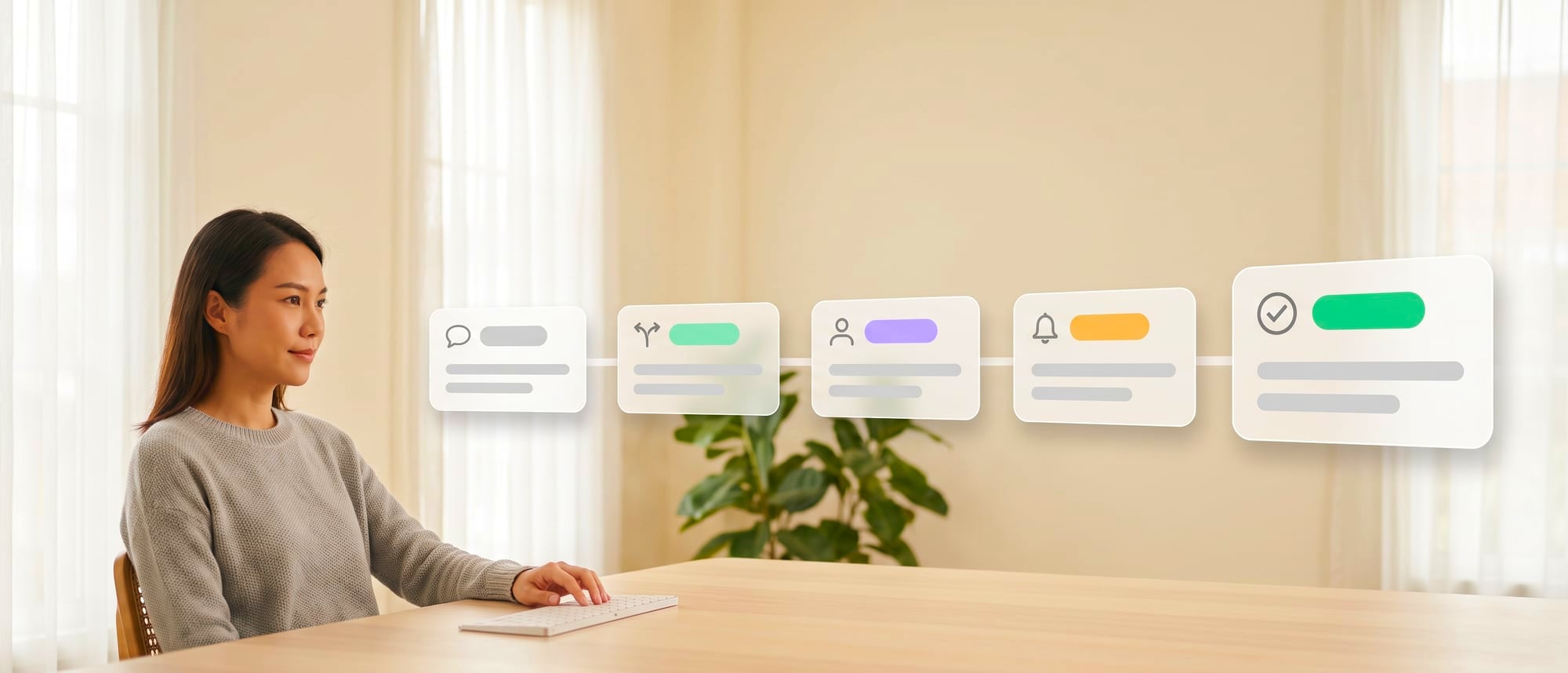
- What slows internal work down is chasing each other across email, chat and files in several versions. The steps themselves are rarely hard.
- A good system gives every task a status, an owner and a clear next step, before anyone talks about adding AI.
- Once that foundation is in place, AI can really help: reading requests, sorting them by type, gathering information and warning you before work goes past its deadline.
Where old websites and apps stop
If you want to know today whose desk a customer's request is stuck on, you have to open the group chat, dig through emails, then phone two more people. That is an invisible process at work, and asking people to try harder won't fix it.
Organizations have several systems, yet staff still chase work over chat, because each system sees only its own part. Work that crosses departments has no owner from start to finish.
A lot of internal work is slow because it has to pass through email, chat, spreadsheets and several systems, even when no single step is hard. One person doesn't know how far another has got, so people ask for status updates, send files again and patch problems with private messages. Work keeps moving because someone has a good memory, while the process itself stays out of sight.
For the development team · Technical detail
An AI internal operations app should give work a clear state, owner, dependencies and next action before adding intelligence. Then an agent can help read requests, classify them, gather information, send reminders and prepare decisions, without turning into a system that sends more messages while nobody knows where the real record is.
| The old way | The new AI product approach |
|---|---|
| Take in forms, store status and show a dashboard | An agent turns a request into subtasks, pulls data from several systems, prioritizes by SLA, sends approvals and explains why work is stuck |
An agent can help coordinate work once every work item has a single state and identifier. The workflow system controls the route, while AI helps interpret text and prepare data. Keeping these two roles apart stops a natural-language answer from changing an important status without evidence.
New capabilities a business can put to work
The thing to fix before adding AI is making sure every task has a clear status and owner, like a work order in a factory. Once that exists, AI can really help: reading incoming requests, working out what type of matter each one is, pulling in and attaching the relevant information, and warning in advance which items are about to miss their deadline.

What the project looks like
The system acts as an operations workspace. It takes requests from forms, email or chat and creates a central work item. Everyone involved sees the same timeline, documents, owners, SLA and exceptions. AI helps turn messy text into data that can be checked, but it never skips confirmation at the important points.
Features it should have
Features could include smart intake, auto classification, duplicate detection, checklists, approval, SLA reminders, an exception queue, a status digest and cross-system updates. The manager's screen should focus on pending work, the reasons for it and the decisions needed, instead of summary charts that look good but give nobody anything to act on.
The technology behind it
The core of the system is a workflow engine and a state store, connected to ERP, HRIS, CRM, document or email systems through APIs and events. AI handles interpretation and summarizing, while status changes, permissions and approval conditions run on rules you can define. The system needs queues, retries and idempotency so that a repeated command doesn't create a duplicate record or a duplicate payment.
Benefits for the organization
Staff spend less time chasing work and hunting for files, supervisors see bottlenecks before work breaches its SLA, and executives can tell whether a problem comes from capacity, incomplete data or approval rules. Over the long run, the know-how of the people who coordinate work becomes a process that can be taught, checked and improved, while still leaving room for exceptions.
- Intelligent Intake turns requests written in everyday language into structured data
- Orchestration coordinates work across systems and departments through a central state
- Exception-first UX shows people only the matters they need to decide
- Process Learning uses logs to find bottlenecks and the rules that need fixing
Hypothetical case
What it looks like in practice
A request to open a new branch is split into IT, purchasing, HR and facilities tasks. The agent checks for missing information, creates tasks according to their dependencies, and alerts the manager when the critical path slips.
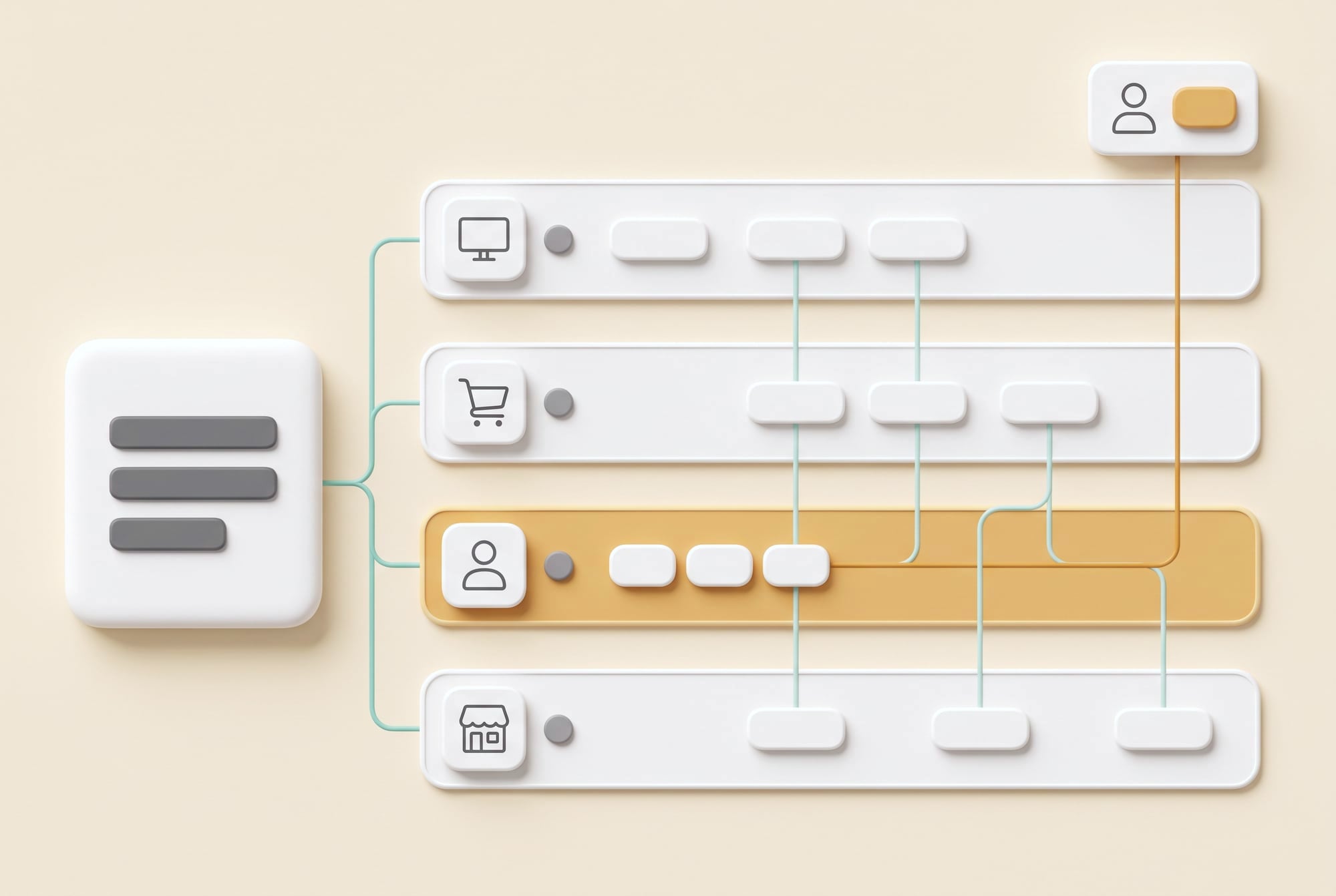
In a hypothetical case, setting up a new vendor has to go through purchasing, finance, legal and the budget owner. The system reads the request, checks the documents required for that type of vendor, creates tasks for each department and shows the dependencies. If the tax ID doesn't match, the AI asks for more information before passing the request on, which cuts down the back-and-forth after every department has already started its review.
When there is an exception, such as a vendor that has to be set up urgently, the system moves it into an exception lane that states the reason, the risk and who has authority to approve, instead of trying to force the special case through the normal flow. Executives can then see why exceptions keep happening and where policy or capacity needs to change.
State-before-Agent
Define statuses, owners and the rules for changing status before adding AI.
If the system doesn't know what stage the work is at, an agent will only send more messages.
Scope, risks and how to measure results
For the development team · Technical metrics
Automation without idempotency, permissions and manual recovery can multiply errors very quickly. Measure cycle time by stage, waiting time, rework, exception rate and the number of tasks that still have to be chased over chat. If the system closes tickets fast but staff are still working outside it, that number doesn't reflect real productivity.
An agent must not change important data without idempotency, permissions and an audit trail. Prioritization has to be transparent and must not discriminate.
For the development team · Technical metrics
Metrics to track: End-to-end Lead Time, Wait Time, Orphan Task, Exception Age and Manual Touch
- Discover: follow the real work and collect examples of normal cases and exceptions
- Assist: let AI draft or recommend while people stay in control
- Act: switch on tools one at a time after the test set passes
- Scale: expand once monitoring, fallback, cost and an owner are in place
Pause the automation when duplicate records appear, states get stuck with no owner, or staff regularly have to fix data outside the system. These problems usually call for fixes to the workflow and integration before any increase in what the model can do.
BUSINESS & PRODUCT READINESS
Before an agent manages the work, make state, owners and dependencies visible
For the development team · Technical detail
An operations agent can't fix a process that has no owner. If the only status is ‘in progress’, the system can't tell whether the work is waiting for data, for approval or for another system. So build the state model, entry and exit criteria and dependencies first, and only then let the agent help convert requests, manage the queue and explain bottlenecks.
For the development team · Technical metrics
Prepare an exception catalog from real cases instead of designing only for the happy path. Define idempotency for repeated actions, permissions for changing state, and a fallback for when an integration goes down. Measure orphan tasks and exception age to see whether work is getting lost between departments.
Start by drawing a state diagram for one type of work. Note which events move work into each status, what evidence lets it leave, and who has the right to decide. Then build an exception catalog to separate the cases that need an extra flow designed from the cases where a person has to use judgment.
An agent should get only the permissions its role needs. It might read documents and draft requests, for example, but approving or editing master data has to be a separate tool with someone confirming. Start with one team and one journey until data quality and recovery are reliable, before connecting processes across the organization.
Who owns the outcome end to end?
Which status is the most ambiguous?
Which actions must never happen twice?
When the system goes down, where does work get stuck?
Giving cross-department work a single path everyone can see
DNA Maker starts with a service blueprint, built with process owners and the people who do the work, following real cases until the intake, states, handoffs, approvals and exceptions are clear. We help remove steps that add no value before thinking about automation, so the new system doesn't simply run the old process faster while leaving it as complicated as ever.
The product and UX team designs the work queue, exception view and context panel so that each role sees enough information to decide. Agents are placed at the steps that read unstructured data or coordinate several tools, while business rules live in a workflow that can be audited.
DNA Maker helps turn work that lives in chats and in people's heads into a service blueprint, a state model, roles and permissions, and an integration map. The client's team still sets the policies and exceptions. We make those rules show up on the queue, approval and audit screens that people actually use.
We can build the internal web app, workflow engine, AI intake and coordinator, dashboards and connectors, along with an admin area for editing rules and SLAs. The pilot follows one work item from start to finish, measures touch time and waiting time separately, and talks with frontline users to find out whether the system reduces coordination or merely moves the burden to another screen.
We can build the internal web app, workflow engine, AI orchestrator, roles and permissions, integrations, notifications and a management dashboard, with audit, retry and monitoring. The architecture is designed so the components can be reused for the next journey.
If you have cross-department work that everyone chases over chat, pick one journey and bring the stuck cases to a conversation. DNA Maker helps map the current and future flow and build a work-queue prototype before you invest in a full platform.
SOFTWARE ENGINEERING GLOSSARY
Software engineering glossary
The terms in this table help the team talk about states, repeated actions, SLAs and multi-system coordination in the same way. Use them to check that a workflow covers the normal path, the exceptions and recovery before you give an agent any permissions.
| Term | What it is | A simple example | What to ask the development team |
|---|---|---|---|
| Orchestration | Controlling many steps and systems so they work together. The coordination layer has to know the state, dependencies and failures of each step, so it can stop, retry or hand off to a person without restarting the whole process. | Opening a branch in order of dependencies | Who is responsible for the whole flow? |
| State Machine | The rules for how work changes status. A state machine defines the statuses and transitions clearly, which stops work from skipping steps or getting stuck with no owner. | Draft → Review → Approved | Can a wrong status be reversed? |
| Idempotency | Making sure a repeated command doesn't produce a repeated result. This matters when the system retries a command after a timeout, because it prevents duplicates such as creating a purchase order or taking a payment twice. | A retry doesn't create two POs | Is every important action protected against duplicates yet? |
| SLA | The agreed service time. An SLA should measure time that matters to the person being served, separate time spent waiting for information from working time, and state what happens when the deadline is missed. | IT picks up a job within 4 hours | Who gets alerted when an SLA is about to be breached? |
| Workflow Engine | A system that runs work rules and routes. The engine stores rules, statuses, pending tasks and handoffs, so the process can be changed without hard-coding every condition into screens or prompts. | Sending approval requests based on the amount | Who can change the rules? |
Further reading from the original documents: https://openai.github.io/openai-agents-js/guides/multi-agent/