

- 90 days is not enough to change the whole company, but it is enough to prove one thing with real results.
- The first thing to do is measure your starting numbers. Without them, you will end up arguing at the finish over whether things really improved.
- At the end of 90 days you should have a system that people actually use, rather than a report summarizing a study.
1. Profitable AI-First starts with the Operating Model
The term AI-First has been used to death, and it often ends with buying tools for everyone and hoping things will improve on their own. What makes the difference is choosing one process you know is losing money and improving it until the gain can be measured.
Handing out tools to employees may raise individual productivity, but the company still has the same steps, the same handoffs and the same headcount. AI-First at the level of the organization means designing processes so that data flows automatically, systems handle standard work, and people take responsibility for exceptions and outcomes.
Within 90 days, don't promise to transform every department. A realistic goal is to prove one or two workflows in Production, set standards for data, security and measurement, and line up a pipeline of next projects. That leaves the company with an ongoing ability to change, where a round of training on its own would simply end.
2. Five management principles before the clock starts
Before day one, agree on two things: which number you will use to judge success, and who has the authority to stop the project if that number doesn't come through. If these two points aren't clear, the 90 days will end in an argument.

- Business Outcome First: Every Use Case is tied to revenue, cost, speed or risk. Nothing gets approved because the demo looks interesting.
- One Process at a Time: Pick one complete path of work, instead of scattering small tools around until nothing can be measured.
- Human Accountability: AI holds no position that can be held accountable. The process owner stays responsible for the KPIs and for any incident.
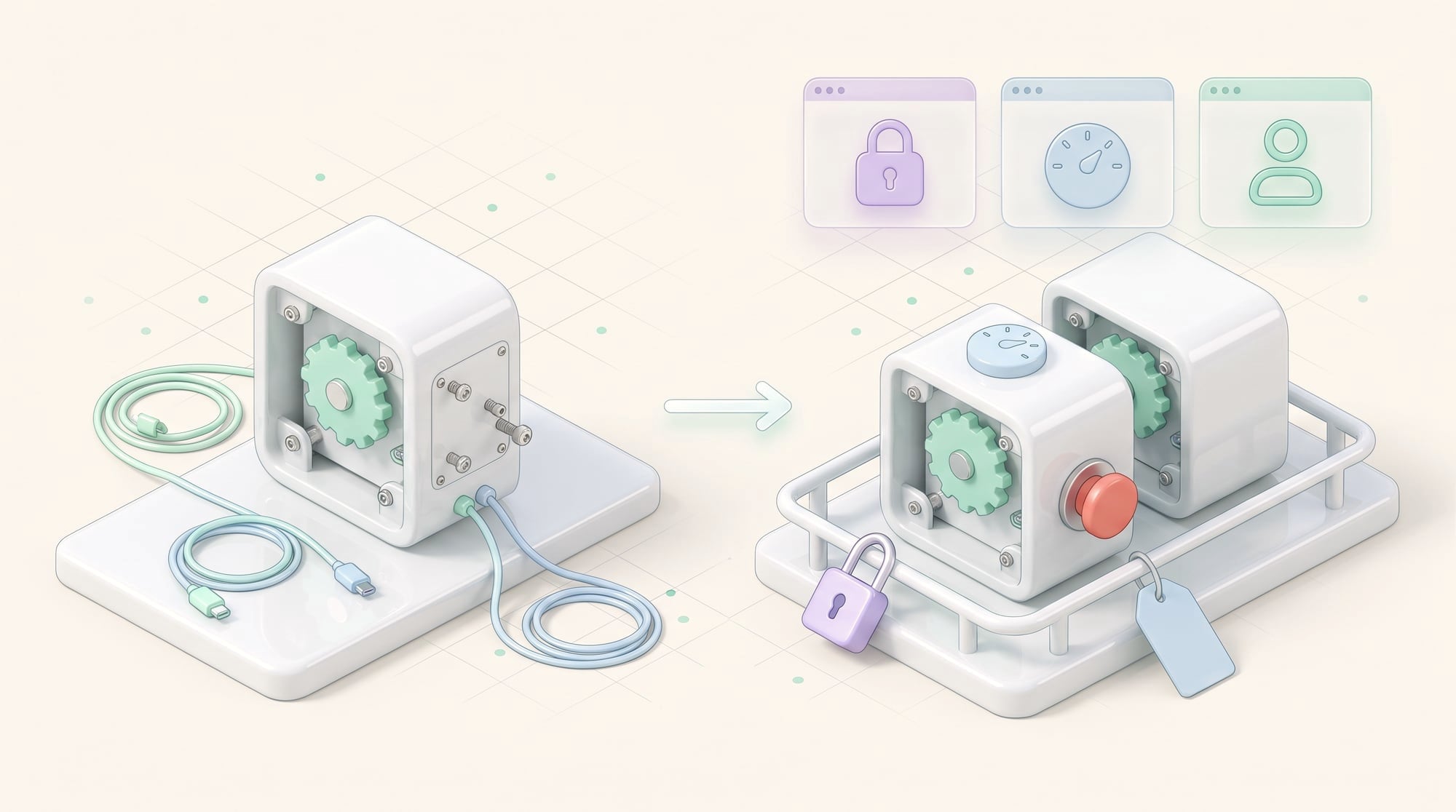
- Security by Design: Permissions, data, logs and the limits on what the system may do must be defined before Production.
- Scale from Evidence: Add users, permissions and budget once quality and ROI meet the bar, and never expand because of pressure.
Set up a small Steering Team made up of the business owner or sponsor, the process owner, and the people responsible for data, technology and security. Hold decision meetings on a regular rhythm. Avoid a large committee where everyone has a veto and nobody is accountable for the results.
3. Days 1 to 15: measure the baseline and choose the first arena
Days 1 to 5: Announce the business goal, for example handling 50 percent more work without hiring, or cutting customer response time from four hours to 20 minutes. Set temporary limits on which data and tools are allowed, and head off Shadow AI by giving people a safe channel to experiment in.
Days 6 to 10: Have each department propose no more than three processes, along with their volumes, time, cost and owner. Score them on volume, data readiness, how easily results can be checked, and risk. Choose one main project and one backup.
Days 11 to 15: Draw a Process Map, time the real work, collect 50 to 100 sample cases and build a low, medium and high Business Case. Write measurable goals that include guardrails on quality and cost. Define what the system does, what people check, and when everything must stop.
- A baseline taken from real data
- A Process Owner identified by name
- Sample data and clear rights to use it
- KPIs, a budget and criteria for stopping
- A pilot scope that can be finished within the next 15 days
4. Days 16 to 30: build a pilot that tests a hypothesis
Start in Shadow Mode: the system takes in real work and produces results alongside employees, but doesn't send anything or take any action outside yet. Compare the answers, the time taken and the types of errors. Testing on historical data alone isn't enough, because it won't show you the state of live data or how users behave.
Build an Evaluation set with standard cases, incomplete data, informal language, conflicting information and risky cases. Measure accuracy against the task instead of a feeling that "the answer looks good": for example, all five fields filled in, prices taken from the correct system, and the right approval path chosen.
During this phase, don't add a feature for every request. Sort requests into what the KPI needs, what safety needs, and conveniences that can wait. The Product Owner has to protect the scope so the pilot can answer whether the core approach is worth pursuing.
5. Days 31 to 60: turn the pilot into Production that someone is accountable for
For the development team · Technical detail
Days 31 to 40: Tighten permissions to what the system specifically needs, and add logging, a rate limit, budget alerts, monitoring and a manual fallback. Separate development from Production, and keep sensitive data out of logs unless it is needed. Run a Security Review scaled to the impact of the work.
Days 41 to 50: Open the system to a small group of users. It creates drafts and a person approves every one. Collect feedback by category, such as wrong data, wrong rule, inappropriate language or a source system that wasn't ready. Fix the cause instead of patching the prompt for everything.
Days 51 to 60: Turn on straight-through processing only for standard cases with several weeks of evidence behind them. Spot-check the automated work and run an Incident Drill to see whether the team can stop the system, trace back what happened and carry on manually.
Update the SOPs and job descriptions to match. If employees still repeat the old steps every time "just to be sure", the savings will never appear. Agree on new checkpoints, and retire parallel files and reports once the system is stable.
6. Days 61 to 90: capture the value and expand with discipline
For the development team · Technical detail
Days 61 to 70: Compare actual results with the Baseline: Cycle Time, Touch Time, errors, Cost/Task and Customer Outcome. Check how the hours given back were used: to cut overtime, to avoid new hires, or moved into activities that generate revenue.
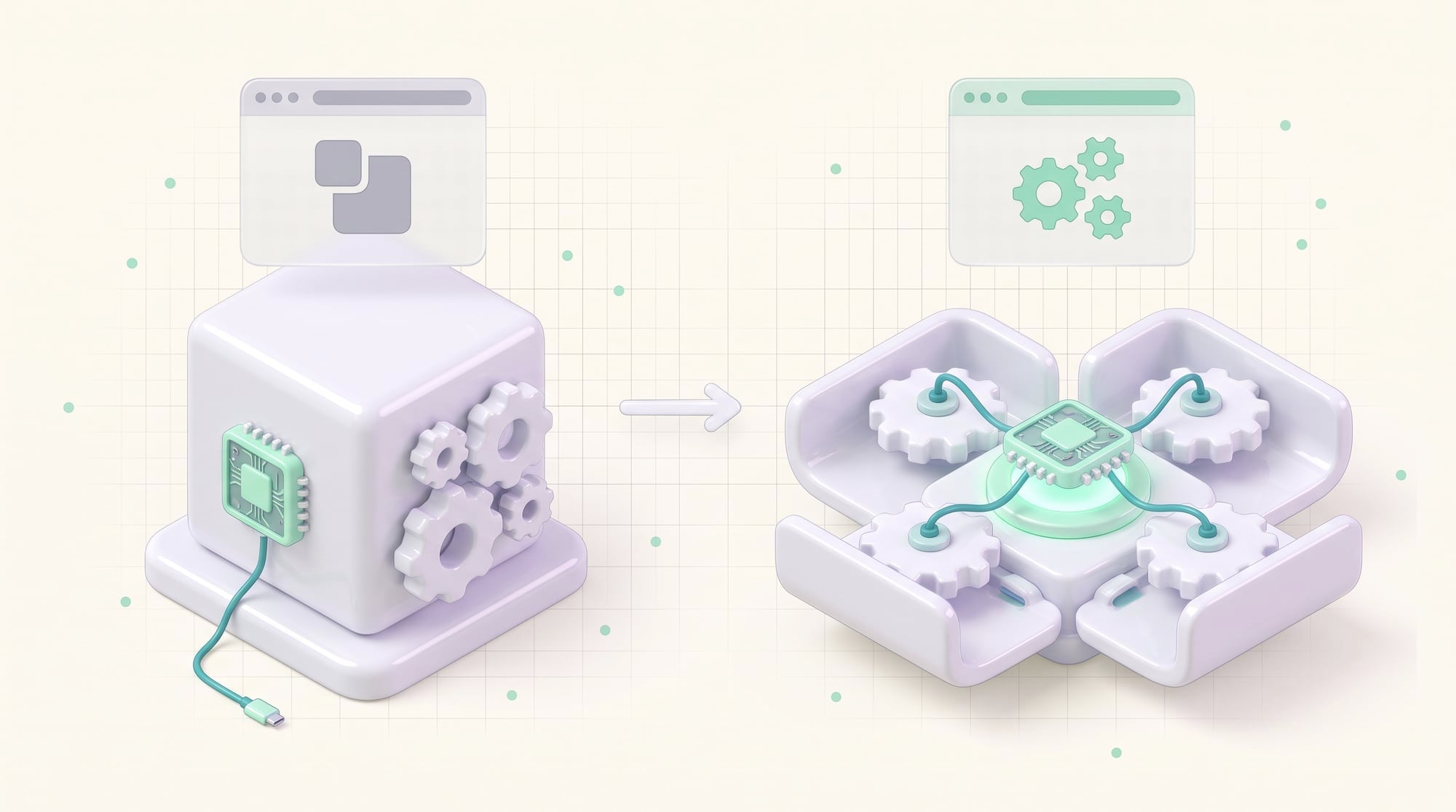
Days 71 to 80: Build Reusable Components such as the permissions system, connectors, templates, Evaluation, monitoring and approval guidelines. Write down the lessons on data and Change Management so the next project doesn't start from zero.
Days 81 to 90: Choose the next Use Case based on data. You might extend the current process to cover more ground, or take the Playbook to another department. Organize the portfolio into Now, Next and Later, and turn down any project that has no owner or no ROI.
| Period | Main output | Decision question |
|---|---|---|
| Days 1 to 15 | Baseline + Business Case | Is the problem worth enough to solve? |
| Days 16 to 30 | Pilot + Evaluation | Can AI do the core work? |
| Days 31 to 60 | Production + Controls | Can it be used for real, safely? |
| Days 61 to 90 | ROI + Scale Playbook | Does it pay off, and should it expand? |
7. The team and Governance a mid-sized company needs
You don't need a large AI department, but every system needs a Business Owner, a Technical Owner and a Data Owner, plus a named person who approves risks and one who receives incident reports. If you use an outside developer, accountability for the business and the data must still stay inside the company.
For the development team · Technical detail
Set three levels of risk. An internal writing assistant can get light controls. A system that answers customers with information needs a knowledge base and monitoring. An agent that changes financial systems or important data needs a Security Review, Human Approval and a full Audit. Don't apply the same checklist to every Use Case.
Keep a register of AI systems that lists the owner, purpose, data, model, permissions, provider, cost and review date for each one, so tools don't spread with nobody looking after them. When employees leave or a vendor changes, the company still knows which system does what.
8. The dashboard the owner should look at every month
For the development team · Technical detail
At the portfolio level, look at the money invested, the actual benefits, Pilot/Production status and owners. At the workflow level, look at volume, Auto Rate, exceptions, Cost/Task and P90 Cycle Time. At the model level, look at quality against the Evaluation set and how it changes after updates. Don't let the dashboard fill up with prompt counts or user numbers that aren't linked to results.
Review each AI system and decide whether to Scale, Improve or Retire it. Every system needs a lifecycle and shouldn't be left running just because the monthly fee looks small. Systems with no users or no results should be shut down, which shrinks both the area exposed to risk and the hidden costs.
In short: 90 days is enough to build an AI-First capability if the company focuses on one process, measures the baseline, trials in Shadow Mode, puts controls in place before Production and captures the value after launch. The goal is an Operating Model in which systems handle standard work and people handle exceptions, decisions and innovation; the number of tools you own is beside the point.
Ending the first 90 days with a system in real use instead of a report
Business owners know best what the business needs first this quarter, and the goal stays theirs to set. Our team helps turn that goal into a sequence of work that can really be done in the time available. In the first phase we measure the baseline of the chosen process and agree on pass criteria together from the start, so the finish doesn't turn into an argument over whether things got better. This step doesn't take long, but it keeps the remaining 75 days on course.
The rhythm we work in
Next we build a pilot that really works with a small group of users, then upgrade it into a system that connects to your core systems, with permissions, logging and clear owners. We finish with a dashboard the owner can check every month without asking anyone for a report. We work in short cycles and keep progress visible to your team the whole way, because 90-day projects usually fail when nobody knows their status until it is too late, far more often than they fail on technology. If there is one process where you want to see results this quarter, we can help you plan the first round.
SOFTWARE ENGINEERING GLOSSARY
Software engineering glossary
These terms are about taking a project from trial to real use.
| Term | What it is | A simple example | What executives should ask the development team |
|---|---|---|---|
| Proof of Concept | A small experiment to prove that an idea is technically feasible. | Testing whether the system can really read documents in this format. | Once it passes, what is the next step and how long will it take? |
| Production | The environment that real users work in, as distinct from a test system. | The system employees use for their daily work. | What conditions make the system ready for Production? |
| Governance | The rules on who decides what, how approvals work and how things are checked. | A small working group that approves each expansion every month. | Who has the authority to stop or expand the project? |
| Change Management | Preparing people and processes to take on a new system. | Training staff and updating SOPs before going live. | Who is responsible for making sure people actually use it, once the system itself is finished? |
| Dashboard | A screen that gathers the key numbers so executives can see the status quickly. | The owner checks unit cost and delivery time every month. | Who keeps these numbers accurate? |