

- A chatbot that can only answer repetitive questions takes very little work off your team, because the issues customers actually call about usually mean looking up their own records.
- The new kind of service system can see the customer's history, knows whether this issue has come up before, and can resolve simple requests on the spot.
- The key is drawing a clear line between what the system can handle on its own and what has to go to a person, and handing cases over so the customer never has to tell the story again.
Where old websites and apps stop
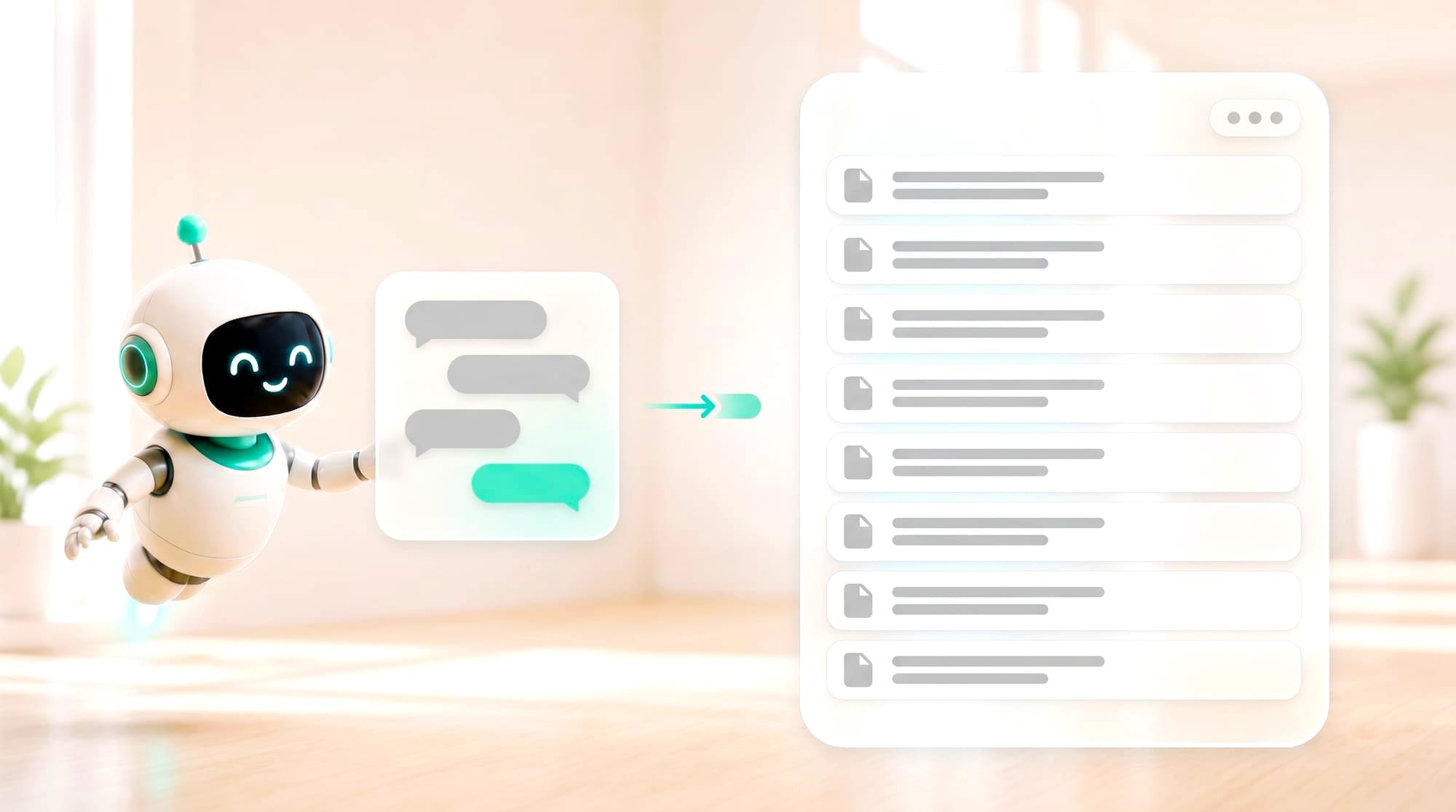
An old-style chatbot is like an intern on their first day: it can recite the standard answers, but when a customer asks “Where's the order I placed yesterday?” all it can do is ask them to hold for an agent. The heavy work never actually goes down.
Customers get frustrated when a bot sends the same FAQ again or when staff ask for information they've already given. New AI should reduce that friction without hiding the way to reach a person in risky cases.
Many service portals do little more than open a ticket and leave the customer waiting, even though key information such as the product model, photos of the problem, repair history and service entitlement could be collected and checked from the start. As a result, staff have to ask the same questions again, queues get routed to the wrong team, and customers don't know what stage their issue has reached.
A good AI service portal is a case workspace, which is a different thing from an FAQ with longer answers. It helps collect evidence, diagnose within permitted limits, suggest safe steps, book appointments and follow up. The system has to remember how far each case has progressed and be able to move from self-service to a person without dropping any information.
| The old way | The new AI product approach |
|---|---|
| Catches keywords, replies with a script and creates an empty ticket | Reads history, photos and voice, separates out symptoms, checks entitlement, suggests fix steps, calls approved tools and sends the case to a specialist along with a timeline |
AI in service work has to be connected to case history, entitlements and approved procedures before it can help diagnose problems and move the work forward. Every tool call should be tied to a case ID and recorded as evidence, so advice never drifts away from the history and no action gets carried out twice.
New capabilities a business can put to work
What makes the difference is that the system can actually open that customer's records, knows whether they've reported this issue before, and has permission to close out simple requests on its own, such as changing a delivery address or reissuing a receipt. Complex issues, or ones where a mistake would be costly, still go to a person with all the information attached.
What the project looks like
The user starts by describing the problem in text, voice, photos or documents. The system categorizes the case and builds a checklist suited to the customer's product and entitlement. The screen should show the status, what is being checked, what else needs to be sent and an estimated time, so the customer understands how each piece of information helps.
Problem-solving features
Core features may include Multimodal Intake, Guided Diagnosis, Knowledge Answer, Safe Action, Appointment, Case Timeline, Notification and Expert Handoff. If the steps don't solve the problem, the system should record the result and change course, instead of offering the same answer in a loop or closing the case just because it has sent an article.
The technology behind it
The system connects Customer Identity, Product/Asset Records, Entitlement, Ticketing and the Knowledge Base through APIs. It uses retrieval to cite approved procedures and may use vision or speech to read images and audio, recording a confidence level each time. Every action has an audit trail, and safety-stop rules apply before anything touches a customer's settings or entitlements.
Benefits for users
Customers get answers and progress updates faster and don't have to repeat themselves on every channel. Staff start from a case brief that already contains the evidence, so they spend their time fixing problems instead of gathering information. The business can also see why customers keep getting in touch and use that to fix the product, the manual or the upstream workflow.
- Multimodal intake that accepts text, images, documents or voice
- A diagnostic flow that adapts its questions to the symptom and the product
- Action tools such as checking status, resetting, booking a technician or issuing a case number
- Proactive follow-up that asks how things went after a fix and reopens the case if it isn't resolved
Hypothetical case
What it looks like in practice
A customer photographs an error on a home appliance. The app reads the code, checks the model and warranty and suggests safe steps. If those don't work, it books a technician and passes along the photo, the history and what has already been tried.
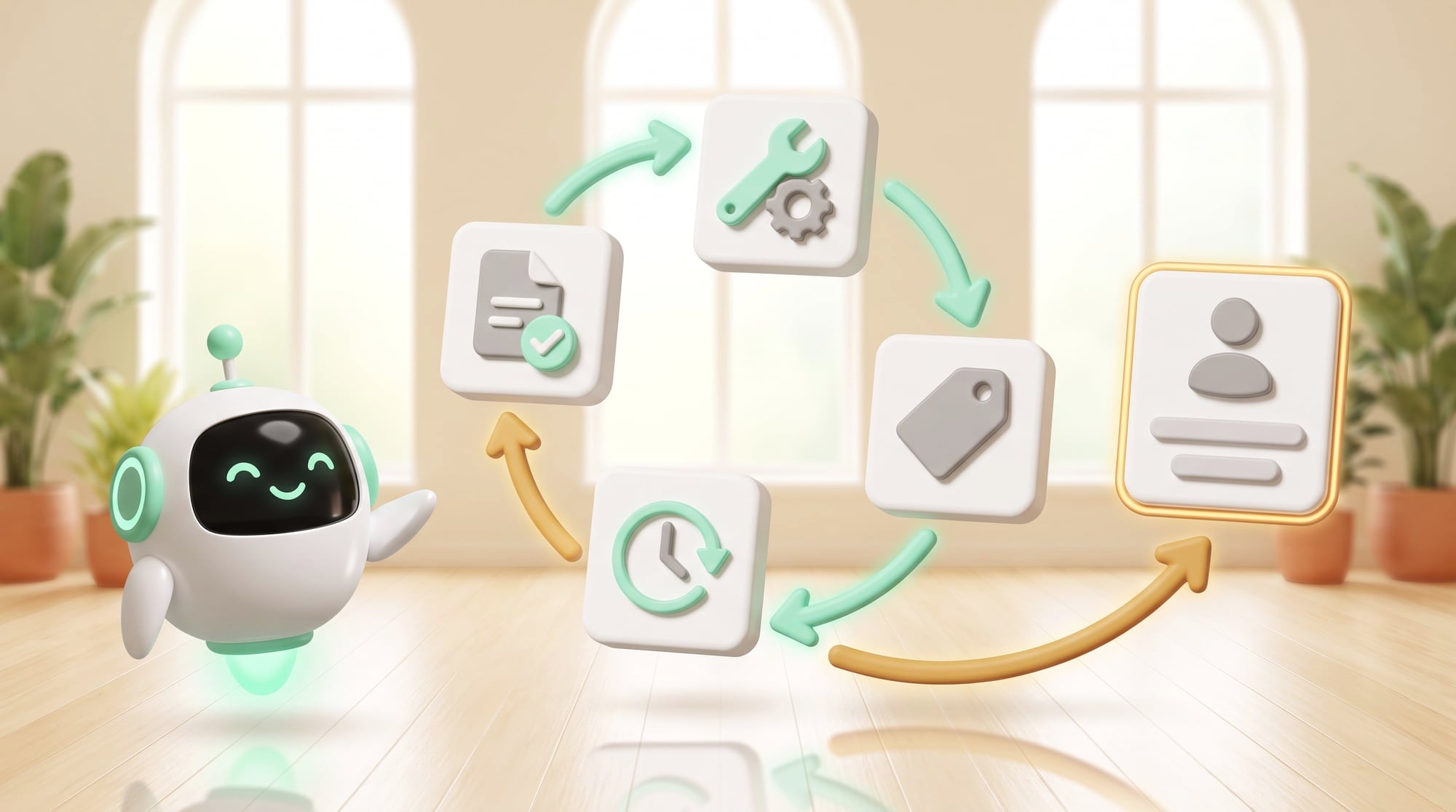
In this hypothetical case, a customer reports that their device stopped working after an update. They take a photo of the screen, and the system reads the model and error code, checks their service entitlement and offers the diagnostic steps the technical team has approved. If it spots a risk signal, it stops self-service and books time with a specialist right away.
The specialist receives a timeline showing what the system asked, what the customer confirmed, which steps have been tried and which information is only an inference. Once the fix is done, the outcome is recorded back so the team can judge whether the diagnostic path really helped or slowed the case down.
Evidence-before-Action
Before the system does anything with real consequences, it needs a minimum level of evidence and has to show the user what will happen so they can confirm it.
Speed should never come at the cost of acting on the wrong account or the wrong device.
Scope, risks and how to measure results
Keep “answer sent” separate from “problem solved”. Your metrics should cover First-contact Resolution, Reopen Rate, Time-to-Expert, Safety Stops and the number of steps the customer has to take. If deflection goes up while reopened cases or damage also rise, the system is hiding work instead of reducing it.
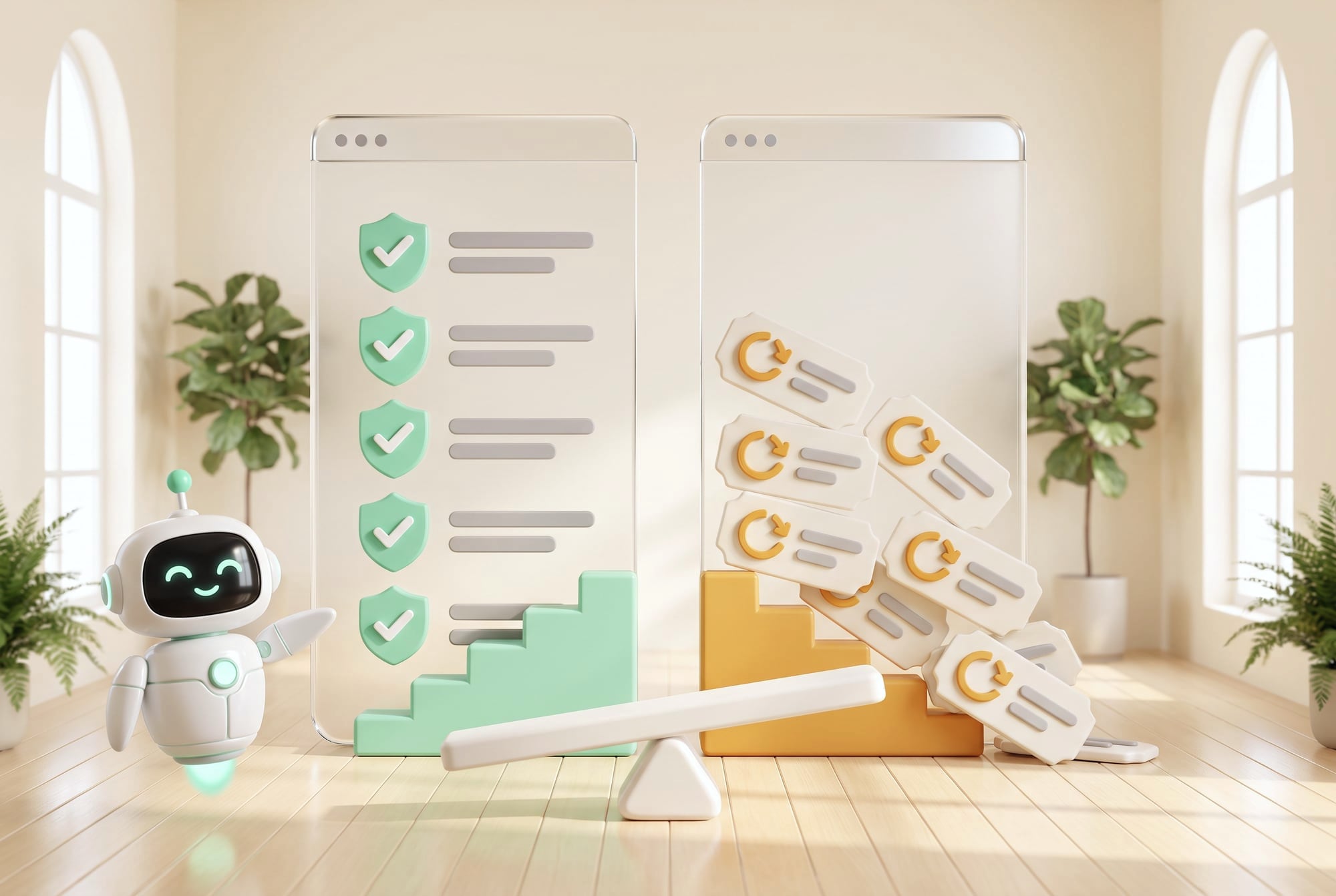
Anything involving safety, money or customer entitlements needs clear boundaries, recorded consent and a path for a person to take over at any time.
For the development team · Technical metrics
Metrics to track: First-contact Resolution, Repeat Contact, Escalation Quality, Unsafe Suggestion and Customer Effort
- Discover: follow the real work and collect examples of normal cases and exceptions
- Assist: let AI draft or recommend while people stay in control
- Act: switch on tools one at a time after the test set passes
- Scale: expand once monitoring, fallback, cost control and an owner are in place
Stop self-service immediately when there's a risk signal, when identity details don't match, or when the system's advice is frequently overridden. Sending a case to a specialist early, when that is the right call, is good service. It doesn't mean the AI has failed.
BUSINESS & PRODUCT READINESS
Draw the lines between self-service, AI assistance and specialists
Good service doesn't require AI to close every case. Set up a resolution ladder: general information is answered immediately, standard diagnostic steps are suggested by AI with the evidence shown, reversible actions are confirmed by the user, and risky cases go to a specialist. Setting the deflection target too high usually makes it hard for customers to reach a person and drives up repeat contacts.
For the development team · Technical detail
Prepare a complete Case Taxonomy, Required Evidence, Safety Stops, Entitlements and Outcome Codes so the system knows how ‘fixed’ differs from ‘answer sent’. Keep overridden answers and reopened cases as data for improving the knowledge base and workflows, instead of relying on satisfaction scores alone.
The client's service team and specialists should work together on the case taxonomy, required evidence and resolution definition for each symptom, and specify which steps an ordinary user can take, which require identity verification, and which are reserved for technicians or people with authority. These limits are domain knowledge, and software shouldn't be guessing at them.
Start the pilot with repeat cases that have clear diagnostic steps and low risk. Let AI collect information and draft recommendations under human review first. Once there is evidence that cases are categorized correctly, handed over complete and not reopened more often, open up self-service or further actions one type at a time.
Which cases can be fixed without touching customer entitlements?
What is the minimum evidence for each symptom?
What context does a handover to a person need?
When does a case count as truly closed?
Design a service that remembers the history and takes each case through to the end
DNA Maker builds a service blueprint together with your service team and product specialists, covering intake, diagnosis, action, follow-up and escalation. The technical and safety steps remain yours to write. We help organize them into a decision flow that shows its evidence and can stop when a case goes beyond its limits.
Our UX team designs text, image, document and voice intake that collects enough information without long questionnaires, along with screens that show customers what the system is doing and where they can call in a person. The agent prototype is tested on normal cases, cases with incomplete information and cases where the system must not give advice.
DNA Maker designs the case data model and the screens for customers, staff and knowledge maintainers, so everyone sees the same status. We connect ticketing/CRM, assets, appointments and notifications with role-based permissions, and design fallbacks for when an integration is slow, data is missing or the model's confidence is low.
During development we prototype with real cases, build test sets of normal cases, exceptions and dangerous cases, and set up a dashboard that tracks resolution more than answer volume. If one group of tickets eats up your team's time every week, you can bring examples with the personal data masked, and we'll assess together which parts should be a guided flow, AI assistance or expert-only.
DNA Maker can build a customer portal or mobile app, an AI diagnostic agent, ticketing/CRM, appointments, notifications and realtime voice, with consent, audit, evaluation and agent handoff built in. After launch, the dashboard points to the cases the system couldn't answer and the knowledge that needs to be added.
If your team has one group of repeat tickets and fairly clear fix steps, we can help run an assisted pilot where staff still review the work, to prove first-contact resolution before more actions are switched on.
SOFTWARE ENGINEERING GLOSSARY
Software engineering glossary
This glossary helps separate the media customers send, the context of a case, consent and handover to a person. Use it to review whether your portal collects enough information to solve problems without collecting more than it needs.
| Term | What it is | A simple example | What to ask the development team |
|---|---|---|---|
| Multimodal | Accepting and understanding several kinds of input. Each medium has different strengths: a photo can provide evidence, while voice helps when someone's hands are busy. The system should pick what suits the job instead of adding every format just because it can. | Reading a photo of an error along with a spoken description | Which formats are good enough to use in practice? |
| Session Context | Information the system remembers within a case. The context should keep what the user has confirmed apart from what the AI has summarized or inferred, and have a retention period that respects privacy. | Remembering the model and the steps the customer has already tried | How long is it kept, and who can see it? |
| Escalation | Sending a case to a person when it goes beyond the system's limits. Handovers should be triggered by rules that can be checked, such as risk, low confidence or a lack of permission, with the receiving team and its SLA defined. | An electrical problem goes straight to a technician | Do the risk conditions cover everything they should? |
| Consent | The user's permission. Consent has to state the purpose, the data used and how to withdraw it. A broad “I accept” box before someone starts using the service doesn't qualify. | Permission to use a photo to examine a case | How does a user withdraw consent? |
| Realtime API | A low-latency connection for voice or data. It suits voice experiences or events that need an immediate response, but you have to plan for latency, interruptions, cost and a fallback when the network isn't available. | A voice conversation that can pull up the case status | If the voice connection drops, which channel does the customer fall back to? |
Further reading from the original documents: https://platform.openai.com/docs/api-reference/realtime